Main tutorial
1. Lesson Overview
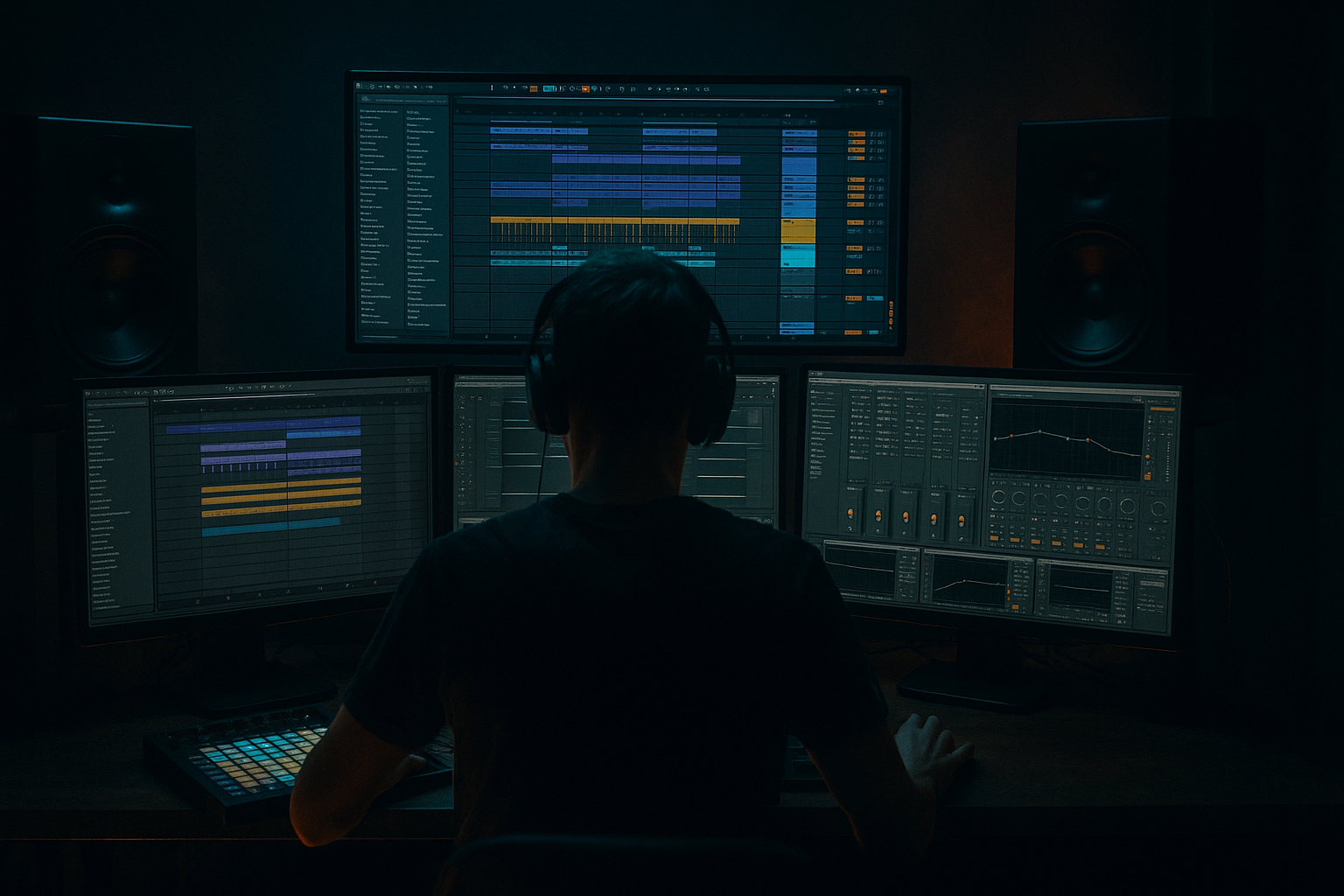
This advanced DJ Tools lesson teaches a practical, from-scratch workflow I call a "Workforce edit: stretch a kick transient from scratch in Ableton Live 12 for rave-laced tension." You will isolate a kick transient, create a stretched/sustained version that sounds intentionally synthetic/granulated, layer it back with the original kick for punch, and shape the result so it works as a tension-building DJ tool for Drum & Bass / rave contexts. The walkthrough uses only Ableton Live 12 stock devices and clip tools, and finishes with a resampled, DJ-ready one-shot you can drop into sets or mixes.
2. What You Will Build
- A two-layered kick: original punch + stretched transient tail.
- A re-sampled, mixed one-shot (or 4/8-beat texture) optimized for rave tension: long, pitched or filtered tail, tight low end, usable as a DJ tension tool.
- A small device chain to glue, EQ and automate the stretch so it translates well over club systems.
- Stretching the entire kick clip: stretching the whole kick destroys the low punch. Always separate transient and body, keep low end from the stretch.
- Too much low-frequency content in the stretched layer: causes muddiness & phase cancellation with the original kick.
- Overlong grain size or loop length: makes an indistinct mush or audible loop repetitions. Adjust Grain Size and loop fade to avoid obvious repetition.
- Not checking mono compatibility: leads to cancellations on club systems that sum to mono.
- Excessive pitch automation without re-EQ: large pitch shifts can introduce harmonics that clash with the bassline.
- Forgetting to resample: leaving many Warp + device chains active increases CPU and can cause timing/phase drift—render to one clip for reliability.
- Work at the final project tempo when you create the stretch — Texture warp behavior depends on tempo context.
- Use very short fade-ins on the stretched clip to remove clicks and avoid temporary overcomposure of energy at the transient boundary.
- For DJ-ready tools: render variations (e.g., 1-bar, 2-bar, and 4-bar versions) with different pitch sweeps and filter automations so DJs can pick what they need.
- Create one version with no low cut on the tail only if you plan to play it solo (not layered over an existing kick/bass).
- Resampling at 24-bit and then normalizing avoids clipping and preserves dynamic headroom in club systems.
- Use Drum Buss’s "Transient" knob (or the Transient parameter in Ableton devices) for aggressive percussive shaping while keeping harmonic content intact.
- To save CPU and avoid phase drift, freeze and flatten group tracks after you’re satisfied, then do final resamples.
- Choose a kick at 174 BPM.
- Follow the walkthrough to isolate a 20–30 ms transient and create a stretched loop in Texture mode (Grain Size 50 ms, Flux 15%).
- Layer with the original kick; HPF the stretched clip at 180 Hz.
- Automate Clip Transpose to sweep from -7 semitones to +0 over 2 bars.
- Sidechain the stretched tail to the kick with a compressor on the group.
- Resample the result to one audio file, add Saturator (Soft Clip), and export a 2-bar WAV normalized to -3 dB.
3. Step-by-Step Walkthrough
Prereqs: Ableton Live 12 (Standard or Suite), a clean kick sample (preferably full-range, 16–24 bit). Session or Arrangement view — I’ll use Arrangement for precise edits. Tempo example: 174 BPM (typical DnB), but method is tempo-agnostic.
A. Prep and isolation
1. Create Audio Track A: drag your kick sample (Kick_Raw.wav) to it.
2. Duplicate track (Cmd/Ctrl + D) — name Track B "kick-transient-stretch".
3. On Track A keep the full kick as your punch reference. On Track B we’ll isolate the transient and stretch the tail.
B. Tight crop for transient + body separation
4. Zoom into Track B at sample level. Set a new clip by selecting only the first ~4–40 ms of the kick (start at the initial click and include the immediate attack). Exact ms depends on the sample; aim to capture the click and the first immediate harmonic content (not the whole tail).
5. Right-click that selection and choose Consolidate (Cmd/Ctrl + J) or Split to make it a dedicated clip. Name the clip "transient-source".
6. Duplicate the original clip again (option-drag) and trim the duplicate so it contains only the body/tail (start the clip right after your transient crop, e.g., from 30–40 ms onward). Fade the two clips slightly to avoid clicks (select clip edges and apply small fades in the Clip View, 2–8 ms).
C. Create the stretched material (Texture-based warp)
7. On Track B's transient clip: enable Warp (if not already). Set Warp Mode to Texture. Why Texture? Texture is designed for tonal/granular time-stretching and gives controllable grain size and flux — ideal to turn a transient into a sustained, grainy tail without introducing obvious pitch artifacts.
8. In Texture mode, set Grain Size to an initial value of 40 ms (use 30–80 ms while testing). Set Flux (if visible) to ~10–25% to add subtle modulation to the grains.
9. Enable Loop for the clip. Drag the loop bracket to encompass the transient region you want to granulate — a small window inside the transient clip (e.g., 8–60 ms wide). Use a loop fade (Clip Start/End fades) of 6–30 ms to smooth.
10. Stretch the clip length by dragging the right edge of the clip into the arrangement — this will loop the transient region and create a long sustained tail. Stretch to taste; for tension you might want 1–8 beats. Listen for graininess and adjust Grain Size/Flux accordingly.
D. Sculpting, pitch and alignment
11. Layering: keep Track A’s original kick aligned at time 0 to preserve initial punch. Position Track B so the stretched tail starts immediately after or overlaps the attack slightly (micro-align by nudging in samples).
12. Remove low-end from the stretched layer: load EQ Eight on Track B and apply a high-pass filter at 120–250 Hz (slope 24 dB/oct). This ensures the stretched texture occupies mid/high frequencies and won’t smear the low punch.
13. Add fullness and glue: insert Drum Buss (or Glue Compressor) after EQ Eight. In Drum Buss, use mild Drive (2–6), increase Boom only slightly (0–3), and bring up the Transient knob slightly to taste to retain percussive character. This adds color and helps the stretched tail sit.
14. If you want pitch motion (rave-laced tension), automate the Clip Transpose of Track B over the stretched region: in Arrangement view open the clip envelope, choose Clip > Transpose, and create a rising pitch sweep (e.g., -12 semitones to 0 over 2 bars) or a descending drop (0 to -12). Small pitch sweeps (+/- 2–6 semitones) give subtle tension; large sweeps give dramatic synth-like tails. Because the clip is warped in Texture mode, pitch transposition is musical.
E. Side-chain, dynamics and final EQ
15. Group Track A + B into Group Kick. Put a Compressor on the group with sidechain triggered by Track A (the original kick). Set Ratio 4:1, Attack ~1–4 ms, Release ~40–90 ms, Threshold so the stretched tail ducks slightly each kick for definition—this prevents masking and keeps the kick punchy.
16. On the group, use EQ Eight to notch any harsh resonance around 2–5 kHz with a narrow bell (-2 to -4 dB) and then add a gentle shelf boost above 8–10 kHz if you want the stretched texture to sparkle.
17. Use Utility (+ phase) to check mono compatibility: set Utility Width to 0% temporarily and listen for cancellations. If you hear phase problems, invert the phase of Track B and nudge alignment in samples until the low end is tight.
F. Resample / create the DJ tool
18. Create a new Audio Track named "Resample" and set its input to Resampling (or route the Group output to an audio track). Set Monitor to In and record-arm the track.
19. Play the arrangement and record the stretched section (along with the initial kick if desired). Consolidate the recording into a single clip and normalize gain to -3 dB peak (or as you prefer).
20. Final chain on the resampled clip: Light compression (Glue), slight saturation (Saturator, Soft Clip), a final HPF at 30–40 Hz on the clip (to remove sub rumble), and Limiter if you want to maximize loudness for DJ use.
G. Optional: texture motion via Grain Delay / Reverb
21. For more movement, place Grain Delay after Drum Buss (set Feedback low, Delay Time small, Spray to taste) or a short Plate Reverb with high HPF/LPF to create a wet tail for club reverb. Use Dry/Wet sparingly; you want the tail audible without washing the kick.
4. Common Mistakes
5. Pro Tips
6. Mini Practice Exercise
Goal: Build a 2-bar, resampled tension one-shot that starts with a punchy kick hit and ends with a 2-bar stretched, pitched tail.
Steps (20–30 minutes):
Deliverable: a 2-bar WAV named "WorkforceKick_Tension.wav" ready for DJ playback.
7. Recap
This "Workforce edit: stretch a kick transient from scratch in Ableton Live 12 for rave-laced tension" workflow isolates the transient, uses Texture warp mode to create a granular stretched tail, layers that tail with the original kick for punch, and sculpts the result with EQ, Drum Buss, sidechain compression and resampling. The method gives you a DJ tool that retains low-end punch while adding synthetic, rave-ready tension in the mid/high spectrum. Practice the mini exercise to create a set of variations for live DJ use.

