Main tutorial
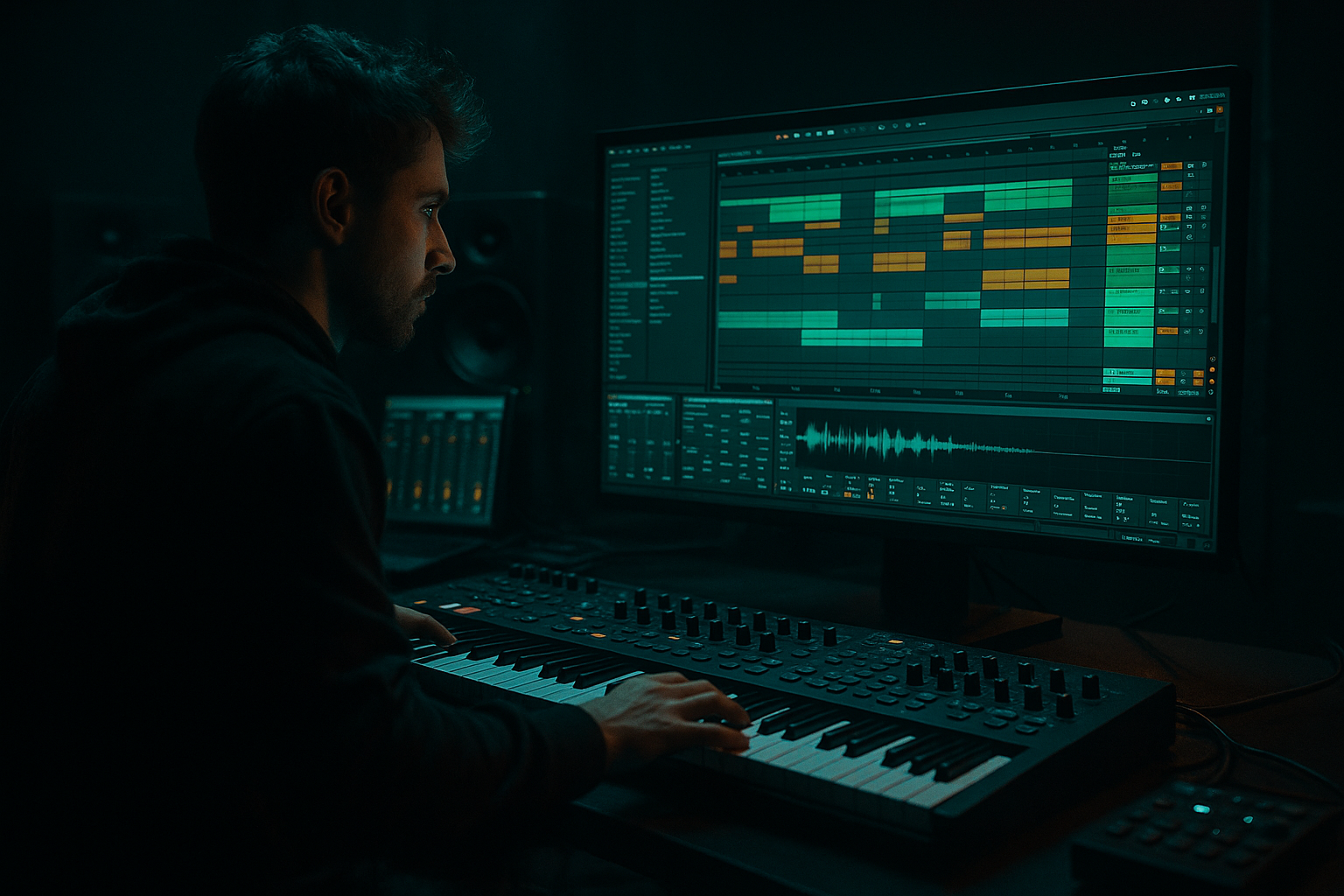
Warp Jungle Transition with Breakbeat Surgery in Ableton Live 12
1. Lesson overview
In this lesson, you’ll learn how to build a jungle-to-DnB transition by chopping, warping, and re-arranging a breakbeat inside Ableton Live 12 🥁⚡
This is a very practical sound design workflow for drum and bass production:
- take a clean breakbeat
- warp it tightly to your project tempo
- slice it into usable hits
- rearrange it into a jungle-style fill
- process it so it hits hard in a modern DnB mix
- use it as a transition into a drop, bass switch, or section change
- a straight drum loop
- a broken, chopped jungle fill
- a reverse/impact-style pickup
- a clean drop into the next section
- rolling DnB groove → jungle break fill → drop
- half-time section → breakbeat burst → full-energy drop
- atmospheric intro → drum switch-up → bass entrance
- Clip View Warp modes
- Slice to New MIDI Track
- Simpler
- Drum Rack
- EQ Eight
- Drum Buss
- Saturator
- Transient shaping with Drum Buss
- Reverb / Delay
- Optional: Glue Compressor, Utility, Auto Filter
- clear kick/snare definition
- some ghost notes
- a little room sound or natural texture
- Amen-style breaks
- Think-type breaks
- Funky live drum loops
- any classic break with obvious transients
- Saturator
- Drum Buss
- a little Redux if you want grit
- 170 BPM
- or 174 BPM if you want a classic jungle feel
- 1/16 for chopping
- 1/8 for broader arrangement work
- Beats mode is usually the best starting point
- Preserve: Transients
- Transient Loop Mode: Off
- Loop: Off for now
- Envelope: keep default unless needed
- try Complex Pro only if needed
- but for tight drum surgery, Beats is usually cleaner
- trim silence
- remove unwanted tails
- tighten timing if one hit drifts
- Slice by: Transients
- Create one slice per: Transient
- Warp markers preserved: yes
- a Drum Rack
- one pad per slice
- MIDI notes that trigger each drum hit
- kick slices
- snare slices
- ghost notes
- hat hits
- weird room hits or flams
- Put kicks on one color
- snares on another
- hats on another
- texture/noise slices separate
- keep a strong kick on the downbeat
- place snare hits on 2 and 4
- add ghost notes between them
- insert a quick drum roll near the end of the bar
- snare flams
- rapid hat burst
- kick pickup
- short fill before the drop
- Beat 1: kick slice
- Beat 1e: ghost snare
- Beat 2: snare
- Beat 2a: hat tick
- Beat 3: kick or low tom
- Beat 3e: snare ghost
- Beat 4: snare
- Last 1/16 or 1/32: quick slice barrage
- duplicate a snare hit 2–3 times in a row for a roll
- shift one ghost note slightly earlier for swing
- mute every second hat to create breathing room
- repeat a tiny kick-snare fragment at the end of the bar
- Grid snapping
- Fold in the piano roll to see only used notes
- Velocity lanes to vary dynamics
- Use a Groove Pool groove
- Try a MPC-style swing
- Or manually nudge a few hits off-grid
- too much swing can make the fill lose urgency
- a little swing goes a long way
- 10–25%
- High-pass gently around 25–35 Hz to clean sub rumble
- Cut muddy low-mids around 200–400 Hz if the break sounds boxy
- Add a small presence boost around 2–5 kHz if the snare needs crack
- Drive: 10–25%
- Crunch: low to moderate
- Boom: use carefully
- Transients: push a little for attack
- Damp: adjust if the top gets harsh
- increase Transients
- lightly add Drive
- use Boom only if it helps the low end, not if it gets muddy
- Drive: 2–6 dB
- Soft Clip: On
- Use Analog Clip or a gentle curve if needed
- Attack: 10–30 ms
- Release: Auto or 0.1–0.3 s
- Ratio: 2:1 or 4:1
- Threshold: just enough for 1–3 dB of gain reduction
- Reverb
- maybe Echo after it for atmosphere
- Short to medium decay
- Low cut enabled
- High cut softened
- Keep the wet amount modest
- reverse the last snare slice
- use a reverse cymbal or noise burst
- automate a high-pass filter opening up
- add a one-shot impact on the downbeat of the drop
- Duplicate a slice
- Reverse it in the clip
- Place it just before the drop
- Add a small reverb tail
- remove some bass notes
- let the drums breathe
- introduce subtle break chops
- more chopped break notes
- extra ghost hits
- snare roll building tension
- fast break fill
- reverse hit
- impact
- drop on the next 1
- Filter cutoff on the break bus
- Reverb send
- Drum Buss Drive
- Saturator Drive
- Utility Gain
- Volume of the chopped fill
- Start with low-pass filtered drums
- Open the filter over 2 bars
- Increase Drum Buss Drive slightly before the drop
- Throw one snare into a bigger reverb hit at the end
- snare cracks
- low tom slices
- gritty ghost notes
- short distorted hats
- a sub hit
- a tuned impact
- a low-end thump from Operator or Wavetable
- duplicate the break track
- distort the duplicate hard
- blend it under the clean break
- Saturator
- Pedal
- Overdrive
- Redux
- transient boost
- short reverb throw
- slight pitch layer underneath
- extra saturation on the snare slice only
- Version A: minimal and clean
- Version B: heavier with more processing
- Version C: darker with more reverb and reverse tension
- choose a good break
- warp it tightly
- slice to MIDI
- reprogram the hits into a jungle-style fill
- process with stock Ableton devices
- automate the energy into the drop
- Warp / Beats mode
- Slice to New MIDI Track
- Drum Rack
- Simpler
- EQ Eight
- Drum Buss
- Saturator
- Glue Compressor
- Reverb / Echo
By the end, you’ll have a transition that sounds like it belongs in jungle, roller, darkstep, or half-time DnB.
---
2. What you will build
You’ll create a 4-bar transition that starts with:
Final result
A transition that can move from:
Tools you’ll use in Ableton Live 12
---
3. Step-by-step walkthrough
Step 1: Choose the right breakbeat
For a jungle transition, start with a break that has:
Good choices:
#### Practical tip
If your break is too clean and sterile, add character later with:
If it’s already dusty and wild, keep processing lighter.
---
Step 2: Set your project tempo
For beginner DnB work, set your project around:
Most drum and bass sits between 170–176 BPM.
Make sure your grid is set clearly:
---
Step 3: Warp the break correctly
Drag your break into an audio track.
Open the clip and set Warp = On.
#### Recommended warp mode
For drum breaks:
##### Good settings in Beats mode:
If the break is very groove-heavy and slightly loose:
#### Important step
Set the first strong kick or snare to the 1.1.1 position.
How:
1. Find the first solid transient
2. Right-click and choose Set 1.1.1 Here
3. Make sure the loop plays in time with the grid
This makes slicing and rearranging much easier later.
---
Step 4: Clean the loop before slicing
Before you cut it up, make the loop usable:
#### Quick cleanup workflow
1. Duplicate the break clip
2. Keep one version as your “original”
3. Edit the duplicate for surgery
This is smart because you always have a backup.
#### If the break feels too messy:
Use Warp markers to nudge late hits.
Try not to over-edit every transient — jungle works because it sounds alive.
---
Step 5: Slice the break to MIDI
Now the fun part 😈
Right-click the audio clip and choose:
Slice to New MIDI Track
#### Slice settings
For jungle/drum and bass, use:
This creates:
This is the fastest way to do breakbeat surgery in Live.
---
Step 6: Organize the slices
Open the new Drum Rack and identify:
#### Rename and color-code if needed
This is beginner-friendly and helps a lot:
If a slice is too quiet, use the Simpler chain volume or clip gain in the Drum Rack pad.
---
Step 7: Build a jungle-style fill
Now draw MIDI notes in the clip editor.
#### Simple 1-bar fill idea
Use this basic approach:
A classic jungle transition often includes:
#### Example pattern concept
Over 1 bar:
You do not need to be exact with a classic break pattern — the goal is energy and momentum.
---
Step 8: Add micro-edits for movement
This is where the transition starts sounding professional.
#### Try these edits:
#### Useful Ableton tools
Jungle sounds great when the velocities are not all identical.
---
Step 9: Add swing and groove
If your transition feels too rigid, apply groove.
#### Options:
For DnB, be careful:
#### Practical suggestion
Start with a subtle groove amount:
Then listen whether the transition feels more human without getting lazy.
---
Step 10: Process the break with stock Ableton devices
Now we make it hit like modern DnB.
#### Suggested device chain
On the Drum Rack group or individual break bus:
1. EQ Eight
2. Drum Buss
3. Saturator
4. Glue Compressor or Compressor
5. Optional Utility
6. Optional Reverb on a send
---
Step 11: EQ the break
Use EQ Eight first.
#### Basic EQ moves:
#### Beginner rule
Don’t over-EQ a breakbeat.
You want punch and grime, not a dead drum loop.
---
Step 12: Add Drum Buss for weight and character
Drum Buss is excellent for DnB drum processing.
#### Good starting settings:
If the break needs more impact:
This device is perfect for turning a simple loop into a serious jungle transition.
---
Step 13: Saturate for grit
Add Saturator after Drum Buss or before it, depending on taste.
#### Safe starting settings:
This helps the drums cut through busy bass music mixes.
If the break is already very aggressive, keep it subtle.
---
Step 14: Glue the chopped drums
Add Glue Compressor if the slices feel disconnected.
#### Starting settings:
This helps the chopped fills feel like one performance instead of separate samples.
---
Step 15: Add space and tension
For a transition, a little ambience helps.
#### Use a Return Track with Reverb
Set up a return track with:
#### Reverb settings
You can automate more reverb on the last snare hit before the drop.
That creates a nice transition tail into the next section.
---
Step 16: Create a pickup into the drop
A strong DnB transition usually has a pickup.
#### Easy pickup ideas:
#### In Ableton:
That gives the drop a more dramatic entrance.
---
Step 17: Arrange it like a real transition
A good arrangement idea for your 4-bar transition:
#### Bar 1
Normal groove or current section
#### Bar 2
Start stripping the arrangement:
#### Bar 3
Increase intensity:
#### Bar 4
Full transition:
This is very effective in drum and bass because energy ramps fast.
---
Step 18: Automate for movement
Automation makes it feel alive.
#### Good automation targets:
##### Example automation move:
That’s classic build energy in DnB.
---
4. Common mistakes
1. Over-warping the break
If you warp every hit too aggressively, the break loses life.
Fix: keep warp edits minimal and use only the necessary markers.
---
2. Too many slices with no musical idea
Slicing a break into 50 pieces is not automatically better.
Fix: build around kick/snare structure first, then add detail.
---
3. Forgetting velocity variation
If every chopped hit has the same velocity, the fill sounds robotic.
Fix: vary velocities, especially on ghost notes and repeated hits.
---
4. Heavy processing too early
Stacking saturation, compression, and distortion before the rhythm is right can make the break messy.
Fix: get the pattern working first, then process.
---
5. Too much low end in the break
Breaks can fight with your sub bass.
Fix: high-pass the break carefully and keep sub responsibility on your bass layer.
---
6. Not leaving space for the drop
If the transition is busy all the way through, the drop has less impact.
Fix: create contrast. Let the final downbeat hit clean and powerful.
---
5. Pro tips for darker/heavier DnB
Use a darker slice palette
For heavier DnB, favor:
Avoid overly shiny break fragments if the track is dark and menacing.
---
Layer a sub drop or impact
At the end of the transition, add:
This makes the drop feel larger.
---
Resample your own break
Once the fill works:
1. Record the output to audio
2. Re-slice the resampled version
3. Process it again lightly
This can give you a more cohesive, “finished record” feel.
---
Use distortion in parallel
For heavier jungle/DnB energy:
You can use:
Keep the original punch intact while the parallel layer adds aggression.
---
Emphasize the snare
In dark DnB, the snare often carries the transition.
Try:
---
6. Mini practice exercise
Try this exercise to lock in the workflow:
Exercise goal
Create a 2-bar jungle transition from a single break.
Steps
1. Load a breakbeat at 174 BPM
2. Warp it in Beats mode
3. Slice it to a new MIDI track
4. Create a fill with:
- 2 strong snare hits
- 2 ghost notes
- 1 short roll at the end
5. Process with:
- EQ Eight
- Drum Buss
- Saturator
6. Add one reversed slice before the drop
7. Bounce the result to audio and listen back
Challenge
Make 3 versions:
This will train your ear to hear what actually works in the arrangement.
---
7. Recap
You now know how to build a warp jungle transition with breakbeat surgery in Ableton Live 12.
Main workflow:
Key devices to remember:
The big idea is simple:
keep the rhythm alive, then shape it into a transition that drives the track forward. That’s the heart of jungle and DnB drum design 🔥
If you want, I can also turn this into a follow-along Ableton project recipe with exact MIDI note placement for a 1-bar jungle fill.

