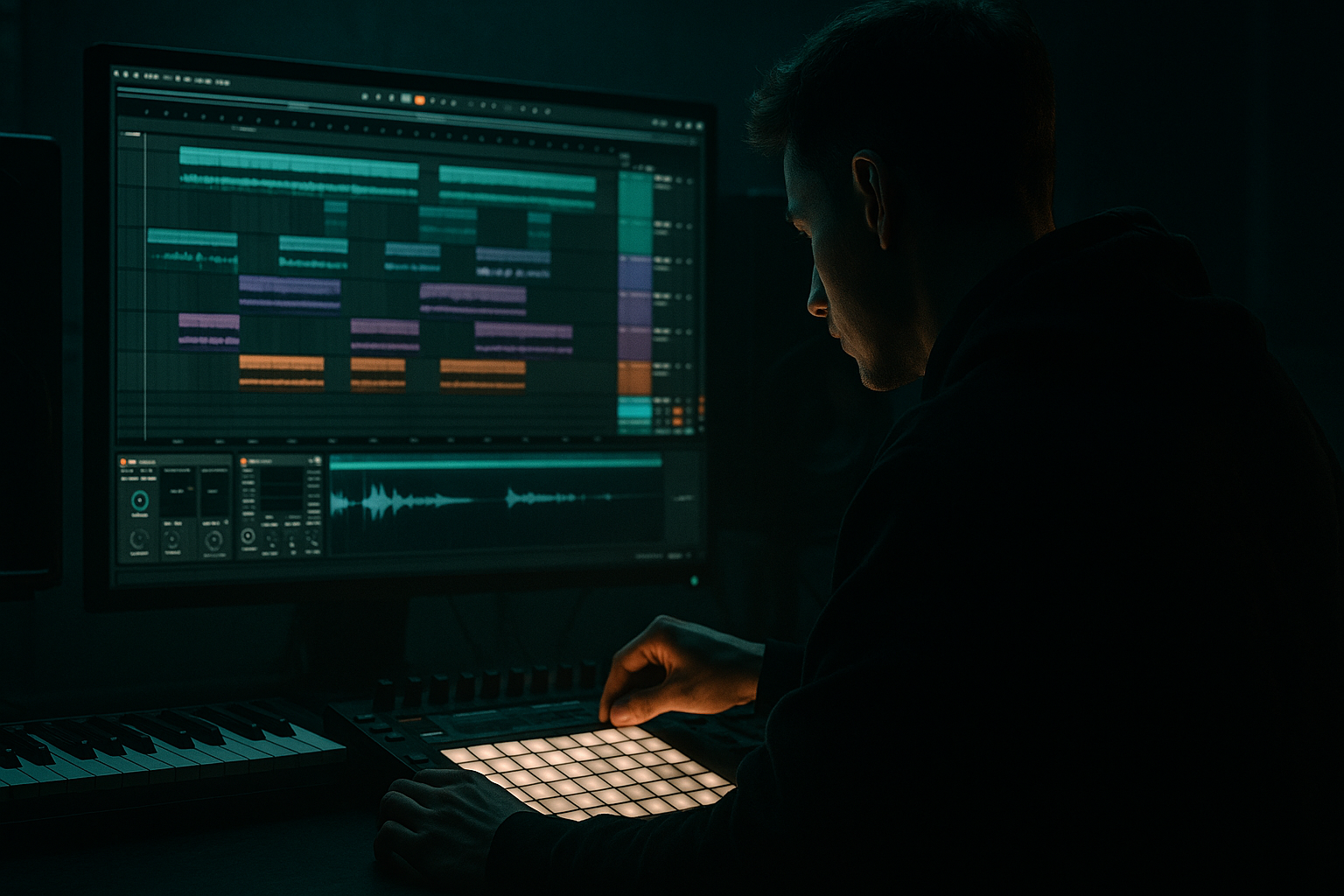
Main tutorial
Lesson Overview
Warping a jungle drum bus for smoky warehouse vibes is about making your breaks feel loose, raw, and alive without losing punch or clarity. In Drum & Bass, especially jungle, rollers, darker minimal, and warehouse-style tracks, the drums often carry the whole attitude of the track. If your break feels too clean, too rigid, or too “looped,” the vibe disappears. If it’s warped well, the drums breathe with the groove, sit in the pocket, and leave space for the sub and bass to hit hard.
In Ableton Live 12, warping is one of the fastest ways to take a breakbeat and shape it into a modern DnB drum bus. You’re not just correcting timing — you’re creating a feel. For smoky warehouse energy, that usually means slightly loose transients, subtle swing, careful transient control, and some controlled dirt. The goal is a drum bus that feels like it came from a dark room, a dusty sampler, and a sound system that can shake concrete. 🔥
This lesson shows you how to warp a jungle break, group it into a drum bus, and process it in a beginner-friendly way using stock Ableton devices. You’ll learn how to keep the drums tight enough for the drop, but gritty and human enough to feel authentic.
What You Will Build
By the end of this lesson, you’ll have a warped jungle drum bus that sounds like a smoky warehouse roller: punchy kick and snare impact, chopped break texture, subtle swing, controlled top-end grit, and enough low-mid body to feel heavy without clogging the sub.
Specifically, you’ll build:
- A jungle break loop warped to tempo in Ableton Live 12
- A drum bus with light compression, saturation, and EQ shaping
- A blend of original break texture plus reinforced kick/snare layers
- A groove that feels slightly behind the grid for atmosphere, but still works in a DnB drop
- A simple arrangement idea: intro tension, drop impact, and a small switch-up for variation
- 160–175 BPM jungle and DnB
- darker rollers with break energy
- warehouse-style intros and drops
- tracks where the drums need character more than polish
- Tempo: 170 BPM
- Break length: 1 or 2 bars
- Goal: strong snare on 2 and 4, with moving ghost notes in between
- Warp Mode: Beats
- Preserve: Transients
- Transient Loop Mode: Off or on minimally
- Segment BPM: let Live detect it first, then adjust if needed
- Tighten the downbeat and snare hits
- Leave small human variations in ghost notes and hats
- Bar 1: main break
- Bar 2: variation with one extra snare or hat gap
- Bar 3: main break again
- Bar 4: small fill or reverse section
- Keep the original break as the “top layer”
- Use duplicates to make a 2-bar loop
- Leave a tiny rest before the snare on a variation bar for tension
- a clean kick one-shot under weak kicks
- a snare layer for extra crack
- a closed hat or shaker for top-end drive
- EQ Eight
- Drum Buss
- Glue Compressor or Compressor
- Saturator
- High-pass around 25–35 Hz to clear rumble
- Small cut around 200–400 Hz if the break sounds boxy
- Gentle cut around 6–9 kHz if the hats are harsh
- Small boost around 120–180 Hz only if the kick needs a bit more body
- Drive: 5–15%
- Crunch: 5–20%
- Boom: low, around 0–15%, and tune it carefully
- Damp: adjust to tame excessive brightness
- Transients: slightly positive for more attack, or neutral if the break is already sharp
- Ratio: 2:1 or 4:1
- Attack: 10–30 ms
- Release: Auto or 0.1–0.3 s
- Gain reduction: around 1–3 dB on louder hits
- Drive: 1–4 dB
- Soft Clip: On
- Output: trim back to level match
- Clean drum bus: main sound
- Dirt layer: 10–20% underneath for grit
- Drum Buss Drive up slightly in the build before the drop
- EQ Eight high shelf down by 1–2 dB in the intro for a darker feel
- Saturator Drive increase on the last bar before the drop
- Volume dips on small fill sections for tension
- Groove amount: 10–30%
- Timing: slightly late if you want more laid-back smoke
- Velocity: subtle variation only
- Warping every drum hit too hard
- Over-compressing the drum bus
- Adding too much Boom in Drum Buss
- Making the break too bright
- Forgetting the bass relationship
- Over-editing until the break feels robotic
- Keep the drum bus slightly darker than you think. Warehouse vibes often come from controlled top-end, not shiny drums.
- Use a quiet parallel dirt layer. A little saturated duplicate under the main break can add underground weight.
- Automate a small gain boost into the drop, then pull it back after the first phrase. This gives the drums a “lift” without changing the sound permanently.
- If your kick is weak, layer a short, punchy kick one-shot under it instead of boosting too much low end with EQ.
- For neuro or darker rollers, keep the snare crisp but not sharp. A snare that’s too bright can fight the bass movement.
- Try muting the drum bus low end slightly in the intro, then restoring it in the drop for better impact.
- Use mono discipline on anything below around 120 Hz. That keeps the sub and kick focused on club systems.
- If the break feels too clean, resample it through a short chain of Drum Buss, Saturator, and EQ Eight, then re-import the audio. Even a subtle resample can make the groove feel more committed.
- Warp breaks lightly in Beats mode so they lock to tempo but keep their jungle feel.
- Build a short DnB phrase with movement, not just a static loop.
- Use a drum bus to shape the whole kit with EQ Eight, Drum Buss, compression, and saturation.
- Keep the low end clean so the sub can hit hard.
- Add tension and character with subtle automation, swing, and controlled grit.
- In darker DnB, the best drum sound is usually raw, punchy, and a little imperfect — like it was made for a warehouse system.
This is perfect for:
Step-by-Step Walkthrough
1. Start with a clean tempo and a break that already has character
Open a new Ableton Live 12 set and set the tempo to something in the DnB range, like 170 BPM. For beginner workflow, keep it simple: choose one main jungle break or one break loop with strong snare hits and ghost notes. A classic break shape is ideal because it gives you natural groove, not just isolated hits.
Drag the break into an audio track. Before doing anything else, listen to it at the project tempo and decide whether it feels too fast, too rigid, or too stretched. For smoky warehouse vibes, you want the break to feel slightly worn-in, not hyper-edited.
Useful starting points:
Why this works in DnB: jungle and darker DnB often use breakbeats as the emotional center of the groove. The break gives the track motion, while the bass holds the weight underneath.
2. Warp the break so it locks to tempo without killing the groove
Double-click the audio clip to open Clip View, then make sure Warp is enabled. Start with Warp Mode set to Beats for drum material. This is usually the best beginner choice for breaks because it keeps transients punchy.
Try these settings:
If the break is drifting, add a warp marker at the start of each bar or at the main snare hits. Don’t overdo it. For smoky vibes, you want the break to stay a little imperfect. Only correct obvious timing issues.
A good beginner rule:
If the break sounds too chopped after warping, reduce how many markers you’ve added. The more you force every hit onto the grid, the more it starts sounding sterile instead of raw.
3. Edit the break into a usable DnB drum phrase
Now build a loop that works like a real DnB drum phrase, not just a sample playing in full. Split the break into 1-bar or 2-bar sections and duplicate the best part.
A simple jungle-friendly phrase can look like this:
If you’re in Arrangement View, use Cmd/Ctrl+E to split the clip and rearrange sections. If a kick is too heavy or a snare is weak, you can layer separate one-shot hits underneath later. For now, focus on the groove.
Beginner-friendly move:
This is where the drum bus starts to feel like DnB instead of just a loop. The phrase needs movement.
4. Group your drums into a drum bus
Select your break track and any supporting drum layers, then group them into a Drum Group. This is your drum bus. In DnB mixing, grouping early helps you shape the whole drum sound as one unit, which is much faster and more musical.
Add simple supporting layers if needed:
Keep layers minimal at beginner level. You are not building a huge kit; you’re reinforcing the groove.
On the Drum Bus, insert stock Ableton devices in this order:
A practical beginner chain:
1. EQ Eight
2. Drum Buss
3. Glue Compressor
4. Saturator
This order works because you clean first, add punch and harmonics, then control the bus, then add final color.
5. Shape the tone with EQ Eight before adding compression
Open EQ Eight on the drum bus and make a few simple moves. The goal is not to carve the drums aggressively, but to remove mud and harshness so the bass has room.
Try these starting ranges:
Keep boosts subtle. In darker DnB, too much top-end can make the break feel cheap and fatiguing. The smoky vibe usually comes from controlled midrange grit, not shiny brightness.
If your bass is fighting the drums, make sure the drum bus is not bloated in the low mids. A cleaner drum bus gives the sub more authority.
6. Use Drum Buss for punch, weight, and controlled grime
Ableton’s Drum Buss is a perfect stock device for jungle and warehouse-style drums because it adds density very quickly.
Try this beginner-friendly setup:
Important note: if the break already has strong low end, keep Boom low. Too much Boom can fight your bassline. In DnB, the bass and kick should feel powerful together, not stacked into mud.
Use Drum Buss to give the break a rough, warehouse edge. A little Crunch can make the break feel sampled and dusty. If you push it too far, you lose transient clarity, so use your ears and aim for “thick” rather than “distorted.”
Why this works in DnB: Drum Buss adds harmonic weight and transient attitude, which helps a warped break sit in a mix where the sub is already taking up a lot of space.
7. Control the bus with light compression, not heavy squashing
Add Glue Compressor or Compressor after Drum Buss to hold the drums together. You want the drum bus to feel glued, not flattened.
Good starter settings:
A slower attack lets the snare and kick punch through. That’s important in DnB because the transient energy gives the drop impact. If you compress too fast, the drums lose snap and start sounding washed out.
If the groove feels too stiff, try a slightly slower release so the compressor breathes with the loop. If the drums pump in a bad way, ease off the compression and use volume automation instead.
Keep the drum bus loud enough to feel exciting, but leave headroom for the bass and master chain.
8. Add subtle saturation and resampling-style character
Now add Saturator after the compressor for final color. In smoky warehouse DnB, you often want the drums to sound like they’ve been passed through hardware, tape, or a gritty sampler — but only a little.
Try:
If the sound gets too bright, use the Color section carefully or back off the drive. The idea is to thicken the snare body and bring out the break’s texture without turning it into harsh digital fuzz.
For extra character, you can duplicate the drum bus, saturate the duplicate more heavily, then blend it low underneath the clean bus. Keep the duplicate very quiet — just enough to add density.
A useful mix approach:
This gives you a darker, more underground tone without sacrificing clarity.
9. Add groove and movement with subtle timing and automation
Once the bus sounds solid, add movement. In Live 12, small automation moves can make the drums feel much more alive.
Useful automation ideas:
If you use groove in the Groove Pool, try a light swing amount on the break:
Do not over-swing the whole drum bus. In DnB, the kick and snare still need to read clearly against the bass. Use swing to enhance pocket, not to make the beat fall apart.
Musical context example: in a 16-bar drop, keep the first 8 bars stable, then use a 1-bar drum fill with reduced low end and slightly more saturation before the bass switch-up. That makes the drop feel intentional and DJ-friendly.
Common Mistakes
Fix: keep only the important downbeats and snares tight. Leave some micro-variation.
Fix: aim for just 1–3 dB of gain reduction. Let transients breathe.
Fix: reduce Boom and let the sub bass own the low end.
Fix: use EQ Eight to tame harsh hats around 6–9 kHz and keep the top end smoky.
Fix: always check drum bus against the sub and reese. If the low end feels crowded, simplify the drums.
Fix: keep some ghost notes, little timing imperfections, and natural texture.
Pro Tips for Darker / Heavier DnB
Mini Practice Exercise
Set a timer for 15 minutes and do this:
1. Choose one jungle break and warp it in Ableton Live 12 using Beats mode.
2. Build a 2-bar drum loop from the best sections.
3. Group it into a Drum Bus.
4. Add EQ Eight, Drum Buss, Glue Compressor, and Saturator.
5. Make one dark EQ cut around 250–350 Hz if needed.
6. Set Drum Buss Drive around 8% and Crunch around 10%.
7. Compress lightly for no more than 3 dB of gain reduction.
8. Automate Drum Buss Drive up by a small amount in the last bar before a drop.
9. Compare the drum bus against a sub bass or reese and make sure they don’t fight.
10. Export a quick 8-bar loop and listen back on headphones and speakers.
Goal: get the drums to feel gritty, weighty, and controlled, not perfect.

