Main tutorial
Lesson Overview
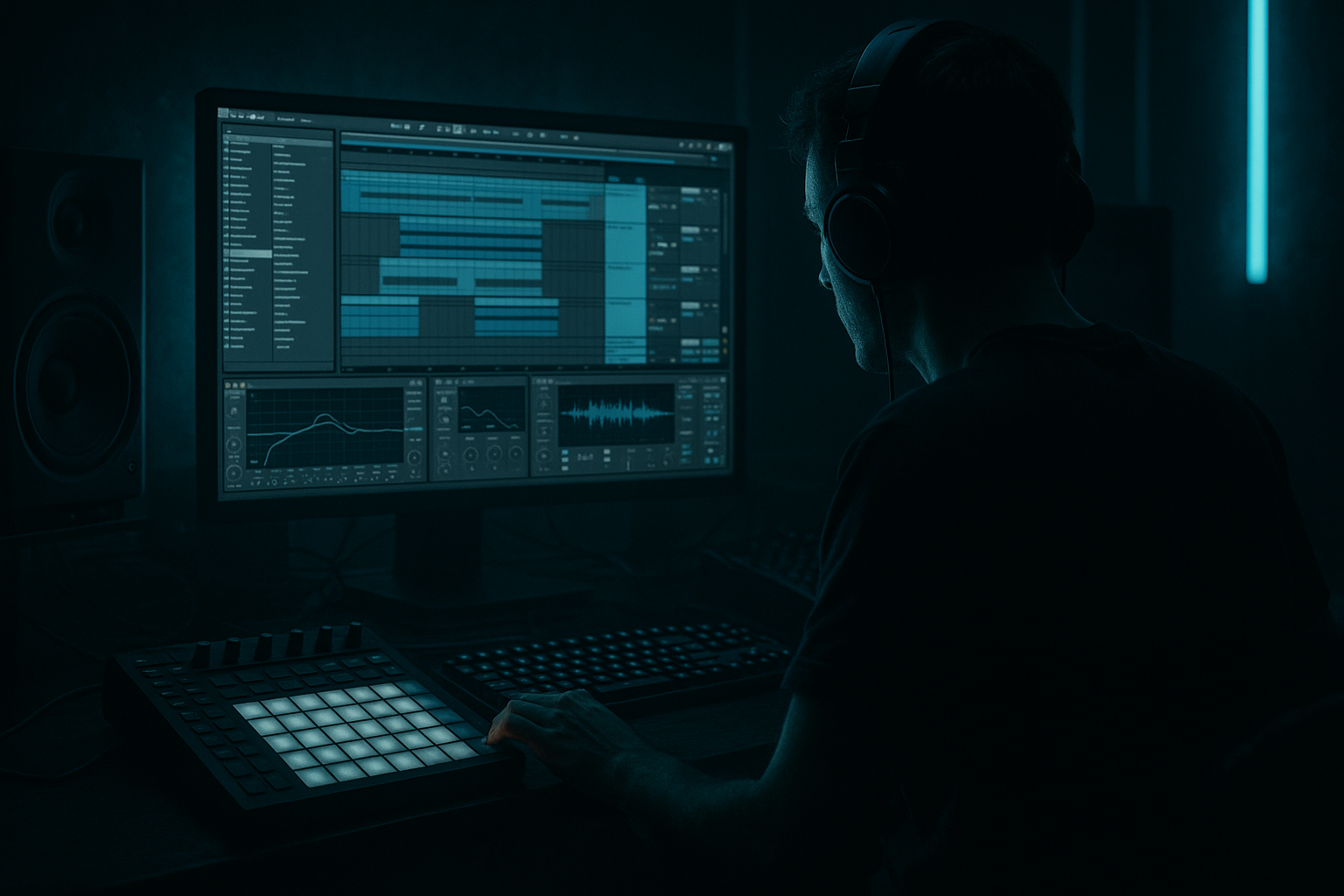
This lesson is about building a warehouse jungle chop in Ableton Live 12 and arranging it so it feels like a real DnB tune, not just a loop. The goal is to take a chopped-up jungle break, make it push with groove and energy, then arrange it into a simple but effective section you could hear in a rollers, darker jungle, or warehouse-style DnB track.
In DnB, especially jungle and darker bass music, the difference between a loop and a track is often arrangement. A chopped break can already sound exciting, but if it doesn’t evolve, hit at the right moments, or leave space for the bass and transitions, it won’t land on a dancefloor. This is where push and arrangement matter.
You’ll learn how to:
- chop a break in Ableton Live 12
- make it feel more urgent and forward-moving
- organize drums, bass, and FX into a basic drop structure
- keep the low end clean and powerful
- use stock Ableton devices to shape energy without overcomplicating things
- a chopped jungle break with swing and ghost-note movement
- a deep sub layer or reese-style bass idea underneath
- simple FX and tension automation
- a basic 16-bar drop arrangement with variation
- a clean low end that still feels heavy and aggressive
- bars 1–4: tension and intro pressure
- bars 5–8: first drop hit, break and bass locked
- bars 9–12: variation with fill or chop change
- bars 13–16: stronger second phrase with more movement
- Too much low end in the break
- Bass fighting the kick/snare
- Breaks that sound busy but not powerful
- Overusing reverb
- Stereo bass
- No arrangement changes
- Too many effects before the groove works
- Use Drum Buss subtly on the break bus to add grit and density without killing transients.
- Layer a very quiet noise or vinyl-style atmosphere behind the break for warehouse texture, but high-pass it so it doesn’t cloud the low end.
- For a darker reese feel, keep the bass movement in the midrange and let the sub stay simple.
- Use a filter sweep on the bass before a drop, then snap back to full range on the first hit. That contrast feels huge in DnB.
- Add one reverse hit, cymbal swell, or reverb throw before bar 9 or bar 13 to create a DJ-friendly lift.
- If the break is too clean, resample it through Saturator or Drum Buss and re-chop the result for more character.
- Keep the arrangement functional: if a change doesn’t increase tension, clarity, or impact, leave it out.
- For a more underground feel, avoid making every 4 bars a giant fill. Let some bars breathe so the drop feels heavier when the change arrives.
- Start with a strong chopped break at 170–174 BPM.
- Make it push by moving hits, adding tiny timing shifts, and leaving space.
- Keep the sub mono and clean.
- Use Drum Buss, EQ Eight, Utility, Operator, and Wavetable as your core Ableton tools.
- Arrange in phrases, not loops: tension, drop, variation, return.
- In DnB, the best energy comes from rhythm, contrast, and control — not from adding more and more sounds.
This is a beginner-friendly workflow, but it’s built with real DnB habits in mind: tight drums, controlled bass movement, and arrangement decisions that support impact.
What You Will Build
By the end of this lesson, you’ll have a short warehouse-style DnB section built from:
Musically, the result should feel like:
Think of it as a compact “warehouse session” section: dark, functional, DJ-friendly, and ready to expand later.
Step-by-Step Walkthrough
1. Set the project up for a DnB workflow
Open Ableton Live 12 and set the tempo to 170–174 BPM. For this lesson, try 172 BPM because it sits nicely in the jungle / rollers zone.
Create these tracks:
- 1 audio track for your break
- 1 MIDI track for sub or bass
- 1 return track for reverb or delay if needed
- 1 track for FX or atmosphere
Set your master to leave headroom. Aim for peaks around -6 dB while building. In mastering terms, this is important because DnB needs space for punch, bass movement, and eventual limiting. If your mix is already clipped while writing, the drop will feel smaller later.
Why this matters in DnB: fast tempos expose bad balance quickly. If the kick, snare, and sub are fighting from the start, the whole arrangement feels messy.
2. Choose or build a break that has real movement
Drag in a classic-sounding break, or record a chopped break from any drum loop you already have. For a warehouse jungle feel, the break should have:
- a strong snare on 2 and 4
- some ghost notes or shuffle
- midrange texture, not just clean one-shots
- enough room to layer underneath
If your break is too flat, add motion with Auto Filter or Drum Buss later. Keep the loop short, maybe 1 or 2 bars, so you can focus on arrangement.
If you’re using Simper or Simpler:
- switch to Slice mode for a chopped break
- use Transient or Warp Markers to keep hits tight
- map slices across MIDI so you can rearrange the groove
Beginner tip: don’t over-edit yet. The goal is to get a usable rhythmic engine first.
3. Chop the break into a push pattern
The “push” in warehouse jungle comes from rearranging the break so it feels like it’s leaning forward. In Ableton, this can be as simple as duplicating and moving slices slightly ahead or behind the grid.
Try this approach:
- keep the main snare hits on the strong beats
- move some ghost notes earlier by a tiny amount
- add a quick fill right before bar 5 or bar 9
- leave small gaps so the bass can speak
In the MIDI clip, use 1/16 grid and add a few off-grid accents manually if needed. The groove should feel urgent, not robotic.
Concrete suggestions:
- nudge a ghost snare or hat 5–15 ms early for urgency
- pull a busy fill 10–20 ms late if you want a more laid-back swing moment
- keep the main snare solid and centered
Why this works in DnB: jungle and rollers rely on rhythmic tension. Tiny timing changes make the break feel alive and more “driving” without needing more notes.
4. Shape the break with stock Ableton devices
Put Drum Buss on the break track. This is one of the most useful stock devices for DnB because it adds weight and glue fast.
Good starter settings:
- Drive: 5–15%
- Crunch: low to medium, around 5–20%
- Boom: use carefully, or leave off if the kick gets muddy
- Transients: +5 to +20 for more snap
Then add EQ Eight after Drum Buss:
- cut low rumble below 25–35 Hz
- reduce boxiness around 200–400 Hz if needed
- gently tame harshness around 5–8 kHz if the break gets spitty
If the break sounds too wide or unfocused, use Utility:
- try Bass Mono on the low end if needed
- or reduce stereo width slightly for the break bus
Keep it simple. The goal is a break that punches without fighting the bass.
5. Build the sub or bass foundation underneath
Create a MIDI bass track with Operator or Wavetable. For a beginner-friendly warehouse jungle chop, a simple sub is enough.
In Operator:
- use a sine wave or very clean oscillator
- keep it mono
- use short notes that answer the break
- filter out unnecessary top end
Suggested starting points:
- Attack: 0–10 ms
- Decay: short to medium, depending on note length
- Release: short, around 30–80 ms for tight phrasing
- keep the bass mostly below 100 Hz if it is acting as sub
If you want a darker reese-style layer, use Wavetable with a detuned saw or square-based patch, then:
- low-pass it around 150–300 Hz
- add Chorus-Ensemble lightly for width in the midrange only
- keep the sub separately mono
A classic DnB rule: sub stays clean and centered, movement lives above it.
6. Write a call-and-response phrase
Now build a simple relationship between the break and bass. In DnB, call-and-response is huge: the drums answer the bass, and the bass answers the drums.
Example musical context:
- bars 1–2: break plays with a simple sub note on the first hit
- bars 3–4: bass answers with a longer note or a small rise
- bars 5–8: the bass becomes more active while the break drops a ghost-note fill
- bars 9–12: pull back one bass note to create space
- bars 13–16: bring the energy back with a stronger note pattern
Keep the note choices simple:
- 1 or 2 notes can be enough
- use short repeated notes for tension
- use rests on purpose
- avoid cluttering every gap
This works in DnB because the break already creates fast motion. If the bass is also busy all the time, the mix becomes tiring. Space creates weight.
7. Arrange a 16-bar drop with clear energy changes
Build the section like a mini-arrangement, not a loop.
A simple beginner structure:
- Bars 1–4: intro to the drop, fewer bass hits, break in focus
- Bars 5–8: full groove, break plus sub together
- Bars 9–12: switch-up, extra chop, fill, or bass variation
- Bars 13–16: return to main energy with one small twist
Use duplicate and variation instead of constant rebuilding. In Ableton:
- duplicate clips
- mute one or two drum hits in the second phrase
- add a fill on the last beat of bar 8 or 12
- create one stronger “lift” into bar 13 with a riser or reversed cymbal
Add a simple Audio Effect Rack or Return reverb for a transition hit if needed. Don’t overdo it. In warehouse DnB, the groove should do most of the work.
8. Use automation for movement and tension
Automation is where a basic loop starts to feel like a finished tune.
Good beginner automation targets:
- Auto Filter cutoff on the break for build-ups
- Reverb Dry/Wet for transition hits
- Bass filter cutoff for tension release
- Utility width on higher percussion or FX, not on the sub
- Delay feedback for short fills
Concrete ranges:
- automate a filter opening from about 200 Hz to 8–12 kHz
- automate reverb wetness from 0% to 20–35% just before a transition
- use short automation moves over 1/2 bar or 1 bar, not huge sweeping changes every few beats
Keep the sub mostly stable. If the low end changes too much, the drop loses its anchor.
9. Do a basic mix pass before moving on
This lesson sits under mastering, so think about mix balance early. A cleaner arrangement makes later mastering much easier.
Check:
- kick and snare hit clearly
- sub is present but not overpowering
- break texture sits above the sub, not inside it
- master channel still has headroom
Use EQ Eight to carve space:
- remove low rumble from non-bass tracks
- cut muddy buildup in the break if needed
- soften harsh hats if they distract from the groove
Use Utility on your bass if you need to ensure mono stability. You can also use a simple mono check by temporarily collapsing the master width or using Utility on the bass bus.
In DnB mastering terms, this matters because the low end has to translate on big systems. If the kick and bass are already clean and balanced, mastering is much easier and louder.
10. Print or freeze the groove and make one decision
Once the section feels good, don’t keep tweaking forever. In Ableton Live 12, you can Freeze and Flatten or resample the break to a new audio track if that helps you commit.
This is a strong beginner move because it:
- locks in the groove
- makes arrangement easier
- lets you edit audio like a finished record
- encourages decision-making instead of endless polishing
Make one final choice:
- either the break is the main star
- or the bass is the main star
- or they alternate by phrase
That clarity is what makes warehouse jungle arrangements feel intentional.
Common Mistakes
- Fix: high-pass non-bass drums with EQ Eight and keep sub separate.
- Fix: shorten bass notes, reduce sub volume, or simplify the rhythm.
- Fix: keep the main snare strong and remove unnecessary ghost hits.
- Fix: use short reverb amounts on transitions only, and keep the drop mostly dry.
- Fix: keep sub mono with Utility and only widen higher bass layers.
- Fix: create at least one fill, one mute, and one switch-up over 16 bars.
- Fix: get drums and bass hitting first, then add texture.
Pro Tips for Darker / Heavier DnB
Mini Practice Exercise
Spend 10–20 minutes making a 16-bar warehouse jungle chop sketch.
1. Set Ableton Live to 172 BPM.
2. Load one jungle break and chop it into a 1- or 2-bar loop.
3. Add Drum Buss and EQ Eight to shape the break.
4. Create a simple Operator sub line with 2 notes maximum.
5. Arrange 16 bars:
- bars 1–4: intro tension
- bars 5–8: full groove
- bars 9–12: variation
- bars 13–16: stronger return
6. Add one automation move:
- filter opening
- reverb throw
- or bass cutoff movement
7. Do one quick mix check:
- sub mono
- headroom preserved
- no harsh top end dominating
Goal: finish a rough, replayable drop idea in one sitting. Don’t perfect it. Just make it feel like a real DnB section.

