Main tutorial
Lesson Overview
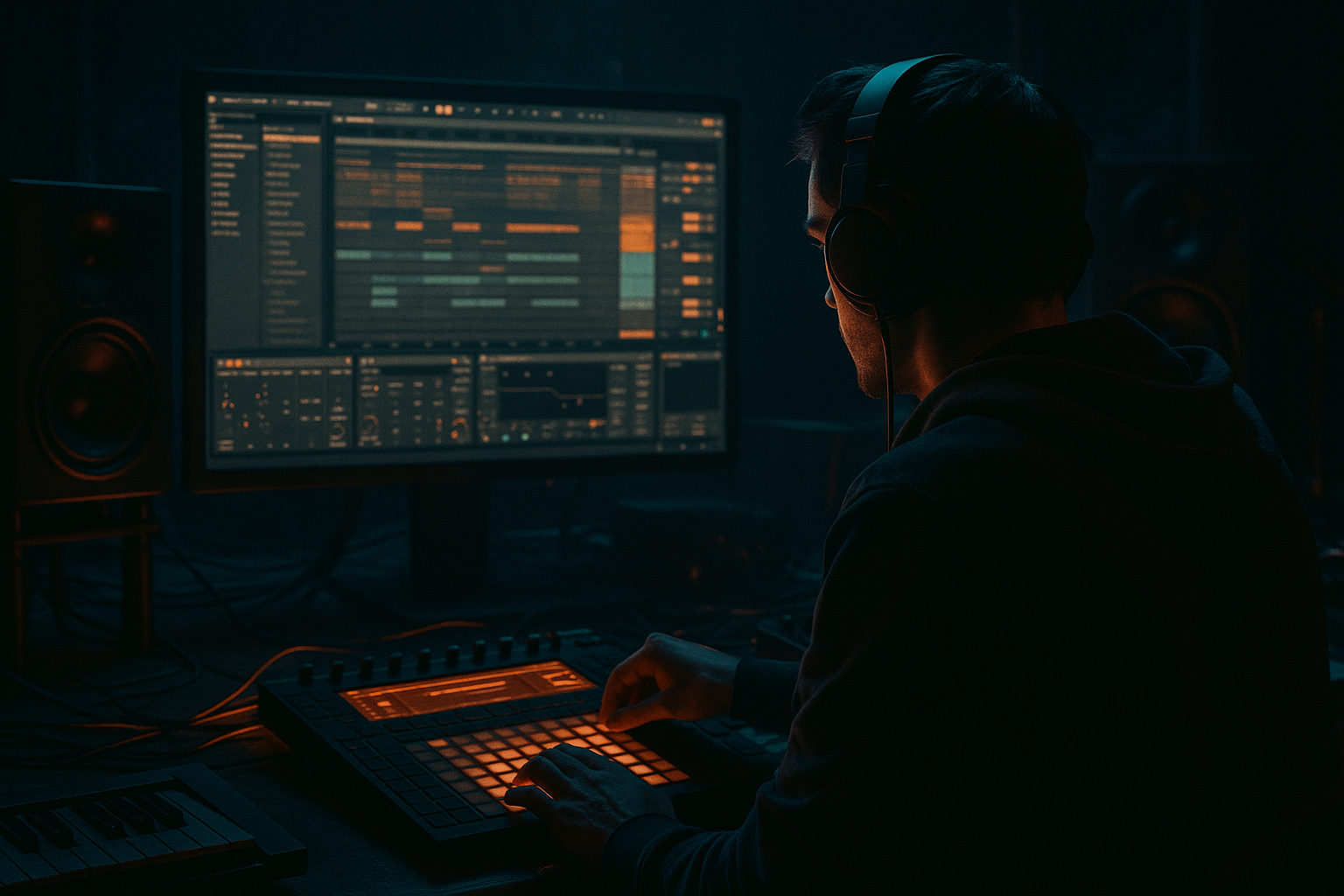
In this lesson, you’ll build a Warehouse Code-style Amen call-and-response riff and arrange it into a proper oldskool jungle / DnB drop inside Ableton Live 12. The goal is not just to make a cool loop — it’s to make a loop that moves like a track: tension, answer, release, and reload.
This technique matters because a lot of classic jungle and darker DnB is built from a simple idea:
- the drums say something
- the bass answers
- the arrangement keeps that conversation changing
- an Amen break chopped and looped with basic variation
- a sub + mid bass call-and-response riff
- a dark, simple intro leading into the drop
- a switch-up that changes the energy without adding too much clutter
- a basic DJ-friendly outro for blending
- Call: a short bass stab or phrase on the downbeat
- Response: a lower, emptier reply after a drum fill or break gap
- Amen drums: tight edits, ghost notes, and a little variation every 2 bars
- Atmosphere: a bit of room, tension, and grit so it feels underground
- Too many bass notes
- Bass and kick fighting in the sub
- No clear call-and-response
- Over-processed Amen break
- Arrangement that loops forever
- Bass too wide in the low end
- Use octave drops sparingly
- Distort the mids, protect the sub
- Let the drums “talk” with ghost notes
- Automate tiny filter moves
- Use silence as a weapon
- Add atmosphere behind the riff
- Build the groove around a call-and-response between bass and Amen break
- Keep the bass simple, short, and rhythmically intentional
- Use Wavetable, Operator, Saturator, EQ Eight, Drum Buss, Utility, and Auto Filter as your core Ableton tools
- Arrange in 8-bar phrases with clear intro, drop, switch-up, and outro sections
- Leave space so the drums can speak and the bass can answer
- For darker DnB, focus on sub control, gritty mids, and tension through restraint
If you can design a strong call-and-response bass phrase and place it correctly around an Amen break, you can create the backbone of a tune that sounds intentional, energetic, and DJ-friendly 🎛️
We’ll keep this beginner-friendly, but still real-world: stock Ableton devices, practical settings, and arrangement choices you can actually use in a session. You’ll learn how to make a riff that works in a drop, how to leave space for the break, and how to shape the tension so it feels like warehouse-style jungle rather than a random loop.
What You Will Build
By the end, you’ll have a short but complete 8-bar arrangement idea with:
Musically, the riff will feel like this:
Think of it as the foundation for a tune in the lane of oldskool rave pressure, jungle swing, and warehouse darkness.
Step-by-Step Walkthrough
1. Set up a simple project and reference the right vibe
Start with a new Ableton Live 12 set and set the tempo to 170 BPM. That tempo sits comfortably in classic jungle / DnB territory and gives the Amen break enough energy to feel urgent.
Create these tracks:
- Drums
- Bass
- Atmosphere
- FX / Transitions
Load a reference track into a separate audio channel if you have one. You’re not copying it — you’re checking energy, spacing, and arrangement length. For this style, listen for:
- how long the intro lasts
- when the drop enters
- how often the bass leaves space
- where the break fills are placed
Keep the project organized early. Rename tracks and color them. In DnB, speed matters, and a clean layout helps you finish.
2. Build the Amen break as the rhythmic engine
Drag an Amen break sample onto the Drums track. If it’s a loop, slice it to a Simper/Basic arrangement: you can either keep it as audio or use Slice to New MIDI Track if you want to rearrange hits more freely.
For beginners, the easiest route is:
- put the Amen on an audio track
- loop 1 bar
- duplicate it across 8 bars
- edit a few hits in the 2nd, 4th, and 8th bar
Use Warp if needed, but avoid over-processing. The break should stay lively. If you want more control, place Drum Rack on a MIDI track and load the sliced break hits there.
Useful stock processing:
- EQ Eight: high-pass gently around 30–40 Hz if the break has rumble
- Drum Buss: Drive around 5–15%, Boom low or off if the kick becomes too heavy
- Glue Compressor: light squeeze, around 1–2 dB gain reduction if the break feels too loose
Why this works in DnB: the Amen gives you movement in the mids and highs, while the bass handles the sub. That separation is a classic jungle approach — the drums stay busy, and the bass stays focused.
3. Create the bass source with a simple stock synth
On the Bass track, load Wavetable or Operator. For beginners, Wavetable is easier for a gritty bass tone with movement.
Start with a simple patch:
- oscillator 1: saw or square
- oscillator 2: a second saw slightly detuned
- filter: Lowpass 24 dB
- envelope: short decay, low sustain
Good starting settings:
- filter cutoff: around 120–250 Hz for a dark bass with bite
- filter resonance: 10–20%
- unison: very light, or off if it makes the low end messy
- amp envelope: attack 0–10 ms, decay 200–500 ms, sustain 0–20%, release 80–150 ms
Add Saturator after the synth:
- Drive: 2–6 dB
- Soft Clip: on
Then add EQ Eight:
- cut unnecessary low-mids around 200–400 Hz if the patch sounds boxy
- keep sub energy clean below 100 Hz
If you want a more aggressive warehouse tone, add Overdrive before EQ and keep it subtle. The goal is a bass that has a solid sub foundation but also enough harmonics to be heard on smaller speakers.
4. Program a call-and-response MIDI phrase
Now write the actual riff. Keep it simple: the bass should say something, then leave space.
Use an 8-bar MIDI clip and work in 2-bar phrases:
- Bar 1: the call
- Bar 2: the response
- Bar 3–4: variation of the same idea
- Bar 5–8: repeat with small changes
A beginner-friendly pattern idea:
- Call on beat 1 with a short note
- a second note on the “and” of 2
- Response lower in pitch on beat 4 or the “and” of 4
- leave at least one full beat of silence after each phrase
Keep notes in a narrow range:
- root note plus 1–3 neighboring notes
- try a minor key feel, like F minor, G minor, or A minor
- use mostly 1/8 and 1/16 notes, but don’t overcrowd it
If the riff feels too busy, remove notes before adding more. In jungle and darker DnB, space is part of the groove.
A practical rule:
- if the Amen is busy, keep the bass simpler
- if the bass is moving more, let the drums breathe slightly
5. Make the bass answer the drums, not fight them
This is the core of the lesson. The bass should react to the drum rhythm, especially around snare hits and break openings.
Try this arrangement logic inside the 8-bar drop:
- bars 1–2: strongest call-and-response pattern
- bars 3–4: remove one bass hit so the drums push through
- bars 5–6: bring the original phrase back with slightly more drive
- bars 7–8: add a small fill or pitch change to signal the loop reset
The response note should often land:
- after a snare hit
- after a break chop
- in the gap between kick and snare accents
This works because the ear hears the drums as the question and the bass as the answer. In DnB, that conversation is what creates momentum without needing a lot of chords or melodies.
If your notes overlap too much, shorten MIDI note lengths until the rhythm feels punchy. A lot of jungle basslines depend on tight note lengths more than long sustained notes.
6. Add movement with simple automation
Once the bass pattern works, automate small changes so it feels alive.
In Ableton, automate:
- filter cutoff on the bass synth
- Saturator drive
- Reverb send for selected hits
- Auto Filter on an atmospheric layer or riser
Good beginner automation moves:
- open the bass filter slightly on the second half of every 4 bars
- increase saturation by 1–2 dB during transitions
- add a tiny reverb send only on the response note to create depth
- use Auto Filter with a slow rise in the intro, then cut it away at the drop
Keep automation subtle. If everything moves, nothing feels important. The trick is to make the bass feel like it’s leaning forward into the next phrase.
7. Shape the drums and bass together on the mix bus
Put the drums and bass in their own group if you like, or keep them separate for easier control. The important thing is balance.
On the Bass track, use:
- Utility: set Bass Mono or use Width = 0% for the low end if needed
- EQ Eight: remove muddy mids if the bass masks the break
- Compressor: only if the patch has uneven peaks
On the Drums track:
- use Drum Buss lightly for glue and grit
- if the snare gets harsh, dip a small area around 3–6 kHz
- if the kick and bass clash, carve a little around the kick’s fundamental or shorten bass notes
Quick rule for beginners:
- sub should feel strong, not loud
- the break should feel energetic, not piercing
- if the low end gets cloudy, simplify the bass before boosting anything
Why this works in DnB: the arrangement only feels powerful when the low end is disciplined. A clean bass/drum relationship makes the drop hit harder without requiring huge volume.
8. Arrange an intro, drop, switch-up, and outro
Now turn the loop into a mini track structure. A classic DnB arrangement can be very simple and still work.
Try this structure:
- Bars 1–8: intro with atmosphere and filtered drums
- Bars 9–16: first full drop with the call-and-response riff
- Bars 17–24: switch-up with a drum fill or bass variation
- Bars 25–32: second drop or extended variation
- Bars 33–40: outro with drums and filtered bass elements
For the intro:
- filter the bass heavily or mute it completely
- bring in Amen chops quietly
- add an atmospheric pad, vinyl noise, or a reversed hit
For the drop:
- let the full Amen break and bass enter together
- keep the first two bars readable
- use a small fill at the end of bar 8 or 16 to signal the next section
For the switch-up:
- remove one bass note
- add a snare fill
- change the response note by a semitone or octave
- swap in a different Amen slice pattern for 1 bar
For the outro:
- strip away the bass first
- leave the break and a filtered atmosphere
- make it easy for a DJ to mix out
This is the arrangement mindset: repeat enough to create hypnosis, change enough to keep dancers locked in.
Common Mistakes
Fix: cut the pattern down until the drums breathe. Jungle and DnB often feel bigger when the bass is more selective.
Fix: shorten bass note lengths, reduce low-end overlap, and check EQ around the kick’s fundamental.
Fix: make one phrase more active and the other more empty. If both phrases are busy, the groove loses identity.
Fix: reduce compression, distortion, or EQ boosts. Keep the break punchy and alive rather than smashed flat.
Fix: add a switch-up every 8 or 16 bars. Even one changed note or fill can make a big difference.
Fix: keep sub mono. Use Utility or a simple mono approach so the low frequencies stay solid.
Pro Tips for Darker / Heavier DnB
A bass note dropping down an octave on the response can create serious weight, but only use it on key moments so it stays special.
Use Saturator or Overdrive to add harmonics, but keep the deepest bass clean and centered.
Tiny chopped break hits before the main snare can make the bass feel more aggressive without adding a new sound.
A small cutoff change in the last half of an 8-bar section adds tension without turning the bass into a trance lead.
Pull the bass out for one beat before the next drop hit. In darker DnB, a gap can feel heavier than a fill.
A low, dark pad with Auto Filter and high-pass EQ can make the warehouse space feel bigger, but keep it tucked way back.
Mini Practice Exercise
Set a timer for 15 minutes and do this:
1. Load or find an Amen break and loop 8 bars.
2. Create a bass patch in Wavetable or Operator using a saw/square wave.
3. Write a 2-bar call-and-response bass phrase using only 3 notes maximum.
4. Repeat it for 8 bars, then change one note or rhythm in bars 5–8.
5. Add Saturator and EQ Eight to shape the bass.
6. Automate filter cutoff on the bass so the last 2 bars feel more intense.
7. Build a tiny arrangement: 4-bar intro, 8-bar drop, 4-bar outro.
8. Listen back and ask:
- Does the bass leave space?
- Does the Amen stay clear?
- Does the drop feel like a conversation?
If you finish early, mute the bass and make the intro more atmospheric. If it feels too full, remove one note before changing the sound.

