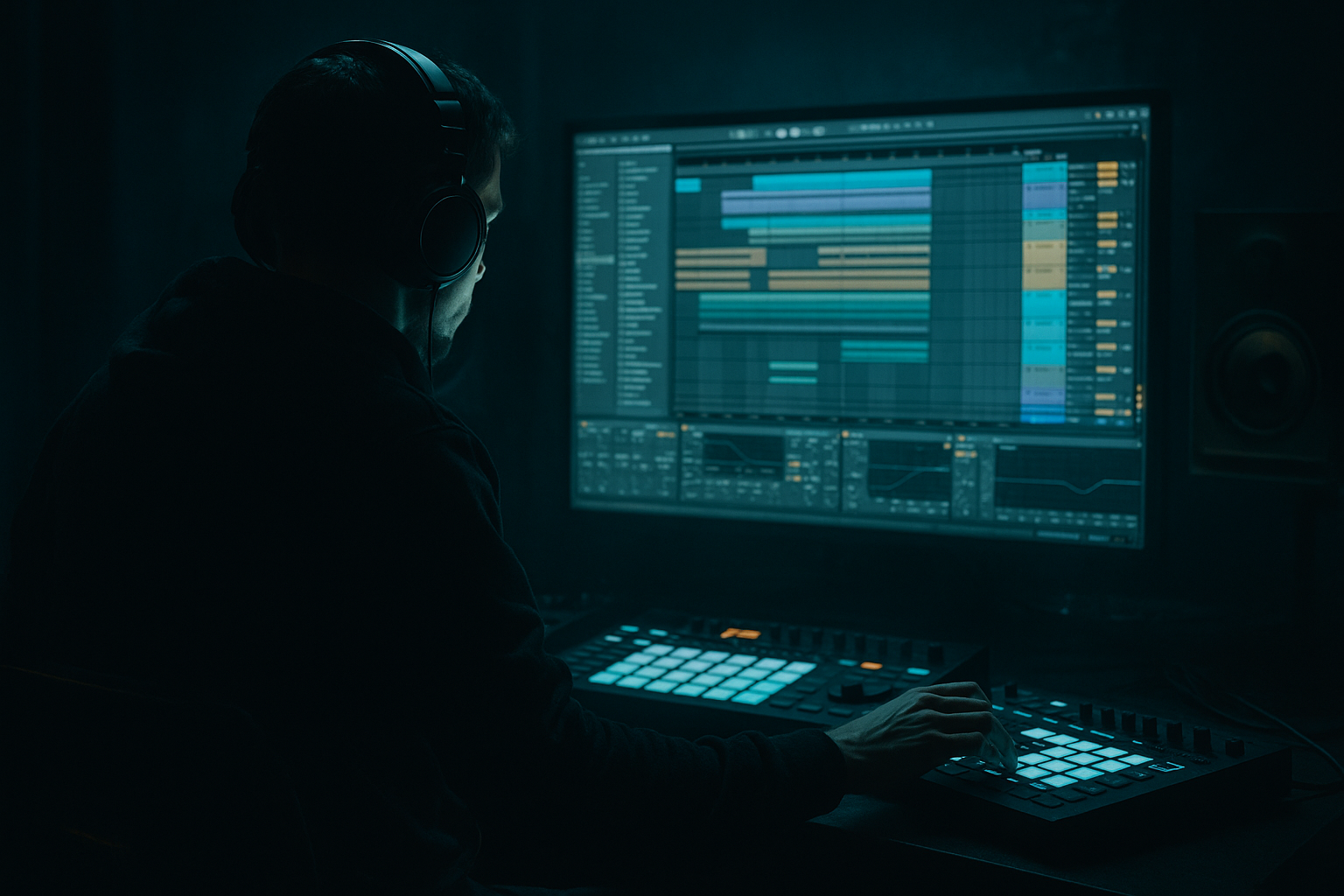
Main tutorial
```markdown
VIP Arrangement Workflows (No Third‑Party Plugins) — Ableton Live (Advanced DnB) 🔥
1. Lesson overview
A “VIP” in drum & bass is not just an extended mix—it's a re-interpretation that keeps the original identity while delivering new drops, new energy curves, and fresh ear-candy. In this lesson you’ll learn repeatable, high-speed workflows to create a VIP arrangement entirely with Ableton Live stock devices—focusing on rolling/jungle/modern DnB structure, tension, and impact.
We’ll cover:
- How to clone + re-map your original arrangement into VIP sections quickly
- Drop-switch techniques (rhythm, bass, drums, halftime, etc.)
- Stock-device sound and movement: Auto Filter, EQ Eight, Saturator, Drum Buss, Corpus, Frequency Shifter, Echo, Hybrid Reverb, Utility, Glue Compressor, Limiter
- Clean, label-driven workflow so you don’t get lost in a 5–7 minute DnB timeline 🧠
- Intro (16–32 bars): DJ-friendly + recontextualized hook
- Build 1 (8–16 bars): tension + pre-drop identity
- Drop 1 (32–64 bars): original-ish groove (reference point)
- Mid-section (16–32 bars): breakdown or “DJ tool” bridge
- Build 2 (8–16 bars): VIP twist telegraphed
- Drop 2 (32–64 bars): VIP drop—new bass rhythm + drum edits + switch
- Outro (16–32 bars): mixable, minimal, and clean
- A VIP drop that feels heavier and fresher
- 2–3 signature transition moments
- A clear arrangement energy arc built for dancefloor + mixing
- Put Frequency Shifter on the master of the element you want to stop (not full master).
- Automate Fine down quickly (e.g., 0 → -600 over 1/2 bar).
- Add Reverb freeze feel:
- On Sub track: Utility
- Or automate a short HP filter sweep (EQ Eight):
- Strip to:
- Add Auto Filter on the drum bus:
- Reintroduce bass with a 1-bar teaser at bar 15.
- Resample a snare + bass hit together
- Add chain:
- Print it, reverse it, and use both for pre-drop + downbeat.
- Put it in the build with Auto Filter LP closing down
- Then in Drop 2, only reveal it every 8 bars (not constant)
- Add Beat Repeat sparingly:
- Keep hats less busy so the bass reads as “new”.
- Add a 1-bar break edit at bar 16.
- Use a different resampled bass slice set.
- Add ride/shaker layer + a snare flam fill into the next section.
- Sub management: always mono
- Sidechain without third party:
- Master safety:
- Texture layers without mud:
- Aggression with stock distortion (controlled):
- Dark space design:
- Dissonant motion tricks:
- Jungle edge:
- VIP workflow is arrangement-first: duplicate sections, strip them, rebuild with intent.
- Use stock Ableton devices for movement and identity: Auto Filter, Saturator, Drum Buss, Echo, Hybrid Reverb, Beat Repeat, Frequency Shifter, Glue, Utility.
- A strong VIP has:
---
2. What you will build
You’ll build a VIP arrangement blueprint of a typical rolling DnB tune:
Deliverables:
---
3. Step-by-step walkthrough
Step 0 — Prep your session like a pro (10 minutes) 🧱
Goal: Make changes fast without breaking your mix.
1. Save As: `TrackName_VIP_v01.als`
2. Set locators (Arrangement View):
- Intro, Build, Drop 1, Mid, Build 2, Drop 2, Outro
3. Color code groups:
- Drums = orange
- Bass = purple
- Music/Atmos = blue
- FX/Transitions = green
4. Create a “VIP Control” return track (optional but powerful):
- Return A: `VIP FX`
- Devices:
- EQ Eight (HP at ~150 Hz, 24 dB/oct)
- Echo (1/4 or 1/8 dotted, Feedback 25–45%, Width 120%)
- Hybrid Reverb (Short plate 0.6–1.2s, filter lows <200 Hz)
Send hook shots and fills here for controlled space without muddying low end.
---
Step 1 — Build a VIP “section swap” template (fast arrangement cloning) ✂️
Goal: Make space for new ideas while keeping the original DNA.
1. Identify your strongest 32 bars of Drop 1 (the “reference drop”).
2. Duplicate those 32 bars to become Drop 2 (VIP drop area).
3. Immediately mute key groups in Drop 2 to force new decisions:
- Mute Main Bass group
- Mute Top Drums (hats/shakers)
- Keep Kick + Snare and Sub (if separate) playing for groove continuity
This gives you a skeleton: the dancefloor stays moving while you redesign the VIP layer-by-layer.
---
Step 2 — Create 3 VIP drop strategies (choose one or combine) 🧨
#### Strategy A: Rhythm VIP (the “roller upgrade”)
What changes: bass rhythm + drum syncopation, same key/sonics.
1. Bass MIDI re-grid
- Duplicate your bass MIDI clip
- Keep the same notes, change rhythm:
- Add offbeat stabs (1/8 or 1/16 placements)
- Add call/response between bars 1–2 and 3–4
2. Use Groove Pool (subtle!)
- Apply an MPC-ish groove at 10–20% to hats/perc only
3. Drum edits
- Add extra ghost notes: snare ghosts at -12 to -20 dB
- Add amen-style edits with audio slicing (no plugins required):
- Right-click break loop → Slice to New MIDI Track
- Slice by Transients
- Rearrange hits for fills every 8 or 16 bars
4. Add Drum Buss on Drum Group:
- Drive: 5–15%
- Boom: 0–20% (tune to track key; keep tight)
- Damp: 30–60%
- Crunch: taste (don’t wash transient snap)
#### Strategy B: Sound VIP (same rhythm, new bass character)
What changes: new resampling chain; pattern stays similar.
1. Resample your bass group:
- Create an audio track: `BASS RESAMPLE`
- Set Audio From → Bass Group
- Arm + record 16 bars of the drop
2. Slice and re-map:
- Consolidate the recorded audio (Cmd/Ctrl+J)
- Slice to New MIDI Track (Transients)
3. Create movement with stock devices on the sliced bass:
- Auto Filter:
- LP24, cutoff automated 200 Hz → 2.5 kHz
- Drive 2–6, Resonance 0.2–0.4
- Saturator:
- Analog Clip, Drive 2–6 dB, Soft Clip ON
- EQ Eight:
- Notch harsh resonances (2–5 kHz)
4. Add micro-variation:
- Clip envelopes: Transposition ±1–3 semitones on occasional slices
- Utility automation: Width 70% → 120% on fills (keep sub mono!)
#### Strategy C: Time VIP (halftime switch / jungle flip)
What changes: perceived tempo feel, drum cadence, tension.
1. Keep project at 172–176 BPM.
2. Convert Drop 2 to halftime for 16 bars:
- Kick on 1
- Snare on 3 (instead of 2+4 feel)
3. Layer a classic jungle tops loop quietly:
- HP filter to >200 Hz
- Keep it -18 to -12 dB under main drums
4. Transition back to full-time with a riser + snare run:
- Snare buildup: 1/8 → 1/16 → 1/32 over 2 bars
- Use Velocity ramp instead of just volume for realism
---
Step 3 — VIP transitions: 5 stock-device moves that always work 🎛️
#### Move 1: “Tape stop” fake (no plugins)
- Send last hit to `VIP FX` return (Echo + Reverb).
#### Move 2: Sub dropouts for tension
- Automate Gain to -inf for 1/8 bar right before drop hits
- HP from 30 Hz → 120 Hz in the last 1/4 bar
#### Move 3: “DJ mix” 16-bar bridge (clean and effective)
- Kick + Snare
- Sub (simple note)
- Atmos pad
- High-pass 80 → 250 Hz over 8 bars
#### Move 4: Impact design from your own material
- EQ Eight (cut <30 Hz, tame 200–400 if boxy)
- Saturator (Drive 3–8 dB)
- Glue Compressor (Attack 10 ms, Release Auto, 1–2 dB GR)
- Reverb (short, 0.4–0.9s, low cut 200 Hz)
#### Move 5: “Hook recontextualization”
Take your original hook (vocal chop, synth riff, foghorn, etc.) and:
- Interval: 1 Bar
- Grid: 1/8 or 1/16
- Chance: 10–25%
- Filter: ON, keep lows out
---
Step 4 — Make Drop 2 feel like a VIP (arrangement decisions that matter) 🧩
Here’s a proven 32-bar Drop 2 plan (rolling DnB):
Bars 1–8: New bass rhythm introduced, drums slightly simpler
Bars 9–16: Add percussion + first fill
Bars 17–24: Call/response bass or switch to alternate patch
Bars 25–32: Maximum pressure + exit fill
Key idea: Don’t VIP everything at once. VIP is contrast: new angle, same identity.
---
Step 5 — Keep it tight: mix-aware arrangement without plugins 🧼
- Utility on Sub: Width 0%
- Compressor on Bass group:
- Sidechain from Kick
- Ratio 2:1–4:1
- Attack 1–10 ms, Release 50–120 ms
- 2–5 dB gain reduction typical
- Leave headroom: peaks around -6 dBFS before final limiting
- Use Limiter only for sketch loudness, not final polish
---
4. Common mistakes ⚠️
1. VIP = “more layers”
If Drop 2 is just louder and denser, it won’t read as a new version. Remove something first, then add.
2. No clear “VIP moment”
You need an obvious switch: rhythm change, halftime, new bass articulation, new hook framing.
3. Overdoing stereo in the low end
Wide bass kills club translation. Keep sub mono; widen only mids/highs.
4. Transitions that don’t reset the ear
If you don’t create a mini “breath” before the VIP drop, the new idea won’t hit.
5. Copy-paste fatigue
Every 8 or 16 bars, add one meaningful variation: fill, hook shot, drum edit, bass answer.
---
5. Pro tips for darker/heavier DnB 🕷️
- Add a “noise grit” audio layer (vinyl/noise/foley)
- High-pass at 300–600 Hz, sidechain lightly to kick/snare
- Bass group chain:
EQ Eight (pre) → Saturator (soft clip) → Amp (Clean/Blues) → EQ Eight (post)
- Keep Amp mix subtle; filter the fizz above ~8–10 kHz if needed.
- Use Hybrid Reverb with short rooms and filtered tails
- Automate reverb only on phrase ends (send automation), not constantly.
- Duplicate a mid-bass layer and pitch it +7 or +12 semitones, low-pass it, keep it quiet
- Automate Frequency Shifter Fine by tiny amounts (±20–60) for uneasy movement
- Sprinkle 1–2 bar amen edits as “fills”, not full-time loops
- Use Redux lightly on breaks for crunch (bit reduction modest)
---
6. Mini practice exercise (30–45 minutes) 🧪
Goal: Create a convincing 32-bar VIP Drop 2 using only stock tools.
1. Duplicate your Drop 1 into Drop 2 (32 bars).
2. Choose one VIP strategy:
- Rhythm VIP or Sound VIP or Time VIP
3. Commit to 3 changes only:
- Change 1: Bass rhythm or resampled bass
- Change 2: Drum edit (fill every 16 bars)
- Change 3: Transition (1–2 bar pre-drop reset)
4. Add two ear-candy moments:
- One Beat Repeat hook shot (low chance)
- One reverse impact made from your own sounds
5. Print a rough bounce and check:
- Can you tell Drop 2 is a VIP within 5 seconds?
- Does it still feel like the same track?
---
7. Recap ✅
- A clear energy curve
- A signature switch moment
- Controlled variation every 8–16 bars
- Mix-aware low-end discipline (mono sub, smart sidechain)
If you want, tell me your current track structure (bar counts + what’s in Drop 1), and I’ll suggest a specific Drop 2 VIP plan with exact transitions and device chains tailored to your style (roller, jump-up, jungle, techy, etc.).
```

