Main tutorial
Lesson Overview
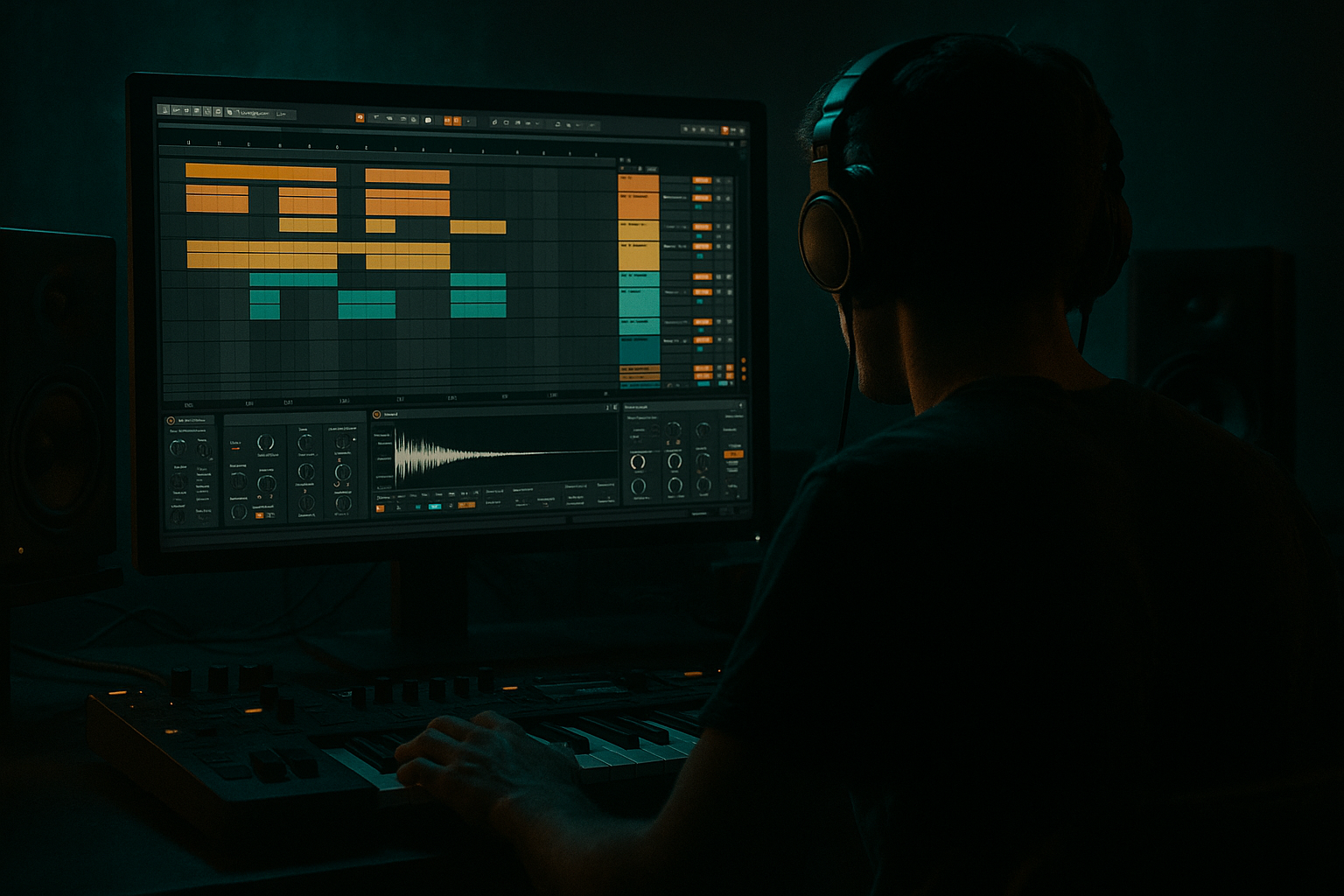
In this lesson, you’ll build a Vinyl Heat-style jungle arp riser and learn how to take it from Session View into Arrangement View in Ableton Live 12 without losing energy, control, or groove. This is a very practical DnB skill: you’ll create a rising, widening synth/arp texture that feels like old vinyl heat, tape wobble, and jungle tension, then place it into a real track transition so it actually works in context.
In Drum & Bass, risers are not just “FX for the gap.” They are part of the arrangement language. A good riser can tell the listener a drop is coming, support a break switch, or bridge a 16-bar intro into the first drop with style. For jungle and rollers especially, the best risers often feel like they came from the same world as the drums and bass: gritty, rhythmic, slightly unstable, and a little imperfect. That’s where the “Vinyl Heat” vibe matters.
Why this technique matters:
- It gives you a repeatable workflow for making tension builds in Ableton Live.
- It teaches you how to sketch ideas quickly in Session View, then turn them into a structured arrangement.
- It helps you control stereo width, movement, and automation so the riser feels exciting without wrecking the low end.
- It’s a beginner-friendly way to learn how DnB transitions are actually built in real tracks.
- A vinyl-warm, slightly crunchy tone
- A rising arp pattern that feels rhythmic, not random
- Controlled widening that grows toward the drop
- A high-pass filtered build so the low end stays clean
- Optional tape-like wobble / motion for character
- A clean path from Session View sketch → Arrangement View transition
- Pre-drop riser before a jungle or rollers drop
- A bridge into a drum fill
- A tension layer under a break edit
- A DJ-friendly build leading into the first impact
- Making the riser too bright too early
- Widening the whole sound from the start
- Letting the riser take over the low end
- Using too many effects
- Forgetting the drum context
- Making the arp too melodic
- Not arranging the tail cleanly
- Use minor notes and narrow intervals
- Add controlled grit with Saturator or Drum Buss
- Keep the center strong
- Use a short reverb tail, not a huge wash
- Combine with a break edit
- Try a final beat “snap”
- Resample the riser and reverse the last hit
- Build the riser in Session View first, then place it into Arrangement View.
- Keep the arp simple, rhythmic, and minor for authentic jungle/DnB tension.
- Use Auto Filter, Saturator, Utility, and EQ Eight to shape heat, width, and clarity.
- Start narrow and darker, then open the filter and stereo width toward the drop.
- Always check the riser in context with drums and bass so it supports the arrangement.
- For darker DnB, keep the sound gritty, controlled, and focused rather than huge and washed out.
We’ll use stock Ableton devices and simple automation so you can focus on the musical result, not technical overload. 🔥
What You Will Build
By the end, you’ll have a 1–2 bar jungle arp riser with:
Musically, this will work as a:
Think of it as a “heated vinyl synth swirl” that climbs upward while the mix opens up around it.
Step-by-Step Walkthrough
1. Set up a clean riser track in Session View
Open a new MIDI track and rename it something clear like `Jungle Arp Riser`. Staying organized is huge in DnB because you’ll often have multiple versions of build elements, fills, and impact layers.
Load a stock instrument such as:
- Wavetable for a modern but controllable tone
- or Analog if you want a warmer, simpler character
For beginners, Wavetable is a good choice because it’s flexible and easy to shape.
Start with a basic preset or init patch and keep it simple:
- Oscillator 1: saw or pulse-style waveform
- Oscillator 2: optionally a second saw slightly detuned
- Filter: low-pass with moderate resonance
- AMP envelope: short attack, medium decay, medium sustain, short release
Keep the sound in a playable range. This riser should live mostly in the mid and high mids, not in the sub zone.
2. Program a jungle-style arp pattern
Create a 1-bar MIDI clip in Session View. Write a short pattern using 1/8 or 1/16 notes. Jungle and DnB risers often work best when they feel like they’re “running” rather than just holding a note.
Try this kind of approach:
- Use 3–5 notes from a minor scale
- Keep the notes close together for tension
- Include one repeating note to create motion
- Make the final note the highest point in the phrase
Example musical context:
- In D minor, try notes like D–F–G–A or D–F–A–C
- If your track is darker, keep the arp narrow and avoid too much happy melodic movement
Beginner tip: don’t overcomplicate the melody. A simple repeating arp can sound more authentic than a flashy one, especially once you automate filtering and width.
3. Make the arp feel “vinyl heated” with tone shaping
The “Vinyl Heat” feel comes from a combination of warmth, texture, and slight instability. Use stock devices after the instrument to add character.
Add Saturator:
- Drive: around 2–6 dB
- Turn on Soft Clip if needed
- Keep an eye on output level so it doesn’t jump too loud
Add Auto Filter:
- Choose Low-Pass at first
- Start cutoff around 400 Hz to 1.5 kHz
- Resonance: 10–25% for a little edge
- Automate cutoff upward over the build
Add Chorus-Ensemble carefully if you want more stereo shimmer:
- Amount: low to moderate
- Keep it subtle; this should not wash out the sound
Why this works in DnB: jungle and darker bass music often use harmonic texture instead of huge effects. A small amount of saturation and filter motion makes the riser feel alive and helps it cut through dense drums.
4. Create the widening move without losing focus
A riser should often start relatively narrow, then open up as it approaches the drop. That makes the drop feel bigger.
Use Utility on the riser track:
- Start Width at 70–90%
- Automate it to 110–130% near the end of the riser
- Avoid going crazy wide if the sound is already stereo-heavy
If you want more motion, use Auto Pan:
- Rate: sync to 1/4, 1/8, or 1/16
- Phase: try 180° for stereo movement
- Amount: keep low to moderate
Important beginner rule:
- Keep the low frequencies mono.
- If your instrument has a low layer or if the sound feels too wide, use Auto Filter to remove unnecessary bottom end before widening.
A good riser gets wider in the top end while the low end stays controlled. That keeps the mix clean and makes the drop hit harder.
5. Shape the rise with automation in Session View
In Session View, focus on clip-level movement first. Open the clip envelope and automate:
- Filter cutoff
- Saturator drive
- Utility width
- Optional: reverb send amount
Suggested automation shape:
- Bars 1–2: start darker and narrower
- Bars 3–4: open the filter steadily
- Final half-bar: push width and brightness up
- Last beat: quick tension spike, then cut or transition into the drop
A simple envelope pattern:
- Cutoff starts low, rises gradually
- Resonance peaks slightly near the end
- Width increases in the final bar
- Reverb/send grows only toward the tail, not throughout the whole build
Keep the automation musical. In DnB, a riser is often more effective when it feels like it’s leaning into the drop rather than exploding too early.
6. Add a drum-aware layer so it sits like real DnB
A riser in isolation can sound generic. To make it belong in jungle or rollers, layer in a bit of rhythmic movement.
You can do this with stock Ableton tools:
- Add Drum Buss lightly if the riser needs more bite
- Or layer a soft break tick / hat / noise sample underneath
- Use Simpler with a short noise hit, then high-pass it
Practical approach:
- Put a short vinyl crackle, noise burst, or chopped break fragment on a second track
- Keep it very quiet
- Sidechain or volume-shape it so it doesn’t clutter the main drums
This matters because DnB transitions usually feel strongest when the build has rhythm, not just a static whoosh. A touch of break-style movement makes the riser feel connected to the drum programming.
7. Record or launch the Session View idea into Arrangement View
Once the clip feels good, it’s time to arrange it. This is where many beginners get stuck, but Ableton Live 12 makes it straightforward.
In Session View:
- Trigger the riser clip and let it play
- If needed, duplicate the clip to create a longer build
- Use the global quantization settings so launches stay tight
Then move to Arrangement View:
- Record the clip launch into the timeline
- Or drag the clip from Session View into Arrangement View directly
- Place it in the section leading into your drop
Good arrangement placement examples:
- 16-bar intro → 8-bar riser → first drop
- breakdown → 4-bar build → drum fill → drop
- call-and-response switch-up → 2-bar riser → bass re-entry
For beginners, the main goal is to make the riser serve the arrangement, not just exist as a cool sound.
8. Match the riser to the transition with a drum fill or impact
DnB transitions usually feel stronger when the riser lands with a drum cue or impact. Use a simple fill:
- One bar of snare rolls
- A kick/snare pickup
- A chopped break fill
- Or a short reverse crash leading into the downbeat
In Ableton Live, you can use:
- Simpler for a one-shot impact
- Sampler/Simpler for a reverse hit if you resample the sound
- Reverb on a send for tail space
Arrangement idea:
- Riser climbs over 2 or 4 bars
- Final bar adds a snare roll or break fill
- Drop lands with the full drum and bass return
This is a classic DnB move because it creates tension/release and makes the drop feel intentional, not random.
9. Check the mix in context and simplify if needed
Once the riser is in Arrangement View, loop the build alongside drums and bass. This is where you make sure it supports the track instead of fighting it.
Check these things:
- Is the riser too loud compared to the drums?
- Is it stepping on snare crack or cymbal brightness?
- Does the widening feel exciting or blurry?
- Is there too much low-mid buildup?
Use EQ Eight if needed:
- High-pass the riser around 150–300 Hz or higher if the sound is dense
- Cut muddy low mids around 200–500 Hz if it clouds the mix
- Tame harshness around 2.5–5 kHz if the riser gets piercing
Also do a quick mono check with Utility if the build sounds unstable. DnB drops need strong center weight, so the riser should enhance the transition, not damage the core balance.
10. Freeze, flatten, or resample if you want a stronger final result
If your riser sounds good but a little messy, resample it. This is a very useful beginner habit in Ableton.
You can:
- Freeze and flatten the track
- Or resample into a new audio track
Why this helps:
- You can clean up the waveform visually
- You can cut the tail exactly where you want
- You can reverse or chop the audio for extra transition tricks
- You can keep CPU low and move faster
For jungle and darker DnB, resampling often makes transition FX feel more “real” and less synthetic, especially when you add a tiny bit of tape-like grit through Saturator or a gentle filter sweep before printing.
Common Mistakes
- Fix: start darker and automate the filter open later in the phrase.
- Fix: keep it narrower early, then increase width near the drop.
- Fix: high-pass it with EQ Eight and keep sub frequencies out of the build.
- Fix: one sound, one filter, one saturator, one width tool is often enough.
- Fix: always audition the riser with the break, snare, and bass.
- Fix: use short, repeating note patterns for tension, not full lead-writing.
- Fix: cut the riser exactly where the drop starts or let the tail resolve into an impact.
Pro Tips for Darker / Heavier DnB
- Darker jungle and neuro-influenced DnB often works better with less melodic movement and more pressure.
- A little drive can make the riser feel like it came from a worn sample pack or a dirty hardware chain.
- Try Saturator Drive around 3–8 dB for more heat, then compensate with output.
- If the riser is wide, make sure the low-frequency energy is still reduced and the mix center is preserved for kick, snare, and bass.
- In heavy DnB, big reverbs can blur the transition. A small room or short plate shape often works better.
- A chopped amen or break fragment under the riser can instantly make it feel more authentic to jungle and rollers.
- Right before the drop, automate a tiny filter dip or quick level dip, then let the impact hit. That contrast creates more punch.
- A reversed tail into the drop can sound massive, especially with a crunchy jungle texture.
Mini Practice Exercise
Spend 10–20 minutes making your own riser transition:
1. Create a new MIDI track with Wavetable or Analog.
2. Program a 1-bar minor arp using 3–5 notes.
3. Add Saturator, Auto Filter, and Utility.
4. Automate the filter to open over 2 or 4 bars.
5. Automate Utility width from narrow to wider near the end.
6. Add a tiny break tick or noise layer if you want more jungle character.
7. Drag the clip into Arrangement View before a drop section.
8. Test it with drums and bass, then make one improvement:
- darker tone,
- wider ending,
- cleaner high-pass,
- or stronger final impact.
Goal: make one build that feels like a real DnB transition, not just a sound effect.
Recap
This is a small technique, but it shows up in real tracks all the time. Once you can make a riser like this cleanly in Ableton Live 12, you’ll have a reliable tool for jungle intros, roller builds, and heavy drop transitions.

