Main tutorial
Urban Echo: Shuffle Polish for 90s-Inspired Darkness (Ableton Live 12) — Vocals Edition 🎤🌃
1. Lesson overview
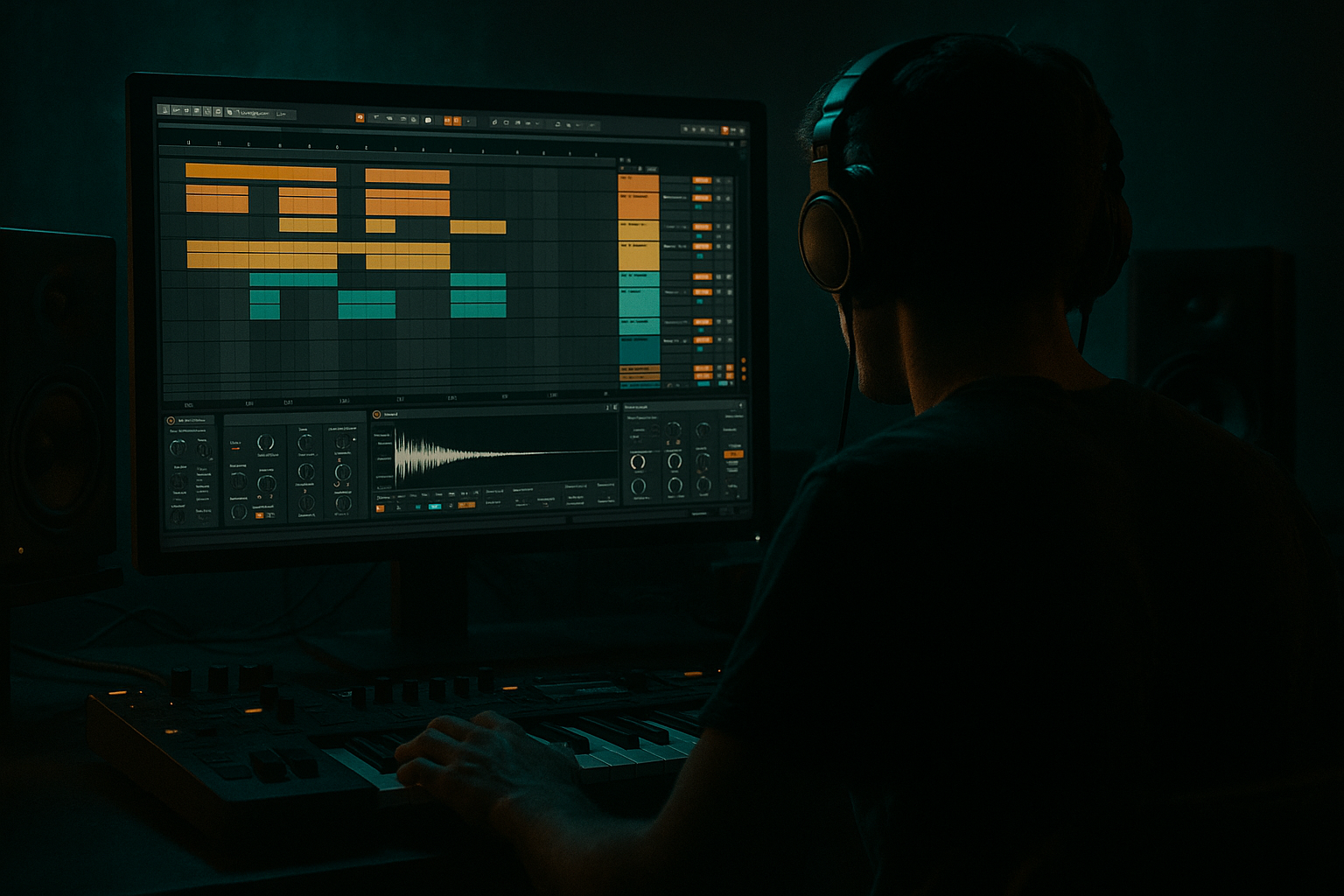
This lesson is about making vocals sit “in the pocket” with jungle/DnB swing, while keeping that 90s dark, echoey, pirate-radio vibe. You’ll learn a practical workflow in Ableton Live 12 to:
- Add shuffle to vocal phrases without wrecking timing
- Create urban echoes (dub-style delay throws) that feel oldskool
- Build dark space using stock devices (Echo, Delay, Reverb, Saturator, Gate)
- Arrange vocals like classic jungle: tight chops + occasional wide echoes
- A tight, rhythmic vocal that bounces with your breakbeat swing
- A dark delay throw that blooms at the ends of phrases
- A reverb tail that’s controlled (not washing out the mix)
- Optional chop stutters that feel like 90s sampler edits
- Kick on 1, 1.3
- Snare on 2 and 4
- Hats 1/8ths, then we’ll groove them.
- For most vocals: Complex Pro
- If it’s more spoken/short: Complex is fine
- Complex Pro → Formants = 0, Envelope = 128
- High-pass: 80–120 Hz (remove rumble)
- Gentle dip: 250–400 Hz (mud control, -2 to -4 dB)
- Optional presence: 3–5 kHz (+1 to +2 dB if needed)
- Optional dark roll-off: High shelf -1 to -3 dB at 10–12 kHz (for “aged” vibe)
- Ratio: 3:1
- Attack: 10–25 ms
- Release: 60–120 ms
- Threshold: aim for 3–6 dB gain reduction on peaks
- Makeup gain as needed
- Mode: Soft Sine or Analog Clip
- Drive: 2–6 dB
- Turn on Soft Clip
- Output: trim so the level matches before/after
- Threshold: adjust until noise closes between words
- Return: around -inf to -20 dB depending on source
- Attack: 1–5 ms
- Release: 60–150 ms (don’t chop syllable tails too hard)
- Normal words: Width 0–20% (more mono, pirate radio)
- Echo moments: Width 70–120% (wide bloom)
- Intro (8 bars): filtered break + distant vocal echoes only (Send A automated)
- Drop (16 bars): main vocal in pocket, minimal throws
- Switch (8 bars): chopped vocal stutters + heavier throws
- Outro (8 bars): dubby echoes + gated verb tail
- Too much groove timing on vocals: swing can turn into “drunk timing.” Keep Groove Timing usually ≤ 25%.
- Delay too bright: jungle darkness comes from filtered repeats. Low-pass your delay.
- Reverb on the vocal insert (too much): use Return tracks for control and automation.
- Over-warping every syllable: fix phrase starts and key hits, don’t over-edit.
- Echo cluttering the drop: automate throws only on ends of phrases.
- Sidechain the FX returns (subtle, but huge):
- Make it feel “older”:
- Telephone vibe for certain lines:
- Mono the main vocal, widen the FX:
- Use Groove Pool to give vocals jungle swing (keep it subtle).
- Warp phrase starts so the vocal locks to the drums.
- Build a dark vocal tone using EQ Eight → Compressor → Saturator → Gate.
- Create “Urban Echo” with Echo on a Return, heavily filtered, and automate throws.
- Keep the main vocal tight/mono; let the FX paint the darkness.
This is beginner-friendly, but the results can sound properly pro.
---
2. What you will build
A DnB/jungle vocal chain + send FX setup that gives you:
End result: vocals that feel locked to the groove, not pasted on top.
---
3. Step-by-step walkthrough
Step 0 — Project setup (tempo + groove foundation)
1. Set tempo to 165–170 BPM (classic jungle/DnB range).
2. Build or load a simple drum loop:
- A breakbeat (Amen-style) + kick + snare is enough.
3. In the Groove Pool, you’ll later apply swing—so keep your drums playing first.
Tip: If you have no break yet, use a Drum Rack with a simple pattern:
---
Step 1 — Choose a vocal + set your starting level
1. Drop a short vocal line on an audio track (1–2 bars is fine).
2. Normalize your workflow:
- Aim for vocal peaks around -12 to -6 dB on the channel meter.
3. Turn Warp ON (Audio Clip View).
Warp mode choice (important):
Start with:
---
Step 2 — Make the vocal rhythmically “shuffle” with the drums
We want pocket + swing without making the vocal messy.
#### A) Get groove from your drums
1. Click your drum clip (the one that has the feel you like).
2. In the Clip View, find Groove (bottom left-ish).
3. Choose a groove like:
- Swing 16-57 (solid jungle bounce)
- MPC 16 Swing 54–60 (classic lilt)
4. Click Commit? Not yet.
#### B) Apply the same groove to the vocal (subtle!)
1. Click the vocal clip.
2. Select the same Groove.
3. Go to Groove Pool and set:
- Timing: 10–25% (start at 15%)
- Random: 2–6% (tiny human feel)
- Velocity doesn’t affect audio, so ignore for vocals.
Now hit play: the vocal should lean into the swing without sounding late.
✅ If it feels too sloppy, reduce Timing to 10%.
---
Step 3 — Tighten timing with Warp markers (micro-edits)
Groove is great, but jungle vocals often need tight starts.
1. Zoom into the waveform.
2. Identify key consonants (T/K/P sounds) at the start of words.
3. Place Warp markers so the start of the phrase hits just before or on the snare (depending on style).
- For aggressive jungle: vocal often hits slightly early for urgency.
4. Keep it minimal: 2–5 warp markers per phrase.
Beginner rule: fix the start of phrases, not every syllable.
---
Step 4 — Build a dark 90s vocal chain (stock devices)
On the vocal track, use this device order:
#### 1) EQ Eight (clean + dark shape)
#### 2) Compressor (stable level)
#### 3) Saturator (grit / old sampler edge)
#### 4) Gate (tighten room noise + create “cut”)
This chain makes vocals controlled, dark, and punchy—perfect for break-heavy DnB.
---
Step 5 — Create the “Urban Echo” using Send FX (the real magic) 🔥
Instead of slapping reverb/delay directly on the vocal, we’ll use Return tracks for classic dub control.
#### Return A: Dark Delay Throw (Echo)
1. Create Return track A.
2. Add Echo.
3. Settings:
- Sync: On
- Time: 1/8 Dotted (classic jungle bounce) or 1/4 for bigger space
- Feedback: 35–55%
- Filter: HP around 200–400 Hz, LP around 4–7 kHz
- Modulation: low (just a touch for movement)
- Dry/Wet: 100% (because it’s a send)
4. After Echo, add EQ Eight:
- Cut lows below 200 Hz
- Optional: small dip at 2–3 kHz if harsh
#### Return B: Gated Dark Verb (Reverb + Gate)
1. Create Return track B.
2. Add Reverb (or Hybrid Reverb if you want more character).
3. Settings (Reverb):
- Decay: 1.2–2.5 s
- Pre-delay: 10–25 ms
- High Cut: 4–7 kHz
- Low Cut: 200–400 Hz
- Dry/Wet: 100%
4. After Reverb, add Gate:
- Threshold: set so the reverb “breathes” then closes
- Release: 150–350 ms (adjust to tempo)
This gives you that classic dark-space “tail, then cut”—very 90s.
---
Step 6 — Automate delay throws like real jungle production
This is where it becomes musical rather than messy.
1. On the vocal track, keep sends low by default:
- Send A (Echo): -inf to -18 dB
- Send B (Verb): -inf to -20 dB
2. In Arrangement View, automate Send A on:
- Last word of a line
- End of 4-bar phrases
3. Automation idea (super usable):
- On the last syllable, ramp Send A from -inf → -10 dB
- Then drop it back quickly after the throw
Result: clean vocal most of the time, then big dark echo hits when it matters.
---
Step 7 — Add “shuffle chops” (beginner-friendly)
Classic jungle vocals are often chopped and replayed.
1. Duplicate your vocal clip.
2. Slice it manually:
- In Arrangement, split (Cmd/Ctrl+E) around 1/8 or 1/16 grid.
3. Nudge a few chops slightly late/early (tiny moves).
4. Apply the same Groove to the chopped clip, but lower Timing (5–15%) so it stays controlled.
Optional: add Utility and automate Width:
---
Step 8 — Arrangement ideas (DnB-friendly)
Try this common structure:
Think: tight upfront voice + spooky space around it, not constant wash.
---
4. Common mistakes
---
5. Pro tips for darker/heavier DnB 🖤
- Put Compressor on Return A/B
- Sidechain from your snare or kick
- Ratio 2–4:1, fast attack, release 80–150 ms
- This makes echoes “duck” under the drums = cleaner drop.
- Add Redux very gently on the Return A (delay return):
- Downsample a little (tiny amounts), keep it subtle.
- On a duplicate vocal track: EQ Eight band-pass (300 Hz – 3 kHz), distort lightly, automate in for hype lines.
- Main vocal stays center (classic DnB clarity)
- Echo/verb provides width and atmosphere
---
6. Mini practice exercise (15 minutes)
1. Load a 1–2 bar spoken vocal.
2. Apply Groove: Swing 16-57, Timing 15%.
3. Build Return A (Echo) with 1/8 dotted, filtered to LP 6 kHz.
4. Automate two delay throws:
- One at bar 4
- One at bar 8
5. Add a gated reverb Return B and send just a tiny bit during the intro.
Goal: Make it sound like the vocal is riding the breakbeat, not floating above it.
---
7. Recap
If you want, tell me your tempo (165/170/175) and whether your vocal is sung or spoken, and I’ll suggest exact groove + delay time combos that match your drum pattern.

