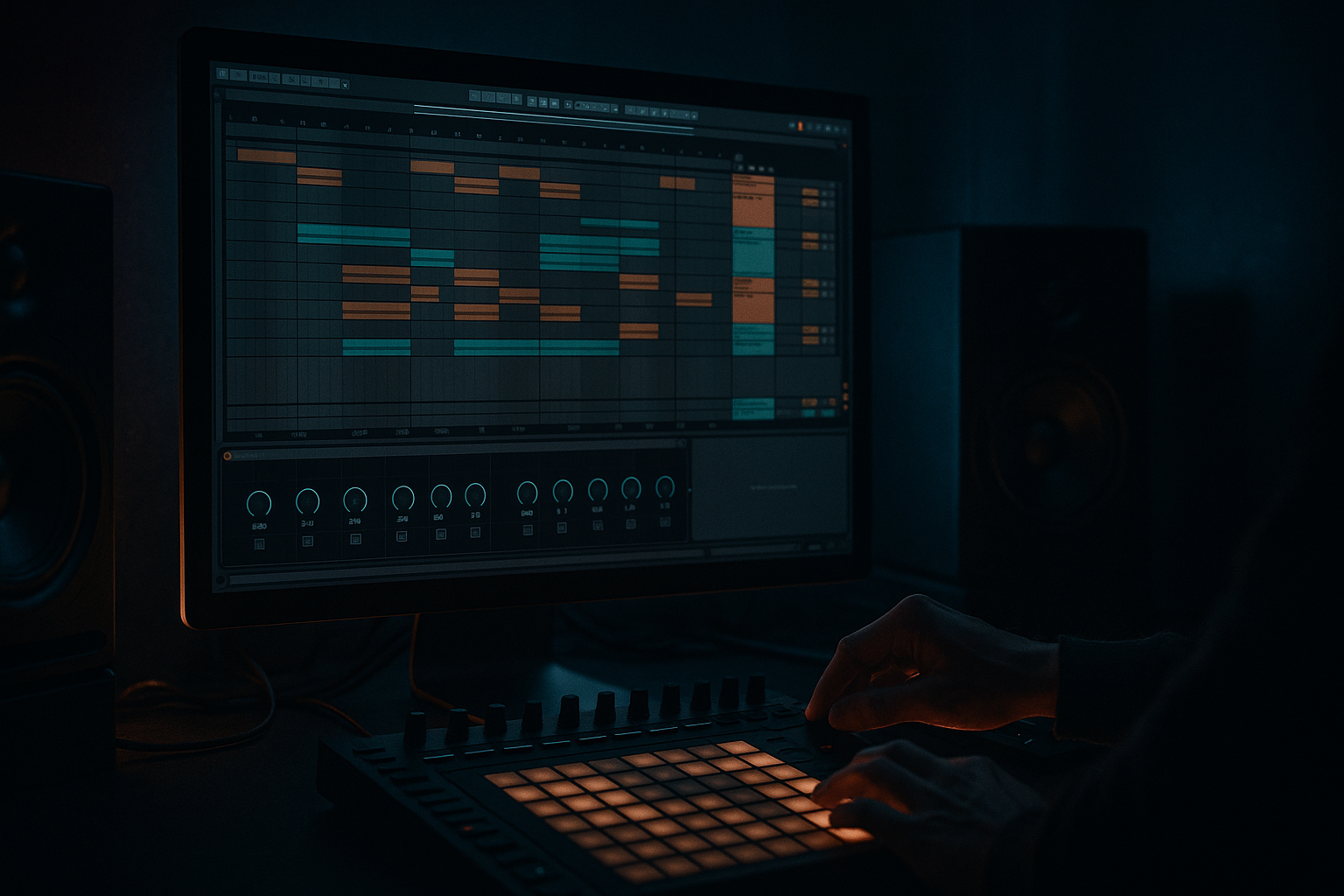
Main tutorial
Lesson Overview
In this lesson, you’ll build a floor-shaking low-end foundation in Ableton Live 12 for an Urban Echo-style jungle / oldskool DnB vibe: warm, gritty, and heavy, but still clean enough to hit hard on a system. The focus is on creating a sub-bass + reese-style mid bass layer, then shaping it so it works with breakbeats instead of fighting them.
This matters because in DnB, the bass is not just “low stuff” — it is part of the groove. Oldskool jungle and rollers often feel powerful because the bassline leaves space for the drums, then returns with attitude. If your low end is too wide, too messy, or too static, the track loses impact. If it is too clean and polite, it loses character. The sweet spot is controlled weight with movement.
You’ll use Ableton stock devices to:
- build a solid sub layer
- create a gritty mid-bass tone with movement
- keep the bass mono and club-safe
- shape the bass around a breakbeat
- add automation and arrangement ideas that make the drop feel alive
- a clean sine sub
- a dirty reese-style mid layer
- subtle movement from LFO/automation
- a mono low-end core
- controlled saturation for urban, gritty character
- a basic arrangement idea where the bass answers the drums in a jungle/roller context
- a chopped Amen or classic break loop
- a sparse dark half-time intro
- an oldskool rave stab section
- a rolling 174 BPM drop with short bass hits and call-and-response phrasing
- shake a club system without eating headroom
- leave room for snare cracks and break transients
- sound rough enough for darker DnB
- still be easy to control for a beginner
- Making the sub too wide
- Using too much distortion on the low end
- Writing bass notes that overlap the snare too much
- Overcomplicating the patch
- Letting the bass fight the break
- Forgetting headroom
- Too much stereo movement in the low mids
- Use call-and-response phrasing: let the bass answer the snare or the break edit. This is one of the easiest ways to make a jungle loop feel musical.
- Automate the reese layer in and out: heavy sections feel heavier when there is contrast.
- Resample the bass and chop it: audio edits can give you that raw oldskool energy fast.
- Add subtle noise for texture: in Operator or Wavetable, a tiny amount of noise can make the bass feel more industrial.
- Emphasize the upper bass harmonics carefully: enough to speak on small speakers, not so much that it turns shouty.
- Try tiny pitch movement: very slight modulation can create nervous energy, good for darker neuro-influenced moments.
- Use drum fills as transitions into heavier bass moments: a short fill or break edit can make a simple bass line feel massive.
- Reference classic DnB structure: intro, tension build, drop, switch-up, second drop. Bass impact often comes from arrangement, not just sound design.
- Build DnB bass in layers: clean sub + dirty mid layer
- Keep the sub mono, simple, and controlled
- Let the reese layer add grit and motion
- Use short MIDI phrases and leave space for the break
- Shape the bass with EQ, saturation, and light automation
- Think in arrangement contrast: bass in, bass out, bass back stronger
- In DnB, the most powerful basslines are often the ones that are tight, disciplined, and rhythmically smart 🎛️
Why this works in DnB: jungle and oldskool DnB rely on a tight relationship between break edits and bass phrasing. The bass doesn’t need to be complex to be powerful. It needs to be well-placed, harmonically focused, and rhythmically meaningful.
What You Will Build
By the end of this lesson, you’ll have a simple but effective DnB bass patch made from:
Musically, this could sit under:
The result should feel like a bassline that can:
Step-by-Step Walkthrough
1. Set the project up for a DnB working pace
Open a new Live Set and set the tempo to 174 BPM. This is a classic range for jungle and drum & bass. If you want a slightly heavier, older feel, you can work between 170–172 BPM too.
Create these tracks:
- Drum track
- Bass track
- Atmosphere track
- FX track
Keep your session clean and minimal. For this lesson, one bass track is enough. DnB gets messy fast, so the win is making fewer things work better.
On the master, leave headroom. Aim for the Master peak staying around -6 dB to -8 dB while building the idea. This gives your kickless break and bass room to breathe.
2. Program a simple drum context first
Before sound designing the bass, place a basic break or drum loop so you can hear how the low end sits against real DnB rhythm.
Use either:
- a chopped Amen-style break
- a classic break sample edited in Simpler
- a kick/snare pattern with ghost notes if you are starting from scratch
If you’re building from a sample:
- put the break in Simpler
- use Slice mode for quick edits, or Classic if you want to loop a specific section
- tighten the transient-heavy hits so your kick/snare energy is clear
Keep the drums fairly dry for now. You need to hear the bass clearly, not get distracted by huge FX.
Why this works in DnB: the bassline must lock to the break’s pocket. If the drums are established first, you can hear whether the bass is helping the groove or smothering it.
3. Create a clean sub layer with Operator
Add Operator to the bass track. Start with a simple sine-based sub. This is the foundation.
Suggested settings:
- Oscillator A: Sine
- Level: full or near full
- Octave: keep it low, usually -1 or -2 octaves
- Filter: off or very lightly low-passed
- Envelope: short, with no long release
Basic target:
- attack: 0–5 ms
- decay: short
- sustain: full or nearly full
- release: 50–120 ms
MIDI notes:
- use short notes first
- stay mostly in one octave
- try a 1-bar phrase with 2–4 notes
- leave gaps for the snare and break accents
A good beginner move is to start with just two notes, like root and fifth, then test phrasing. In DnB, a simple bass riff often hits harder than a busy one.
Keep this layer mono. If needed, add Utility after Operator and set Width to 0% to guarantee mono.
4. Duplicate the bass and build a dirty reese-style layer
Duplicate the bass track or create a second chain on the same track using Instrument Rack. This layer is your character layer. It should be audible on smaller speakers, but not overpower the sub.
Good stock device chain:
- Analog or Wavetable
- Auto Filter
- Saturator
- EQ Eight
- Utility
Easy starter patch:
- In Analog, use two saw waves slightly detuned
- Detune them a little, not wildly
- Turn down the filter cutoff so it’s dark
- Add a bit of resonance if you want a hint of edge
Suggested starting points:
- detune amount: small, around 5–15 cents
- filter cutoff: around 120–300 Hz depending on how bright you want it
- Saturator Drive: 2–6 dB
- EQ Eight: high-pass around 90–140 Hz to keep this layer out of the sub range
This is your oldskool reese attitude layer. It gives width, grit, and movement, while the sub provides the physical impact.
If you want a darker jungle tone, keep the reese layer muted at first and bring it in only where needed. That’s a very classic DnB move: the bass feels bigger because it appears and disappears, not because it is constantly huge.
5. Shape the bass rhythmically with MIDI and note length
Now write a short bass phrase that fits the break. Don’t try to write a full “song bassline” yet. Think in 2-bar loops.
Beginner-friendly pattern ideas:
- hit on beat 1, then answer on the “and” of 2
- leave a gap for the snare on 2 and 4
- use a call-and-response shape: one note, pause, two quick notes
In DnB, note length matters as much as pitch. Try:
- short stabs: 1/16 to 1/8 note lengths
- slightly longer held note for tension: 1/4 note
- avoid holding sub notes through busy snare sections unless that’s the intended effect
You want the bass to feel rhythmic, not just continuous. Oldskool jungle often sounds huge because the bass phrases are placed like drum hits.
A useful beginner arrangement idea:
- bars 1–2: minimal intro bass, just one or two low notes
- bars 3–4: add the reese layer for the first time
- bar 5: remove it again for contrast
- bar 6: bring it back with slightly more drive
That sort of on/off behavior is very DnB. It builds tension without adding more layers.
6. Use filtering and automation for movement
Add Auto Filter to the reese layer or on the bass group. This lets you create motion without changing the notes.
Try one of these approaches:
- low-pass filter that opens slightly on the drop
- band-pass movement for a more hollow, ravey tone
- subtle filter sweeps into fills or switch-ups
Suggested automation ranges:
- cutoff moving from 250 Hz to 1.2 kHz
- resonance around 10–25%
- envelope amount: small to moderate
For a beginner, keep the movement subtle. You are not making a huge EDM sweep. You are making the bass feel alive.
Example context:
- in bars 1–8 of the drop, leave the filter fairly closed
- in bars 9–12, automate a slight open-up on the reese layer
- in bar 13, pull it back down before a drum fill
This kind of movement works in DnB because it creates tension/release over the drum loop, which keeps a repetitive groove from feeling static.
7. Control the low end with EQ and Utility
Now make sure the bass is mix-safe.
On the sub layer:
- use EQ Eight only if needed
- keep the sub clean
- avoid boosting unnecessary frequencies
- cut any rumble below 20–30 Hz if it appears
On the reese layer:
- use EQ Eight to high-pass around 90–140 Hz
- if it sounds boxy, cut a little around 200–400 Hz
- if it hurts, reduce a harsh band around 1.5–4 kHz
Use Utility:
- sub layer: Width 0%
- reese layer: you can keep width narrow or moderate, but avoid wide low mids
Important habit: check the mix in mono. If the bass disappears or changes badly in mono, the low end is too dependent on stereo width. In DnB, mono compatibility is non-negotiable for the sub.
8. Add saturation for weight and urban grit
Add Saturator to bring out harmonics so the bass reads on smaller systems like headphones, car speakers, and club sidefills.
Good beginner settings:
- Drive: 2–8 dB
- Soft Clip: On
- Output: compensate so you are not fooled by volume
For a darker tone:
- use Soft Sine or Analog Clip style shaping
- keep the saturation subtle on the sub
- let the mid layer carry more distortion than the sub
If the bass starts sounding fuzzy in a bad way, pull back. The goal is weight plus clarity, not just noise.
Why this works in DnB: a pure sine sub can feel huge, but it may not translate well outside big speakers. Mild saturation adds upper harmonics that help the bass cut through breakbeats and systems without cranking the level.
9. Group the bass and do simple bus shaping
Put the sub and reese layers into an Instrument Rack or group them into an Audio Effect Rack workflow if you’re resampling later.
On the bass group, try:
- Glue Compressor very lightly, if needed
- EQ Eight for tiny cleanup
- Utility for final width/mono control
If using Glue Compressor:
- Ratio: 2:1
- Attack: 10–30 ms
- Release: Auto or a medium setting
- Gain reduction: only 1–2 dB
You are not crushing the bass. You are just keeping it stable.
Then balance the bass against the drums:
- snare should punch through
- kick should not fight the sub
- break transients must stay clear
A beginner-friendly DnB balance trick: lower the bass until it feels slightly “too quiet,” then bring it up just enough to feel the room move again. Heavy DnB bass is often a little quieter than beginners expect, because the loudness comes from clarity and balance.
10. Resample a short phrase for control and variation
Once the patch feels good, record or resample a 2-bar bass phrase to audio.
This gives you:
- a tighter workflow
- easier arrangement control
- the ability to chop, reverse, or mute sections
- more oldskool-style creative freedom
In Ableton Live 12, place the audio on a new track and:
- cut the bass into 1-bar pieces
- mute a note to create a gap
- reverse a short tail before a fill
- add a fade or automation if one note jumps too hard
This is a classic jungle move: once the bass is audio, you can make the arrangement more hands-on and more “sample culture” in feel.
Consider a simple 8-bar drop shape:
- bars 1–2: basic bass riff
- bars 3–4: add reese layer
- bars 5–6: mute one note for tension
- bars 7–8: bring back full bass and add a drum fill
Common Mistakes
- Fix: keep the sub mono with Utility at 0% width.
- Fix: distort the mid layer more than the sub.
- Fix: shorten note lengths and leave rhythmic gaps.
- Fix: start with one sub and one dirty layer only.
- Fix: high-pass the mid layer, clean the low mids, and keep the groove sparse.
- Fix: lower individual track levels and keep the master from clipping while you build.
- Fix: keep anything below roughly 120 Hz firmly centered.
Pro Tips for Darker / Heavier DnB
Mini Practice Exercise
Spend 10–20 minutes building a 2-bar DnB bass loop using this method:
1. Set the tempo to 174 BPM.
2. Load a breakbeat or simple drum loop.
3. Create a sine sub in Operator with short notes.
4. Duplicate it or add a second layer with Analog for a reese tone.
5. High-pass the reese around 100 Hz.
6. Add Saturator to the reese and try 3–5 dB of Drive.
7. Write a 2-bar bass phrase with only 2–4 notes.
8. Make one note short, one note longer, and leave one gap.
9. Automate the reese filter cutoff slightly over the loop.
10. Bounce the loop to audio and listen in mono.
Goal: make the loop feel heavy, clean, and obviously DnB without relying on extra sounds.

