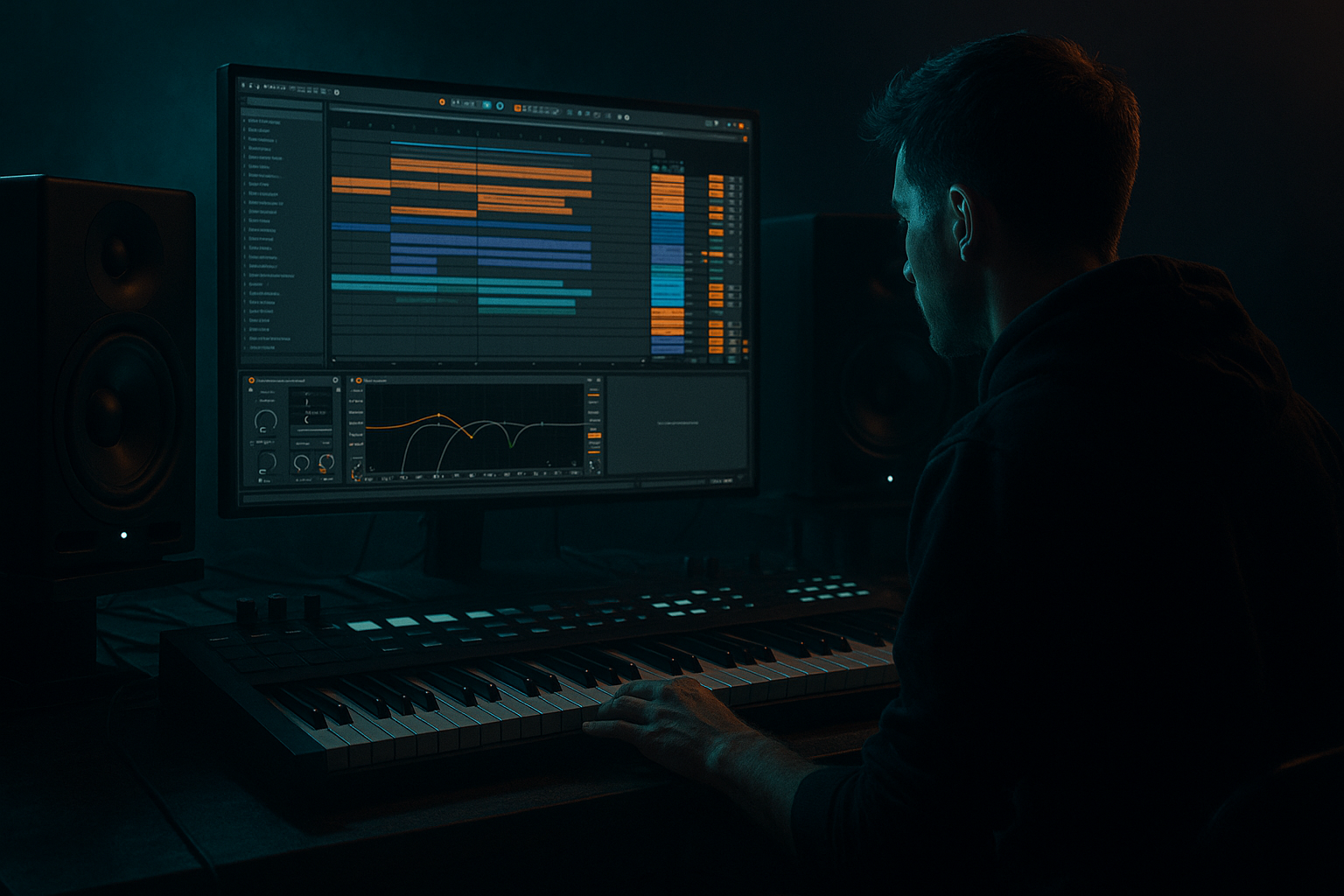
Main tutorial
Lesson Overview
In this lesson, you’ll build an Urban Echo style Ableton Live 12 drop session for oldskool jungle / DnB: gritty, rolling, dark, and full of crunchy sampler character. The focus is on FX-driven drop design—how to make a bassline and drum loop feel like a living system using echo throws, gritty resampling, chopped break texture, and controlled movement.
This sits right in the main drop and pre-drop transition zone of a DnB arrangement. Think: 16-bar intro, tension build, 16-bar drop, then a switch-up that keeps the crowd locked. In darker DnB, the FX layer is not decoration—it’s part of the groove. The delays, reverse hits, filtered bursts, and sampler artifacts help glue the drums, sub, reese, and atmospheres into one cohesive pressure system.
Why this matters: in jungle and oldskool-inspired DnB, a drop often feels “expensive” not because it is clean, but because the texture is alive and intentional. A crunchy sampler pass through Echo, Saturator, Grain Delay, and resampling can turn a plain loop into a scene with depth, history, and attitude. The goal here is to make the drop feel like it’s tearing through a tunnel of reflections without losing low-end discipline.
What You Will Build
You’ll create a 16-bar drop session with:
- a tight sub + reese bass foundation
- oldskool-style break edits with ghost notes and swing
- a crunchy sampler texture made from resampled drum and bass fragments
- echo throws and dub-style FX trails
- filter automation and atmosphere movement
- a switch-up section that opens the arrangement without breaking the groove
- Too much low end in the sampler texture
- Echo throws masking the snare
- Reese too wide in the low mids
- Break edits sounding random
- Overcooking saturation
- FX everywhere, groove nowhere
- Layer a short reverse break fragment under the snare for a ghostly inhale effect before impact.
- Resample the bass through Echo and Saturator, then blend a tiny amount back in for character. This can add “machinery” without changing the core sub.
- Use Grain Delay on a parallel return with very low Dry/Wet, around 5–12%, for unstable tunnel texture.
- Automate filter resonance on the Crunch Sampler at the end of a phrase to create a shouty, alleyway-style reflection.
- Add tiny pre-snare ghost notes on the break, but keep them low in velocity so the groove stays stealthy.
- Use short reverb decay times on dark FX, around 0.4–1.2 s, so the mix stays tight while still sounding deep.
- For extra underground pressure, let the bass drop out for 1/8 note before the restart. That micro-gap often hits harder than more notes.
- Use a second, quieter reese layer with more upper-mid grit and less low end. It gives aggression without destroying sub clarity.
- Build the drop around drum-bass interaction, not just sound layers.
- Keep the sub mono and disciplined, and let the reese handle movement.
- Use resampling to create crunchy sampler texture with real identity.
- Drive the FX with phrase-based automation: Echo throws, filter sweeps, and reverse pickups.
- Shape the arrangement with clear 4-bar and 8-bar contrast so the drop stays DJ-friendly and powerful.
- In dark DnB, the best FX are the ones that enhance groove, tension, and weight without cluttering the low end.
The end result should feel like a dark urban tunnel chase: the drums are sharp, the bass is heavy, and the sampler texture adds that worn cassette / hardware-machine grit. The drop should work in a club system but still have enough motion and detail to reward headphones.
Step-by-Step Walkthrough
1. Set the drop framework and organize for resampling
Start with a clean Ableton Live 12 session at 174–176 BPM, which keeps the lesson in classic DnB territory. Create these tracks:
- Drums
- Bass Sub
- Bass Reese
- Crunch Sampler
- FX Returns
- Atmosphere / Top Texture
Put the session into a 16-bar loop and define a clear drop structure:
- Bars 1–4: main groove
- Bars 5–8: variation with extra break chops
- Bars 9–12: tension lift with FX automation
- Bars 13–16: switch-up or call-and-response
On the master, keep headroom from the start. Aim for -6 dB peak before final mix movement. This is important because the sampler crunch and echo tails will build density fast.
Why this works in DnB: fast music exposes bad arrangement immediately. A clean framework lets your FX move aggressively without smearing the drop.
2. Build the drum bed with break edits, then shape it like a performance
On the Drums track, load a classic break into Simpler or Drum Rack. If you’re using Simpler, switch to Slice mode and slice by transient. If you prefer a tighter MPC-style approach, use Drum Rack with each key mapped to kick, snare, hat, and break fragments.
Start with a core loop:
- kick on 1
- snare on 2 and 4
- chopped break hits filling the offbeats and pickups
- a few ghost snares before bar transitions
Add Beat Repeat on a send or insert for controlled glitch texture:
- Interval: 1/8 to 1/16
- Grid: 1/16
- Chance: 10–25%
- Gate: 40–70%
- Pitch: 0
- Filter: modest high-pass if the repeats get muddy
Use Groove Pool with a light swing from an MPC-style or shuffled 16th groove. Keep it subtle—around 54–58% timing feel, if you want the break to breathe without sounding lazy.
Then add Drum Buss on the drum group:
- Drive: 5–15%
- Crunch: 10–25%
- Boom: only if the kick needs extra weight, generally 20–40 Hz, low amount
- Damp: adjust to tame brittle hats
This is where the oldskool character starts to appear. The break should feel edited, not looped. Think performance, not wallpaper.
3. Design the bass foundation: sub discipline first, then reese width
Split the bass into two layers:
- a mono sub
- a midrange reese / growl layer
For the sub, use Operator or a Simpler sine wave. Keep it clean:
- Oscillator: sine
- Mono mode: on
- Glide: very short, 20–40 ms if you want slides
- Low-pass everything above the fundamental
Keep the sub mostly below 90 Hz, and use note lengths to create a rolling feel. In DnB, a sub line doesn’t need busy notes to feel musical. Often a strong two-note phrase or syncopated answer to the snare is enough.
For the reese, use Wavetable or Analog:
- two detuned saws
- filter cutoff around 180–600 Hz depending on brightness
- subtle LFO on filter or wavetable position
- Saturator before EQ to add density
Then place Utility after the reese and set Width to 0% if the layer has too much stereo in the low mids. Keep the low end mono. Use stereo width only higher up, above roughly 150 Hz.
Shape the bass rhythm with call-and-response:
- sub hits on the downbeat
- reese answers on the “and” or into the snare gap
- leave empty pockets for the drum fills
This is the DnB rule that keeps the groove heavy: the bass doesn’t fight the drums; it frames them.
4. Create the crunchy sampler texture by resampling your own drop
This is the core of the lesson. Make a new audio track called Crunch Sampler and set its input to Resampling or route from the drum/bass group if you want more control. Record a few bars of the drop while playing with mutes, filter moves, and bass accents.
Once recorded, drag the audio into Simpler in Classic mode or into a Sampler-style workflow using Simpler’s options. You’re looking for short fragments:
- a kick tail
- a snare crack
- a small bass rasp
- a bit of room noise or break spill
Process the sample chain with stock devices:
- Filter Delay for asymmetrical echo texture
- Echo for dub-style throw trails
- Saturator or Overdrive for crunch
- Redux for sampler-bit grit if needed
- Auto Filter for movement
Suggested settings:
- Echo Time: try 3/16 or 1/8 dotted
- Feedback: 15–35%
- Dry/Wet: automate from 0 to 25%
- Saturator Drive: 2–6 dB
- Auto Filter cutoff: 300 Hz to 8 kHz automated over 4 or 8 bars
Then slice the resampled audio into tiny hits:
- keep some fragments as one-shots
- use others as reverse pickups
- place a few in the empty space before the snare
The texture should feel like a sampler memory of the drop, not a random loop. That’s what makes it “urban echo” rather than generic FX.
5. Automate echo throws and filter movement like a DJ performance
The FX in this lesson should feel played in real time. Use Return tracks for your Echo and Reverb so you can automate send levels instead of printing everything into the clip.
Create:
- Return A: Echo
- Return B: Hybrid Reverb or Reverb for short ambience
- Return C: optional Grain Delay for weird transient smear
On the Echo return:
- Time: 1/8 or 3/16
- Feedback: 20–40%
- Filter: high-pass around 250–500 Hz
- Modulation: light, not seasick
Automate send levels on:
- the last snare of a 4-bar phrase
- a vocal chop or hit in the transition
- a bass stab at the end of a phrase
Use Auto Filter on the Crunch Sampler and maybe the Bass Reese too:
- open the filter gradually through bars 9–12
- close it sharply into the drop
- use a brief resonant peak for a “sucked into the tunnel” effect
This works in DnB because phrase-level automation creates motion without overcrowding the bar-by-bar rhythm. The crowd hears the system evolve, not just repeat.
6. Arrange the drop with tension, switch-ups, and DJ-friendly energy
A strong DnB arrangement needs clear punctuation. Build the 16-bar drop with one main groove and one variation. For example:
- Bars 1–4: full groove, no extra clutter
- Bars 5–8: add break chop fills and a crunch sample call
- Bars 9–12: remove one drum element, open filter, increase echo throws
- Bars 13–16: switch-up with a half-bar gap or bass restart
Use arrangement contrast like this:
- Bass phrase A: short, aggressive, syncopated
- Bass phrase B: longer note into a snare gap
- Drum fill: one bar before the switch-up
- FX tail: reverse hit or echo throw into the new phrase
If you want it to feel more oldskool, insert a small “drop-in-drop” moment: mute the bass for half a bar, let the break and echo ring, then slam the sub back in. That’s a classic crowd-lift move.
Keep the intro/outro DJ-friendly if this is a full track:
- stripped drums for the intro
- bass enters after a filtered build
- outro removes the lead FX first, then bass, then break layers
Advanced tip: duplicate the main drop to a second scene and change only 2–3 elements. In DnB, slight variation often hits harder than a total rewrite.
7. Control the mix so the crunch sounds expensive, not messy
The crunchy sampler texture can easily ruin the low end if you’re not careful. Use EQ Eight on the Crunch Sampler and carve intelligently:
- high-pass around 120–200 Hz depending on the sample
- dip harshness around 2.5–5 kHz if the crack gets sharp
- low-pass above 10–14 kHz if the fizz becomes brittle
On the bass group, keep an eye on:
- mono compatibility
- phase between sub and reese
- clash with kick fundamental
Use Utility on the bass group to check mono. If the bass loses impact in mono, reduce stereo spread in the reese and simplify modulation. Don’t rely on width to create power.
For drums, use Glue Compressor lightly on the drum bus:
- Attack: 10–30 ms
- Release: Auto or 0.1–0.3 s
- Compression: just a few dB of gain reduction
The goal is a solid pocket, not crushed drum flattening. Leave transient shape intact so the break edits still snap.
Common Mistakes
Fix: high-pass the Crunch Sampler aggressively and keep it out of sub territory.
Fix: automate Echo sends only on phrase ends, and high-pass the return.
Fix: mono the bass below 150 Hz and reduce chorus-style widening.
Fix: anchor the loop with snare backbeats and use fills only at phrase boundaries.
Fix: use multiple small stages of drive instead of one extreme distortion pass.
Fix: mute the FX for a bar and test if the drop still works. If not, the track is relying on decoration instead of rhythm.
Pro Tips for Darker / Heavier DnB
Mini Practice Exercise
Set a timer for 15 minutes and do this:
1. Build a 4-bar drum break using Simpler or Drum Rack.
2. Add a sub line with only 2–3 notes per bar.
3. Design a reese layer that answers the snare.
4. Record 2 bars of resampling from the full drop.
5. Chop the resample into 4–6 tiny hits and place them on offbeats and phrase ends.
6. Add Echo and Auto Filter automation only on the last bar of each 4-bar phrase.
7. Bounce or freeze the result and listen in mono.
Goal: make the sampler texture feel like part of the drop, not something pasted on top.

