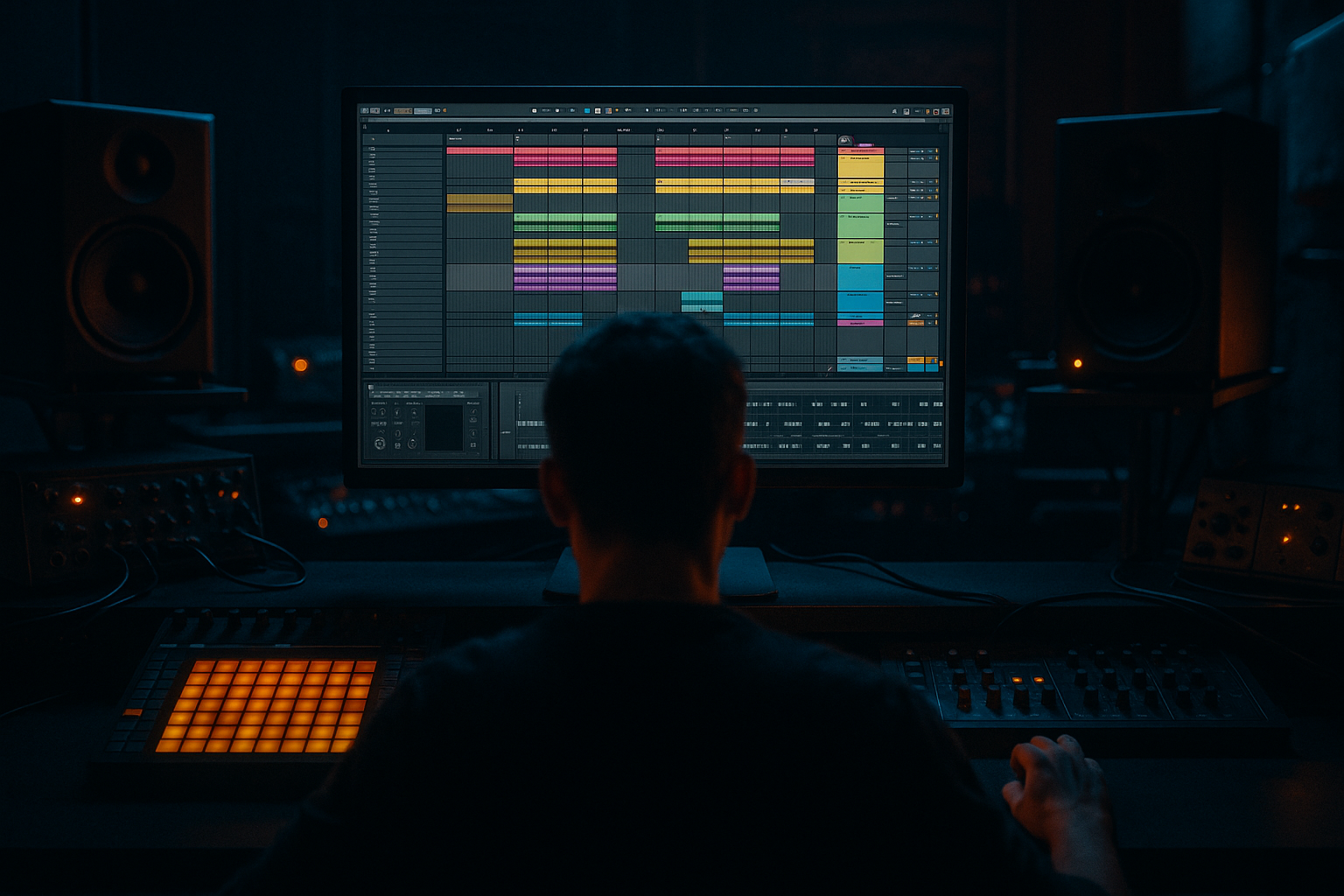
Main tutorial
Lesson Overview
Urban Echo is a breakbeat editing workflow for Drum & Bass in Ableton Live 12 that gives you the feel of a dusty, moving jungle break while keeping CPU use low and the arrangement flexible. The goal here is not to build a giant, heavily processed loop that eats your session alive — it’s to create a tight, reusable break system that can carry an intro, drive a roller, or add tension before a drop without turning your project into a CPU struggle.
This matters in DnB because break edits do a lot of heavy lifting: they create forward motion, add human groove, and inject character between the kick/snare backbone and the sub. In darker DnB, especially rollers, jungle-influenced cuts, or urban halftime sections inside a full-speed tune, break edits help you avoid static programming. A smart edit can make a 16-bar section feel alive with almost no extra synth layers.
The “Urban Echo” idea in this lesson is simple: take one break, strip it into short playable slices, add space with delay and filtering, then automate small edits to make the break feel like it’s echoing through a city block — present, gritty, rhythmic, and slightly distant. The best part: you’ll do it mostly with Ableton stock devices and lightweight routing, so the process is fast and efficient.
Why this technique is worth mastering:
- It gives you authentic DnB/jungle momentum without huge CPU load
- It makes arrangement easier because the break becomes modular
- It helps with switch-ups, fills, and drop tension without needing new drum programming every 8 bars
- It lets you recycle one core break into multiple sections with different energy levels
- One main break loop chopped into playable segments
- A parallel “echo” return that adds depth and movement without muddying the core drums
- A low-CPU drum rack or clip-based edit system for fills, ghost hits, and drop transitions
- A simple bass-and-break interaction that leaves room for the sub
- A DJ-friendly intro-to-drop-to-outro structure that feels like proper DnB arrangement
- EQ Eight: high-pass around 25–35 Hz to clean unusable sub rumble
- Drum Buss: Drive 5–15%, Crunch low to moderate, Boom off or very subtle
- Utility: width at 100% for now, then later you can mono-check
- Keep one full “main break” clip for the core loop
- Create one duplicate clip for edits
- Make 4-bar and 2-bar variations with cuts around the snare and ghost hits
- Bar 1: full break
- Bar 2: remove or thin one kick to create space
- Bar 3: add a reversed snare tail into the backbeat
- Bar 4: strip the hats down and leave the snare exposed
- Delay
- Reverb
- EQ Eight after the reverb
- Call: the main break phrase
- Response: a reduced break hit, reversed tail, or echo jab
- Call: bass phrase
- Response: break fill or snare pickup
- In bars 1–4, let the break play almost full
- In bars 5–6, remove a kick and create a gap before the snare
- In bar 7, add a short reverse clip into the snare
- In bar 8, use a fill with extra hats or a quick stutter on the last 1/2 beat
- Clip envelopes for volume automation on individual break clips
- Consolidate edited sections once they feel right
- Follow Actions if you want a secondary clip to trigger after a phrase, though for most DnB edits, manual control is better
- One tight ghost snare
- One closed hat
- One rim/click or vinyl tick
- Optional short percussion hit for fills
- Saturator: Drive 1–4 dB for edge
- EQ Eight: high-pass around 180–300 Hz so it stays out of the low end
- Compressor with light sidechain from the kick if needed, but keep it subtle
- Utility: narrow width if the top layer feels too wide and detached
- Chop the resampled audio into shorter hits
- Reverse a few tail fragments before snare impacts
- Use a short Fade In on reversed clips to avoid clicks
- Keep the printed file as a new texture layer
- Glue Compressor
- Saturator
- EQ Eight
- Bars 1–8: intro with filtered break fragments, no full sub yet
- Bars 9–24: main groove with full break and bass
- Bars 25–32: switch-up with reduced drums, echo throws, and a fill into the next phrase
- Bars 33–48: drop returns with slightly denser break edits and stronger ghost notes
- Final 8 bars: DJ-friendly outro with stripped drums and echo tails
- Auto Filter on the break track: slowly open from 200 Hz to full range over 8 bars
- Send automation to Echo Air: increase only on select snare hits before transitions
- Utility on the break bus: narrow slightly in the intro, widen back to normal in the drop if needed
- Volume automation: mute a kick on the last beat before a drop to create space
- Keep sub mono with Utility
- High-pass any bass texture layers above the true sub region, often around 80–120 Hz depending on the sound
- If the break has a heavy kick, carve a small dip in the bass around that kick’s fundamental
- Sidechain bass lightly to the kick and snare if the groove needs more air
- Sub holds the downbeat
- Mid-bass answers on the offbeat
- Break fills the gaps with ghost hits and echo tails
- Over-chopping the break too early
- Sending too much signal into delay and reverb
- Letting the break fight the sub
- Overcompressing the drum bus
- Using too many layers for “energy”
- Ignoring the arrangement role of edits
- Use short reverse snare tails into drop 1 and drop 3 to create that gritty inhale effect before impact.
- Saturate the break lightly before the bus, then keep the bus cleaner. This keeps character in the transient layer without turning the whole mix to mush.
- For a more underground jungle feel, reduce the main break to kick/snare/hat essentials in the intro, then restore ghost notes at the drop.
- Try tiny echo throws only on the last snare of a 4- or 8-bar phrase. That one moment can make the next section feel much bigger.
- If the groove feels too modern and polished, lower the top-layer velocity consistency a little. Humanized ghost notes often sell the vibe better than perfect grid precision.
- For neuro-leaning darker DnB, keep the break tight and let the bass do the complex movement. A busy break plus busy bass usually equals mud.
- Use subtle frequency carving instead of heavy volume drops. A 2–3 dB cut in the low-mid area of the break during dense bass moments can make the track feel cleaner instantly.
- Keep a full break and an edit version
- Use return tracks for controlled echo and atmosphere
- Shape groove with ghost notes, reverses, and phrase-level edits
- Glue the drum bus lightly, don’t crush it
- Make every edit serve the bass, the arrangement, or the transition
What You Will Build
You will build a compact breakbeat editing setup in Ableton Live 12 that does all of this:
Musically, the result should feel like a mid-tempo-to-fast roller with a jungle edge: a dry, punchy main break, ghosted tails in the gaps, small reversed echoes before snares, and a few strategic fills to push sections forward. Think 8-bar intro, 16-bar groove, 8-bar switch-up, then a drop that comes back in stronger, darker, and more focused.
Step-by-Step Walkthrough
1. Start with a clean, low-CPU drum layout
Create a new Audio Track for your break and keep the project lean from the start. Drag in a classic break loop or any loop with strong kick/snare character and enough midrange grit to survive chopping. If the break is too noisy, don’t overprocess it yet — the edit workflow will do the heavy lifting.
In Clip View, turn Warp on and use Beats mode for punchy drum material. Set Preserve around 1/8 or 1/16 depending on how tight the break is. For a more natural jungle feel, try Transients for the marker mode and keep the transient envelope fairly sharp.
Then set up a basic chain on the break track:
Keep it simple. The break should already feel alive before you add anything fancy.
2. Chop the break into editable phrases, not random fragments
Instead of cutting the break into tiny pieces immediately, think in phrases: kick-snare pairs, snare tails, pickup hats, and little ghost-note groupings. In Ableton Live 12, you can use Slice to New MIDI Track if you want a more playable approach, or you can stay in Arrangement View and duplicate clip sections manually for faster edits.
For an Intermediate DnB workflow, I recommend a hybrid:
Useful edit strategy:
Why this works in DnB: the listener locks onto the snare grid, so if you keep the backbeat solid while shifting the micro-edits around it, the groove feels intentional rather than chaotic. That’s the classic jungle / rollers balance: stable pulse, moving surface.
3. Build the “Urban Echo” space with one return track
Create a Return Track called Echo Air. This is where the urban distance comes from. Keep it light and controlled so the break sounds like it’s bouncing off surfaces rather than drowning in reverb.
Suggested stock device chain on the return:
- Time: 1/8 or 1/8 dotted
- Feedback: 20–35%
- Filter On, cut lows below roughly 300 Hz
- Dry/Wet on the return at 100%
- Decay: 1.2–2.4 s
- Pre-delay: 10–25 ms
- High Cut: around 6–9 kHz
- Low Cut: around 250–400 Hz
- Roll off more low end if needed
- Slight dip around 2.5–4 kHz if the echo gets hashy
Send only selected snare hits, ghost snares, or transition chops into this return. Don’t send the whole loop equally — the magic is in contrast. A dry kick/snare core plus occasional echo hits sounds much more like an intentional edit and much less like “reverb on everything.”
4. Program the break edits with call-and-response logic
Now make the break speak like a conversation with the bass. Use a call-and-response approach:
In practice, that means muting or thinning certain hits right before bass phrases, then bringing the break back with a small flourish. For example:
Ableton tools that help:
You are not just chopping for variety — you are shaping the arrangement energy. Each edit should either increase tension, leave breathing room for bass, or create a transition point.
5. Layer ghost notes and top detail without adding heavy processing
A lot of DnB breaks sound weak because the main loop is too full everywhere, or too empty once sliced. Use ghost notes and top-layers to keep movement while staying light on CPU.
Create a new MIDI track with a Drum Rack containing only a few one-shots:
Keep the kit minimal. You’re not trying to build a full drum machine — just enough detail to fill gaps between break slices.
Suggested processing on the MIDI drum layer:
Place ghost hits on off-beats or just before the snare. This is especially useful in rollers and darker jungle where the groove is less about flashy fills and more about constant forward pressure.
6. Add low-CPU movement with resampling and freeze-friendly choices
If the break is starting to sound static, do not immediately stack more devices. Instead, use resampling for one-off movement and print the interesting bits.
Create a resample Audio Track and record 4–8 bars of your edited break with echo sends active. Then:
This is excellent for CPU because once the movement is printed, you can disable the heavier live processing on the source track.
You can also freeze and flatten tracks once your edit is working. This is especially smart if you’ve used Warp, delays, or multiple returns. In a DnB session, CPU discipline is not boring — it’s what keeps the arrangement moving while you make better decisions faster.
7. Shape the drum bus for punch and glue, not overcompression
Route the break, ghost layer, and any extra fills to a Drum Bus. Keep the bus processing restrained so the edits still breathe.
A strong stock chain:
- Attack: 3–10 ms
- Release: Auto or around 0.1–0.3 s
- Ratio: 2:1 to 4:1
- Aim for 1–2 dB of gain reduction on peaks
- Soft Clip on
- Drive 1–3 dB
- Small cut around 250–400 Hz if the break gets boxy
- Gentle high shelf only if needed, not a huge brightness boost
Why this works in DnB: breaks need transient control, but they also need space for the bass. Too much compression smears the snare and makes the whole groove feel smaller. A lightly glued bus keeps the hits together while preserving the snap that cuts through sub-heavy arrangement sections.
8. Map the edits across the arrangement like a DJ set
Now place the break edits in a proper DnB structure. Don’t leave the same loop running for 32 bars unless the bass and automation are doing serious work.
A practical arrangement example:
Use automation to evolve the energy:
This is where edits become arrangement, not just drum programming.
9. Make room for the bass so the break stays powerful
The bass and break relationship is everything in DnB. If your break owns the low-mid space, your sub will feel weak. If the bass is too wide or too busy, your edits lose definition.
Use these rules:
For a darker roller, a good phrase shape is:
That call-and-response keeps the groove functional and powerful without clutter.
Common Mistakes
Fix: keep one full loop and one edit loop. Build variation from there.
Fix: automate sends only on select hits, especially snares and fills.
Fix: check low-end overlap with EQ Eight and mono-check with Utility.
Fix: aim for glue, not flattening. If the snare loses crack, back off.
Fix: in DnB, energy often comes from phrasing, not density. Remove hits before adding new ones.
Fix: every edit should serve a transition, a tension point, or a groove variation.
Pro Tips for Darker / Heavier DnB
Mini Practice Exercise
Spend 10–20 minutes building one Urban Echo break section:
1. Pick one 2-bar or 4-bar break loop.
2. Warp it in Beats mode and make one “main” clip plus one “edit” clip.
3. Create an Echo Air return with Delay + Reverb + EQ Eight.
4. Make three edits:
- one removed kick for space
- one reversed snare tail
- one 1/2-bar fill at the end of the phrase
5. Add two ghost notes with a minimal Drum Rack layer.
6. Route everything to a Drum Bus and add light Glue Compressor and Saturator.
7. Arrange it into:
- 4 bars intro
- 8 bars groove
- 4 bars switch-up
- 4 bars outro
8. Listen in mono and remove anything that weakens the snare or sub.
Goal: by the end, you should have one break system that can function in a real DnB section without sounding repetitive.
Recap
Urban Echo is a low-CPU DnB breakbeat editing workflow built around one strong break, smart slicing, selective echo space, and arrangement-aware variation. The key ideas are:
If you get this right, you’ll have a reusable break system that sounds gritty, musical, and ready for darker jungle, rollers, or neuro-leaning DnB — without burning your CPU.

