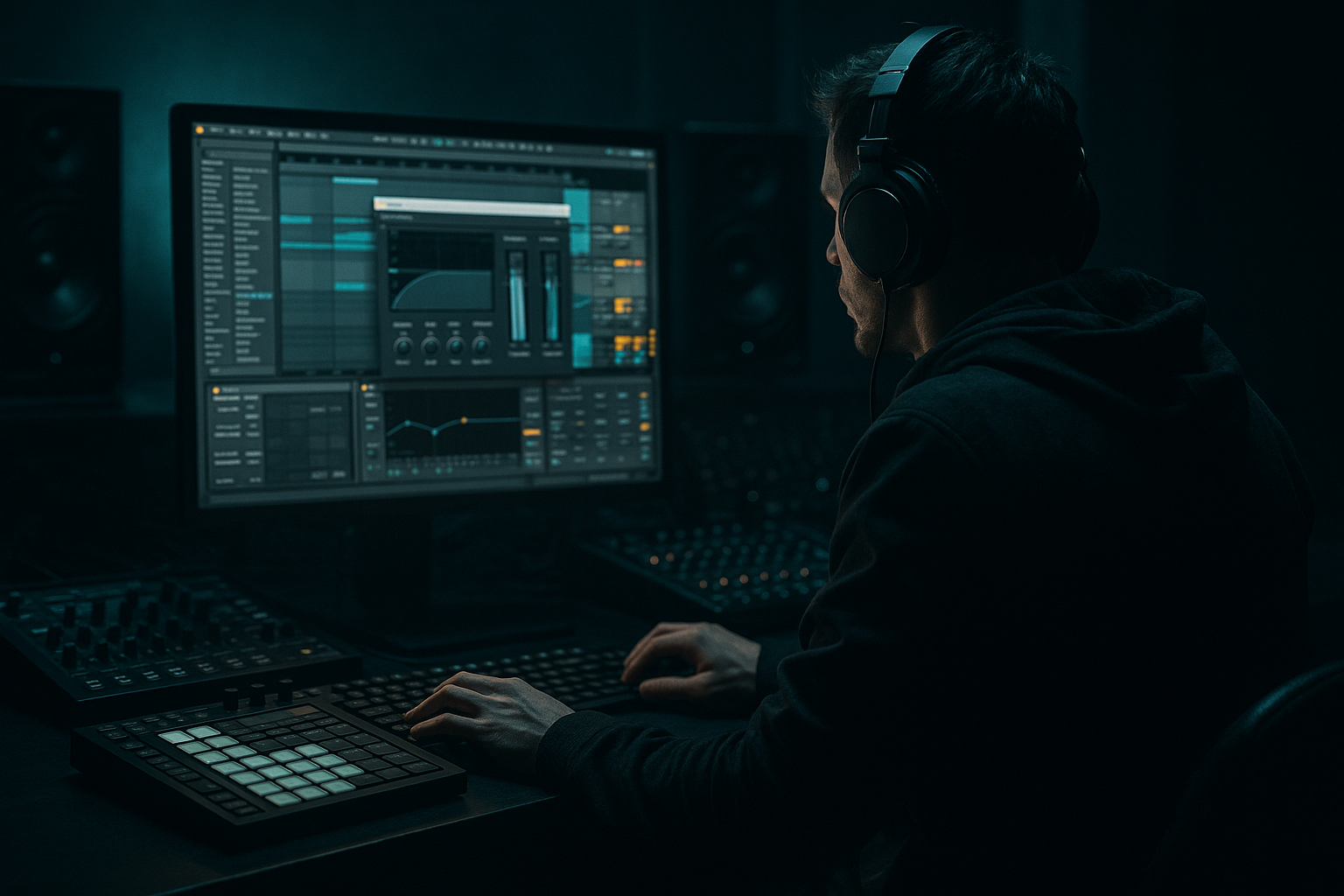
Main tutorial
Lesson Overview
In this lesson, you’ll build a deep jungle-style transition using a vocal in Ableton Live 12. The goal is to take a simple vocal phrase and turn it into a dark, atmospheric tension tool that helps move your DnB track from one section to the next without sounding empty or cheesy.
In Drum & Bass, transitions are not just “effects moments” — they are part of the groove and arrangement. A strong vocal transition can:
- signal the end of a 16-bar phrase
- add human energy before a drop or switch-up
- create that rainy, haunted, late-night jungle atmosphere
- keep the listener locked in while the drums and bass reset
- a short vocal phrase or spoken word line
- chopped and stretched into a moody transition
- filtered and automated to create tension
- drenched in controlled reverb and delay for atmosphere
- tucked into the arrangement so it supports the drums and bass instead of fighting them
- a whispered “come in” or “hold tight”
- a cut-up phrase that repeats in the last 2 bars before the drop
- a wide, echoing vocal tail that fades into the first hit of the next section
- deep jungle intros
- roller breakdowns
- dark amen switch-ups
- vocal-led transitions before a sub-heavy drop
- Using too much reverb
- Leaving too much low end in the vocal
- Making the vocal too loud
- Over-automating everything
- Letting delay clutter the drop
- Ignoring phrasing
- Pitch the vocal down slightly
- Use filtered delay instead of bright delay
- Try a short reverse vocal into the downbeat
- Pair the vocal with a bass pause
- Keep the sub mono and clean
- Use gritty resampling
- Add tiny drum details under the vocal
- Use a short vocal phrase and place it at a phrase boundary in your DnB arrangement.
- Clean it first with EQ Eight, then shape it with Auto Filter, Reverb, and Echo.
- Keep low end out of the vocal so the kick and sub stay strong.
- Automate sends and filter movement to build tension into the drop.
- Resample the result for tighter editing and more atmospheric control.
- In dark jungle and roller tracks, the best vocal transitions are focused, moody, and rhythmically supportive — not overdone.
For beginner producers, this is a great skill because it combines editing, FX, automation, and arrangement in one practical workflow. You’ll stay inside Ableton stock devices and learn how to make a vocal feel like it belongs in a deep jungle / roller / darker DnB track.
Why this matters in DnB: the music moves fast, so transitions need to be clear, tight, and musical. A vocal can act like a hook, a warning, or a ghostly texture — especially when you shape it with delay, reverb, filtering, and resampling.
What You Will Build
You will build a 4-bar vocal transition that sounds like a dark jungle scene unfolding before a drop.
Specifically, the result will be:
Musically, think of something like:
This works especially well in:
Step-by-Step Walkthrough
1. Choose a short vocal phrase and place it on the grid
Start with a clean vocal sample or a recording of your own voice. Keep it short: 1 to 4 words is enough. For beginner workflow, choose a phrase with a strong consonant or emotional tone, such as:
- “come inside”
- “don’t look back”
- “hold on”
- “deep in the jungle”
Drag it into an audio track in Ableton Live 12 and line it up with the end of an 8-bar or 16-bar section. In DnB, transitions usually happen at phrase boundaries, so place the vocal in the last 2 bars before the drop or the last 4 bars before a switch-up.
If the vocal is too long, trim it down so only the most interesting syllable remains. In dark jungle, less is often more.
2. Warp the vocal so it follows the track tempo
Enable Warp on the clip. DnB usually runs around 170–174 BPM, so make sure the vocal locks to the project tempo.
For beginner-friendly results:
- use Complex Pro if the vocal is long and you want smoother time stretching
- use Beats if the vocal is short and percussive
- keep Transpose subtle: try -2 to -5 semitones for a darker feel
If the vocal starts sounding unnatural, don’t fight it too hard — a bit of grit can actually work in jungle and darker bass music. The point is to make it feel like part of the track, not like a pop vocal pasted on top.
3. Shape the vocal with EQ Eight before adding space
Drop EQ Eight before other effects so you clean the vocal first. This makes the reverb and delay easier to control.
Start with these beginner-safe moves:
- High-pass filter at 120–180 Hz to remove unnecessary low end
- cut some mud around 250–500 Hz if the vocal feels boxy
- gently reduce harshness around 2.5–5 kHz if it gets sharp
Why this works in DnB: the sub and kick need the low end to stay clear. Vocal transitions in drum & bass should live mostly in the midrange and top end, not in the sub region. That keeps the bassline punchy and the mix clean.
4. Add a return track for dark atmosphere with reverb
Create a Return track and add Reverb on it. This is better than putting huge reverb directly on the vocal because you can control the amount more easily.
Good starting settings:
- Decay Time: 2.5 to 5 seconds
- Size: medium to large
- Pre-Delay: 15 to 30 ms
- Low Cut: around 200 Hz
- High Cut: around 6–9 kHz
Send the vocal to this return track just enough to create a misty jungle tail, not a washed-out blur. For deep jungle atmosphere, the reverb should feel like it’s sitting behind the drums, not on top of them.
Try automating the send up only in the last 1–2 bars of the phrase. This creates a classic tension lift into the drop.
5. Add Echo for movement and call-and-response energy
On another Return track, add Echo. This is perfect for DnB transitions because you can make the vocal feel rhythmic without needing extra notes.
Try these settings:
- Time: 1/8 or 1/4
- Feedback: 20–45%
- Dry/Wet: 100% on the return track
- Filter the repeats so they sit darker than the dry vocal
- use a little Modulation if you want the delay tail to wobble slightly
The easiest jungle-style trick is to automate the send amount only on the final word. That gives you a call-and-response effect:
- dry vocal says the phrase
- delayed echo answers in the gaps
- the next bar drops into drums and bass
If the delay feels too bright, reduce the high end inside Echo or place EQ Eight after it and cut above 7–8 kHz.
6. Use Auto Filter to turn the vocal into a transition sweep
Add Auto Filter to the vocal track, before or after the FX chain depending on the sound you want. For beginner clarity, put it before reverb and delay if you want the FX to follow the filter movement.
Automate the filter cutoff across the last 2 or 4 bars:
- start around 600 Hz to 1.5 kHz
- rise or fall to 6–12 kHz depending on the effect
- use a low-pass for a murky, underwater movement
- use a band-pass if you want a more telephone-like, haunted feel
For deep jungle atmosphere, a slow low-pass opening can sound like the scene is revealing itself. A slow closing filter can make the vocal feel like it’s sinking back into the jungle fog.
This is especially effective if your drums cut out briefly before the drop, because the filter movement gives the listener a clear sense of motion even when the rhythm drops away.
7. Layer in a simple drum fill underneath the vocal
A vocal transition gets much more believable in DnB when it sits on top of a short drum fill. You do not need anything complicated.
Use one of these beginner-friendly options:
- a snare roll with increasing velocity
- a chopped amen break fill
- a single ghost snare pattern
- a reverse cymbal or noise hit before the final downbeat
Keep the drums tight and let the vocal float above them. If you use an amen edit, try muting the kick in the last bar and letting the snare and hats carry the tension. That leaves room for the vocal tail to breathe.
Arrangement tip: a very common DnB move is to let the vocal phrase land over the last 2 beats before the drop, then let the final snare or impact hit with the new section.
8. Resample the transition if you want more texture and control
Once the vocal + FX chain sounds good, record it to a new audio track. This is called resampling, and it is a great beginner technique in Ableton because it turns your effect chain into one audio clip you can edit.
Why resample?
- you can chop the best parts easily
- you can reverse sections for a spooky lead-in
- you can freeze a nice delay tail and place it precisely
- you can add more saturation or fades without rebuilding the chain
After resampling, try:
- reversing the last echo tail into the drop
- cutting the clip so the final syllable hits exactly before bar 1
- fading the resampled audio out fast so it doesn’t clash with the drop
This is a very DnB-friendly workflow because it helps you move fast and commit to a sound.
9. Glue the vocal into the mix with light saturation and utility control
If the vocal still feels too clean, add Saturator lightly to give it more density and character. This helps it survive over loud drums and bass without needing to be turned up too much.
Good starting points:
- Drive: 2 to 6 dB
- Soft Clip: on if needed
- keep the output level matched so you are not fooling yourself with extra volume
Add Utility after the FX if you need stereo control:
- keep the main vocal fairly centered
- widen only the reverb/delay returns if you want space
- use Mono check on the low end of your whole mix if needed
In dark DnB, the vocal transition should feel like it’s floating around the center lane while the ambience spreads wider. That keeps the drop focused and powerful.
10. Automate the energy into the drop
Finish by drawing automation on the vocal track and return tracks. This is where the transition becomes musical instead of just “effecty.”
Useful automation ideas:
- raise the Reverb send in the last 1–2 bars
- increase the Echo send only on the final word
- sweep the Auto Filter cutoff
- lower the vocal volume slightly as the drums return, so the drop has space
- mute the vocal entirely on the first kick if the arrangement needs impact
A strong beginner arrangement example:
- bars 1–4: full drums and bass
- bars 5–6: drums thin out, vocal starts
- bars 7–8: vocal gets more echo and reverb, drums strip back
- bar 9: drop returns with a clean downbeat and a ghost of the vocal in the background
That kind of phrasing feels natural in jungle and roller tracks because it gives the listener a clear tension-release cycle.
Common Mistakes
- Fix: use sends instead of inserting giant reverb directly on the vocal. High-pass the reverb return around 200 Hz or higher.
- Fix: high-pass the vocal with EQ Eight at 120–180 Hz so it doesn’t compete with kick and sub.
- Fix: if you can easily understand every word over the drums, it may be too loud for a transition. In DnB, the vocal often works best as a texture or hook, not a lead singer moment.
- Fix: pick one main movement, like filter cutoff or reverb send, and let that do the heavy lifting.
- Fix: automate the delay send down before the first hit of the next section, or resample and cut the tail cleanly.
- Fix: align the vocal to 4-bar or 8-bar structure. Even dark, chaotic jungle still needs clear arrangement logic.
Pro Tips for Darker / Heavier DnB
- Try -2 to -5 semitones for a darker tone. Keep it subtle so it still sounds natural or intentionally eerie.
- Darker repeat tails leave room for cymbals and harsh percussion. Cut highs above 7–9 kHz on the Echo return if needed.
- Resample the tail, reverse it, and fade it into the drop. This is a classic underground transition move.
- A half-bar or one-beat bass gap before the drop makes the vocal feel more dramatic. This is a huge DnB arrangement trick.
- The vocal can be wide in the ambience, but your low end should stay solid and centered.
- If the vocal sounds too polished, resample it through Saturator and filter automation. A little roughness often feels more authentic in jungle and neuro-influenced DnB.
- Ghost hats, chopped break ticks, or a low-level rimshot can keep the groove moving while the vocal hovers above.
Mini Practice Exercise
Set a timer for 15 minutes and do this:
1. Find a short vocal phrase or record your own voice.
2. Place it at the end of an 8-bar loop in a DnB project at 172 BPM.
3. Add EQ Eight, Auto Filter, and sends to Reverb and Echo.
4. Automate the filter cutoff over the last 2 bars.
5. Add a simple drum fill underneath, using a snare roll or chopped break.
6. Resample the full transition to audio.
7. Reverse one small section or cut the delay tail so it leads into the drop cleanly.
Goal: make the vocal feel like it belongs in a dark jungle transition, not like a random loop sitting on top.
When you’re done, listen back once with the drums muted and once with the full mix. Ask yourself: does the vocal create tension, atmosphere, and movement without cluttering the low end?

