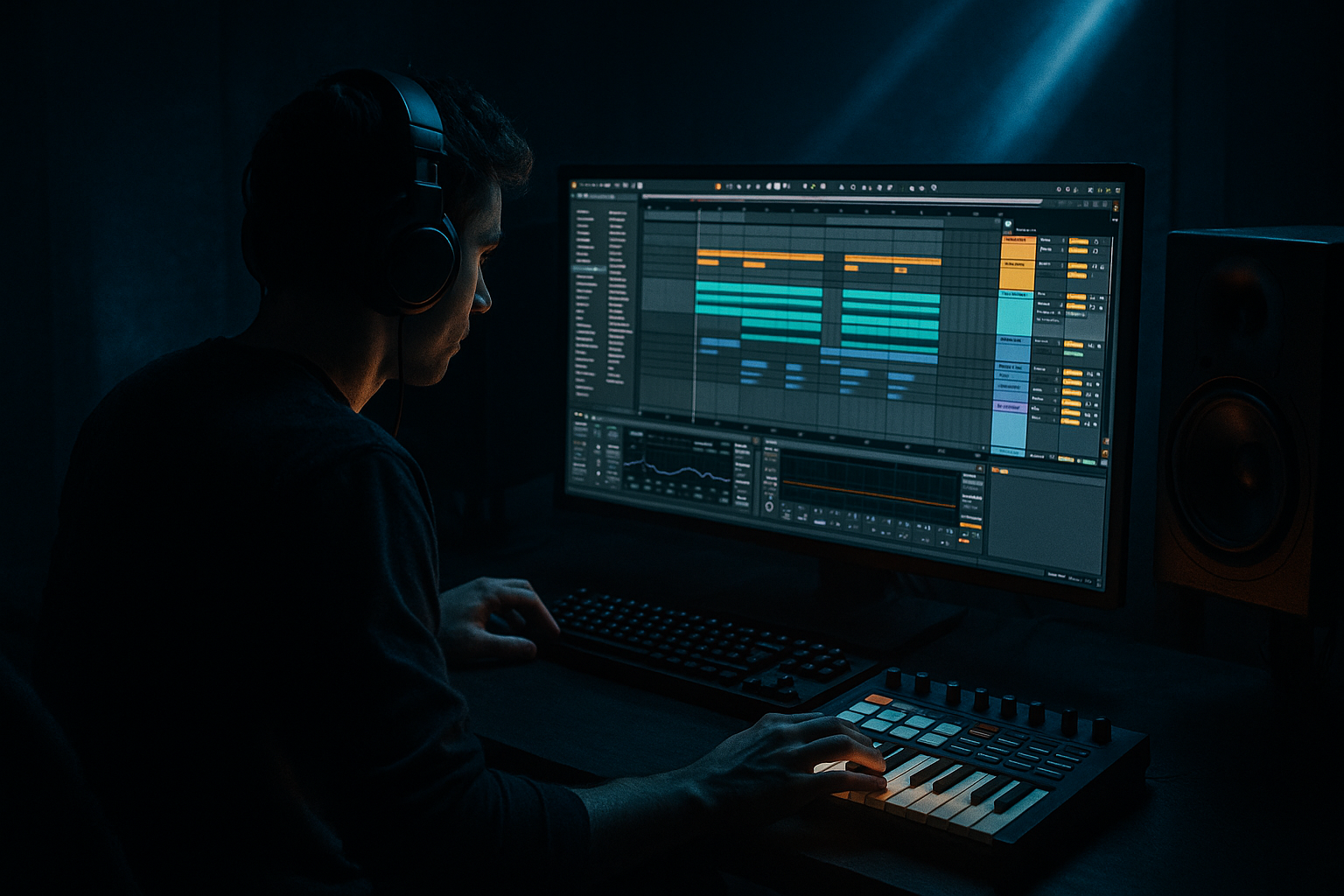
Main tutorial
```markdown
Transform an Amen-style sub for ragga‑infused chaos in Ableton Live 12 🎛️🔊
1. Lesson overview
In jungle and ragga‑leaning DnB, the sub isn’t just a sine note—it’s part of the rhythm, part of the swing, and part of the “system” energy. In this lesson you’ll take a clean sub and “Amen‑ify” it: injecting micro‑edits, pitch drops, resampling grit, and rhythmic modulation so it dances with your break while staying club‑safe.
We’ll do this entirely with Ableton Live 12 stock devices, focusing on sampling workflows and resampling loops that feel like classic jungle methods but with modern control.
---
2. What you will build
By the end you’ll have:
- A tight, mono‑compatible sub layer (40–90 Hz) that stays clean ✅
- A mid/dirty “ragga growl” layer created via resampling + saturation + filtering 😈
- An Amen‑style rhythmic sub phrase (think: offbeats, pickups, pitch drops, stutters) that locks to your break 🔥
- A ready-to-arrange 8‑bar bass section with variation and chaos control
- A recorded sub note (audio sample), or
- A generated note bounced to audio (recommended for control)
- Put hits on:
- Add Warp Markers and shorten/duplicate micro segments like you would with Amen slices.
- Use Clip Gain to create ghost notes: set some hits to -6 to -12 dB.
- Add tiny gaps (1/64–1/32) before certain hits to create “chop” feeling.
- Duplicate a hit, transpose the duplicate, then use short crossfades (see Step 4).
- Add 2–8 ms fade‑ins to remove clicks.
- Add 5–25 ms fade‑outs to tighten tails.
- For stutters: duplicate a tiny segment (10–40 ms) a few times, each slightly quieter.
- Warp mode: Texture
- Slice tiny moments and rearrange them for fills.
- Reverse a tail at the end of every 4th bar for dub vibes.
- On the bass group (or on SUB MONO chain), add Compressor
- Use Auto Pan as a volume shaper:
- Drop an Amen loop in AMEN (Reference).
- Extract Groove from it (Groove Pool) and apply lightly (20–40%) to the bass clip.
- Bars 1–2: clean phrase + light mid grit
- Bars 3–4: introduce pitch drop on bar 4 + one stutter
- Bars 5–6: bring in resample dirt layer quietly (-10 to -6 dB)
- Bars 7–8: “Amen fill”: rapid micro-chops, reverse tail, filter sweep down into bar 9 drop
- Auto Filter cutoff on MID GRIT chain: 1.5k → 500 Hz over 8 bars
- Saturator drive: bump +2 dB on bar 8 only
- Utility gain: quick -1.5 dB dip before the drop to create perceived impact
- Letting the dirty layer carry sub frequencies ❌
- Too much pitch drop too often
- Ignoring clicks from micro-chops
- Over-widening low end
- Making bass rhythm fight the snare
- Parallel distortion on mids only: duplicate MID GRIT chain, distort harder, then blend at -18 to -10 dB for weight without wrecking clarity.
- Dynamic mud control: use Multiband Dynamics gently on 120–300 Hz if your ragga layer swells:
- Threatening harmonics without loudness: add Roar (stock in Live 12 Suite) subtly on mids:
- “Dub siren” bass moment: automate a short section with:
- You built an Amen-style sub by treating bass audio like a chopped break: warp, slice, micro‑edit, and groove.
- You kept it mix-safe by splitting into clean mono sub + dirty mid layer.
- You created authentic ragga/jungle chaos via resampling, Texture warp, reverses, and fills.
- You locked it to the drums with sidechain + groove extraction.
---
3. Step-by-step walkthrough
Step 0 — Session setup (DnB-ready)
1. Set tempo to 170–175 BPM (start at 172 BPM).
2. Create three audio tracks:
- SUB (Clean)
- SUB (Resample Dirt)
- AMEN (Reference)
Why: separating clean sub from character lets you go wild without losing weight.
---
Step 1 — Get a sub source you can “Amen-ify”
You can start from either:
Fast method (stock):
1. Create a MIDI track with Operator.
2. Operator settings:
- Osc A: Sine
- Level: 0 dB
- Envelope: Attack 0 ms, Decay 300–600 ms, Sustain -inf, Release 80–150 ms
3. Write a simple bassline: use notes around F–G–G# (43–52 Hz fundamentals) depending on key.
4. Freeze + Flatten the MIDI track to audio.
5. Drag the flattened audio into SUB (Clean).
🎯 Goal: a consistent sub note/phrase in audio form so you can slice and resample like a break.
---
Step 2 — Make it “Amen-style” using Warp + slices
1. Double‑click the sub audio clip in SUB (Clean).
2. Turn Warp ON.
3. Warp mode: Beats
- Preserve: 1/16
- Transients: On
- Envelope: 50–70% (keeps shape but allows small smears)
Now create a 1-bar sub phrase that mirrors Amen logic:
- 1
- 1.2 (the “and”)
- 2.4 pickup
- 3
- 3.3 ghost
- 4.2 or 4.4 tail
How (fast editing):
✅ Check: loop 1 bar with your break and feel if the sub “talks” rhythmically.
---
Step 3 — Pitch drops + ragga “system” moves (Clip Envelopes)
Ragga/jungle bass loves pitch bends: think “BWAAAP” and quick dips.
1. In the clip view, open Envelopes.
2. Choose Clip > Transposition (or Pitch Bend if using certain clip contexts).
3. Draw:
- Quick drops of -2 to -7 semitones over 1/8 or 1/16 at phrase ends.
- Occasional upward flick +1 to +3 semitones on pickups.
Keep it musical: if your tune is in F minor, try drops that land on chord tones (F, Eb, C).
🎛️ Optional: add Portamento style glide by crossfading between two pitched audio segments:
---
Step 4 — Micro-edits like a break (crossfades + fades)
Select the audio clip and turn on Fade handles (in Live 12, fades are very quick to add).
This is exactly the “chop” energy of an Amen—applied to bass.
---
Step 5 — Split clean sub vs dirty mid using an Audio Effect Rack
On SUB (Clean), add an Audio Effect Rack with 2 chains:
#### Chain A: SUB MONO (Clean)
Devices:
1. EQ Eight
- HP filter at 25–30 Hz (24 dB/oct)
- LP filter at 90–110 Hz (24 dB/oct)
- Optional tiny dip around 50–70 Hz if it’s boomy (1–2 dB)
2. Utility
- Width 0% (mono)
- Gain: adjust so peaks hit around -6 dB on track
✅ This is your “club insurance policy.”
#### Chain B: MID GRIT (Controlled chaos)
Devices:
1. EQ Eight
- HP at 90–120 Hz (24 dB/oct)
- Gentle bell boost 200–500 Hz if it needs chest
2. Saturator
- Mode: Soft Clip
- Drive: 3–9 dB
- Output: match level
3. Auto Filter
- Filter type: LP24
- Cutoff: start around 600–1.5k
- Envelope: small amount (10–20) for movement
4. Redux (optional for jungle grit)
- Downsample: 2–6
- Bit Reduction: 0–2 (subtle!)
5. Utility
- Width: 80–120% (only on mids)
- Bass Mono: optional if you’re widening too low
🎯 Now your bass has two personalities: stable low end + ragga chaos in the mids.
---
Step 6 — Resample for “tape-dub” chaos (classic jungle move)
This is where it starts feeling like proper ragga-infused madness 😤
1. Create a new audio track: SUB (Resample Dirt)
2. Set its input to Resampling.
3. Solo the SUB (Clean) track (so you capture the rack processing).
4. Record 4–8 bars of your bass phrase into SUB (Resample Dirt).
Now abuse it like a sample:
- Grain Size: 10–25 ms
- Flux: 10–30
✅ Keep the resampled track mid-focused (HP at ~100 Hz) so it doesn’t mess your clean sub.
---
Step 7 — Sidechain and “break-locking” groove
Your bass has to breathe around the Amen.
Sidechain option A (clean + transparent):
- Sidechain: from your kick (or full drum bus if you want pumping)
- Ratio: 2:1–4:1
- Attack: 5–15 ms
- Release: 60–140 ms
- Gain reduction: 2–5 dB
Sidechain option B (jungle bounce):
- Phase: 0°
- Shape: Square or Sine
- Rate: 1/8 or 1/16
- Amount: 20–40%
- Offset until it tucks under the snare hits
Then Groove:
🎯 Result: sub feels like it’s cut from the same cloth as the break.
---
Step 8 — Arrangement ideas (8 bars of rolling ragga chaos)
Try this 8‑bar structure:
Automation ideas:
---
4. Common mistakes
Keep dirt HP’d above 90–120 Hz or you’ll get flub + weak mastering headroom.
If every hit drops, nothing feels special. Save big drops for phrase ends.
Use fades (2–8 ms) and crossfades between slices.
Sub should be mono. Width belongs to mids/highs.
If your sub hits exactly on snare too often, it’ll mask the crack. Use pickups and offbeats.
---
5. Pro tips for darker/heavier DnB 🖤
- Low-mid band: ratio 1.5–2:1, small GR 1–3 dB
- Use a simple drive + filter, keep mix 10–25%
- Auto Filter resonance 25–40%
- Slight pitch envelope drop
- Then hard cut back to clean phrase (contrast = impact)
---
6. Mini practice exercise (15–25 minutes) 🧪
1. Build a 1-bar sub phrase using Beats warp edits (at least 6 hits).
2. Add two pitch drops and one upward flick.
3. Create the two-chain rack (SUB MONO + MID GRIT).
4. Resample 4 bars and make a bar 4 fill using:
- one reverse tail
- one 1/32 stutter
5. Bounce a quick loop and A/B it:
- Bass only
- Bass + Amen
- Full drums + bass
Success criteria: you can mute the Amen and the bass still feels like it has break DNA.
---
7. Recap
If you want, tell me your key (e.g., F minor) and whether your drums are more ’94 jungle or modern rollers, and I’ll suggest a specific 8‑bar bass phrase grid (exact hit positions + pitch moves) to match your vibe. 🎚️
```

