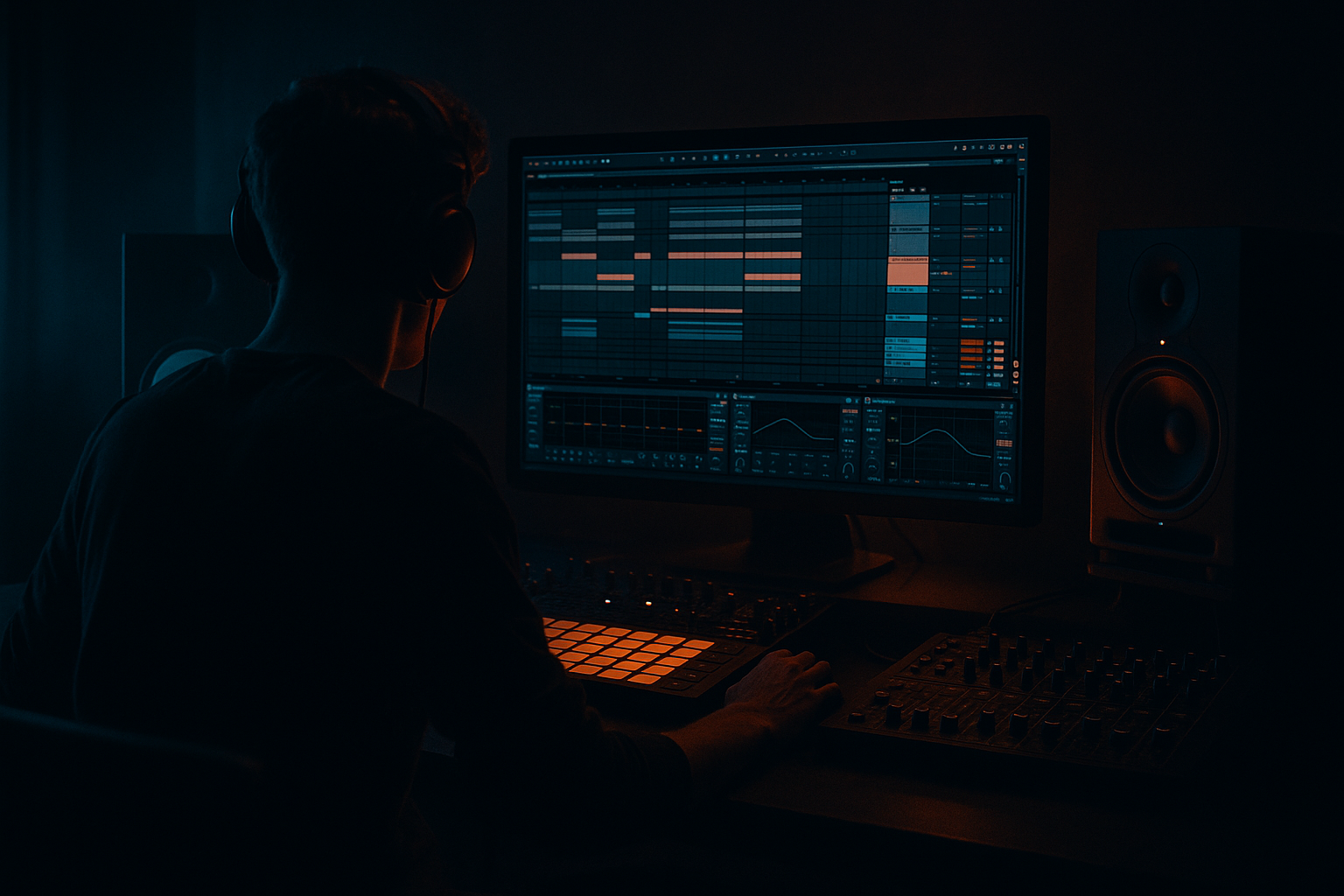
Main tutorial
Lesson Overview
In this lesson, you’ll take an Amen-style FX chain built in Session View and turn it into a finished Arrangement View section in Ableton Live 12, with a focus on vocals in Drum & Bass. The goal is to move from loop-based idea generation to a proper track structure: intro, build, drop, and switch-up.
This matters because a lot of beginner DnB producers can get a killer 8-bar loop in Session View, but the track never becomes a full song. In DnB, especially jungle, rollers, neuro, and darker vocal-driven cuts, the arrangement is what creates impact. The FX chain around the Amen break and vocal chops is often what makes the drop feel alive: filters opening, delays throwing, reverb tails widening, and chopped vocal hits answering the drums.
You’ll learn how to:
- capture a working Session View performance into Arrangement View
- turn vocal FX into transitions and tension
- shape Amen-style drum energy into a proper DnB phrase
- keep the low end clean while the top end gets wild
- an Amen break loop with edits and FX movement
- a vocal chop chain that rises, delays, filters, and cuts into the drop
- a drum bus with controlled saturation and glue
- a simple transition from intro tension into a heavier drop or roller section
- bars 1–8: filtered vocal atmosphere + stripped break energy
- bars 9–12: tension build with delay throws and risers
- bars 13–16: impact into full drum/bass section
- optional switch-up at bar 17 with a vocal stab or break fill
- Recording too much random Session View experimentation
- Letting the vocal drown the break
- Too much delay feedback
- No clear drop contrast
- Bass and kick fighting the break
- Automating everything at once
- Darken the vocal tail
- Use short mute moments
- Keep the sub mono
- Add controlled grit
- Use vocal chops as rhythmic percussion
- Make the build smaller, not just louder
- Build your DnB idea in Session View, then record it into Arrangement View for a real song structure.
- Use the Amen break as the rhythmic engine and the vocal as the tension and transition layer.
- Keep your FX chain simple: Auto Filter, Echo, Reverb, EQ Eight, Drum Buss, Utility.
- Arrange in 8-bar and 16-bar phrases so the drop feels intentional.
- Use automation sparingly but purposefully: filter opens, delay throws, reverb tails, and short mute gaps.
- In darker DnB, space, contrast, and controlled grit often hit harder than adding more sounds.
This is a very real studio workflow: build the idea fast in Session View, then “perform” it into Arrangement View, and finally refine the automation so the track feels intentional instead of repetitive. 🥁
What You Will Build
By the end, you’ll have a 16- to 32-bar DnB arrangement section built from:
Musically, the result should feel like:
Think of it as a classic DnB “DJ-friendly” section: enough space for mix-in energy, but with enough movement that the arrangement feels alive.
Step-by-Step Walkthrough
1. Set up your Session View idea like a performance tool
Start in Session View with four basic tracks:
- Track 1: Amen break loop
- Track 2: Vocal chop or vocal phrase
- Track 3: FX return or FX audio track for risers, reverses, impacts
- Track 4: Bass or sub placeholder, even if it’s just a simple sine note for now
Keep the loop short and practical:
- Amen clip: 1 or 2 bars
- Vocal clip: 1 bar or 2 bars
- FX clip: one-shot or a short noise rise
On the Amen track, use stock Ableton tools like:
- Drum Rack if you’re triggering break slices
- Simpler in Slice mode if you’ve chopped the break
- EQ Eight to remove mud
- Drum Buss for light punch and grit
On the vocal track, start with:
- Simpler or a basic audio clip
- Auto Filter
- Echo
- Reverb
- optional Utility for width control
Keep the loop musical but simple. In DnB, the point is not to finish the whole track here. The point is to build a chain that already sounds like a future section.
2. Shape the Amen break so it can carry the arrangement
Before recording anything into Arrangement View, make the Amen feel like part of the track, not just a raw loop.
Basic beginner-friendly chain on the break:
- EQ Eight: high-pass only if needed around 25–35 Hz; cut a little mud around 200–400 Hz if the break sounds boxy
- Drum Buss: Drive around 5–15%, Crunch low or off at first, Transients slightly up if needed
- Saturator: Soft Clip on, Drive around 1–4 dB for a subtle push
- Glue Compressor: gentle control, 1–2 dB gain reduction at most
Then do one or two simple edits:
- mute the kick or snare on the last half of a bar for a fill
- reverse one tiny break slice into a transition
- duplicate a snare hit for a classic jungle push
Why this works in DnB: the Amen break is rhythmically busy, so even tiny changes create a lot of energy. You do not need huge drum programming to make it feel like a drop. Small edits plus movement in FX are enough.
3. Build a vocal FX chain that answers the drums
The vocals are not just “extra top layer” here. In DnB, vocal chops often act like a call-and-response against the break and bass.
Put your vocal clip through a chain like this:
- Auto Filter
- Echo
- Reverb
- Utility
- optional Frequency Shifter for darker texture
Suggested starting settings:
- Auto Filter: low-pass filter, cutoff around 500 Hz to 2 kHz depending on the section; automate upward into the drop
- Echo: delay time 1/8 or dotted 1/8 for rolling movement; Feedback around 20–40%; Filter on to keep repeats dark
- Reverb: Decay around 1.5–3.5 s for tension; keep Dry/Wet low, often 10–25% on a track insert
- Utility: reduce width during the intro if the vocal is too wide; keep the center clear for drums and sub
If you want a more underground feel, try a short vocal phrase with lots of space between words. That gives room for Amen hits and bass notes. In darker DnB, the vocal often works best when it feels like a ghost in the mix rather than a pop lead.
4. Perform the idea in Session View and record it into Arrangement View
Now comes the key move: use Session View like a live sketchpad, then capture it in Arrangement View.
In Ableton Live 12:
- arm the tracks you want to capture if needed
- press Record in the top transport
- launch your clips in Session View as if you were performing a short intro-to-drop section
Do this in a musical order:
- start with filtered vocal atmosphere
- bring in the Amen break lightly
- introduce delay throws on the vocal
- add a riser or reverse FX clip
- let the full break hit at the drop point
Record at least 16 bars of performance. If you’re unsure, record 32 bars and edit later. Don’t aim for perfection live. Aim for useful energy. Arrangement View is where you refine.
This workflow is powerful in DnB because a lot of the best tension comes from real-time decisions: a delay tail held one extra beat, a filter opened slightly too early, or a fill triggered one bar before the drop. Those “human” moves make the groove feel intentional.
5. Edit the recorded arrangement into clear DnB phrases
Once your performance is recorded, switch to Arrangement View and clean it up.
Focus on 8-bar or 16-bar phrasing:
- Bars 1–8: intro or filtered section
- Bars 9–16: build
- Bars 17–24: drop
- Bars 25–32: switch-up or second phrase
Practical edits:
- trim clips so vocal tails don’t overlap the first kick of the drop
- cut the break slightly before a downbeat if the groove feels late
- duplicate a vocal line at bar 15 or 31 as a pre-drop cue
- leave one or two bars with less content so the drop feels bigger
For a vocal-based DnB section, one strong arrangement trick is:
- bar 7 or 15: mute the vocal for a beat or half-bar
- bar 8 or 16: bring a reverse reverb or riser
- bar 9 or 17: hit full drums and bass
That tiny gap creates expectation. In DnB, silence before impact is a weapon.
6. Automate the FX chain so the arrangement feels alive
This is where your Session View jam becomes a proper tune. Automation is what turns loops into an arrangement.
Automate these parameters:
- Auto Filter cutoff on the vocal: low in the intro, open gradually into the drop
- Echo Feedback: increase briefly on the last word or syllable before a section change
- Reverb Dry/Wet: increase in build-ups, then reduce at impact
- Drum Buss Drive: slightly higher in the drop than the intro
- Utility Gain: reduce the vocal during busy drum sections if it fights the snare
Simple automation ranges:
- vocal filter cutoff from about 300 Hz to 8–12 kHz
- echo feedback from 20% to 45% for throws
- reverb dry/wet from 10% to 30% only during tension moments
Keep the automation smooth and readable. You do not need dozens of points. In beginner DnB arrangement, 2–4 good automation moves per section are enough.
7. Add one bass or sub moment so the drop makes sense
Even though the lesson is focused on vocals, the Amen chain needs a bass context to feel like Drum & Bass. Add a simple sub or reese hit under the drop.
Beginner-friendly bass approach:
- use a Wavetable or Operator sine/sub tone
- keep it mono with Utility
- add light saturation with Saturator
- high-pass any non-sub layers around 90–150 Hz
Example arrangement idea:
- intro: no bass, just filtered vocal and break texture
- build: one short bass pickup note or noise rise
- drop: sub follows a simple root note pattern under the break
- switch-up: remove bass for one bar, then bring it back
Keep it simple. In DnB, the arrangement often works because the bass enters after the ear has been trained by the drums and vocal tension. If the bass arrives too early, the drop loses contrast.
8. Finish with DJ-friendly structure and clean transitions
A strong DnB arrangement should still make sense in a mix. Even as a beginner, think like a DJ and keep sections usable.
Helpful structure choices:
- intro with drums or atmospheres only for 8 or 16 bars
- drop with full Amen + bass + vocal chops
- outro that strips elements away gradually
- at least one clean transition point with a reverb tail or impact
Use stock Ableton FX to help:
- Reverb for a tail into the next section
- Echo for a vocal throw
- Utility to narrow the stereo image before the drop and widen lightly after
- Auto Filter to create filtered breakdowns
If you want a classic darker DnB feel, avoid overfilling every bar. Leave space for the drum pattern to breathe. A tight arrangement often feels heavier than a busy one.
Common Mistakes
- Fix: decide on a simple 16-bar idea first, then record that exact musical arc.
- Fix: lower vocal clip gain, use EQ Eight to cut mud around 200–500 Hz, and reduce Reverb Wet amount.
- Fix: keep Echo feedback usually under 40% unless you want a deliberate throw at the end of a phrase.
- Fix: strip elements away for 1–2 bars before the drop so the full section feels bigger.
- Fix: check mono, keep the sub simple, and leave space in the low end using EQ Eight and Utility.
- Fix: focus on one or two important moves per section, like filter opening and delay throw.
Pro Tips for Darker / Heavier DnB
Use Reverb and Echo with filtered repeats so the vocal feels haunted, not glossy. Roll off some top end on the FX return if it starts sounding too bright.
A half-bar mute before a snare hit or drop can make the arrangement hit harder than adding more layers.
Use Utility on your sub/bass group and keep width at 0% for low frequencies. Heavy DnB feels solid when the bottom is centered.
Light Saturator or Drum Buss on the Amen can add aggression. Keep it subtle: just enough to make the break feel forward and urgent.
Slice a vocal phrase into short hits and place them against the snare or off-beat hats. This works especially well in rollers and darker halftime-influenced DnB.
Reduce drum density, narrow width, and filter the vocal before the drop. The drop will feel heavier when the arrangement opens up again.
Mini Practice Exercise
Spend 10–20 minutes and make one short DnB section using only stock Ableton tools.
1. Load an Amen break into Session View and loop 2 bars.
2. Add a 1-bar vocal chop or spoken phrase on another track.
3. Put Auto Filter and Echo on the vocal, plus Reverb after it.
4. Add EQ Eight and Drum Buss to the Amen track.
5. Perform 16 bars in Session View:
- bars 1–4: filtered vocal + light break
- bars 5–8: more vocal delay
- bars 9–12: build tension
- bars 13–16: full drop feel
6. Record the performance into Arrangement View.
7. Draw at least 3 automation changes:
- vocal cutoff opening
- Echo feedback throw
- Reverb increase before the drop
8. Bounce or loop the section and listen for:
- clear intro/build/drop contrast
- vocal staying out of the way of the break
- sub or low-end space remaining clean
If you finish early, duplicate the section and make a second pass with a darker vocal tone or a more aggressive break fill.

