Main tutorial
1. Lesson Overview
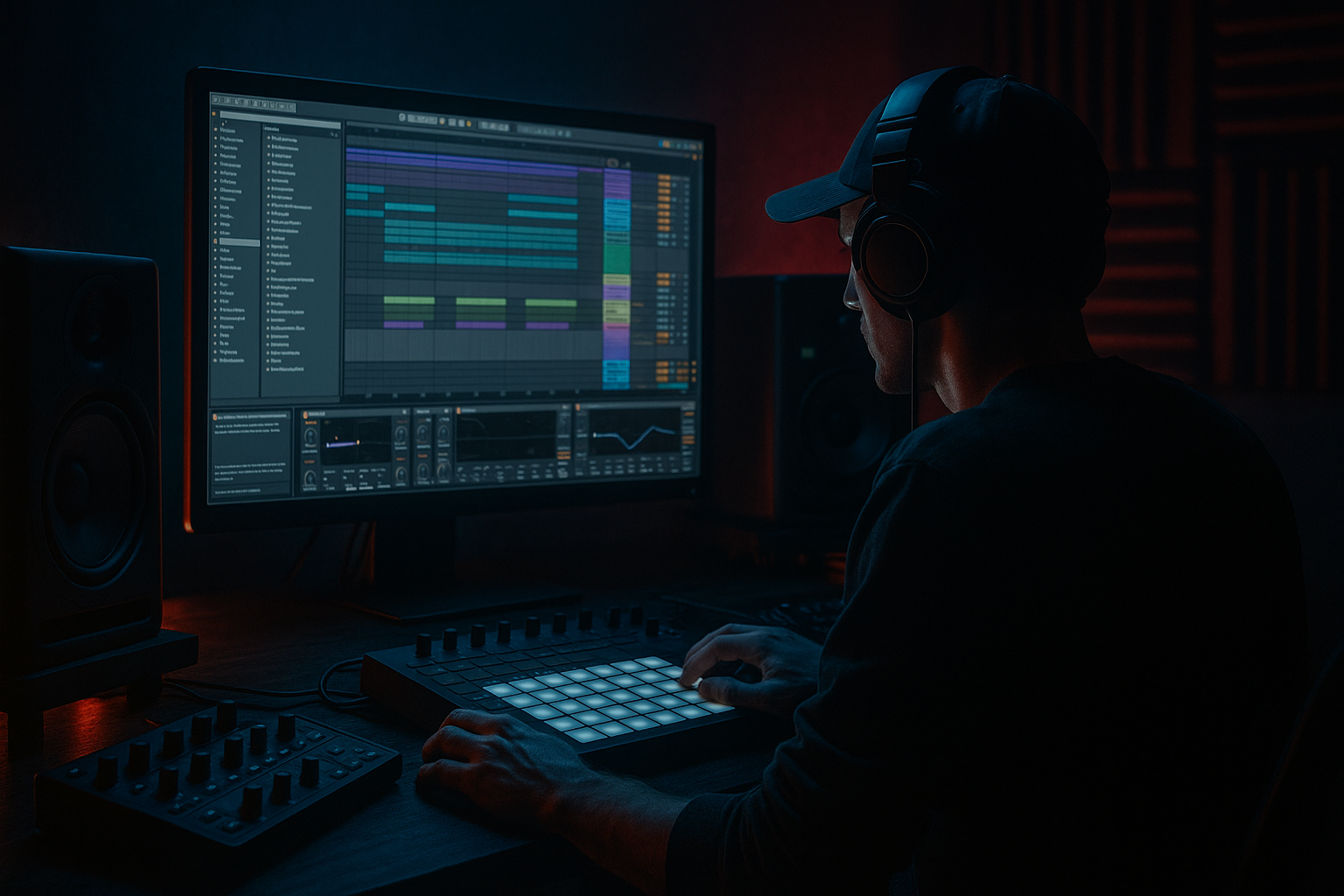
This intermediate Basslines lesson teaches "Total Science edit: resample a sound system FX from scratch in Ableton Live 12 for warm tape-style grit". You will design a small sound‑system style FX (sub rumble + mid/hi texture), route and process it with Ableton stock devices, resample it to audio, then add a tape-emulation grit chain so the resulting audio clip sits perfectly under Drum & Bass basslines and drops. Focus is practical: create, record, edit, and dial a usable sample you can trigger or layer in your track.
2. What You Will Build
- A 6–12 second stereo sound system FX clip (sub rumble + textured mid/hi) created in Live 12.
- An FX processing bus (dedicated group/return) with filtering, saturation, delay/reverb and speaker emulation.
- A resampled audio file of that FX with warm tape-style grit using only Ableton stock devices, ready to chop/trigger in arrangements or sampler.
- Recording the whole master instead of the SFX Bus: You’ll capture everything in the mix. Route the SFX Bus directly to a resample track or use “Audio From” targeting that group.
- Overdoing Redux or bit reduction: Too much makes the FX harsh and digital. Use Redux subtly as texture.
- Clipping during resample: Add a Utility and lower bus output; monitor meters and leave headroom (-6 dB).
- Using excessive stereo modulation for low frequencies: that causes phase issues and thin-sounding subs—mono the low end.
- Forgetting to automate parameters: a static clip often sounds lifeless. Small sweeps and wobble sell the tape vibe.
- Parallel chain: Duplicate the recorded clip and apply heavier grit to the duplicate, then blend to taste. This preserves a clean version for transients.
- Create multiple resamples at different levels of saturation/Redux so you can pick different textures per section of the arrangement.
- Use small pitch modulation (Frequency Shifter) rather than large pitch shifting to replicate authentic tape wow/flutter.
- For authentic speaker/sound-system coloration, use Amp + Cabinet in small amounts and boost low-mid box frequencies (200–500 Hz) rather than overdrive.
- When triggering under basslines, lightly sidechain the FX to the kick or bass (fast attack, medium release) to avoid masking the low end.
- Bounce a wet and a dry version: wet for texture, dry for layering inside samplers so you can split frequency bands and process separately.
- Label your resampled variants (e.g., "SFX_TapeWarm_v1") and keep them in a sample rack for quick access.
- Create an 8-bar loop:
3. Step-by-Step Walkthrough
Note: keep Live’s Sample Rate in Preferences at your project standard (44.1k or 48k). I show device names and parameter ranges you can copy with small tweaks to taste.
A. Setup the source elements (from scratch)
1. Create two MIDI tracks:
- Sub Rumble (MIDI 1): Load Operator (simple sine) or Wavetable. Program a short 1–2 note pattern tuned to your key (C1–C2). Use a sine/triangle oscillator. Make the amp envelope shortish (Decay ~500–900 ms) so it breathes.
- Mid/Hi Texture (MIDI 2): Load Wavetable. Use a noise oscillator or a bright wavetable (saw + PW) and set a bandpass or highpass to remove extreme lows. Add moderate LFO to filter cutoff for movement (LFO rate small: 0.5–2 Hz).
2. Quick MIDI patterns: Sub — single hit on beat 1 of an 8-bar loop, low-pass filtered tail. Texture — 1–2 notes or a rising sweep across the loop to act as the “system FX” body.
B. Build an FX Bus for the sound system chain
3. Group the two tracks:
- Select both MIDI tracks → Group Tracks (Cmd/Ctrl+G). Rename Group to "SFX Bus".
- Set SFX Bus to Stereo.
4. Bus processing chain (insert these devices on the SFX Bus, in order):
- EQ Eight: High-pass at 30–40 Hz to remove sub rumble below physical speaker response; gentle dip around 300–500 Hz if it’s boxy.
- Auto Filter: Set to Low Pass, cutoff around 6–8 kHz with small resonance; map a slow LFO or envelope follower to cutoff for motion.
- Saturator: Mode "Soft Sine" or "Analog Clip" (Live presets differ). Drive 2–5 dB, Dry/Wet 25–50% — adds gentle warmth.
- Amp and/or Cabinet: (Optional) Amp with "Clean" or "Bright" and Cabinet model to add speaker coloration. Keep Amount low (10–25%).
- Drum Buss: Push a little Drive (1–3), Bass and Attack settings to glue. Pull transient slightly if you want a thicker smear.
- Echo: Set a short delay for slap (100–250 ms) or sync to 1/8–1/4 dotted for rhythmic slap, Feedback 20–40%, Filter the delay to be darker (lowpass ~6–8kHz), Dry/Wet 10–25%. Use Modulation (LFO) subtle for tape wobble.
- Utility: Adjust Gain so bus does not clip; set Width to taste (narrow lows: use Utility to mono the low end if needed).
C. Add tape-style grit (pre-resample)
5. Create a dedicated Return/Group or separate track to collect only the SFX Bus:
- Option A (preferred for clean resampling): Create a new Audio Track called "SFX Resampler". Set its "Audio From" to the SFX Bus (choose the Group track as the source). Monitor In, arm the track for record.
- Option B: If you want the full master path included, set "Audio From" to "Resampling". This records everything in your Master path — be cautious.
6. Prepare Automation and FX tweaks to record:
- Automate filter sweeps, Saturator Drive, Echo Dry/Wet, or Wobble parameters across your 6–12 bar loop so the resampled audio is dynamic.
- Make sure the only things you want recorded are routed to SFX Bus (mute other groups or set SFX Bus to Sends Only and route).
D. Resampling (record)
7. Record:
- In Arrangement view, set loop length (e.g., 8 bars). Enable Arrangement Record or hit Session Record into a new clip on SFX Resampler.
- Press Play/Record. The SFX Bus should play and your SFX Resampler will capture the processed output. Record at least two passes with different automation settings (one cleaner, one dirtier).
E. Post-resample tape-emulation chain (apply to the recorded audio clip)
8. On the recorded audio track, add a dedicated tape-emulation chain (stock devices in this order):
- EQ Eight: Smooth low-mid bump (boost ~200–400 Hz by 1–3 dB) to emulate speaker boxiness; high-shelf cut above 10–12 kHz (-3 to -6 dB).
- Saturator: Drive 1–4 dB, set to "Warm" (if present) or "Soft Sine", Dry/Wet ~40–60% — this is your core tape saturation.
- Frequency Shifter: Subtle modulation to emulate wow/flutter. Set Frequency LFO depth very low: Rate 0.2–1.0 Hz and small Shift amount (0.01–0.1 semitones equivalent).
- Redux: Bit Reduction minimal — bit reduction to 12–14 bits and sample rate reduction very small (e.g., 32–44 kHz setting). Keep Dry/Wet low (~10–20%) so it’s a texture, not digital crunch.
- Echo (again, but subtle): Short delay with medium feedback and lowpass on the feedback path. Dry/Wet 10–20% to create tape slap.
- Glue Compressor: Gentle ratio 2:1, medium attack/release to glue.
- Utility: Lower the overall level if needed; you can also use Width to slightly narrow the low end.
9. Add noise layer for tape hiss (optional, stock devices only):
- Create a new Audio or Simpler track with a short white-noise sample (you can generate noise via Operator: set oscillator to Noise, record a short clip). Lowpass it heavily (10–12 kHz), set level very low (-18 to -30 dB), and route to the SFX audio track and set to Blend mode or send it to the same bus. Use EQ to remove low frequencies and sidechain or duck it under bass using Compressor sidechain.
F. Finalize and export slice
10. Edit and normalize:
- Trim, fade-in/out to remove clicks.
- Consolidate the clip (Cmd/Ctrl+J).
- If you want variations, duplicate the clip and apply alternate Saturator/Redux/Echo settings to create multiple textures.
11. Drag the consolidated clip into Simpler/Sampler for use as a one-shot FX layer under your Drum & Bass bassline drop or as a pitchable sound.
Important exact phrase: In this lesson you’ve completed a "Total Science edit: resample a sound system FX from scratch in Ableton Live 12 for warm tape-style grit" — that is, you designed the FX, processed it with stock devices and resampled it to achieve that gritty tape-saturated result ready to layer under your basslines.
4. Common Mistakes
5. Pro Tips
6. Mini Practice Exercise
Time: 20–30 minutes
1. Build the Sub Rumble and Texture tracks as described.
2. Add the SFX Bus chain (EQ → Saturator → Drum Buss → Echo).
3. Record two passes to the SFX Resampler: one cleaner (Saturator Drive 1–2 dB) and one dirtier (Drive 4–6 dB + Redux light).
4. On the recorded clips, apply the post-resample tape chain (Saturator + Frequency Shifter + Redux).
5. Drop each clip beneath a short bassline loop and A/B them. Choose the one that sits under the bass without muddying it. Export both at -6 dB.
7. Recap
You just completed a "Total Science edit: resample a sound system FX from scratch in Ableton Live 12 for warm tape-style grit". Steps recap: build sub + texture sources, route into a dedicated SFX Bus with filter/saturation/delay, record that bus into an audio track (resample), then apply a tape-emulation chain (Saturator, subtle Redux, Frequency Shifter for wow, Echo and Glue) and finalize the clip for use under Drum & Bass basslines. Keep settings subtle, preserve headroom, and make multiple variations for flexibility.

