Main tutorial
Lesson Overview
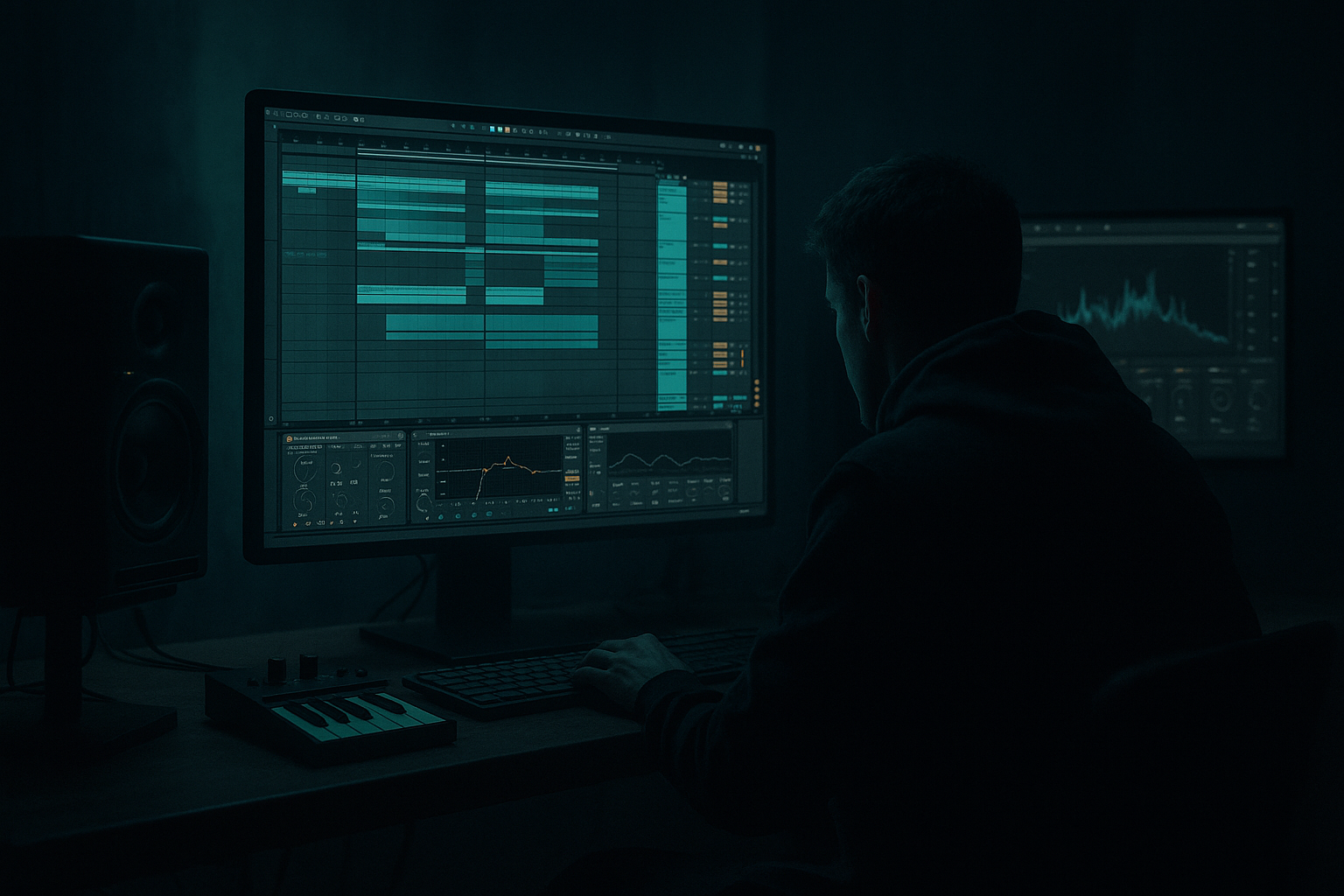
In this lesson, you’re going to take a top loop in Ableton Live 12 and turn it into a proper oldskool jungle / DnB arrangement by moving it from Session View into Arrangement View and shaping it like a real track edit. This is a classic DnB workflow: start with a loop that already has vibe, then push the energy, create movement, and build a full intro-to-drop structure without overcomplicating things.
This matters because a strong DnB idea often lives or dies on the edit. In jungle and oldskool DnB, the top loop is usually where the character is: chopped breaks, hats, percussion, ride energy, little ghost notes, and rough texture. If you can turn a 4-bar loop into a convincing arrangement, you’re learning how to make your ideas feel like a finished record, not just a loop 😈
We’ll focus on a beginner-friendly approach using stock Ableton devices, simple automation, and practical arrangement moves. The goal is not to make the loop “busier” just for the sake of it. The goal is to make it feel like it’s driving somewhere — with breaks, drops, mute moments, and switch-ups that feel authentic to jungle and darker DnB.
Why this works in DnB: the genre thrives on energy from repetition plus variation. A top loop gives you continuity, while edits, fills, and arrangement changes provide tension and release. That contrast is what makes a section feel powerful when the bass and drums fully hit.
What You Will Build
By the end of this lesson, you’ll have:
- A top-loop-driven DnB edit built from Session View into Arrangement View
- A clean 16- or 32-bar arrangement section with clear movement
- A loop that evolves using mute edits, filter automation, reverb throws, and drum variations
- A simple oldskool jungle-style intro/drop energy
- A version that can sit above a sub line, reese, or bass stab without becoming muddy
- 8 bars of tension-building top loop with filtered drums
- a short break or drum fill
- a drop where the loop opens up and the full break hits harder
- a variation in the next 8 bars with extra hats, a crash, or a quick stop
- Making the loop too busy
- Not changing anything between phrases
- Overusing reverb
- Too much low end in the top loop
- Random edits that don’t feel musical
- Ignoring levels after adding effects
- Use subtle saturation before automation
- Keep the low end disciplined
- Add grit, not noise
- Use tiny dropouts for impact
- Try filtered tension sections
- Layer a ghost percussion element
- Resample your best edit
- A top loop can become a real DnB edit when you shape it across Session View and Arrangement View.
- Use phrasing, mute edits, filter automation, and small fills to create energy.
- Keep the loop clean with EQ Eight, Saturator, Drum Buss, Auto Filter, and Utility.
- In DnB, the power comes from contrast: sparse to full, filtered to open, steady to broken.
- Save your best arrangement section and reuse it as a building block for a bigger track.
Musically, think of this as a section that could sit in a track like:
You’re not building a full mixdown here. You’re learning how to take one strong loop and shape it like a proper DnB arrangement edit.
Step-by-Step Walkthrough
1. Start with a loop that already has movement
In Session View, load or create a top loop that has a DnB feel. This could be:
- chopped break drums
- top percussion with hats and rides
- a loop that already has swing or shuffle
- a loop with some character from saturation or vinyl-style texture
If you’re starting from scratch, keep it simple:
- Kick/snare not required in the top loop
- Focus on hats, shakers, break tops, and rhythmic percussion
- Use a pattern that feels like it could live above a sub and drums
If your loop is MIDI, try a drum rack with:
- closed hats around 1/16 with a few gaps
- open hats on offbeats or transitions
- a snare ghost note or two for movement
If your loop is audio, keep it tight and musical. The better the loop, the easier the edit.
2. Clean the loop so it sits like a real DnB top layer
Before arranging, make sure the loop is usable. Drop in a few stock devices if needed:
- EQ Eight: high-pass the loop around 150–300 Hz so it doesn’t fight the bass and kick
- Saturator: add gentle drive, around 1–4 dB, for thickness and attitude
- Drum Buss: use lightly if the loop needs more punch; try Drive 5–15% and keep Boom minimal or off for top loops
- Utility: check width and level; keep the low-end mono if the loop has any low information
If the loop is too harsh, use EQ Eight to soften a harsh zone around 6–10 kHz with a small cut, maybe -2 to -4 dB. Don’t overdo it — oldskool DnB can be raw, but not painfully bright.
The point here is to make the loop feel solid before you start editing it.
3. Build a Session View performance version first
Duplicate the loop into a few variations inside Session View. This is where the edit becomes musical.
Make 3 versions:
- Main loop: the full groove
- Tension loop: a filtered or stripped version
- Fill loop: the same groove with a small variation, crash, reverse, or extra hat
Simple ways to create these in Ableton:
- Use Clip Envelopes to automate a filter, volume, or device parameter
- Duplicate the clip and remove a few hits for contrast
- Add a short fill at the end of bar 4 or bar 8
- Use Auto Filter for a rising or opening effect
Useful beginner settings:
- Auto Filter cutoff: start around 300–800 Hz for a filtered intro, then open to full
- Resonance: keep modest, around 0.5–1.5 so it doesn’t whistle too hard
- Reverb on a send: keep the send low and use short throws on specific hits
This gives you performance options before you commit to Arrangement View.
4. Record the Session View performance into Arrangement View
Now go to Arrangement View and capture a live pass of your loop changes.
Do this:
- Arm Session Record or the global record
- Trigger the clips in a musical order
- Record 16 or 32 bars
- Let the arrangement move from sparse to full
Think like a DJ or a classic jungle builder:
- Bars 1–8: filtered or reduced top loop
- Bars 9–16: more open groove
- Bars 17–24: variation, fill, or drum switch
- Bars 25–32: stronger drop energy or a cut-down transition
This is where the lesson becomes an edit. You are not just looping — you are choosing where the energy rises and where it drops. That is essential in DnB arrangement.
5. Shape the arrangement with muting and dropouts
In Arrangement View, use simple edit moves to create impact. A top loop can become much more exciting when you remove pieces.
Try these actions:
- Mute the loop for the last beat of a bar before a drop
- Cut the loop for half a bar and let a crash or fill take over
- Remove hats for 1 bar so the next bar feels bigger
- Leave only a snare ghost or a single percussion hit before the return
A classic jungle trick:
strip the top loop down in bar 7 or 15, then bring it back full in bar 8 or 16.
This creates phrasing that feels natural to dancers and DJs. It also helps the drop feel more powerful because the ear notices the contrast.
If you have a break-based loop, try a tiny “re-intro” moment:
- 1 beat of silence
- a short reverse hit
- then the full loop returns
That small gap can make the groove hit harder than adding more layers.
6. Use automation to create jungle-style movement
Now add automation on top of your edits. Keep it simple and useful.
Good beginner automation ideas:
- Auto Filter cutoff opening over 8 or 16 bars
- Reverb send on a snare or hat throw at the end of a phrase
- Utility gain dip before a drop, then back up
- Delay send for one hit or one fill only
Try these practical ranges:
- Filter cutoff sweep: from 400 Hz to 18 kHz over a phrase
- Delay feedback: keep around 10–25% for short throw texture
- Reverb decay: short to medium, around 1.0–2.5 s, so it doesn’t wash out the groove
On a top loop, automation should usually support the groove, not distract from it. In DnB, movement comes from controlled changes: little openings, tiny roll-offs, quick throws, and sudden returns.
Why this works in DnB: fast music needs micro-variation. If every 4 or 8 bars feels identical, the energy flattens. Small automation moves keep the loop alive and stop listener fatigue.
7. Add a second top layer or fill for call-and-response
Once the main loop is arranged, add a small second layer to answer it. This could be:
- a ride pattern
- a shaker loop
- a chopped break fragment
- a tiny tom or snare fill
Keep it subtle. You don’t need a full new drum pattern. Just something that creates call-and-response.
Example:
- Main loop plays steady for 4 bars
- A higher percussion fill answers on bar 4
- The next 4 bars return to the main groove with a different accent
If you use Ableton stock devices, you can shape this layer with:
- EQ Eight to keep it bright and narrow
- Compressor if it jumps too much
- Saturator for a little grit
- Utility to lower the level and keep it tucked behind the main top loop
This is a very DnB-friendly move because it adds motion without cluttering the bass space.
8. Create a simple oldskool-style phrase structure
Now make the arrangement feel like a track section, not a loop test.
A good beginner structure for a top-loop DnB edit:
- Bars 1–8: filtered loop, light energy
- Bars 9–16: full top loop, more open
- Bars 17–24: variation, fill, or dropped-out bar
- Bars 25–32: stronger return or transition into the next section
If you want a more musical example, imagine:
- intro with dusty break tops and filtered hats
- then the drums open up as if the “drop” has arrived
- then a one-bar stop or fill before a second phrase hits harder
For oldskool jungle vibes, think phrases of 4 and 8 bars. That length helps the groove breathe and makes the edit feel DJ-friendly. If you’re later building a full track, these same phrase ideas help with intro and outro sections too.
9. Check the balance and keep headroom
Even though this is an edit lesson, balance matters.
Do a quick check:
- Keep the top loop lower than the kick and snare if those are already present
- Leave headroom on the master, ideally around -6 dB or more for now
- Use Utility or clip gain to reduce anything too loud
- Check mono compatibility if you used widening tricks
If the top loop feels too “wide and shiny,” reduce stereo width and let the bass and main drums own the center. DnB hits hardest when the low end is stable and the top movement is controlled.
10. Export or resample the best section for future edits
Once the arrangement feels good, bounce or resample the strongest 8–16 bars.
This is a great beginner workflow:
- Consolidate the best section
- Resample the loop into audio
- Use it later as a new top loop, intro element, or transition tool
This is how many DnB ideas grow: one edit becomes the seed for a larger track. You don’t need to finish everything in one sitting. You just need to capture a section that feels alive and usable.
Common Mistakes
- Fix: remove a few hits and let the bass breathe. In DnB, space is part of the groove.
- Fix: add mute edits, fill variations, or filter automation every 4 or 8 bars.
- Fix: use short throws on specific hits instead of washing the whole loop.
- Fix: high-pass with EQ Eight around 150–300 Hz so it doesn’t fight the sub and kick.
- Fix: place changes at the end of 4- or 8-bar phrases. DnB arrangement usually feels stronger when edits line up with phrasing.
- Fix: use Utility or clip gain to keep the loop controlled. Effects can make a loop feel exciting but also too loud fast.
Pro Tips for Darker / Heavier DnB
- A little Saturator or Drum Buss makes the loop feel denser and more present without needing extra layers.
- Even on a top loop, accidental low frequencies can blur the bass. High-pass early and check mono.
- If you want darker character, slightly distort the loop and cut some harsh highs instead of just boosting treble.
- A half-beat silence before the full return can feel heavier than adding another fill.
- A top loop filtered down to 400–800 Hz for a few bars can create real anticipation before the drop opens.
- A quiet shaker, rim, or chopped break fragment can add motion without making the arrangement feel crowded.
- DnB producers often commit to audio because it turns a rough idea into a playable asset. If the edit feels good, capture it.
Mini Practice Exercise
Spend 10–20 minutes making a mini DnB edit using only one top loop.
1. Load a top loop in Session View.
2. Duplicate it into three clips:
- full loop
- filtered loop
- fill variation
3. Use Auto Filter on the filtered clip.
4. Record a 16-bar performance into Arrangement View.
5. Add at least:
- one mute/dropout
- one filter sweep
- one reverb or delay throw
- one short fill at the end of a phrase
6. High-pass the loop with EQ Eight so it stays out of the bass area.
7. Export or resample the best 8 bars.
Goal: make the loop feel like it has a beginning, middle, and drop energy — not just a repeating pattern.

