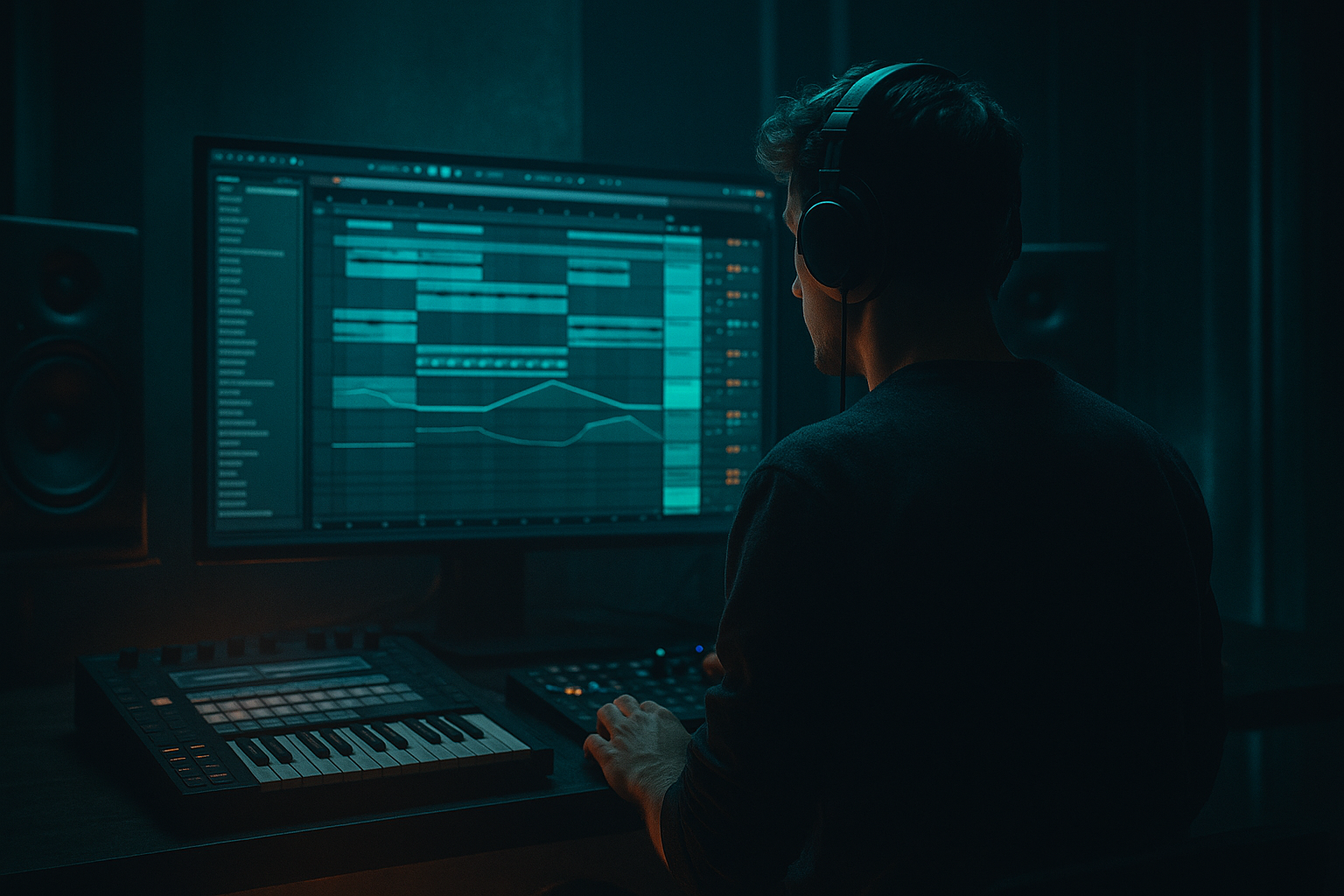
Main tutorial
Lesson Overview
In Drum & Bass, ghost notes are often the difference between a loop that feels programmed and a loop that feels alive. A ghost note is that low-velocity snare, kick, or percussion hit tucked between the main backbeats — usually barely audible on its own, but crucial for swing, momentum, and that “human but surgical” feel you hear in rollers, jungle edits, and darker halftime-leaning DnB.
This lesson is about taking a ghost note from a rough breakbeat loop and tightening it so it sits like it was always meant to be there. We’ll do it in Ableton Live 12 using stock tools only, with a breakbeat surgery workflow that keeps the groove organic while making the transient, timing, tone, and layer balance much more controlled. That matters because in DnB, tiny drum details can either glue the drop together or smear the entire pocket. A ghost note that lands too wide, too soft, or too messy can make the break feel floppy; tightened correctly, it adds snap, drive, and tension without stealing focus from the main snare and sub.
This technique fits especially well in:
- rolling drums where the groove needs constant motion
- jungle-inspired breaks that need precision after chopping
- neuro / dark rollers where the drums must stay tight against aggressive bass design
- arrangement moments like pre-drop fills, 2-bar switch-ups, and break edits before a main section
- pulls one ghost hit slightly forward or back so it locks with the groove
- reinforces that hit with focused transient shaping and EQ
- blends it into the original break so it feels like part of the same drum performance
- adds a subtle pre-snare push or post-snare drag
- has a more defined transient without becoming clicky
- sits with controlled low-mids so it doesn’t muddy the kick/sub
- can be automated into a fill, drop lead-in, or variation bar
- Warp mode: Beats for transient-heavy breaks
- Preserve: Transients
- Segment BPM: set correctly before editing
- Warp markers: only where necessary
- late and dragging
- too soft to support the groove
- smeared by room tone or tail
- slightly out of place against the bass movement
- Duplicate the audio clip and use Split at transient points, then keep only the ghost hit region
- Use Slice to New MIDI Track if the break is chopped enough that you want pad-style triggering
- duplicate the original break track
- on the duplicate, split around the ghost note
- mute or lower the duplicate except for the target hit
- manually nudge the clip start/end or transient marker by a few milliseconds
- use Groove Pool with a subtle swing groove and apply only to the ghost slice
- if working with MIDI slices, shift the note a few ticks earlier or later
- move the ghost note earlier by 5–15 ms for forward drive
- move it later by 5–10 ms for a lazy, swung roller feel
- keep it subtle if the main break already has strong shuffle
- high-pass around 120–180 Hz to keep it out of sub territory
- reduce boxiness around 250–500 Hz by 1–3 dB if needed
- add a gentle presence lift around 2.5–5 kHz if the transient needs definition
- Drive: 5–15% for subtle body
- Transients: +5 to +20 for a more defined front edge
- Crunch: low, around 0–10%, if you want a bit of dirt
- Boom: usually off or very restrained for a ghost note, unless it’s deliberately a weighty fill piece
- duplicate the ghost note track
- on the duplicate, use Drum Buss Transients, clip gain, and a short Volume Envelope
- if using Simpler, shape the start and end with the Sample tab and envelope controls
- shorten the Decay so it stops before the next hit
- slightly increase Attack only if the transient is too sharp
- set a tight release so it doesn’t blur
- reduce clip gain if the transient is already too spiky
- increase gain if it disappears under the break
- add a tiny fade in or fade out to avoid clicks after slicing
- Glue Compressor with 1–2 dB gain reduction, slow attack, auto or medium release
- EQ Eight to remove low-mid buildup if the layers thicken too much
- Saturator with Soft Clip on for a bit of cohesion
- Glue Compressor attack: 10–30 ms
- release: Auto or 0.1–0.3 s
- ratio: 2:1
- Saturator drive: 1–4 dB
- bring the ghost note in only in the last 8 bars before the drop
- automate its volume up 1–2 dB in a transition section
- filter it slightly darker in the intro, then open it in the drop
- use it as a fill marker before a bass switch-up
- the ghost note vanishing completely in mono
- low-mid buildup that clouds the kick or sub
- harsh stickiness in the 3–7 kHz range
- Over-quantizing the whole break
- Making the ghost note too loud
- Leaving too much low end in the ghost layer
- Adding too much Drum Buss drive
- Ignoring the context of the bassline
- Slicing without smoothing the edits
- Layer a filtered room hit under the ghost note
- Use subtle saturation on the ghost only
- Offset the ghost note against the bass stab
- Keep ghost notes mono and centered
- Build a variation every 8 or 16 bars
- Use Break Bus compression sparingly
The big goal: preserve the character of the original break while making one ghost note land with intentional weight and timing. That is a very DnB skill. It keeps the loop sounding human, but edited.
What You Will Build
You’ll build a tight ghost-note enhancement from a breakbeat chop in Ableton Live 12 that does three things at once:
By the end, you’ll have a break loop where a ghost note:
Musically, think of a 174 BPM roller with a two-bar break loop: the main snare hits on 2 and 4, and a ghost note just before beat 4 now nudges the groove into the downbeat of the next bar. In a darker track, that tiny edit can create tension before a sub drop or a reese phrase change.
Step-by-Step Walkthrough
1. Set up a clean break surgery lane in Ableton Live 12
Start with a break loop that already has character — an Amen, Think, Apache-style phrase, or a chopped original break with some swing. Drag it into a new audio track and switch the clip view to Warp mode. For this workflow, use a section with one ghost note you want to highlight or tighten.
Useful setup:
If you’re working at 174 BPM, align the break to the grid but don’t over-quantize the whole loop. You want the feel to remain alive. The ghost note is the only thing we’re surgically improving.
A good starting point is to loop just 1 bar or 2 bars, so you can hear the ghost note in context repeatedly. This is essential because in DnB, a tiny change in one percussion hit can affect the whole phrase.
2. Identify the ghost note you want to tighten
Listen for a low-velocity snare tap, kick pickup, or rim/hat note that currently feels:
In a jungle break, that could be a quiet snare ghost before the main backbeat. In a roller, it might be a tiny kick pickup before the snare that helps the loop “lean” forward. In dark bass music, these ghost hits often live in the 16th-note cracks between the main hits.
Zoom in and place Warp markers around the hit, not across the whole loop. If the note is just slightly off, move the marker in small increments — you are not regridding the break, you are refining one moment. A movement of 5–20 ms can be enough.
Why this works in DnB: the groove is extremely tempo-sensitive. At 174 BPM, small timing changes feel huge because the drums are fast and the spaces between hits are short. A ghost note that lands precisely can create momentum without clutter.
3. Split the ghost note into its own editable clip or slice
Now isolate the note so you can process it differently from the rest of the break.
Two clean Ableton Live ways:
For this lesson, the simplest method is usually best:
If the break is in a Simpler or Drum Rack workflow already, keep the ghost note on a separate pad/chain. That gives you total control over velocity, decay, and transient without harming the source loop.
Good intermediate habit: name the duplicate clearly, like “Break Ghost Tight” or “Amen Ghost Reinforce.” Organization matters when you’re building dense DnB sessions with drum layers, bass resamples, and FX busses.
4. Tighten the timing with Groove Pool or manual nudging
Before you process tone, get the pocket right. A ghost note often feels loose because it is slightly off-grid relative to the hats, kick, or snare envelope.
Try one of these:
Suggested timing ranges:
A classic jungle move is to bring a ghost snare slightly ahead of the barline so the next downbeat hits harder. For darker rollers, leaving it a hair late can create that lurching, ominous feel — especially if the bass phrase answers on the following beat.
If the break is already grooving well, don’t quantize the entire loop. Tighten only the edit point. You want surgical control, not robotic flattening.
5. Shape the ghost note with EQ Eight and Drum Buss
Now make the ghost note speak clearly without cluttering the mix.
Add EQ Eight first:
Then add Drum Buss:
If the note is a snare ghost, you may want a very short, controlled tail. Use the Decay or a follow-up Gate if needed, but don’t let it ring into the next main hit.
Why this matters in DnB: ghost notes exist to support the groove, not compete with the main backbeat. EQ and Drum Buss let you make the note more readable in the mix while keeping it lightweight enough to sit inside a fast drum pattern.
6. Add transient control with Envelope Shaper-style editing using stock tools
Ableton Live doesn’t have a dedicated stock transient designer, so use a practical stock workflow:
If the ghost note is from a chopped sample in Simpler:
If it’s an audio clip:
A very effective move is to layer the ghost hit with itself: one clean layer for timing, one filtered layer for body. Keep the second layer 6–12 dB quieter than the main layer.
7. Blend the ghost note into the full break with a return chain or group bus
Now place the tightened note back into the break context.
Route the ghost note and main break to a Drum Bus or Break Bus group. On that group, use:
Suggested starting points:
If the ghost note feels too separate, lower its individual volume until you just feel it more than hear it. In DnB, some of the best ghost work is felt in the body of the loop, not announced.
This step is where the edit becomes musical instead of technical. A loose break chopped hard can sound amateur; a surgical ghost note blended through a bus sounds like a deliberate drum performance.
8. Automate the ghost note for arrangement impact
Don’t leave the ghost note static throughout the whole track. Use it as a structural tool.
Good arrangement uses:
A strong musical context example: in a 2-bar pre-drop build, you can have the ghost note become more pronounced in bar 2, just before the drop hits. Pair that with a short reverse cymbal and a one-bar bass filter sweep, and the ghost note becomes part of the tension arc.
For darker DnB, this is especially effective when the bass has a call-and-response phrase. The tightened ghost note can answer the bass stab or reese movement, helping the drums “speak” in the gaps.
9. Check the result in mono and against the sub
Even a tiny drum edit can upset low-end balance. Check your bus in mono using Utility on the master or drum group.
Listen for:
If the ghost disappears in mono, it may be too stereo-widened or too thin. Keep ghost notes mostly mono and centered. If it fights the bass, trim some 200–400 Hz and reduce saturation drive. The goal is clarity, not hype.
In DnB, the drum/bass relationship is sacred. A ghost note should enhance movement without stepping into the sub’s lane.
Common Mistakes
Fix: only move the target ghost note or its nearest transient marker. Keep the rest of the break human.
Fix: lower it until you feel the groove more than hear the sample. Ghost notes should support, not advertise.
Fix: high-pass around 120–180 Hz, sometimes higher if the source is muddy.
Fix: back off the Drive and use Transients first. Too much saturation can flatten the break’s depth.
Fix: check the edit against the sub and reese movement. A good ghost note works with the bass phrase, not against it.
Fix: use tiny fades, clip gain adjustments, and careful warp markers to avoid clicks and pops.
Pro Tips for Darker / Heavier DnB
Use a quiet room snare or foley hit, high-pass it heavily, and blend it in 8–15 dB lower than the main ghost. This adds air without washing the groove.
Saturator with Soft Clip on, Drive around 2–4 dB, can make a ghost hit read better on smaller systems without needing more volume.
In neuro or dark rollers, place the ghost just before a bass hit to create anticipation. That tiny pre-hit movement can make the bass feel heavier when it lands.
DnB drums need punch in the middle. Save width for atmospheres, rides, and FX, not for critical ghost hits.
Automate the ghost note louder, darker, or slightly earlier in the last bar of a phrase. That gives the loop evolution without rewriting the whole drum pattern.
If you crush the bus too hard, ghost articulation disappears. Let the note survive the bus, then glue it lightly.
Mini Practice Exercise
Spend 10–20 minutes doing this on one break loop:
1. Load a 1- or 2-bar break into Ableton Live 12 at 170–175 BPM.
2. Find one ghost note before a main snare or kick.
3. Duplicate the clip and isolate only that ghost hit.
4. Nudge it 5–10 ms earlier or later until it feels locked to the groove.
5. Add EQ Eight: high-pass around 140 Hz and trim any muddy low-mids.
6. Add Drum Buss and raise Transients slightly, keeping Drive modest.
7. Blend it back into the original break and listen in context with a sub bass loop.
8. Make one automation pass: raise the ghost note level slightly in the last bar of the loop.
Goal: by the end, you should be able to hear the groove feel more intentional without the ghost note sounding obvious.
Recap
Tightening a ghost note in Ableton Live 12 is a small edit with a big DnB payoff. Isolate the hit, adjust timing by tiny amounts, shape it with EQ Eight and Drum Buss, and blend it back into the break bus so it supports the full groove. Keep it mono, keep it subtle, and always check it against the bassline. In Drum & Bass, the smallest drum details often create the biggest sense of drive.

