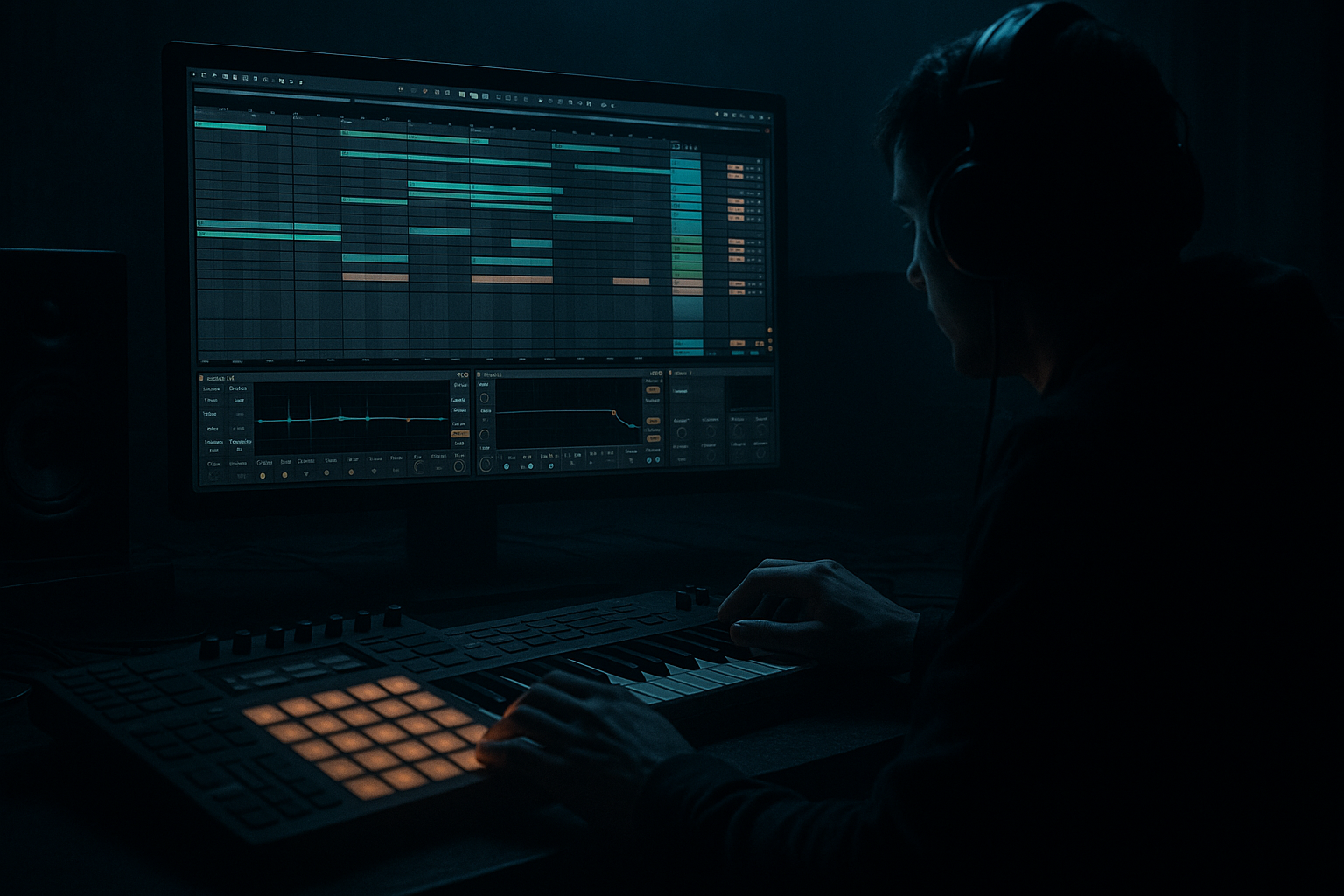
Main tutorial
Tighten a DJ Intro Using Stock Devices Only in Ableton Live 12
For jungle / oldskool DnB vibes 🥁⚡
1. Lesson overview
A DJ intro in drum and bass has one job: make the tune mixable and feel exciting immediately. In jungle and oldskool DnB, that usually means a tight, focused intro with:
- a clean kick/snare grid so DJs can beatmatch
- controlled low end for safe mixing
- short, punchy atmosphere that hints at the drop
- movement and tension without clutter
- EQ Eight
- Drum Buss
- Saturator
- Auto Filter
- Utility
- Gate
- Glue Compressor
- Drum Rack or Simpler
- Reverb and Echo for controlled space
- a strong 8- or 16-bar intro structure
- a stripped-down breakbeat or drum pattern
- a tightened drum bus
- a filtered bass tease or sub hint
- short FX transitions
- a controlled stereo image
- a mix-ready intro that leads naturally into the drop
- bars 1–4: atmosphere + filtered drums
- bars 5–8: stronger kick/snare pattern
- bars 9–12: added percussion + bass tease
- bars 13–16: pre-drop tension, then release
- jungle intros with break slices
- rolling oldskool DnB
- heavier modern DnB with retro flavour
- 8 bars for a quick mix-in
- 16 bars for a more DJ-friendly and performance-oriented intro
- 170–174 BPM for classic jungle/DnB
- 165–172 BPM if you want a slightly heavier rolling feel
- Bars 1–4: atmospheric intro, filtered drums only
- Bars 5–8: stronger beat presence
- Bars 9–12: bass tease / extra percussion
- Bars 13–16: tension builder into drop
- High-pass very gently at 25–30 Hz to remove sub-rumble
- If the kick is muddy, make a small cut around 180–300 Hz
- If the snare is boxy, try a small cut around 400–700 Hz
- If the hat edge is harsh, tame 7–10 kHz slightly
- Drive: 5–15%
- Crunch: low, around 0–10% if needed
- Boom: use carefully, maybe 10–25%
- Boom frequency: usually around 50–60 Hz for deeper kicks, but lower or disable if your sub is already strong
- Transient: +5 to +20 for more snap
- Attack: 10–30 ms
- Release: Auto or 0.1–0.3 s
- Ratio: 2:1 or 4:1
- Aim for 1–3 dB of gain reduction
- Put the snare on 2 and 4
- Place kick hits so they support the groove without crowding the snare
- If using a breakbeat, slice and nudge transients so the main hits land cleanly
- zoom in on the warp markers
- make sure break slices are not drifting
- use Simpler in Slice mode or manually edit clip transients
- trim unnecessary tails on samples
- Simpler: for slicing breaks and playing them rhythmically
- Warp markers: to align hits tightly
- Clip envelopes: for quick level automation if a hit is too loud
- Duplicate your breakbeat track
- On one version, keep the full break feel
- On another, create a tightened layer with:
- Set the threshold so it opens on the main hits
- Adjust Release to shorten tails
- Use Sidechain if needed to control specific hits
- High-pass at 120–180 Hz if the break is fighting the kick/sub
- Small cut around 250–400 Hz if it sounds woolly
- Slight high-shelf boost if it needs air, but stay subtle
- Oscillator: sine
- Short MIDI notes on root note or dominant note
- Low-pass filter to keep it rounded
- Keep the bass mono
- turn on Mono
- reduce width to 0–20%
- ensure no unnecessary stereo low end
- use Wavetable
- choose a simple analog-style or detuned saw source
- low-pass heavily with Auto Filter
- automate filter opening later in the intro
- Auto Filter
- Saturator
- EQ Eight
- Utility
- Auto Filter cutoff: start around 100–250 Hz
- Saturator: soft clip or subtle drive
- EQ Eight: cut mud around 200–400 Hz if needed
- Utility: mono the low end
- vinyl crackle
- short rewind FX
- filtered pad
- reversed stab
- delayed ghost vocal
- ambient jungle texture
- high-pass at 200–400 Hz
- remove low-mid cloudiness if needed
- low-pass to keep it dark
- automate cutoff opening gradually
- use shorter decay for tightness
- keep dry/wet moderate, maybe 10–30%
- use pre-delay to keep the transient clear
- reduce width on lower layers
- keep stereo width mainly in upper atmosphere
- filter cutoff
- reverb send
- delay feedback
- drum bus drive
- snare level
- atmosphere volume
- bass filter opening
- Bars 1–4: low-pass drums slightly, sparse arrangement
- Bars 5–8: open hats and bring snare forward
- Bars 9–12: introduce bass tease, raise drum intensity
- Bars 13–16: open filter, increase tension FX, prepare drop impact
- set width to 0% or very narrow
- keep sub frequencies mono
- leave width wider, but not extreme
- sub and main drums = centered
- texture and FX = wide but controlled
- filtered pad
- vinyl noise
- one break layer
- no sub yet
- add kick/snare pattern
- increase break definition
- light hat movement
- short FX hit at bar 8
- introduce bass tease
- open filter slightly
- add ghost percussion or rimshot
- stronger drum presence
- remove some ambience
- add tension riser or snare fill
- final bar transitions into drop
- Is the beat too busy for mixing?
- Is the low end clean and centered?
- Are the drums punchy enough?
- Does the intro build energy without sounding cluttered?
- Does it feel like jungle / oldskool DnB, not generic EDM?
- EQ Eight for last cleanup
- Utility for width control
- Glue Compressor for glue
- Limiter only if absolutely needed on the master or intro bus
- Saturator on drum bus or bass
- Soft Clip enabled
- Drive small amounts until the sound gets denser
- shorter reverb decay
- pre-delay to preserve punch
- automated reverb only on transitions
- Drum Buss transient
- light EQ in the upper mids
- optional parallel layer with a snappy rim or crack
- cutoff from 200 Hz to 1–2 kHz
- resonance modestly, not too much
- HP filter
- compression
- tiny bit of saturation
- low level underneath the main drums
- 1 breakbeat loop
- 1 kick/snare layer
- 1 atmospheric texture
- 1 sub tease or bass hint
- 1 FX element
- low end must stay mono
- ambience must be high-passed
- drums must remain punchy
- the intro must evolve over 16 bars
- EQ Eight
- Drum Buss
- Glue Compressor
- Gate
- EQ Eight
- Drum Buss
- Auto Filter
- Reverb
- Utility
- Operator
- Saturator
- EQ Eight
- Utility
- Keep the intro mix-friendly
- Use EQ Eight, Drum Buss, Glue Compressor, Utility, and Auto Filter
- Tighten drums by trimming tails, controlling transients, and cleaning low mids
- Keep bass mono and restrained
- Use automation to build energy over 8–16 bars
- Avoid clutter: every sound should earn its place
- a track-by-track Ableton device template
- a 16-bar MIDI/arrangement blueprint
- or a more advanced version with drum resampling and parallel processing
In this lesson, you’ll learn how to tighten a DJ intro using only stock Ableton Live 12 devices. We’ll shape the intro so it feels like proper rolling DnB: functional for mixing, but still full of character.
You’ll use stock tools such as:
The goal is to keep the intro tight, punchy, and mix-friendly, while giving it that gritty oldskool jungle pressure. 🔥
---
2. What you will build
By the end, you’ll have a DJ intro that includes:
Typical result
Think of something like:
This works great for:
---
3. Step-by-step walkthrough
Step 1: Set up the intro grid
Start by deciding the intro length.
For most DnB DJ-friendly intros, use:
In Ableton, set your project tempo to something like:
Arrange marker idea
A simple 16-bar structure:
Keep the intro function-first: it must help DJs mix, so don’t overcrowd it.
---
Step 2: Start with a tight drum foundation
Use a Drum Rack with a clean kick, snare, hats, and maybe a break slice.
#### Basic chain on the drum group:
1. EQ Eight
2. Drum Buss
3. Glue Compressor
4. Utility
#### EQ Eight settings
On the drum bus, do the following:
Keep cuts small and purposeful. Oldskool DnB drums should feel punchy, not overprocessed.
#### Drum Buss settings
Use Drum Buss to add weight and glue:
If your intro needs more “bite,” slightly increase transient and drive. If it’s getting too modern or distorted, back off.
#### Glue Compressor settings
On the drum bus:
This helps the intro feel compact and DJ-ready.
---
Step 3: Tighten the kick and snare relationship
In jungle and oldskool DnB, the kick and snare timing is everything. They need to feel locked.
#### Practical check:
If the intro feels loose:
#### Helpful Ableton tools
A tight intro often comes from removing sloppy sustain, not adding more layers.
---
Step 4: Shape the breakbeat like an oldskool intro
If you’re using a classic breakbeat, keep the character but control the chaos.
#### A good approach:
- EQ cuts to reduce low-end mess
- transient emphasis
- shorter decay using Gate or clip edits
#### Use Gate for tighter drum tails
Add Gate after the break sample or break bus:
This can make an intro feel much more focused without losing the break’s energy.
#### EQ Eight on break loops
Try:
For jungle, it’s often better to let the break breathe in the mids and highs while keeping the low end under control.
---
Step 5: Add filtered bass tease without muddying the intro
A DJ intro in DnB usually doesn’t need full bass chaos right away. It needs a hint.
Use a bass layer, but keep it restrained.
#### Option A: Sub tease with Operator
Use Operator for a simple sine or triangle sub note.
Settings:
Chain:
1. Operator
2. EQ Eight
3. Utility
On Utility:
#### Option B: Reese hint with Wavetable
If you want a darker intro tease:
Keep it tucked low in the mix until the last 4 bars.
#### Bass intro processing chain
Settings idea:
This gives you a hint of bass pressure without wrecking DJ clarity.
---
Step 6: Use atmosphere, but make it tight
Oldskool intros love atmosphere: vinyl noise, tension pads, ghost stabs, reverb tails. But the key is control.
#### Layer ideas
#### Keep atmosphere from making the intro messy
Put atmospheric layers through:
1. EQ Eight
2. Auto Filter
3. Reverb
4. Utility
#### Example settings
EQ Eight
Auto Filter
Reverb
Utility
This gives vibe without ruining the mix-in.
---
Step 7: Create movement with automation
A tight DJ intro should feel like it’s evolving, even if it’s minimal.
#### Useful automation targets:
#### Practical automation plan for 16 bars
This keeps the intro functional but alive.
---
Step 8: Tighten stereo image and low end
In DnB, a messy stereo intro can make the whole mix feel weak.
#### Use Utility
On bass and low drum elements:
On ambience:
#### Use EQ Eight to clean the sides
If your mix feels blurry, reduce unnecessary low mids in stereo-heavy layers.
The rule:
This is essential for oldskool drum and bass clarity.
---
Step 9: Build a proper DJ intro arrangement
Here’s a practical arrangement idea you can use immediately.
#### 16-bar intro template
Bars 1–4
Bars 5–8
Bars 9–12
Bars 13–16
This is very DJ-friendly because it gives mixers a clean beat and enough time to blend.
---
Step 10: Final polish pass
Before calling the intro done, do a polish pass.
#### Ask yourself:
#### Final devices to consider:
Don’t over-limit the intro. A little dynamic space actually helps the DJ mix feel better.
---
4. Common mistakes
1. Making the intro too full too early
A lot of producers add bass, pads, FX, and fills all at once.
Fix: Build in layers. Let the intro breathe.
2. Too much low end in atmospheric layers
Pads, reverbs, and FX often carry muddy low frequencies.
Fix: High-pass these layers aggressively, often around 200 Hz or higher.
3. Overprocessing the breakbeat
If you crush the break too hard, you lose jungle character.
Fix: Use subtle compression and EQ, not extreme shaping.
4. Stereo bass
Wide bass sounds impressive in solo but collapses badly in a mix.
Fix: Keep sub and low bass mono with Utility.
5. No arrangement tension
A DJ intro should evolve, even if it’s minimal.
Fix: Automate filters, levels, and FX over 8–16 bars.
6. Weak snare placement
If the snare doesn’t cut through, the intro won’t feel like DnB.
Fix: Boost snare presence with careful EQ, transient control, or a parallel layer.
---
5. Pro tips for darker/heavier DnB
Tip 1: Use saturation instead of boosting everything
For darker DnB, subtle saturation often works better than EQ boosts.
Try:
This adds aggression without sounding polished or bright.
Tip 2: Cut the reverb tails short
Heavy DnB intros should feel tense, not washed out.
Try:
Tip 3: Emphasize the snare transient
For darker intros, the snare is often the anchor.
Use:
Tip 4: Use dark filters for tension
An Auto Filter low-pass sweep is a classic tension builder.
Try automating:
This is especially effective before a heavy drop.
Tip 5: Add a ghost break layer
A subtle ghost break can make the intro feel alive.
Process it lightly:
Tip 6: Use clip gain, not just faders
To tighten the intro, adjust sample clip gain or clip envelopes before reaching for heavy processing.
That keeps the groove natural and the mix clean.
---
6. Mini practice exercise
Exercise: Build a 16-bar jungle DJ intro
Use only stock devices and aim for mix-ready clarity.
#### Your task:
Create an intro with:
#### Constraints:
#### Suggested device chains:
Drums
Break layer
Atmosphere
Bass tease
#### Goal
By the end, you should be able to drop the intro into a set and mix into it cleanly without fighting the low end.
---
7. Recap
A tight DJ intro for jungle and oldskool DnB is all about clarity, tension, and control.
Key takeaways:
If you get this right, your intro won’t just be a lead-in — it’ll feel like the opening statement of the tune. Strong, dark, and ready for the drop. 🥁🔥
If you want, I can also turn this into:

