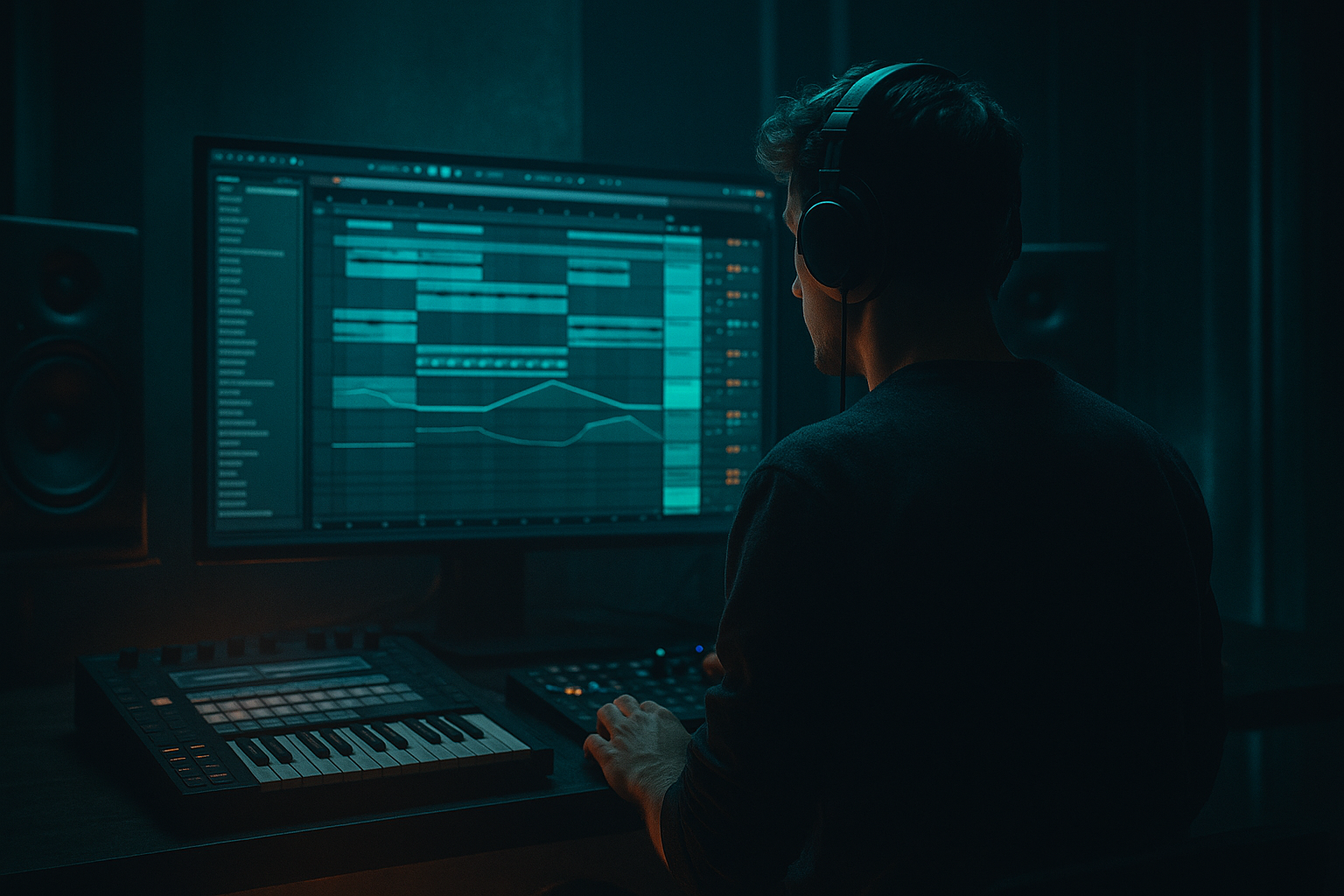
Main tutorial
Lesson Overview
In this lesson you’re going to build a Think-style Amen call-and-response riff and arrange it for oldskool jungle / darker DnB energy inside Ableton Live 12. The goal is not just to loop an Amen break and a bassline — it’s to make the break and bass talk to each other with tension, space, and attitude.
This technique sits right at the heart of classic jungle and modern DnB writing: the drums answer the bass, the bass leaves gaps for the drums, and FX glue the whole thing into a believable section. That call-and-response relationship is what keeps a loop from feeling static. It also gives you a strong arrangement language for drop design, switch-ups, and DJ-friendly structure.
Why it matters:
- It creates movement without overcrowding
- It makes the break feel intentional, not just chopped for the sake of it
- It gives the bassline a rhythmic identity
- It helps you shape energy over 16–64 bars, which is crucial in DnB
- It’s one of the most reliable ways to get that Think-era jungle pulse while still sounding like you know your way around Live 12
- A chopped Amen-style break with ghost notes, swing, and small edits
- A call-and-response bass riff built around a simple sub/reese conversation
- A few FX moves: reverses, delays, filtered ambience, and impact transitions
- A 8–16 bar drop phrase that feels like oldskool DnB but works in a modern mix
- Enough arrangement structure to turn the loop into a proper intro-drop-switch-outro section
- Bars 1–4: sparse intro with filtered break fragments and bass tease
- Bars 5–8: first drop phrase, break answers bass stabs
- Bars 9–12: variation with extra fills and a bass turnaround
- Bars 13–16: tension lift into a DJ-friendly reset or next phrase
- Making the bass too constant
- Over-editing the Amen until it loses swing
- Using too much wide stereo on the low end
- Letting FX cover the groove
- No phrase variation every 4 bars
- Bass and snare occupying the same moment constantly
- Use Saturator on the bass mid layer with Soft Clip on, then blend carefully for grit without fuzzing the sub.
- Add a very slow Auto Filter movement on the reese layer only, not the sub, to create pressure without wobble overload.
- Try a shorter, drier break for heavier rollers and reserve reverb for transition hits only.
- Use Frequency Shifter very subtly on a return or secondary bass layer for eerie detune movement.
- For a nastier edge, parallel a drum bus into Pedal or Overdrive and filter it back with EQ Eight.
- If the section needs more menace, automate the bass to become more mid-focused in the last 2 bars before the drop, then bring the sub back full on impact.
- For underground character, leave one or two transitions slightly rougher: a clipped break tail, a short tape-like stop, or a quick reverse swell can feel more authentic than a polished EDM-style fill.
- Use a tiny amount of Drum Buss on the drum group for extra smack, but keep the low end controlled. Aim for character, not destruction.
- Build your DnB idea around phrase-based call-and-response
- Keep the Amen break expressive with small edits, not over-processing
- Make the bass speak in gaps, not nonstop
- Use Ableton stock devices like Simpler, Operator, Wavetable, Auto Filter, Echo, Saturator, Glue Compressor, Utility, and Drum Buss
- Arrange in 4-bar and 8-bar phrases so the section feels like a real drop
- Keep the sub mono, the groove tight, and the FX musical 🎛️
We’ll focus on stock Ableton tools, practical resampling choices, and arrangement moves that feel authentic to jungle, rollers, and darker bass music.
What You Will Build
By the end, you’ll have a compact but powerful section with:
Musically, think:
The result should feel like a dark, rolling jungle statement rather than a busy edit workout.
Step-by-Step Walkthrough
1. Set up the project around phrase-based DnB pacing
Start at 170–174 BPM for a classic jungle/DnB pocket. If you want it a touch more oldskool and roomy, try 166–170 BPM. Set your launch from the start with 8-bar and 16-bar thinking, not just 1-bar loops.
Create three core groups:
- DRUMS
- BASS
- FX / ATMOS
In the DRUMS group, load an Amen break onto an audio track or Drum Rack. If you’re chopping audio, use Warp and set the clip start tightly to the transient. For oldskool feel, keep the timing slightly human — don’t over-quantize every cut. Use Groove Pool with a light MPC-style or swing groove if needed, but keep it subtle.
Add a reference loop of a classic-style break pattern and listen for:
- where the kick and snare land
- how many ghost hits sit between the main hits
- where the break leaves space for bass hits
The key here is to think in phrases, not just bars.
2. Build the Amen-style call-and-response rhythm first
In the Arrangement View, sketch a 2-bar break phrase that answers itself. For example:
- Bar 1: stronger first half, with kick/snare focus
- Bar 2: more chopped tail movement, snare pickup, and ghost taps
If you’re using the Simpler device in slice mode, slice the break to transients and map the slices across pads or MIDI notes. Then program a rhythm where the break has a clear statement and response:
- A heavy snare hit answers a bass note
- A ghost snare or hat fills the gap after a bass phrase
- A tiny kick pickup pushes into the next hit
Good starter settings:
- In Simpler, set Filter On with a gentle low-pass around 10–14 kHz if the break is too harsh
- Use Vel > Volume lightly so ghost notes can be programmed softer
- In Envelopes, shorten Decay if hits feel too loose
Why this works in DnB: jungle breaks are exciting because they feel like a conversation. The break is not just the backbeat — it’s a melodic rhythmic instrument. Leaving answer-space makes the groove breathe.
3. Design the bass as a two-part response: sub statement + midrange answer
Create a bass sound in Operator, Wavetable, or Analog depending on your comfort. For this lesson, a simple layered bass works best:
- Sub layer: clean sine or triangle in Operator
- Mid layer: reese-ish detuned saw or filtered wavetable in Wavetable
Keep the sub mono and stable:
- Sine oscillator
- Minimal glide
- Low-pass filter if needed
- Utility on the bass group with Width = 0% on the sub path
For the mid layer:
- Two detuned oscillators or voices
- Filter cutoff around 120–400 Hz depending on bite
- A little Saturator drive, around 2–6 dB
- Optional Auto Filter with slow LFO for motion
Build a 1- or 2-bar bass phrase that does not play continuously. In jungle and rollers, space is everything. Make the bass answer the break:
- Bass note lands after a snare
- Bass sustains into a chopped drum fill
- Bass drops out for one beat to let the break speak
Keep the rhythm tight and readable. A good starting point is:
- Beat 1: sub hit
- Beat 1.3 or 2: midrange stab
- Beat 3: another low phrase
- Leave a gap before the next bar’s snare
4. Use call-and-response between drums and bass, not both at the same time
Now arrange the first 4 bars so the drums and bass trade roles. Think of it like this:
- The drums ask a question
- The bass answers
- Then the drums interrupt
- Then the bass finishes the phrase
In practical Ableton terms, automate or edit so that:
- The break gets a small fill right after the bass drops
- The bass pulls back when the break hits a key snare or kick accent
- One bar has a more open bass space to set up the next phrase
A really effective pattern is:
- Bar 1: break lead, bass teaser
- Bar 2: bass answer, break with ghost notes
- Bar 3: break variation, shorter bass hits
- Bar 4: fill and turnaround
Use Clip Envelopes to automate filter cutoff or volume on the bass MIDI clip. For example:
- Bass filter opens from 180 Hz to 600 Hz over 2 bars
- Bass volume dips by 1–3 dB during a drum fill
- A short pitch bend down on the final bass note adds tension
5. Shape the break with human edits and FX movement
To make the Amen feel alive, add tiny edits instead of big processing. In the audio clip or Drum Rack:
- Duplicate a single ghost hit
- Nudge a snare slice earlier or later by a few milliseconds
- Cut the tail of one hit short before a fill
- Insert one reversed slice into a transition
Then add FX using stock devices:
- Echo on a return track for a short dubby tail
- Reverb on a return track with short decay, around 0.6–1.2 s
- Auto Filter to sweep the break into and out of sections
- Beat Repeat very sparingly for a fill or glitch moment
Keep the FX musical and selective. A great oldskool trick is to automate a low-pass filter on the break so the loop feels like it’s opening into the drop:
- Intro break loop around 200–800 Hz
- Drop opens to full bandwidth over 1–2 bars
- Final bar before switch: pull highs down again for tension
Add a short reverse reverb or reversed break tail before a new phrase. That gives you classic jungle lift without cluttering the groove.
6. Create a bass/drum bus relationship with glue, not over-processing
Route DRUMS and BASS into separate groups and then into a master premix. On the DRUMS group, try:
- Glue Compressor with low ratio, around 2:1
- Attack around 10–30 ms
- Release around Auto or 0.1–0.3 s
- Only 1–2 dB of gain reduction
On the BASS group:
- Saturator before compressor if you want more audible midrange
- Compressor sidechained gently from the kick/snare if needed
- Utility to check mono and narrow the low band
Useful routing move: create a return track with subtle Parallel Drum Smash:
- Glue Compressor
- Saturator
- Maybe EQ Eight to roll off below 120 Hz
- Blend in quietly for density, not loudness
This is especially useful in DnB because it lets the break feel hard and close without flattening the transient life. The bass should remain readable under the break, not fight it.
7. Arrange a proper 16-bar drop with variation every 4 bars
Don’t leave the loop static. Use a simple oldskool phrase plan:
- Bars 1–4: main idea
- Bars 5–8: add a fill, open filter, or extra ghost snares
- Bars 9–12: remove one bass hit and change the break answer
- Bars 13–16: turnaround with impact, reverse, or stop
This is the arrangement context that makes the riff feel like a track section rather than a loop:
- A DJ-friendly intro can start with filtered break and atmospheres
- The drop brings full break + bass conversation
- The switch-up can strip the sub and leave only midbass and hats for 2 bars
- The outro can be a breakdown of the same motif with less low-end
In Ableton, duplicate the clips and make tiny but meaningful changes:
- Remove one kick on bar 6
- Add a snare fill on bar 8
- In bar 12, automate bass filter lower for tension
- In bar 16, use a stop or reverb tail for the handoff
A strong DnB drop feels like motion across 16 bars, not just a single 2-bar loop repeated.
8. Do a mono and balance pass so the groove hits hard on systems
DnB lives and dies on low-end discipline. Check the bass in Utility on the bass bus:
- Keep sub mono
- If the mid bass has width, make sure it doesn’t smear the kick/snare center
- Use EQ Eight to carve small clashes rather than big dramatic cuts
Practical starting points:
- Bass sub fundamental usually sits cleanly around 40–70 Hz, depending on key
- If the break has nasty bite, trim a little around 3–6 kHz
- If the bass masks snare crack, reduce a narrow area around 180–250 Hz or shape with compression
Listen at low volume. If the call-and-response still reads quietly, it’s arranged well. If it only works loud, the balance is too dependent on energy rather than phrasing.
Common Mistakes
- Fix: leave gaps. In jungle and rollers, bass hits are stronger when they’re not always present.
- Fix: keep some natural break feel. Nudge a few hits, don’t grid everything perfectly.
- Fix: keep sub mono with Utility and reserve width for the upper bass texture or FX.
- Fix: use reverb, echo, and fills as punctuation, not a permanent wash.
- Fix: automate something small every 4 bars: filter, note, drum fill, or bass drop-out.
- Fix: treat them like a dialogue. One speaks while the other backs off.
Pro Tips for Darker / Heavier DnB
Mini Practice Exercise
Set a timer for 15 minutes and do this:
1. Choose a 170–174 BPM project.
2. Load an Amen break and make a 2-bar chopped loop.
3. Build a simple sub + mid bass patch in Operator or Wavetable.
4. Write a 2-bar call-and-response where drums and bass leave space for each other.
5. Duplicate it into 8 bars and make one variation:
- remove one bass note
- add one ghost snare
- automate a filter sweep
6. Add one FX move:
- reverse hit
- echo throw
- filtered intro/outro
7. Check mono on the bass and make sure the groove still feels strong.
Don’t chase perfection. The goal is to train your ear to hear where the break should speak and where the bass should answer.
Recap
If the drums and bass sound like they’re taking turns telling the story, you’ve got the right jungle energy.

