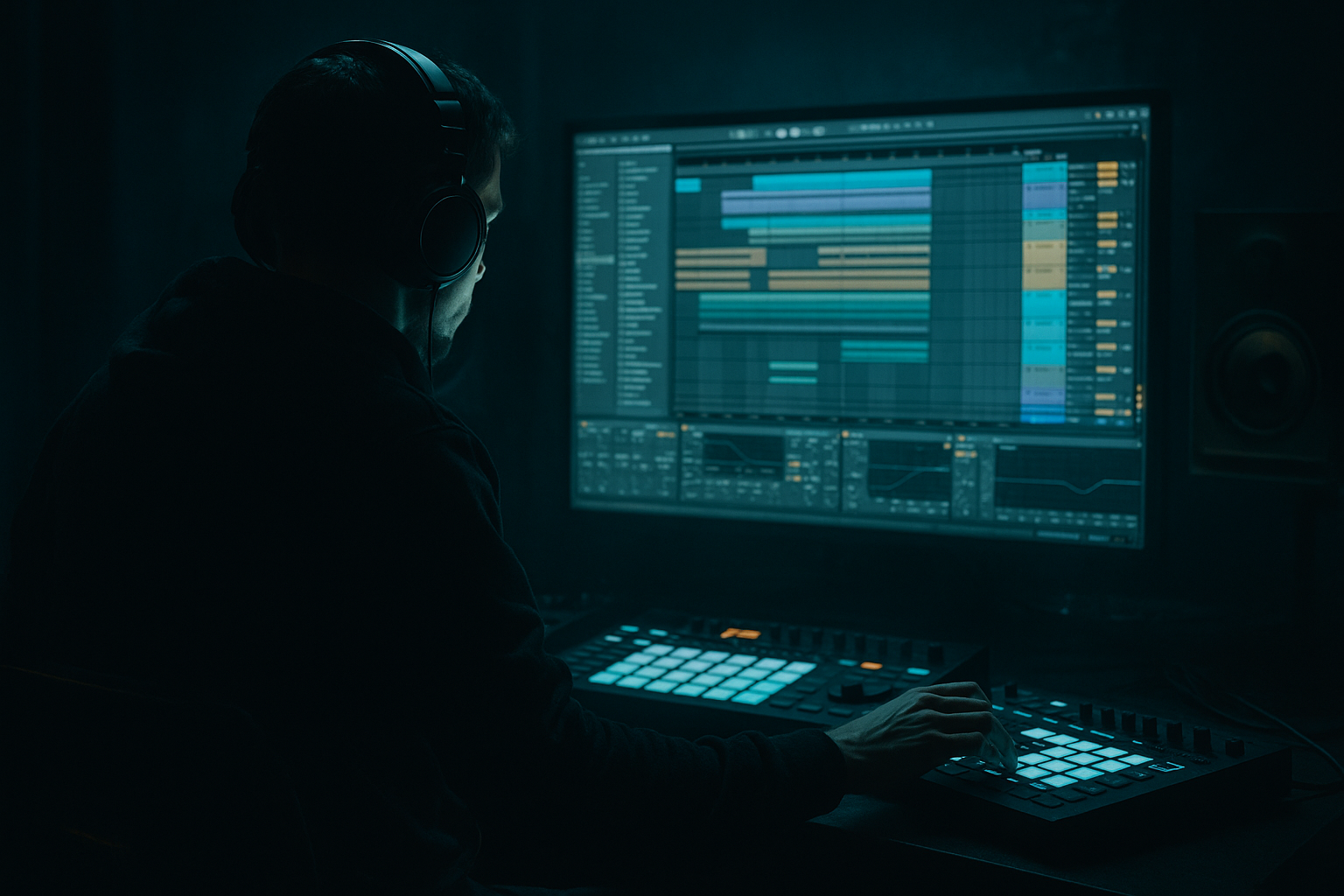
Main tutorial
Lesson Overview
In DnB, jungle FX are not just decoration — they are part of the arrangement language. They glue together break edits, mark phrase changes, and create the feeling of momentum that makes a tune move at 174 BPM instead of just looping.
This lesson is about building a jungle-style FX chain in Ableton Live 12 that can color your transitions, add grime and motion, and help you arrange a track with real tension and release. The focus is advanced composition: not “how do I make a riser,” but how do I design an FX system that supports the drop, the 8/16-bar phrasing, the switch-up, and the DJ-friendly structure.
You’ll use stock Ableton devices to build a chain that can:
- turn a break chop into a dramatic scene change
- create filtered dubby movement before a drop
- add old-school jungle chaos without washing out the low end
- make your arrangement feel intentional, not random 🎛️
- a gritty resampled break texture
- a filtered noise rise / downlift
- a dub-style delay tail
- a tape-ish or lo-fi color stage
- a parallel impact layer
- automation-ready macros for:
- intro drum fills
- 8-bar transition phrases
- pre-drop tension bars
- breakdown atmospheres
- DJ intro/outro edits
- switch-up bars after the second drop
- 8 bars of stripped break + sub
- into a filtered jungle atmosphere with snare ghosts and reverse textures
- then into a one-bar impact that slams into the drop
- Using too much low end in FX layers
- Over-distorting the whole transition
- Letting delays and reverbs blur the groove
- Building FX that ignore the drums
- Making every bar equally intense
- Stereo-widening the wrong material
- Use transient-shaped FX, not just huge washes. A clipped snare tail with a short reverse layer often feels harder than a massive reverb cloud.
- Duplicate the FX layer and process one copy for dirt, one for clarity. Keep the dirty copy low in the mix and let the clean copy define the phrase.
- Use very small filter moves for menace. A cutoff shift from 800 Hz to 500 Hz can feel more tense than a giant sweep.
- Try Drum Buss on break-derived FX. A little Drive and transient tightening can make chopped jungle textures hit like part of the kit.
- Sidechain the FX return lightly from the kick/snare. This preserves punch while keeping atmosphere alive.
- Collapse the low end of your FX in the final bar. A sudden narrowing right before the drop can make the impact feel bigger.
- Resample your own automation passes. Print a 4-bar FX movement, then chop it like a drum break for a more authentic jungle edge.
- Use call-and-response with bass movement. Let the FX phrase leave space for the reese or sub answer after the drop.
- Think of jungle FX as arrangement tools, not decoration.
- Build a reusable Ableton chain with filter, saturation, delay, and controlled dirt.
- Keep the sub and punch separate from the FX atmosphere.
- Automate the chain in phrases, especially 2/4/8-bar movements.
- Use resampling to turn edits into new texture.
- In DnB, the best FX are the ones that push the drop forward without stealing its impact.
This matters in DnB because the genre is fast, dense, and detail-heavy. If the FX are weak, the arrangement feels flat. If they’re overdone, they smear the kick, snare, and sub. The goal is to use FX like an editor uses cuts: short, precise, and musically timed.
What You Will Build
You’ll build a reusable jungle FX rack in Ableton Live 12 with:
- brightness
- grit
- width
- feedback
- motion
The end result is a chain you can drop onto:
Musically, think of a section where the track goes from:
This is especially effective in darker rollers, jungle revival, neuro-influenced DnB, and halftime-to-halfstep switch ideas.
Step-by-Step Walkthrough
1. Build the source material first: break, noise, and a musical stab
Start with three audio or MIDI elements in separate tracks:
- a chopped break loop or single-hit break edits
- a noise source or vinyl/room texture
- a short stab, chord, or reese slice
For the break, use a classic chopped source with some space between hits. If you’re working with live drums, keep the kick/snare core clean and let the ghost notes carry the motion. If you’re working with audio, slice to a new MIDI track and reprogram the best fragments.
For the stab, choose something that implies key center but doesn’t hog the mix — a one- or two-note minor voicing works well. In DnB, a stab is often more useful than a full harmony because it reads quickly in the mix.
Why this works in DnB: the ear processes fast arrangements in chunks. A small amount of recognizable material — a break edge, a filtered stab, a wash of noise — gives the listener something to track while the rhythm stays aggressive.
2. Create a dedicated FX return or group for arrangement transitions
Don’t scatter transition processing across the whole project. Create either:
- a Return track for shared send FX
- or a Group track called FX Scene if you want the chain printed with the arrangement
For composition work, a group track often feels better because you can automate the whole scene together. Put your break chop, stab, and noise layers inside that group, then process them as a unit.
On the group, start with:
- EQ Eight
- High-pass the very low end around 120–180 Hz if the FX layer is not supposed to carry sub
- Pull down 250–450 Hz by 2–4 dB if the buildup gets boxy
- Saturator
- Drive: 2–6 dB
- Soft Clip: on
- Output: trim so the group stays controlled
- Auto Filter
- Use a Low-Pass or Band-Pass with moderate resonance
- Map cutoff to a Macro for automation
Keep the group lean. The FX scene should feel like atmosphere and momentum, not a second bassline.
3. Resample your break edits into a new texture layer
Create an audio track named something like “FX RESAMPLE.” Set its input to Resampling or route the FX group to it. Record 4–8 bars of your chopped break, filtered stab, and noise movement.
Once recorded, warp the audio and cut the best moments:
- a snare tail with room
- a ghost-note cluster
- a reverse-feeling transient
- a chopped fill ending in silence
Then process the resampled audio with:
- Simpler if you want to re-trigger slices as a new playable instrument
- Beat Repeat for rhythmic stutter
- Grain Delay for jungle haze and smearing
- Redux very lightly if you want rough digital edge
Useful starting settings:
- Beat Repeat:
- Interval: 1/8 or 1/16
- Grid: 1/16
- Chance: 20–40%
- Variation: 20–50%
- Gate: 30–60%
- Grain Delay:
- Dry/Wet: 10–25%
- Frequency: 0.3–1.2 kHz
- Random Pitch: subtle, not extreme
Keep the resample layer short and intentional. In jungle and dark rollers, resampled FX often work best when they feel like a memory of the break rather than a whole new drum part.
4. Color the chain with controlled dirt, not blanket distortion
Now design the color stage. This is where the FX chain gets attitude.
Add this order on the FX group or resample track:
- Drum Buss for weight and punch
- Saturator for harmonics
- Dynamic Tube or Overdrive for focused midrange grit
- EQ Eight for cleanup after distortion
Recommended starting points:
- Drum Buss:
- Drive: 5–15%
- Crunch: low to moderate
- Damp: adjust to keep the top from fizzing
- Boom: use very carefully or bypass if the source already has low end
- Saturator:
- Drive: 1–4 dB on the FX layer
- Soft Clip: on
- Overdrive:
- Frequency: around 300 Hz to 1.5 kHz depending on source
- Frequency Spread: moderate
- Dry/Wet: 10–35%
If the chain contains a stab or synth wash, use Auto Filter before distortion for movement and EQ Eight after distortion for cleanup. That order keeps the motion expressive but prevents harsh buildup.
Advanced composition move: automate the drive amount across a phrase. For example, start a pre-drop section clean, then slowly push saturation up over 8 bars so the final bar feels like it’s leaning forward.
5. Build the movement system: filter, delay, and modulation
This is the part that makes the FX chain feel alive instead of static.
Add:
- Auto Filter
- Echo
- Chorus-Ensemble or Phaser-Flanger very subtly
- Utility for width control
Suggested workflow:
- Put Auto Filter before Echo for a classic filtered-tail effect
- Use Echo to create a dubby pre-drop tail or post-snare smear
- Keep modulation shallow so the source remains readable
Suggested settings:
- Auto Filter:
- Low-pass cutoff automation from about 18 kHz down to 400–900 Hz during buildup
- Resonance: 0.2–0.5 for smooth motion, higher only for intentional whistle
- Echo:
- Time: 1/8, 3/16, or dotted 1/8 for syncopated jungle feel
- Feedback: 15–35%
- Modulation: subtle
- Filter: roll off lows so the tail doesn’t fight the sub
- Utility:
- Width: 80–120% for FX only
- Use Bass Mono on only if the layer contains low-end fragments you want centered
Why this works in DnB: the genre thrives on forward motion. Filter automation gives you phrase shape, while delay creates micro-space without needing a huge reverb wash. That keeps the drum/bass engine clear.
6. Create a call-and-response arrangement using 2-bar and 4-bar logic
Advanced DnB arrangement is often about contrasting density. Think in short question/answer blocks:
- bar 1: break chop + filtered stab
- bar 2: empty space or ghost fill
- bar 3: FX rise with delay feedback
- bar 4: impact or drop cue
In Ableton Live 12 Arrangement View, place your FX chain so it answers the drums rather than sitting over them. For example:
- in bars 9–16, let the break play tight and dry
- in bars 17–24, automate the FX group to open up in the last 2 bars
- in bar 24, use a reverse hit, snare fill, or impact
- in bar 25, slam into the drop with the FX muted or sharply filtered out
Practical example:
- A dark roller at 174 BPM
- 16-bar intro of break and sub
- bars 9–12: low-pass the stab to create distance
- bars 13–15: open the filter, increase delay feedback slightly
- bar 16: one-bar drum fill, reversed atmosphere, then hard cut into the drop
This kind of phrasing makes the arrangement feel like it’s breathing. You’re not just filling time; you’re guiding attention.
7. Automate the “scene” as one performance, not as separate effects
Map the important controls to Macro knobs in an Audio Effect Rack or Instrument Rack:
- Macro 1: Filter Cutoff
- Macro 2: Saturation Drive
- Macro 3: Delay Feedback
- Macro 4: Width
- Macro 5: Noise Amount or FX Send
- Macro 6: Impact Gain
Then automate those Macro movements over full phrases rather than tweaking every device manually. This gives the track a consistent identity.
Good automation moves:
- open cutoff over 8 bars
- increase saturation by 10–20% in the last 2 bars before drop
- reduce width to near-mono before impact, then reopen after the drop
- duck the FX chain slightly with Compressor or Glue Compressor sidechained from the kick/snare if the transition fights the groove
If the arrangement is busy, automate the chain to get smaller before big drum moments. In DnB, negative space hits harder than nonstop processing.
8. Finalize with impact design and clean exits
Add a final impact path:
- Reverb for a short pre-hit bloom
- Reverse audio into the impact
- Simpler or resampled one-shot for the hit itself
- Utility or EQ to keep the sub region clear
For the impact:
- Reverb Decay: 0.8–2.5 s depending on section
- Pre-Delay: 10–30 ms
- Dry/Wet: keep moderate; the impact should land, not smear endlessly
- High-pass the reverb return around 200 Hz or higher if needed
Then create a clean exit:
- cut the FX tail one beat early for a more brutal drop
- or use a short delay throw on the last snare only
- remove any low-mid buildup before the main drop comes in
Final composition check: solo the last 8 bars and ask, “Does this lead the listener to the drop with certainty?” If not, simplify the FX chain rather than adding more.
Common Mistakes
- Fix: high-pass non-bass FX around 120–180 Hz; keep sub on its own lane.
- Fix: use gentle saturation first, then only heavier grit on short moments.
- Fix: shorten tails, filter the return, and automate wetness down before the drop.
- Fix: align movement to snare placement and 2/4/8-bar phrasing.
- Fix: alternate density and emptiness; DnB needs contrast.
- Fix: keep anything with sub or punch centered; widen only the atmospheric top layer.
Pro Tips for Darker / Heavier DnB
Mini Practice Exercise
Set a 15-minute timer and build a one-drop transition for an original 8-bar DnB section.
1. Program or import a 2-bar break chop, one filtered stab, and one noise layer.
2. Group them and add EQ Eight, Saturator, Auto Filter, and Echo.
3. Automate the filter to close over 4 bars, then reopen in the final 2 bars.
4. Resample the last 4 bars and edit one reverse hit plus one impact.
5. Add a short delay throw only on the final snare before the drop.
6. Check the low end in mono and remove any bass from the FX layer.
7. Listen from bar 1 to the drop and judge whether the transition feels like it accelerates.
Goal: by the end, you should have a transition that could sit in a real jungle, roller, or darker DnB arrangement without clashing with the drums.

