Main tutorial
Lesson Overview
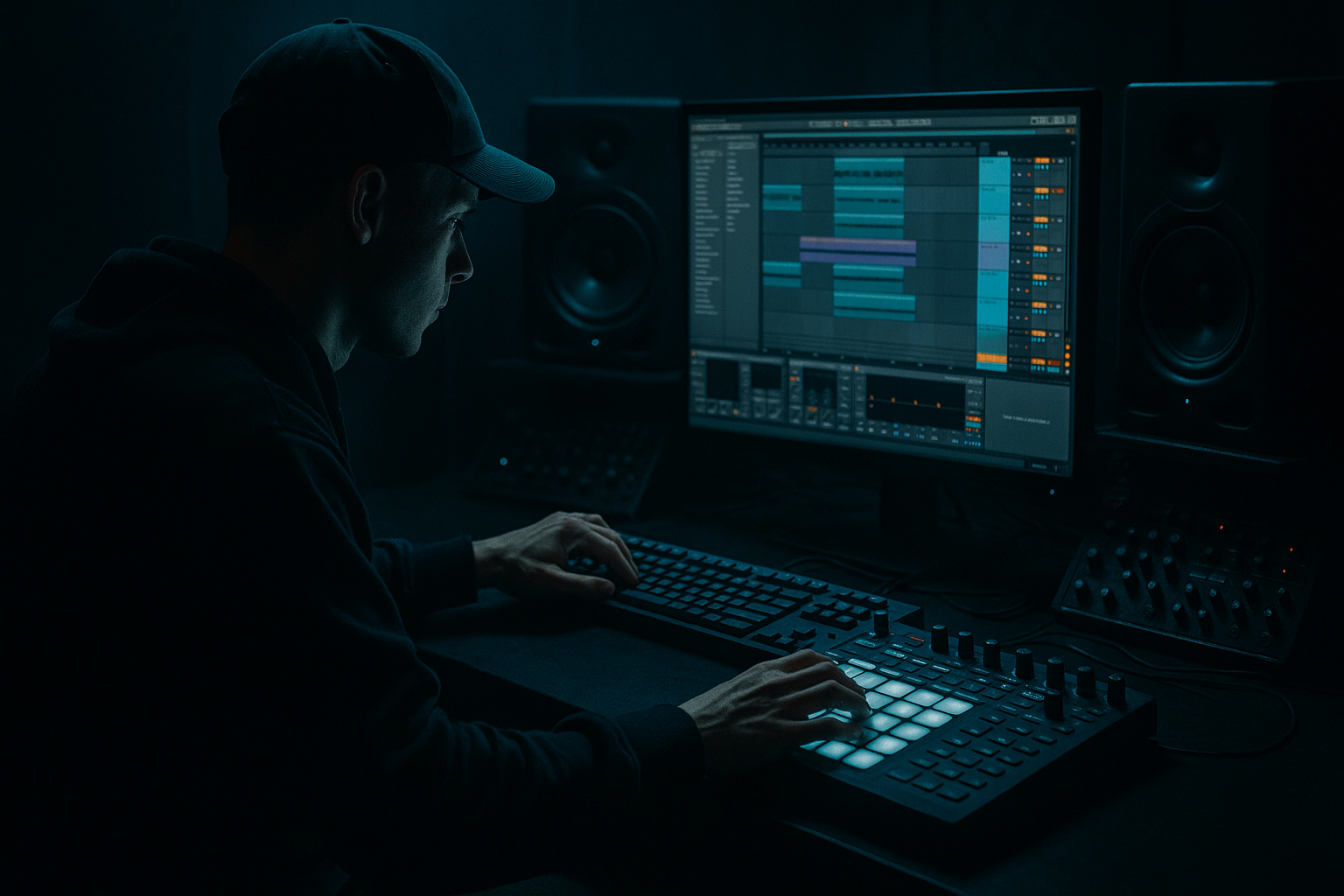
A Tape Dust jungle break roll is one of the most effective ways to inject motion, tension, and “old tape pressure” into a modern DnB arrangement. In this lesson, you’ll build a rolling, layered break passage in Ableton Live 12 that feels like it belongs in a dark jungle, roller, or neuro-influenced halftime-to-drop transition.
The goal is not just to chop a break and loop it. You’ll learn how to:
- stack multiple break sources for body, grit, and transient detail
- arrange a roll that evolves over 8–16 bars instead of sounding repetitive
- shape the groove so it locks with a heavy sub and reese
- add tape-style instability, dust, and age without wrecking the punch
- automate movement so the break becomes part of the arrangement, not just a drum loop
- a main break layer with chopped ghost notes and fast fill accents
- a top layer for hats, ride splashes, and transient sparkle
- a body layer for kick/snare weight and midrange slam
- a tape-dust texture layer using resampled noise, vinyl hiss, or filtered ambience
- a drum bus chain that glues the stack without flattening it
- an 8-bar arrangement that evolves from restrained groove to full pressure
- a version that can sit under a sub-heavy reese bassline without masking the low end
- Overfilling the roll with too many hits
- Letting the break’s low end fight the sub
- Over-compressing the drum bus
- Making every bar identical
- Using too much stereo width on drums
- Ignoring the bassline context
- Resample through gentle degradation to create worn tape character, then re-edit the result. This often sounds more authentic than trying to “fake” dust with one effect.
- Use Drum Buss very lightly for extra smack on the break stack. A little goes a long way in DnB.
- Layer a filtered noise burst on select snare hits to make the roll feel more aggressive without adding clutter.
- Keep sub mono and clean, but let the break carry the emotional chaos in the upper mids.
- If the break feels too polite, try a small amount of Erosion on the top layer for roughness and instability.
- For neuro-leaning tracks, automate a band-pass filter sweep across the texture layer so the roll feels like it’s being “opened” into the drop.
- Use mute groups or clip launch variations to create alternate fills fast, then choose the version that best supports the drop phrasing.
- If the groove is losing impact, simplify the kick fragments and let the snares and ghost notes do the movement. Heavy DnB often hits harder when it’s disciplined, not busy.
- stack the break into main, top, and texture roles
- slice for musical phrasing, not random chopping
- evolve the roll across multiple bars
- glue it lightly on a drum bus
- keep the sub clean and mono
- use automation and resampling to add tension, grit, and movement
This technique matters because in Drum & Bass, drums are often the emotional engine of the track. A great roll can create lift before the drop, keep the second drop alive, or turn a simple 4-bar loop into a full narrative. In darker DnB, especially jungle and rollers, the break roll is often the moment where the track feels human, unruly, and dangerous. That’s the tape dust vibe: imperfect, gritty, and constantly moving 🎛️
What You Will Build
By the end of this lesson, you’ll have a multi-layer jungle break roll in Ableton Live 12 that sounds like a battered tape loop being re-sliced into a modern DnB arrangement.
Specifically, you’ll create:
Musically, imagine a track in the 172–176 BPM zone: 4 bars of tension with a filtered break roll, 4 bars with more open hats and extra snare churn, then a switch-up into a drop where the roll becomes the momentum bridge into the main groove.
Step-by-Step Walkthrough
1. Set up the session for a DnB-friendly roll workflow
Start by setting your project tempo to 174 BPM or close to your target track tempo. In Ableton Live 12, create a dedicated group for your drums called something like BREAK ROLL so you can keep the stack organized.
Build three audio tracks inside the group:
- Break Main
- Break Top
- Break Texture
Also create a separate return or group for DRUM BUS processing if you want more control over the glue stage.
Import a classic jungle break source or your own resampled break. If you’re working with a standard break sample, crop a tight 1-bar or 2-bar section where the kick/snare phrasing is strong. For this lesson, think in terms of a break like a classic Amen-style pattern, but the same approach works on Think, Hot Pants, or any dusty live break.
Use Ableton’s Warp carefully:
- For the main break, try Complex Pro only if the source is pitch-sensitive and you need a softer stretch.
- For punchier drum material, Beats mode often preserves transients better.
- Set transient preservation so the snare doesn’t smear.
Why this works in DnB: the source break gives you natural velocity and human swing, which is hard to fake with programmed hits alone. Jungle and darker rollers often feel more alive when the original break phrasing is still audible, even after aggressive editing.
2. Slice the break into playable pieces, not just chopped fragments
Right-click the break and choose Slice to New MIDI Track. In Live 12, this creates a Drum Rack with each slice mapped to pads, which is ideal for fast arrangement decisions.
Use slicing by:
- Transient if the break has clear peaks and you want editable hits
- Beat if the audio is steadier and you want a more rhythmic cut
- Manual if you want exact kick/snare/ghost note control
Once sliced, audition the pads and identify:
- main kick
- main snare
- ghost snare/tick
- hat/shuffle fragments
- noisy tail or room tone
Build a MIDI clip with a simple 1-bar roll idea:
- place the main snare on the 2 and 4 equivalents of your phrase
- add ghost notes before and after the snare
- add one or two kick fragments to keep the groove driving forward
- leave space for silence; don’t fill every 16th note
Advanced move: duplicate the MIDI clip into 2 or 4 variations and slightly alter the density. One bar can be sparse, the next can be busier, and the fourth can resolve with a mini-fill.
3. Stack the break into three frequency-focused layers
Now turn the sliced drum rack idea into a real layered drum stack. The key is separation by function.
On Break Main:
- keep the core kick/snare hits
- use EQ Eight to cut unnecessary sub rumble below about 30–40 Hz
- if the break is boxy, make a small cut around 250–450 Hz
- if the snare lacks bite, a gentle presence lift around 2–5 kHz can help
On Break Top:
- duplicate the break or isolate hats/cymbal fragments
- high-pass aggressively, often around 250–500 Hz
- add Auto Filter with a high-pass or band-pass shape
- use Saturator lightly to bring out texture and shimmer
On Break Texture:
- create a layer from room noise, tape hiss, vinyl dust, or a resampled version of the break processed through degradation
- run it through EQ Eight to remove mud
- add Corpus or Resonators only if you want a strange tonal dust effect; keep it subtle
- or use Erosion very lightly for gritty movement
A useful parameter range:
- Saturator Drive: around 2–6 dB
- Auto Filter resonance: low to medium, roughly 0.7–2.0
- Erosion frequency: often somewhere in the 3–8 kHz zone for dusty top edge
The point of the stack is not “more loud.” It’s more dimension. The main layer carries the groove, the top layer supplies urgency, and the texture layer gives the ear something to hold onto in the silence between hits.
4. Program the roll so it evolves across 8 bars
A true Tape Dust roll should not just loop. It should develop.
Create an 8-bar MIDI clip for the break stack. Here’s a practical arrangement model:
- Bars 1–2: sparse chop with strong kick/snare anchors
- Bars 3–4: add ghost snares and faster hat fragments
- Bars 5–6: increase density, add extra syncopated kick hits
- Bars 7–8: push into a fill with tighter subdivisions and an ending snare pickup
Use note velocities to mimic tape-damaged dynamics:
- main snare: higher velocity, around 110–127
- ghost notes: around 35–80
- hats: vary widely so they don’t sound machine-gunned
If you want the roll to feel more human, nudge some hits slightly behind the grid. In DnB, tiny timing shifts can create a huge swing effect when the bass is locked tight. Don’t overdo it—just enough to imply drag.
Consider using Groove Pool with a subtle swing groove. Keep Timing low to moderate, and avoid making the kick drift too much. You want shuffle, not collapse.
5. Use resampling to create authentic tape dust motion
To get the “tape” part of Tape Dust, resample your stacked break roll into a fresh audio clip. This lets you commit the movement and then treat the result like a new sound source.
Route the BREAK ROLL group to a new audio track named ROLL PRINT. Record 4 or 8 bars of the layered break.
Then process the printed audio with a light chain:
- Redux for subtle bit reduction or downsampling
- Saturator for harmonics
- Auto Filter for motion
- Utility for mono compatibility checks if needed
Suggested settings:
- Redux Downsample: keep it mild, enough to roughen the top without turning it into lo-fi mush
- Saturator Soft Clip: on, with Drive just enough to thicken peaks
- Auto Filter LFO: very slow, subtle movement on a band-pass or high-pass shape
- Utility Width: reduce width in lower mids if the print feels too diffuse
This step is important because resampling forces decisions. It also creates tiny irregularities that sound more like a lived-in tape loop than a perfectly edited MIDI pattern.
6. Shape the drum bus so the stack hits like one machine
Send all break layers to a Drum Bus group and glue them carefully. In heavy DnB, you want cohesion, but you cannot flatten the transients or the roll loses urgency.
A solid stock chain might be:
- EQ Eight: remove buildup below 25–35 Hz
- Glue Compressor: gentle bus glue, around 1–2 dB of gain reduction
- Saturator: small amount of harmonic density
- Drum Buss: subtle drive and transient shaping
- optional Limiter only for safety, not loudness
Drum Buss settings to try:
- Drive: moderate, around 5–15%
- Crunch: very low, if used at all
- Transient: slightly up for more snap
- Boom: usually off or minimal for this style, unless you want extra low drum weight
Glue Compressor suggestions:
- Attack: slower side, around 10–30 ms, so transients breathe
- Release: Auto or a tempo-locked medium release
- don’t crush it; the roll should breathe and ripple
Why this works in DnB: a rolled break needs both micro-detail and macro-impact. The bus chain helps the layers feel like one performance, which matters when the bassline enters and the whole drop must feel intentional.
7. Carve space for the bassline and sub without killing the drums
The break roll is only effective if the low end stays clean. In DnB, that means protecting the sub and keeping the drum low-mid clutter under control.
On the break group or the main layer:
- use EQ Eight to carve a small notch where the sub is strongest if the break has low-frequency residue
- high-pass the texture layer so it never competes with the bass
- if the kick fragments clash with the sub, shorten the break’s low tails with clip envelopes or tighter slicing
If you have a reese bass or distorted mid bass entering with the roll, use sidechain compression or volume shaping so the drums punch through clearly. Ableton’s Compressor with sidechain from the drum transient or kick can work well, but don’t pump too obviously unless that’s stylistic.
Good bass coordination:
- keep sub mono
- let the break live more in the mids and highs
- avoid over-wide drum tops if the bass already fills the stereo field
- check the mix in mono to ensure the roll still feels strong
Arrangement example: in a 174 BPM track, use an 8-bar roll section before the drop where the bass is filtered and low-passed. Let the break get busier every 2 bars. Then on bar 8, strip the roll for a half-bar pause and let the bass slam in with the main drop drums. That contrast makes the drop feel bigger.
8. Automate movement to create tension and release
The final polish comes from automation. A static break roll is functional; an automated one feels alive.
Automate these parameters across the 8-bar section:
- Auto Filter cutoff on the break texture layer
- Reverb send on selected snare hits for depth
- Saturator Drive to increase tension into fills
- Utility Width to narrow then reopen the roll
- Delay send on only one or two ghost hits for a destabilized echo tail
Practical automation ideas:
- Bars 1–4: gradually open the top layer filter from dull to bright
- Bars 5–6: increase saturation and drum bus drive slightly
- Bar 7: reduce width and add tension
- Bar 8: open the filter, then cut abruptly before the drop hit
Keep automation musical, not random. In darker DnB, the best automation often feels like pressure building inside a machine. Small moves are enough if the drum programming is already strong.
Common Mistakes
Fix: leave intentional gaps. Jungle energy comes from phrasing, not constant note density.
Fix: high-pass texture layers, trim rumble from the main break, and check the low-end balance against the bass.
Fix: use bus glue lightly. If the transient attack disappears, back off the compressor and let the break breathe.
Fix: change density, velocity, or fill shape every 2 bars. Evolution is what keeps the roll compelling.
Fix: keep low mids and transient anchors centered. Use width mostly on top texture, not on the core punch.
Fix: always audition the roll with the sub and bass phrase. A good drum edit can still fail if it crowds the bass arrangement.
Pro Tips for Darker / Heavier DnB
Mini Practice Exercise
Spend 10–20 minutes making a two-part roll in Ableton Live:
1. Choose one break sample and slice it to a Drum Rack.
2. Build a 4-bar MIDI pattern with:
- one main snare anchor per bar
- at least two ghost notes per bar
- one fill variation in bar 4
3. Duplicate it and make a second 4-bar version with:
- more hat fragments
- one extra kick pickup
- a brighter top layer
4. Add a texture layer using filtered noise or a resampled break tail.
5. Route everything to a Drum Bus and apply only light glue.
6. Print the result to audio and perform one more edit pass:
- remove one unnecessary hit
- automate one filter move
- tighten one transition into bar 8
Goal: make the roll feel like it’s building toward something, not just looping.
Recap
The core of a Tape Dust jungle break roll is layering, phrasing, and controlled degradation.
Remember the essentials:
If it sounds like a worn tape loop being pulled through a tight modern DnB mix, you’re on the right path.

