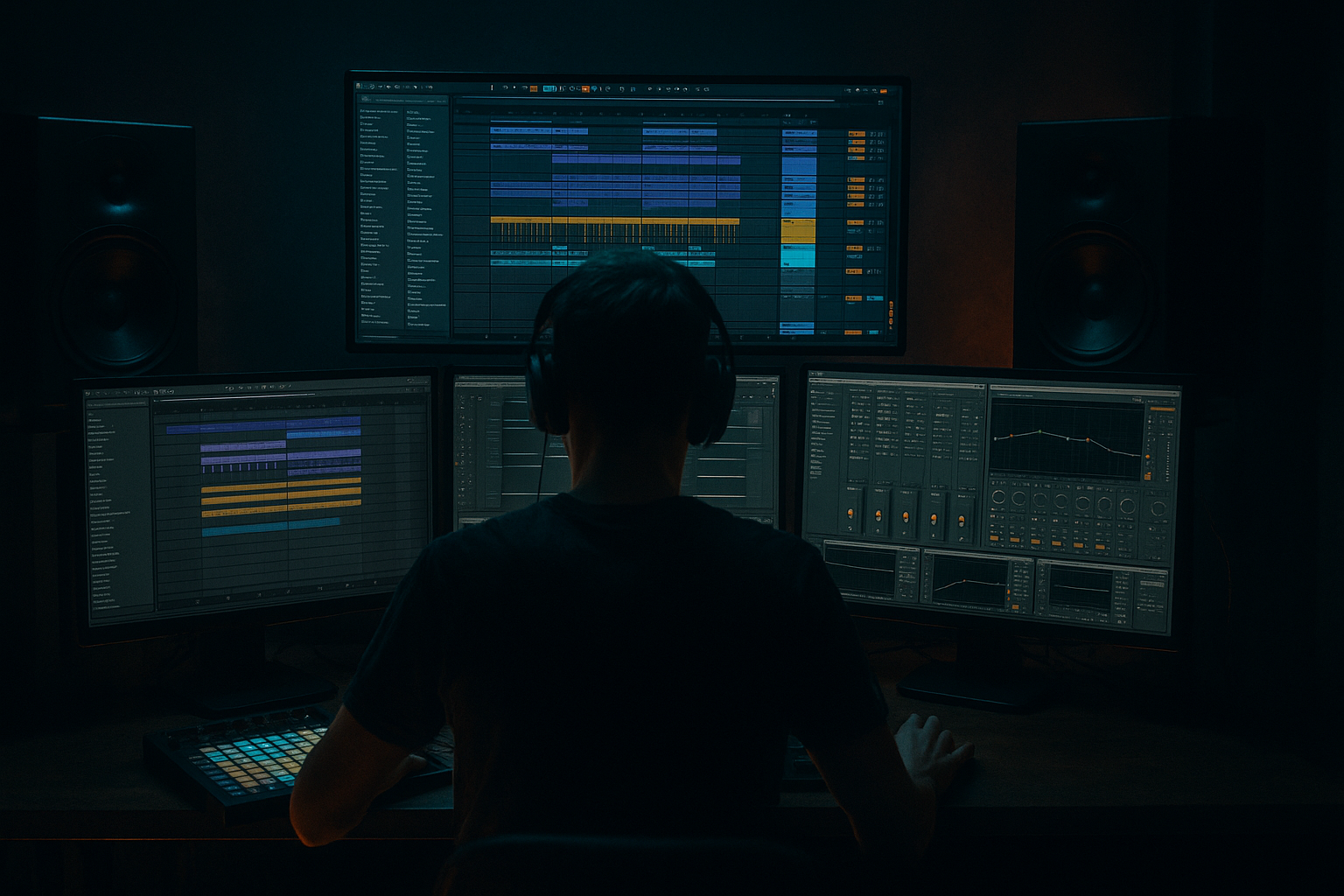
Main tutorial
Lesson Overview
This lesson is about building a subweight jungle chop in Ableton Live 12: a bassline and drum-driven section that combines deep sub pressure, chopped jungle rhythmic energy, and DJ-tool-style arrangement utility. The goal is not just to make something heavy — it’s to make something that can work as a usable transition tool, intro/downer, switch-up loop, or drop bridge in a Drum & Bass track.
In modern DnB, especially darker rollers, jungle-influenced material, and neuro-adjacent bass music, the best DJ tools do more than loop nicely. They create identity: a bass phrase that locks to the drums, leaves space for mixing, and still has enough movement to feel alive when slammed into a breakdown, double-drop, or next tune. This technique matters because a good subweight chop can become the connective tissue of a track: the part that tells the crowd, “here comes the shift.” 🔥
We’ll build this in Ableton using stock devices, focusing on:
- sub stability and mono discipline
- reese-style mid movement without losing the low end
- jungle break chops and ghost-note energy
- arrangement designed for DJ mixing
- automation and resampling for tension and replay value
- a tight, mono sub line that anchors the groove
- a mid-bass reese layer with controlled movement and filtered aggression
- edited jungle break fragments that answer the bassline
- call-and-response phrasing between drums and bass
- a DJ-friendly intro/outro option for mixing
- automation for filters, distortion drive, and send FX
- a layout that can function as:
- Too much stereo in the low end
- Chop sounds busy but not heavy
- Break loses jungle identity after editing
- Bass overwhelms the drums
- No tension in the arrangement
- Over-saturating the sub
- Split sub and character into two tracks every time. This is the cleanest way to keep weight while adding aggression.
- Use micro-silence before the downbeat or after a snare hit. A tiny gap can make the next hit feel massive.
- Let the reese open only on phrase endings. Filter movement is more effective when it’s not constant.
- Use Drum Buss on break edits carefully: a little Transients goes a long way; too much can make jungle chops brittle.
- Print a heavier resample pass with saturation, then blend it under the clean version. This often works better than trying to overbuild one chain.
- Keep DJ-tool intros simple: filtered drums, sub hints, and one hook element are usually enough. Save complexity for the phrase.
- Reference darker rollers and techy jungle cuts. Listen for how often the bass stops, and how much of the groove is actually made by the drums alone.
- If the bass feels flat, automate the filter and amp envelope together. Movement in both tone and articulation feels more alive than filter motion alone.
- Use Echo on send, not insert, for throws so the dry groove stays tight.
- For heavier club feel, prioritize transient contrast over loudness. A punchy, controlled chop hits harder than a constantly dense wall.
- Build the sub, reese, and break chop as separate roles
- Keep the sub mono and stable
- Use jungle break edits for movement and identity
- Arrange with call-and-response and DJ-friendly phrasing
- Automate filters, delays, and mutes for tension and transitions
- Resample the best moments to give the tool more character and finish
The emphasis is advanced: we’ll think like a producer finishing a usable tool, not just a loop. That means arrangement logic, frequency management, bus treatment, and how to make the idea survive in a club system.
What You Will Build
By the end, you’ll have a 16-bar subweight jungle chop section with:
- a drop introduction
- a transition tool
- a roller switch-up
- or a standalone loop for live DJ sets
Musically, think of a dark 172 BPM section where the sub says one thing, the chopped break answers it, and the reese swells fill the cracks in between. The result should feel like a sub-heavy jungle mutation with enough discipline to sit in a mix cleanly.
Step-by-Step Walkthrough
1. Set the project up for DJ-tool clarity
Start at 170–174 BPM. For this lesson, use 172 BPM as a sweet spot: fast enough for jungle movement, slow enough for deep rollers weight.
In Ableton Live 12:
- Create a new audio/MIDI track layout with at least:
- 1 MIDI track for sub
- 1 MIDI track for mid bass / reese
- 1 audio track for break chops
- 1 return track for dub delay
- 1 return track for reverb/space
- Turn on the metronome and loop 8 or 16 bars.
- Add a Utility on your master and keep the project conservative: aim for -6 dB headroom while building.
Why this works in DnB: tight headroom and fast session organization matter because DnB arrangements rely on impact and transient contrast. If your sub is already crowding the mix while you sketch, the drop will lose punch later.
Set your grid to 1/16 for note entry and use 1/8 or 1/16 clip launching depending on how you prefer to phrase the chop.
2. Design the sub foundation first with Simpler or Operator
The sub must be simple, stable, and controllable. In advanced DnB, the low end is often less about complexity and more about precision.
Use either:
- Operator for a pure sine sub
- or Simpler with a clean one-cycle sine or sub waveform sample
Suggested settings:
- Oscillator: sine
- Octave: -1 or -2
- Glide/portamento: 15–40 ms for subtle note connect
- Amp envelope: fast attack, short decay if you want plucky phrasing, or longer sustain for rollers
- Add Saturator after the sub with:
- Drive: 1–4 dB
- Soft Clip: on
- Output compensated to level match
Write a 2-bar motif rather than a long loop. Try a phrase with space on beat 3 or the “and” of 4 to leave room for the break chop. Example concept:
- Bar 1: root note on 1, short pickup on 2&, sustain into 3
- Bar 2: variation with a passing note or octave drop before the loop resets
Keep the sub mono. Use Utility with Width at 0% on the sub chain if needed.
Advanced note: if the sub feels too clean, don’t widen it — instead shape the envelope and add harmonic support in a separate layer. That keeps the club low end solid.
3. Build the reese/mid layer separately so the sub stays clean
The reese layer gives the chop weight and movement without stealing the actual sub. Create a second MIDI track and use Wavetable, Analog, or Operator with a richer waveform.
A practical Ableton stock chain:
- Wavetable
- Osc 1: saw
- Osc 2: saw or square
- Slight detune between oscillators
- Filter: low-pass or band-pass depending on tone
- Chorus-Ensemble or Phaser-Flanger very lightly for motion
- Saturator or Overdrive for mid aggression
- EQ Eight to high-pass around 90–140 Hz so the sub remains dominant
Suggested parameters:
- Detune: subtle, not huge
- Filter cutoff: automate between 180 Hz and 1.2 kHz for phrasing
- Resonance: low to moderate
- Saturator Drive: 2–6 dB
- EQ Eight HPF slope: 24 dB/oct if the reese is muddy
Now write a bass rhythm that complements the sub. Think syncopation, not constant motion. In rollers and darker jungle-influenced DnB, the bass often answers the drums in short bursts:
- a stab on the offbeat
- a held note under a break fill
- a quick pickup into a snare
If the sub is the anchor, the reese is the attitude. Keep it dynamic but not over-busy.
4. Source or construct a jungle break and chop it like a DJ tool
Drag in a classic break, break edit, or your own resampled drum loop. You want something with transients, ghost notes, and a recognisable pocket.
In Simpler:
- Use Slice mode on transient markers
- Or load the break into Drum Rack if you want more surgical control
- Use Warp only if needed; for natural drum feel, keep timing human but tight
Chop strategy:
- Slice the break into 8–16 pieces
- Reorder hits to create a staggered response pattern
- Keep the kick/snare identity intact so it still reads as jungle
- Leave ghost notes in place where they glue the groove
Suggested drum processing:
- Drum Buss
- Drive: 5–15%
- Boom: very subtle or off if the sub is already dominant
- Transients: +5 to +20 for attack
- Glue Compressor on the drum bus
- Ratio: 2:1
- Attack: 10–30 ms
- Release: Auto or 0.1–0.3 s
- Aim for only 1–2 dB gain reduction
Why this works in DnB: the break chop gives the subline rhythmic context. The brain hears the familiar jungle momentum, while the bass phrase provides modern low-end weight. That hybrid is a big part of what makes darker DnB feel both classic and current.
5. Make the bass and drums talk to each other with call-and-response
This is where the section becomes a real arrangement idea instead of a loop.
Create an 8-bar clip view or arrangement pass and make the bass phrase respond to specific drum moments:
- let the bass hit after a snare
- remove a sub note before a fill
- let a break chop fill the gap after a bass stab
- use a tiny silence before bar resets
Practical phrasing example:
- Bars 1–2: establish the sub motif and break identity
- Bars 3–4: introduce a bass stutter or higher reese accent
- Bars 5–6: strip the break slightly and let the sub breathe
- Bars 7–8: add a fill, reverse tail, or filter sweep into the loop restart
Use clip envelopes for quick bass automation:
- Filter cutoff on the reese
- Saturator drive on the bass hit that leads into a transition
- Volume dips of 1–3 dB to create groove breathing
Don’t overfill every bar. A lot of heavy DnB impact comes from negative space. The more confident the silence, the harder the next hit lands.
6. Shape the low-end relationship with buses and mono checks
Group the sub and mid-bass into a Bass Bus, and the drums into a Drum Bus. This lets you shape each family separately without over-processing individual sounds.
On the Bass Bus:
- EQ Eight
- Sub stays centered and clean
- Cut mud around 200–400 Hz if the reese clouds the break
- Saturator
- Drive: 1–3 dB on the bus if needed
- Utility
- Use Width at 0% only if there’s stray stereo energy in the low end
On the Drum Bus:
- Drum Buss or Glue Compressor
- Consider mild EQ Eight cuts around 300–500 Hz if the break gets boxy
- Add a subtle Transient shaping effect via Drum Buss Transients if the chops feel dull
Do a mono check with Utility on the master:
- Collapse to mono and make sure the bassline still reads
- If the groove falls apart, the issue is usually too much stereo content in the reese or phasey layering in the break
Concrete target:
- Sub below roughly 120 Hz should feel centered and stable
- The upper bass can move, but it must not weaken when collapsed to mono
7. Automate transitions like a DJ tool, not a random loop
A real DJ tool needs clear entry and exit behavior. Build automation that makes the loop usable in a set.
Add automation for:
- Auto Filter on the bass or drum return
- Reverb Send for one-shot fills
- Echo Send for snare cuts or last-hit throws
- Volume for pre-drop mutes or half-bar dropouts
Useful automation shapes:
- Low-pass filter slowly opening over 4–8 bars
- Delay send only on the final snare of a phrase
- Reverb swell on a reversed drum hit before the loop resets
- Bass mute for 1/8 or 1/4 note right before a transition to create tension
A strong DJ-friendly arrangement often includes:
- 8-bar intro with drums and filtered sub hints
- 16-bar main phrase with full chop energy
- 4-bar switch-up where the break fragments or bass rhythm change
- 8-bar outro with reduced low-end complexity for mixing out
Keep the edit readable. If you were mixing this live, you should be able to predict exactly where the next phrase lands.
8. Resample the best moment and refine the chop for final character
Once the idea is working, resample it to create a more unified texture. Route the section to a new audio track and record 4–8 bars of the best performance.
Then:
- Slice the audio into a new clip
- Rearrange your favorite hits
- Reverse one or two chops
- Add tiny fades to avoid clicks
- Use Warp markers only to tighten obvious drift, not to flatten the groove
This step is where the section becomes more “produced” and less loop-like. You may even print:
- one version with more break detail
- one version with more bass weight
- one version with transitional FX
Advanced workflow tip: keep the original MIDI version too. That gives you revision control and lets you re-balance the sub or reese later without rebuilding the whole thing.
Common Mistakes
Fix: keep the sub mono, and high-pass the reese. Use Utility and EQ Eight to separate roles.
Fix: reduce note density. Let the bass answer the drums instead of competing with them.
Fix: preserve key ghost notes and snare placement. Don’t slice so hard that the loop becomes generic.
Fix: carve space around 200–500 Hz on the bass bus or drum bus depending on where the clash is. Use short automation dips rather than permanent over-EQ.
Fix: automate filters, mutes, or delay throws leading into resets. A loop without phrasing feels flat in a DJ context.
Fix: distort the harmonic layer, not the pure sub. If the low end fuzzes out, the system translation will suffer.
Pro Tips for Darker / Heavier DnB
Mini Practice Exercise
Spend 10–20 minutes building a stripped version of this technique:
1. Set Ableton to 172 BPM.
2. Program a 2-bar sine sub phrase with Operator or Simpler.
3. Build a second bass layer in Wavetable with a saw-based reese, then high-pass it at 100–140 Hz.
4. Take one jungle break and slice it into 8–12 chops in Simpler or Drum Rack.
5. Arrange an 8-bar loop where the bass answers the break every 2 bars.
6. Add one automation move:
- a low-pass opening on the reese, or
- a delay throw on the final snare
7. Bounce the loop to audio and make one alternate version with a different final bar.
Goal: end with a loop that could realistically sit in a DJ set as a transition, intro tool, or dark switch-up. Don’t aim for perfection — aim for clarity, weight, and usable phrasing.
Recap
If you get the balance right, a subweight jungle chop becomes more than a loop: it becomes a mix-ready DnB weapon with low-end authority, rhythmic pressure, and proper underground feel.

