Main tutorial
Lesson Overview
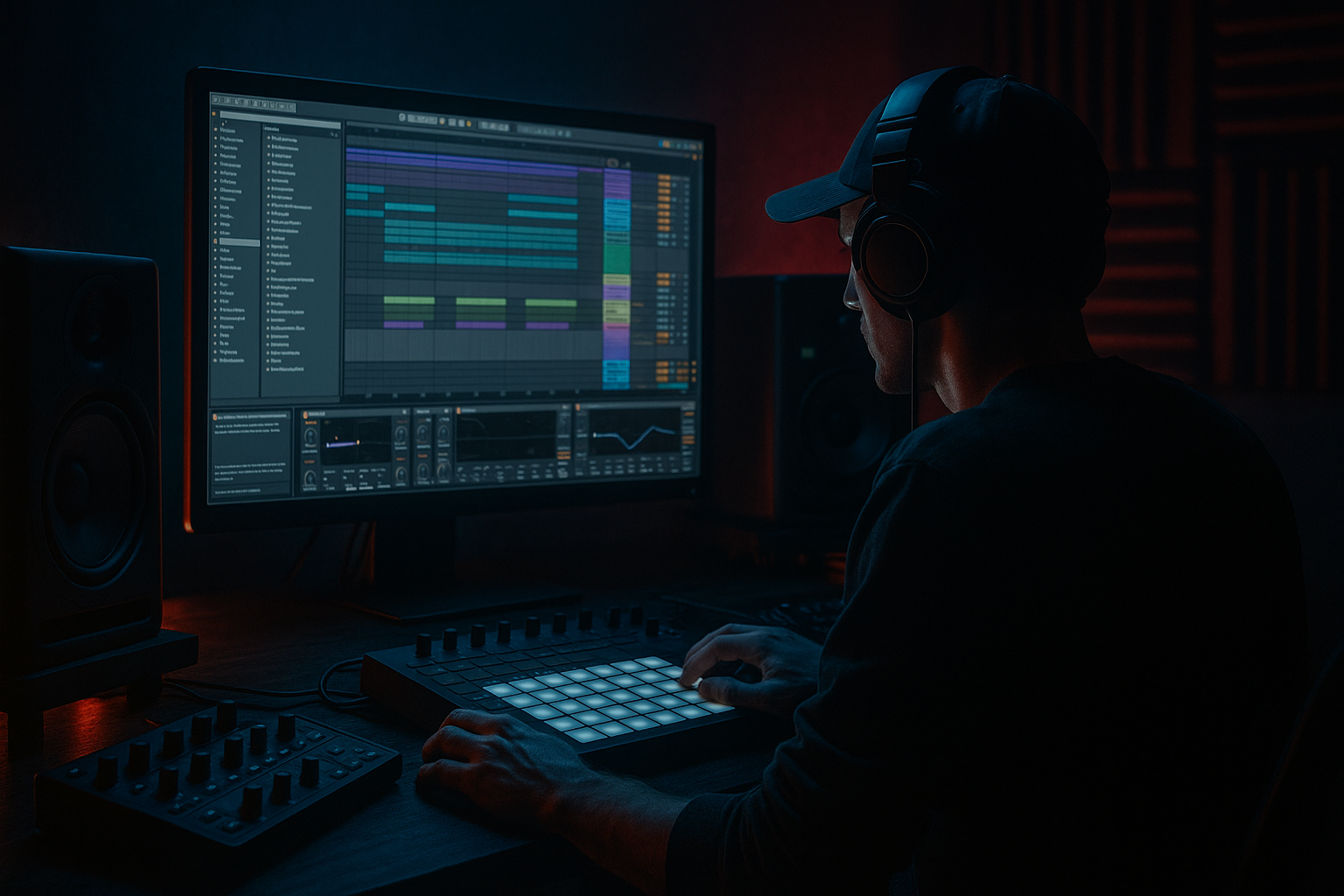
In this lesson, you’ll build a subweight bass wobble arrangement in Ableton Live 12 that feels right at home in oldskool jungle / DnB: deep sub, moving reese-style bass energy, breakbeat tension, and a DJ-friendly structure that works in a mix or on a set. The focus is not just on designing a sound, but on arranging it like a real DnB tune so it has clear intro, drop, switch-up, and outro sections.
This matters because in Drum & Bass, especially jungle-flavoured and darker rollers, the bassline is not just a loop — it is part of the arrangement story. A simple wobble can become powerful when it’s placed correctly against the drums, atmospheres, and transitions. If your bass is too busy or your structure is too random, DJs can’t mix it easily and the energy feels messy. If you arrange it with intention, the track feels heavier, cleaner, and more professional.
You’ll also learn how to use Ableton stock tools to keep things simple and effective:
- Wavetable or Operator for the sub and bass layer
- Utility for mono control
- Drum Buss, Saturator, and Auto Filter for movement and grit
- EQ Eight for low-end separation
- Simpler and audio clips for jungle break textures
- Automation and arrangement techniques that give the tune that oldskool, dancefloor-ready shape
- A tight sub layer that holds the foundation in mono
- A wobbling mid-bass/reese layer with simple movement
- An oldskool jungle-style breakbeat groove with edits and fills
- A DJ-friendly intro with atmosphere and stripped drums
- A drop section where the bass answers the drums in call-and-response
- A switch-up or variation to keep the second half moving
- A clean outro that a DJ could actually mix out of
- 170–174 BPM
- Minor-key vibe
- 1–2 bar bass phrases
- A half-time-feeling bass rhythm against fast breaks
- Dark pad/noise atmosphere and small transition FX
- Making the sub stereo
- Putting too much movement in the low end
- Overusing reverb on bass or drums
- Writing a bassline that never stops
- Ignoring the drums while designing bass
- No DJ-friendly intro/outro
- Too much low-mid buildup
- Layer texture under the bass
- Use slight saturation instead of extra volume
- Let the drums punch first
- Automate filter movement in phrases
- Keep atmosphere in the sides, bass in the center
- Use tiny bass rests before the snare
- Reference classic jungle structure
- Keep the sub mono, simple, and stable
- Use a separate mid-bass layer for wobble and movement
- Arrange the tune with DJ-friendly intro, drop, variation, and outro
- Let the drums and bass answer each other
- Use Ableton stock devices like Operator, Wavetable, Utility, EQ Eight, Saturator, Drum Buss, and Auto Filter
- Build atmosphere around the bass so the track feels bigger without getting messy
This is an Atmospheres lesson because the bass does not live alone: it needs space, tension, and texture around it. The atmosphere elements help the bass feel bigger without overcrowding the mix 🌫️
What You Will Build
By the end of this lesson, you’ll have a basic but strong DnB arrangement with:
Musically, think:
The end result should feel like a simple jungle/DnB sketch with a strong subweight wobble, not an overproduced modern neuro track. The goal is vibe, clarity, and arrangement discipline.
Step-by-Step Walkthrough
1. Set the project up for a clean DnB workflow
Start a new Ableton Live set and set the tempo to 172 BPM as a safe jungle/DnB starting point. If you want slightly more oldskool bounce, stay around 170–174 BPM. Create these tracks:
- Drum Break
- Kick
- Snare
- Sub Bass
- Mid Bass
- Atmosphere
- FX
Why this helps: beginner producers often put everything on one or two tracks and lose control. Separate tracks make it easier to balance the low end, automate movement, and build DJ-friendly sections.
On the master, leave headroom. Don’t push into clipping. Aim for the master peaking around -6 dB while building the tune. That gives space for bass and drum impact later.
2. Build the drum foundation with an oldskool break feel
Drag a classic breakbeat into an audio track, or use a break sample in Simpler on the Drum Break track. If you use Simpler, set it to Classic mode and chop the break manually using the Warp and Slice tools.
Focus on:
- A strong kick/snare pulse
- Small ghost notes between the main hits
- A little swing or looseness, not rigid grid perfection
In Ableton, try:
- Groove Pool: a subtle MPC-style groove around 54–58% if needed
- EQ Eight: cut low rumble below 30–40 Hz
- Drum Buss: Drive around 5–15%, Boom low or off for now
Add a separate snare layer if the break needs more snap. A simple snare sample can sit around the break, with a transient that cuts through. For jungle vibes, the break should feel alive, not too polished.
Why this works in DnB: the break gives motion and history. Oldskool jungle energy comes from the tension between chopped drums and a stable bass foundation.
3. Design the subweight bass in mono first
On the Sub Bass track, load Operator or Wavetable. Keep it simple:
- Use a sine or near-sine wave
- Turn off unneeded oscillators
- Keep the bass in mono
- Use a short amp envelope if you want a more plucky hit, or a smoother sustain for rollers
Suggested starting settings:
- Oscillator: sine
- Attack: 0–5 ms
- Decay: 150–300 ms if you want a wobblier, more percussive sub phrase
- Sustain: 60–100%
- Release: 50–120 ms
Add Utility after the synth and turn Width to 0% to force mono. This is important for subweight. Sub frequencies should stay centered so they hit hard in clubs and translate on systems.
Write a simple bass MIDI phrase using 1–2 notes at first. For example, in A minor:
- A1 for weight
- G1 for movement
- E1 as a tension note
Keep it rhythmically simple: one note might hold over a bar, then a short answer on the offbeat. In oldskool jungle, the bass often feels like it is “leaning” against the break rather than constantly running.
4. Create the wobble movement with automation, not chaos
On a separate Mid Bass track, layer a reese-style sound using Wavetable or a detuned synth patch. If you use Wavetable:
- Pick a saw-based wavetable
- Detune slightly
- Add a small amount of unison
- Keep the low end controlled; this layer is for motion, not sub
Useful starting points:
- Unison voices: 2–4
- Detune: low to moderate
- Filter: low-pass around 120–400 Hz depending on brightness
- Add Saturator with Drive around 3–8 dB
- Add Auto Filter with subtle LFO movement, or automate cutoff manually
For the wobble, you can:
- Automate filter cutoff in 1-bar or 2-bar arcs
- Use LFO-style motion through Auto Filter if it suits the phrase
- Automate volume for a pumping style, but keep it musical
Keep the mid-bass off the sub range if possible. Use EQ Eight to high-pass it gently around 80–120 Hz so it doesn’t fight the sub layer.
A practical beginner rule:
- Sub track = clean, centered, steady
- Mid bass = movement, grit, character
5. Write a DJ-friendly 8-bar intro
In the Arrangement View, start with atmosphere and light drum information. Your intro should give DJs something mixable and should not reveal everything too early.
A good DnB intro might look like:
- Bars 1–4: atmosphere, filtered break, light percussion
- Bars 5–8: more drum detail, maybe a snare or ghost hat
- Keep the bass absent or heavily filtered until the build
On the Atmosphere track, use:
- A pad from Wavetable, Analog, or a resampled noise texture
- Auto Filter with a slow opening movement
- Reverb with a long decay, but low dry/wet so it stays behind the drums
Settings to try:
- Low-pass filter opening from around 300 Hz up to 2–5 kHz
- Reverb decay around 3–6 seconds
- Dry/Wet under 20% on the pad channel
Add a small impact or noise swell before the drop if you want, but keep it restrained. For DJ use, the intro should give space for beatmatching and phrasing.
6. Build the first drop as call-and-response
Now bring in the bass. A classic DnB trick is call-and-response: the drums say something, then the bass answers.
Try this structure over 8 bars:
- Bar 1: strong drum hit + bass note
- Bar 2: break fills + no bass
- Bar 3: bass answer on the offbeat
- Bar 4: snare emphasis + short bass stab
- Bars 5–8: repeat with small variations
Keep the bass phrase short and memorable. Don’t fill every gap. The empty spaces create pressure.
In the MIDI editor:
- Use notes around 1/8 and 1/16 note lengths
- Leave gaps for the drums
- Slightly vary note velocity if the sound responds well
- Move one note in bar 4 or 8 to create a tiny twist
Layer the sub and mid-bass together, but check balance:
- The sub should be felt more than heard
- The mid-bass should give the “wobble” identity
- If the bass masks the snare, reduce mid-bass level or brighten the snare slightly
This is where the track starts to feel like a real DnB tune instead of a loop.
7. Shape the bass and drums with simple mixing tools
Use EQ Eight and Utility on both bass tracks and on the drum group if needed.
Quick balancing ideas:
- On Mid Bass, high-pass around 80–120 Hz
- On Drum Break, remove muddy low-end under 30–40 Hz
- On Sub Bass, keep everything below about 120 Hz clean and centered
- Use Utility on any stereo atmosphere or bass layer to reduce width if it clouds the center
If the bass feels too aggressive, try Saturator instead of more volume. A small amount of saturation can make the bass read on smaller speakers without overloading the low end.
For drum control:
- Put Drum Buss on the drum group
- Use modest Drive
- Use transient shaping carefully
- Don’t over-boom the kick if the sub already carries the weight
A useful mixing habit: toggle the bass on and off against the drums. If the kick/snare lose impact, the bass is too loud or too wide.
8. Add a switch-up for the second 8 or 16 bars
To keep the tune DJ-friendly but interesting, create a variation after the first drop section. This is especially important in jungle and rollers where repetition is part of the vibe, but too much sameness kills energy.
Good beginner switch-up ideas:
- Remove the sub for one bar
- Filter the mid-bass down for 2 bars
- Add a break fill or snare roll
- Bring in a second atmosphere layer
- Change the bass rhythm slightly on the last bar of the phrase
Try an arrangement like:
- Bars 1–8: main drop
- Bars 9–16: variation with a drum fill and bass answer pattern
- Bars 17–24: return to main idea, but with more texture
Use automation to open a filter, then snap it back. That little movement gives the bass section life without needing a completely new sound.
9. Make the outro mix-friendly
A DJ-friendly outro should reduce elements in a logical way:
- Pull out the mid-bass first
- Keep the drums and sub going a little longer
- Remove atmosphere details gradually
- Leave a clean 8-bar or 16-bar section for mixing out
A practical outro shape:
- Bars 1–4: full groove
- Bars 5–8: bass drops out, drums remain
- Bars 9–16: stripped drums and light atmosphere
This is important because DJs need room to transition. A clean outro makes your track more usable in real sets and gives your arrangement a professional feel.
If you want the outro to still feel moody, leave a filtered pad or vinyl/noise texture under the drums. Just keep it light so the low end doesn’t get muddy.
Common Mistakes
- Fix: keep the sub in mono with Utility width at 0%.
- Fix: let the mid-bass wobble; keep the sub simple and stable.
- Fix: use reverb mainly on atmospheres and transitions, not the core low-end elements.
- Fix: leave space. DnB bass hits harder when it breathes.
- Fix: always check the bass against the break and snare together, not in solo only.
- Fix: build at least 8 bars of intro and outro space with fewer elements.
- Fix: use EQ Eight to clean mud around 200–400 Hz on bass and atmosphere layers.
Pro Tips for Darker / Heavier DnB
- Add a subtle noise or foley layer very low in the mix, then high-pass it. This gives the bass a darker aura without adding low-end clutter.
- Saturator or Drum Buss can make the bass feel heavier while keeping headroom.
- If the snare is strong, the drop feels bigger. Don’t bury it under bass layers.
- A 2-bar filter sweep can make a simple wobble feel more alive than constant LFO motion.
- Wide pads, centered sub. That contrast creates scale.
- A short gap before a snare hit creates impact and helps the groove feel more oldskool.
- Think intro, groove, variation, breakdown, return, outro. Keep it dancefloor-friendly.
Mini Practice Exercise
Set a 15-minute timer and make a rough 16-bar jungle/DnB arrangement using only stock Ableton devices.
1. Set tempo to 172 BPM
2. Put a breakbeat on one track and chop it into a simple loop
3. Make a mono sub in Operator with just 2 notes
4. Add a mid-bass layer in Wavetable with slight filter movement
5. Create 8 bars of intro with atmosphere only
6. Build 8 bars of drop with call-and-response bass phrasing
7. Add one 1-bar switch-up with a fill or filter change
8. Make a short DJ-friendly outro
Do not perfect the sound. Focus on structure, spacing, and bass/drum interaction. When the timer ends, listen once and ask: “Does the bass breathe around the drums?”
Recap
If you remember just one thing: in DnB, weight comes from contrast — space versus impact, sub versus texture, drums versus bass.

