Main tutorial
Lesson Overview
A Subweight approach is all about making the intro of a DnB track feel like it already has momentum before the drop lands. Instead of starting with empty atmosphere and waiting too long, you build a DJ-friendly drive: sub pressure, restrained percussion, controlled movement, and just enough harmonic tension to keep the room leaning forward.
In Drum & Bass, this matters because intros are not just “openers” — they’re mix-in tools. A strong intro gives DJs a clean place to beatmatch, but it also tells the crowd what kind of energy is coming: rollers, dark neuro pressure, jungle swing, or sleek modern minimalism. The Subweight approach focuses on weight first, detail second. That means the intro should feel low-end anchored, rhythmically alive, and engineered to survive club systems without losing clarity.
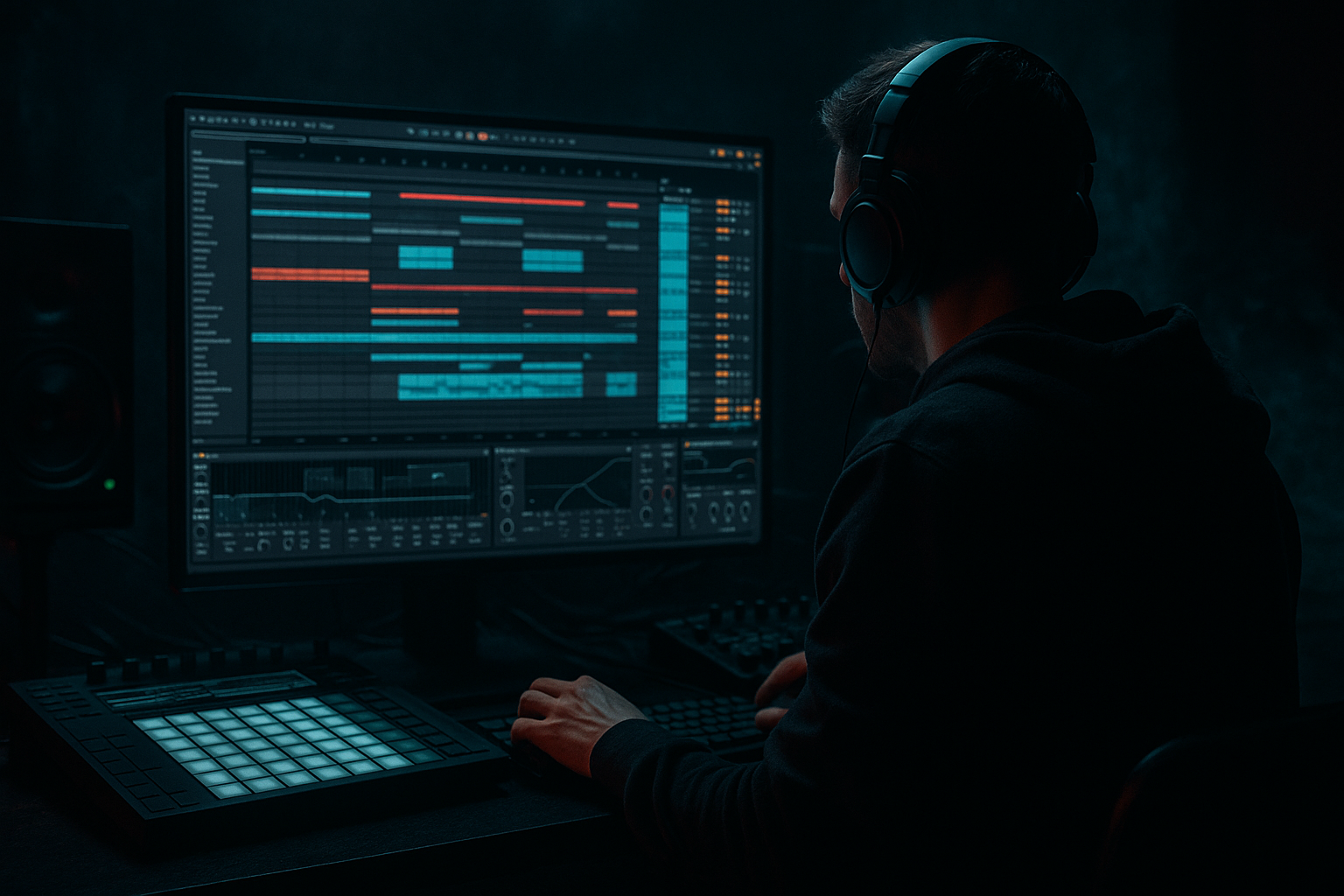
In Ableton Live 12, this technique works especially well because you can combine:
- Resampling to capture bass movement and drum phrasing into new audio
- Simpler, Sampler, Operator, Wavetable, Auto Filter, Saturator, Drum Buss, EQ Eight, Utility, Echo, and Reverb
- Fast arrangement editing with Clip View, Warp, and track comping through audio resampling
- starts with sub-weighted motion rather than full melodic content
- uses a recycled/re-resampled bass pulse to create groove and tension
- adds break edits and ghost percussion for momentum
- stays mix-friendly with controlled low end and mono discipline
- transitions cleanly into a drop or switch-up
- works for rollers, darker dancefloor, jungle-influenced, or neuro-leaning DnB
- bars 1–4: sparse but heavy, with sub pulses and a filtered break
- bars 5–8: more rhythmic detail, a hint of bass movement, tension rising
- bars 9–12: added percussion layers, automation, and a stronger DJ mix cue
- bars 13–16: intro peaks with a final build element or pre-drop fill, then opens into the drop
- Making the intro too empty
- Overloading the low end
- Leaving the bass too clean and static
- Using too much stereo on bass
- Letting the break overpower the intro
- Too much reverb on transitions
- No phrasing logic
- Print the bass through saturation before resampling
- Use clip gain and fades like a drum editor
- Layer a filtered noise hit under transitions
- Use break slices as arrangement punctuation
- Keep the intro darker than the drop
- Use subtle mono-to-stereo contrast
- Try a “printed tension pass”
- Build the intro around sub weight first, not surface detail.
- Resample your bass movement to create editable, DJ-ready energy.
- Use break edits, ghost notes, and call-and-response to keep the groove alive.
- Automate filter, drive, and space across 16 bars for a clear energy arc.
- Keep the low end mono, controlled, and mix-friendly so the intro hits hard in a club.
- In DnB, the best intros feel like the track is already rolling before the drop arrives.
The goal is not to make the intro busy. The goal is to make it feel like the track is already rolling before the drop arrives. That’s a very DnB thing to do. 🔊
What You Will Build
You’ll build a 16-bar DJ intro drive for a Drum & Bass tune that:
Musically, the result should feel like this:
The finished intro should be something a DJ could mix over, but also something that sounds intentional and exciting on its own.
Step-by-Step Walkthrough
1. Start with a reference and a clean arrangement lane
Load a DnB reference track in a separate audio track at the top of your set. Pick something in the same lane as your tune: a roller intro, dark halftime-feel build, or a neuro DJ intro. Mark the 16-bar intro region so you can compare energy and density.
In your project, set up these core tracks:
- Drum rack / break track
- Sub bass track
- Reese / mid-bass track
- FX / atmos track
- Return tracks for reverb and delay if needed
Keep the master peaking around -6 dB headroom while building. That gives you room to resample and reshape later.
Why this matters: DnB intros fail when they’re too full too early. A reference keeps your intro pacing honest and helps you avoid over-arranging.
2. Design a sub-first bass pulse, not a full bassline
On a MIDI track, use Operator or Wavetable to create a simple bass source:
- Oscillator: sine or triangle for the main low end
- Add a second oscillator or unison only if it stays controlled
- Keep the sound mostly mono from the start using Utility with width at 0%
Program a short phrase: try a 2-bar loop with notes that hit on the 1, the & of 2, and the 4. In DnB, that kind of phrasing creates drive without overplaying. A good starting note length is 1/8 to 1/4 note, with some slightly shorter notes for bounce.
Shape it with:
- Auto Filter: low-pass around 100–180 Hz if you want a clean sub focus
- Saturator: Drive around 2–6 dB
- EQ Eight: small cut around 250–400 Hz if it gets muddy
Keep the sub simple. The movement will come from rhythm, automation, and resampling — not from making the sub sound huge in isolation.
3. Resample the sub pulse into audio and create a playable intro layer
This is the core of the technique. Set up a new audio track and set its input to Resampling. Record your sub pulse for 4–8 bars while you play with:
- filter cutoff automation
- note length changes
- saturation drive
- tiny pitch bends or glide if your synth supports it
Once recorded, trim the best moments into a loop. Now you’ve got a bass texture print instead of just a MIDI patch. This gives you a more “finished” energy and lets you edit the waveform like a drum element.
Useful edits:
- fade in/out clipped notes to avoid clicks
- slice one strong hit into a new Simpler or audio clip
- reverse one tail for a pre-hit swell
- stretch a sub tail slightly with Warp if it still stays tight
Why this works in DnB: resampling turns a simple bass idea into something with weight and character. DnB is full of bass that feels alive because it has been printed, edited, and re-processed. That “bounced into audio” feel is often what makes an intro move like a record, not a loop.
4. Build a break-based rhythmic bed underneath the bass
Load a classic break, modern drum loop, or your own edited break onto an audio track or Drum Rack. For a Subweight intro, keep it lean:
- kick/snare foundation
- ghost notes
- a few ghost hats or shuffles
- no full-on drop density yet
In Ableton:
- Use Warp to lock the break to your project tempo
- Use EQ Eight to high-pass around 120–180 Hz if the break is fighting the sub
- Use Drum Buss lightly for punch and glue; Start with:
- Drive: 5–15%
- Crunch: low to moderate
- Boom: only if the kick needs extra body, and keep it controlled
If the break is too busy, use Simpler slice mode or manual clip editing to remove some hits. DnB intros often feel more powerful when the break is slightly restrained — the listener fills in the missing energy.
Add a couple of ghost snares or quieter off-grid hits for swing. Keep them low in the mix, but let them imply motion.
5. Use call-and-response between sub and drums
Now create tension by making the bass and drums answer each other. Instead of letting the sub run constantly, let it leave space for the break.
Try this:
- bass hits on beat 1
- break answers with a snare or fill on beat 2/4
- bass returns with a shorter note at the end of the bar
- use a one-beat gap before the next phrase
In MIDI, automate note lengths or velocity. In audio, chop the resampled bass clip and create spaces between hits.
Add a second bass layer only if needed:
- a filtered reese or mid-bass from Wavetable
- band-pass or low-pass it so it supports the sub rather than replaces it
- keep it tucked behind the drums in the intro
Good settings for a restrained reese layer:
- stereo width: narrow or mono below the low mids
- filter cutoff: around 250–800 Hz depending on tone
- subtle chorus or phase motion, not wide supersaw blur
This call-and-response structure is classic DnB arrangement language. It keeps the intro rolling without revealing the whole drop too early.
6. Automate filter, drive, and space to create a DJ intro arc
Your intro needs movement across 16 bars. That movement can come from automation rather than more notes.
Automate these over the intro:
- Auto Filter cutoff on the bass resample
- Saturator Drive up by a small amount in the final 4 bars
- Reverb send on selected percussion hits
- Echo throw on a transitional snare or percussion stab
- Utility width narrowing or widening slightly on FX only, not the sub
A practical arc:
- bars 1–4: filter closed, minimal high-end
- bars 5–8: open the filter a little, add a small percussion layer
- bars 9–12: increase saturation and introduce a texture stab
- bars 13–16: add a riser/downlifter or snare fill, then strip back for the drop
If you want a darker club feel, keep reverb short. Use Reverb with:
- decay: 0.8–1.8 s
- pre-delay: 10–25 ms
- low cut enabled if available in your chain, or high-pass before reverb
Too much space kills the subweight. The intro should feel roomy enough for DJs, but still pressure-heavy.
7. Add resampled texture layers for grit and motion
Duplicate your bass resample track and process the duplicate into a texture layer. This is where the intro gets attitude.
Good options inside Ableton:
- Saturator for harmonic bite
- Redux for controlled digital edge
- Frequency Shifter for subtle movement
- Auto Filter for animated tonal shifts
- Echo for dubby tail fragments
Then resample that processed layer again if it gives you something unique. You can chop the results into one-shot stabs or tiny audio motifs.
Keep these layers out of the sub range:
- high-pass around 150–250 Hz
- let them live in the mid and high-mid space
- use volume automation to bring them in only where needed
In darker DnB, this kind of texture gives the impression of “bass machinery” moving beneath the track. It’s especially effective for neuro and hard rollers.
8. Shape the intro for DJ mixability and drop impact
A DJ intro needs clean phrasing and predictable energy. Make sure your 16-bar section supports mixing:
- avoid full melodic hooks too soon
- keep the first 8 bars relatively stable
- add the most obvious transition cue in bars 13–16
- leave enough space for another track’s intro or vocal
Arrangement example:
- bars 1–8: beat, sub pulse, filtered break
- bars 9–12: extra perc, reese hint, texture rise
- bars 13–16: snare fill, reverse hit, final bass push
- drop starts clean on bar 17
If your track is more jungle-influenced, you can let the break become more active near the end, but still keep the low end controlled. If it’s a darker roller, make the ending more minimal and let the drop do the talking.
Use clip launch or arrangement view markers to test how the intro would feel in a mix. If a DJ could confidently beatmatch into it and your drop still lands hard, you’ve got the balance right.
Common Mistakes
- Fix: add sub motion, ghost percussion, or subtle resampled texture instead of filling with pads.
- Fix: keep only one true sub source. High-pass breaks and textures so they don’t fight the bass.
- Fix: resample it, chop it, automate filter and drive, or add a tiny amount of saturation.
- Fix: keep the sub mono with Utility and only widen mid layers if needed.
- Fix: reduce break level, thin out low mids, and use ghost notes instead of full-density patterns.
- Fix: use short tails and controlled sends. In DnB, muddy space kills punch fast.
- Fix: build in 4-bar or 8-bar movement. DnB needs clear energy ramps, even when the vibe is dark and minimal.
Pro Tips for Darker / Heavier DnB
- A little harmonic content helps the sub read on smaller systems without needing more volume.
- For resampled bass hits, tiny gain changes can create groove differences that MIDI alone won’t.
- High-pass it heavily and tuck it under snares or risers for extra lift without clutter.
- One chopped break fill in bars 15–16 can make the drop feel much harder than adding a huge riser.
- If the intro already reveals the drop’s brightest elements, the payoff weakens.
- Keep the sub and main kick dead center, but let atmospheres and FX widen slightly in the final 4 bars.
- Resample the whole intro bus with EQ, saturation, and short reverb, then edit the best fragments back into the arrangement. This can create that grimy, pre-drop record feel.
Mini Practice Exercise
Set a 15-minute timer and build a 16-bar DJ intro using only stock Ableton devices.
1. Create a simple Operator sub pulse with 3–5 notes.
2. Resample it to audio and make one chopped loop version.
3. Add a break, but strip it to kick/snare/ghosts only.
4. Automate Auto Filter and Saturator over 16 bars.
5. Add one texture layer from a resampled, processed duplicate.
6. Make bars 13–16 clearly more intense than bars 1–4.
7. Bounce or listen back in mono and check whether the sub still drives the intro.
Goal: by the end, your intro should feel like it could sit before a proper DnB drop, not like a separate idea pasted on top.

