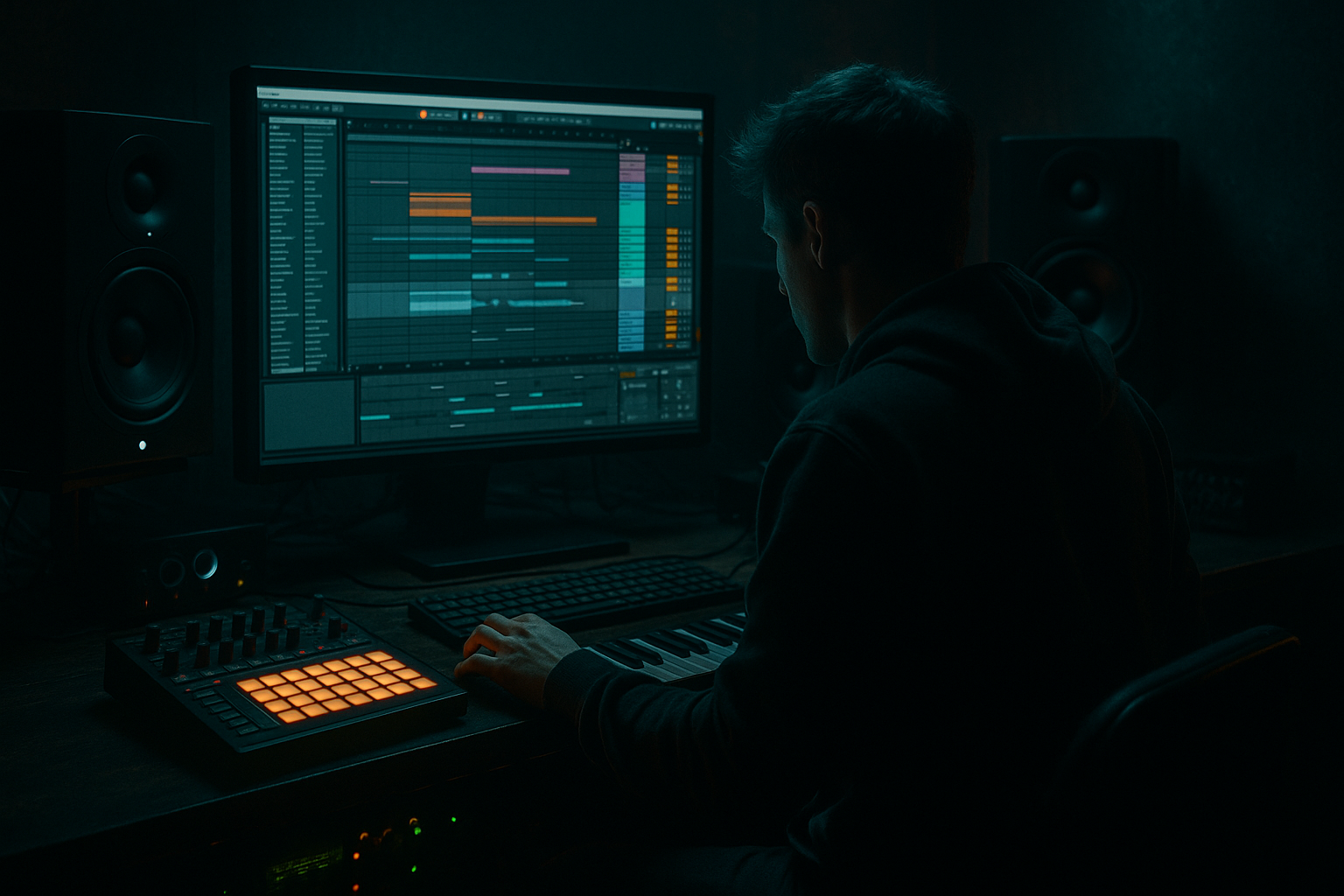
Main tutorial
Subweight Amen Variation Design Blueprint (Smoky Warehouse Vibes) in Ableton Live 12 🏭🔥
Skill level: Advanced
Category: Groove (DnB / Jungle / Rolling Bass Music)
---
1. Lesson overview
This lesson is a repeatable blueprint for turning a plain Amen (or Amen-derived break) into a subweight, rolling, smoky-warehouse groove—without losing the classic jungle urgency.
We’ll focus on:
- Designing weight + swing using microtiming, ghost notes, and controlled distortion
- Building variation systems (so your break evolves every 8/16 bars like a proper DnB record)
- Getting a thick low-mid “push” while keeping the sub clean for the bassline 🧱
- A break bus chain that delivers tight transients + gritty body + controlled air
- A 3-layer system:
- A variation rack using clips, probabilities, and automation for:
- A warehouse vibe: gritty, slightly “boxed,” warm top, controlled stereo, rolling momentum
- Use a clean Amen recording or a solid processed break sample.
- Drag it into Amen Main.
- Right-click → Warp ON.
- Complex Pro: good for minimal artifacts if you’re stretching a lot.
- Beats: great for classic choppy break vibe.
- Keep the snare backbeat anchored (usually on 2 and 4 feel).
- Push ghost hits before snares.
- Use kick fragments to create forward pull.
- Keep hats alive but not harsh.
- Start with the most recognizable Amen hits:
- Program a stable spine for the first 1 bar.
- In bar 2, add:
- Quantize at 1/16 first.
- Then nudge select ghosts late/early by ~`-6 to +8 ms` for pocket.
- Every 2 bars, swap a ghost snare slice for a hat slice (or vice versa).
- Keep velocity low: `20–60` range.
- Before snare hits, add 1/32 repeats (tasteful).
- Velocity ramp: softer → louder into the snare.
- Use 1 beat of controlled chaos:
- Then hard reset to clean groove at the drop.
- Let bar 1 be “clean statement”
- Bar 2 answers with more edits
- Bars 3–4 repeat with a tiny mutation
- Bars 7–8 escalate slightly
- Create 4 clip variations in Session View:
- In each clip:
- Keep the low end controlled:
- If the break feels too hi-fi:
- If it’s too clean:
- Intro (16 bars): filtered Amen Body only + sparse Transients
- Build (16 bars): bring Transients up, automate HP filter opening
- Drop A (32 bars):
- Break/Bridge (16 bars): remove Transients, leave smoky body + reverb tail
- Drop B: slightly more aggressive Roar/Drum Buss automation
- Roar mix (Body layer): +5–10% at phrase peaks
- Hybrid Reverb wet: +2–4% on fills
- Glue GR: slightly more clamp at drop impact
- Sidechain the Amen Body to the bass (subtle):
- Parallel “bite” bus:
- Tune the snare body:
- Controlled top roll-off = darker instantly
- Use “silence edits”
- You built a subweight Amen system using layering + controlled saturation + groove extraction.
- Your warehouse vibe comes from:
- You now have a reusable blueprint for rolling DnB that evolves like a record, not a loop.
Everything is done with Ableton Live 12 stock devices.
---
2. What you will build
By the end you’ll have:
1) Transient layer (snap + definition)
2) Body layer (the “smoke,” weight, room)
3) Subweight/low-mid layer (perceived mass without stealing sub)
- bar-to-bar edits
- fills
- drop reinforcements
---
3. Step-by-step walkthrough
Step 0 — Session & prep (fast but important)
1. Set tempo: `172–176 BPM` (classic rolling zone).
2. Create 3 tracks:
- Amen Main
- Amen Transients
- Amen Body/Weight
3. Create a Group for them: `Amen BUS` (Cmd/Ctrl+G).
4. Put a Reference track in the project (a proper smoky roller/jungle tune) and level-match it.
---
Step 1 — Pick the right Amen source (don’t start with a messy one)
Warp Mode choices (advanced guidance):
- Try: Beats Mode → `Transient Loop` with Envelope 20–40 for controlled grit.
For warehouse vibe, I usually go Beats mode unless the sample gets too crunchy.
---
Step 2 — Slice to MIDI for controlled variation 🔪
1. Right-click the clip → Slice to New MIDI Track.
2. Slicing preset:
- Slice By: `Transients`
- Create one slice per: transient
- Slicing preset: `Built-in > Slice` (simple)
3. This creates a Drum Rack with slices.
Now we can program variation like a drummer, not like a loop.
---
Step 3 — Build the “rolling blueprint” pattern (2-bar core)
In the MIDI clip, create a 2-bar loop that respects Amen energy but rolls like modern DnB:
Core principles:
Practical workflow:
- Main snare slice
- Main kick slice
- Hat/shuffle slices
- One re-trigger (1/16 or 1/32) right before a snare
- One micro-fill at the end of bar 2 (last 1/8 or 1/4)
Timing:
---
Step 4 — Extract groove from your own break (the secret sauce) 🎛️
1. Take your sliced MIDI clip and Flatten a copy to audio (or use original clip).
2. Right-click the audio clip → Extract Groove.
3. Open Groove Pool:
- Apply extracted groove to the MIDI clip.
- Start settings:
- Timing: `30–60%`
- Velocity: `10–25%`
- Random: `2–6%`
This keeps it jungle-authentic but still controlled.
---
Step 5 — Create the 3-layer system (transients / body / weight)
#### A) Amen Transients (definition without mud) ⚡
Duplicate the Drum Rack track to Amen Transients (or resample Amen Main and process).
On Amen Transients, use this chain:
1. EQ Eight
- HP at `~180–250 Hz` (24 dB/oct)
- Gentle presence boost around `3–6 kHz` if needed (+1 to +3 dB, wide Q)
2. Drum Buss
- Drive: `5–15%`
- Crunch: `0–10%`
- Transients: `+10 to +30`
- Boom: OFF (we don’t want fake low end here)
3. Saturator
- Mode: `Soft Sine` or `Analog Clip`
- Drive: `2–6 dB`
- Output: compensate so level matches bypass
4. Gate (optional but powerful)
- Use to shorten noisy tails so it “ticks” in the mix
- Threshold: set so hats/snare tails tighten
Goal: attack and clarity, minimal low-mid.
---
#### B) Amen Body/Weight (smoke + room + thickness) 🌫️
On Amen Body/Weight, try:
1. EQ Eight
- HP at `~60–90 Hz` (leave room for sub bass)
- Optional: small dip `250–450 Hz` if it gets boxy
2. Roar (Ableton Live 12) 🔥
- Start from a warm preset and tame it:
- Drive: low/moderate (you want “heated air,” not fizzy chaos)
- Filter: low-pass around `8–12 kHz` if top gets brittle
- Mix: `20–45%`
3. Redux (tiny bit, for warehouse texture)
- Downsample: very subtle (don’t destroy transients)
- Mix: `5–15%`
4. Hybrid Reverb (warehouse space)
- Early reflections matter more than huge tails
- Try:
- Algorithm: Room
- Decay: `0.4–0.9s`
- Predelay: `0–10ms`
- Low Cut: `200–400 Hz`
- High Cut: `6–10 kHz`
- Wet: `6–14%`
Goal: thick, smoky, slightly enclosed, not “big EDM hall.”
---
#### C) Subweight / Low-mid push (perceived mass without eating sub) 🧱
This is the trick: you’re not adding sub; you’re adding felt weight in low-mids.
On either Amen Body/Weight or a dedicated “Amen Weight” track:
1. EQ Eight
- Band-pass focus:
- HP: `~90–120 Hz`
- LP: `~240–320 Hz`
- You’re isolating the “thump/wood” region.
2. Saturator
- Mode: `Analog Clip`
- Drive: `4–10 dB`
- Soft Clip: ON
- Output: match
3. Compressor (or Glue Compressor)
- Ratio: `2:1–4:1`
- Attack: `10–30 ms` (let the knock through)
- Release: `60–140 ms` or Auto
- Aim for `2–5 dB` gain reduction on peaks
Blend this layer quietly. You should miss it when muted, but not hear it as a separate thing.
---
Step 6 — Amen BUS glue (the “record” feel) 🎚️
On the Amen BUS group:
1. Glue Compressor
- Attack: `3 ms` (or `10 ms` if you want more snap)
- Release: `0.1–0.3s` or Auto
- Ratio: `2:1`
- Soft Clip: ON
- GR: `1–3 dB` (don’t crush the groove)
2. EQ Eight
- Tight low cut: `~25–35 Hz` (remove rumble)
- Optional: gentle high shelf down `-0.5 to -2 dB @ 10–14k` for smoky tone
3. Limiter (optional safety, not loudness)
- Just catch stray peaks: 1–2 dB max
---
Step 7 — Variation design blueprint (8/16-bar evolution) 🧠
This is where it stops sounding like “a loop.”
#### Variation Types (use all four)
1) Ghost swapping
2) Micro-stutters into snare
3) End-of-phrase fill (bar 8 / 16)
- Snare flam
- Kick drag
- Hat roll
4) Call/response layering
#### How to implement quickly in Live 12
- A: clean roll
- B: extra ghosts
- C: stutter pre-snare
- D: fill ending
- Use Note Probability (in MIDI Note Editor) on minor hits:
- Ghost notes probability: `50–80%`
- Small hats: `60–90%`
- Use Velocity Range variation (don’t make everything fixed)
Then record an arrangement by launching clips into Arrangement View.
---
Step 8 — Make it “warehouse”: tone shaping + mono discipline 🏭
- On the Amen BUS, add Utility
- Width: `80–110%`
- Bass Mono: if you have a dedicated low band (or keep lows mono via mix discipline)
- Use Auto Filter low-pass around `12–16 kHz` with subtle resonance
- Add a tiny Vinyl Distortion (yes, it still works) or more Roar mix.
---
Step 9 — Arrangement ideas (DnB practical)
A smoky roller often uses break variation as “movement,” not big fills.
Try this structure:
- Bars 1–8: A → B (subtle)
- Bars 9–16: A → C (stutter accents)
- Bars 17–24: B plus extra ghost layer
- Bars 25–32: D fill at bar 32 into next phrase
Automation lanes that work every time:
---
4. Common mistakes
1. Over-warping the Amen
Too much Beats envelope or bad warp markers = brittle artifacts. Use fewer warp markers; let the groove breathe.
2. Making everything loud and “edited”
If every bar has heavy chops, you lose the roll. Variation needs contrast.
3. Low-mid pile-up (150–400 Hz)
That’s where “warehouse weight” lives—but also where mud lives. EQ with intention and check against bassline.
4. Stereo chaos in the break
Wide breaks can smear the center where the bass and snare should punch. Keep the core centered.
5. Killing transients with too much glue
If your snare stops speaking, reduce compression or lengthen attack.
---
5. Pro tips for darker/heavier DnB 🖤
Use Compressor with sidechain from bass group.
- Ratio `2:1`, fast attack, release `80–160 ms`, GR `1–3 dB`
Keeps the break thick without masking the sub.
Send Amen BUS to a return with Roar + EQ + Drum Buss, then blend at -20 to -10 dB. Adds menace without destroying dynamics.
If the Amen snare clashes with your track key, use Pitch (clip transposition) on just the snare slice (in Drum Rack: Simpler pitch). Small moves (±1–3 semitones) can stop weird resonances.
A gentle shelf down above 10k often makes it feel more “underground” than adding distortion.
Removing a tiny hit right before a snare can hit harder than adding more notes.
---
6. Mini practice exercise (20–30 minutes) ⏱️
1. Take one Amen and Slice to MIDI.
2. Program a 2-bar roll with:
- 2 ghost notes before one snare
- 1 stutter (1/32) into a snare in bar 2
3. Build the 3-layer system:
- Transients: HP to ~200 Hz + Drum Buss transients
- Body: Roar + short room reverb
- Weight: band-pass 100–300 Hz + Saturator
4. Make 4 variations (A/B/C/D) using:
- Probability on ghosts
- One fill clip
5. Arrange 32 bars and automate:
- Roar mix up slightly every 8 bars
- Reverb wet up on bar 16 fill
Deliverable: bounce a 32-bar break-only loop that stays interesting without sounding random.
---
7. Recap ✅
- tight transients
- smoky body
- low-mid weight band
- short room space
- disciplined variation every 8/16 bars
If you want, tell me what kind of bass you’re pairing it with (reese, sub-only, foghorn, neuro) and I’ll adapt the break processing + sidechain strategy to match.

