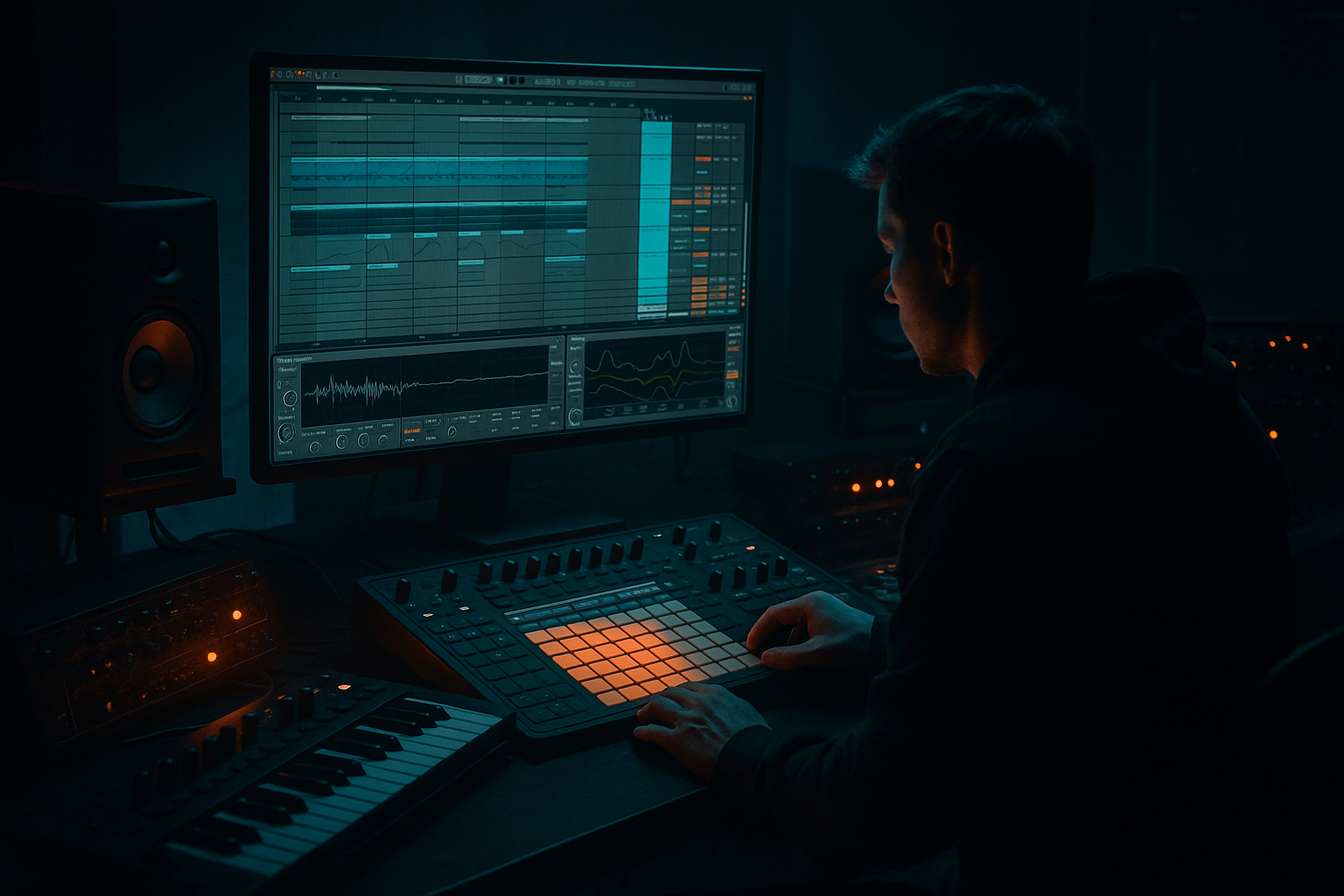
Main tutorial
Subsine in Ableton Live 12: Clean It With Minimal CPU (Jungle / Oldskool DnB) 🔊🥁
1. Lesson overview
In jungle and oldskool DnB, the sub is simple but ruthless: a clean sine that hits hard, stays in tune, and doesn’t wobble all over your mix. The trick is getting that weight without heavy devices chewing CPU—especially when you’re running chopped breaks, layers, and resampling chains.
This lesson is about building a tight subsine, adding controlled harmonics so it translates on smaller speakers, and then resampling/freeze-printing it so your set stays light and stable in Ableton Live 12.
---
2. What you will build
You’ll make a “Clean Jungle Sub” rack and a resampling workflow:
- A pure sine (low CPU) as the foundation
- A light harmonic layer (to hear the bass on phones/laptops)
- Click/attack management for punch without distortion
- A sub-safe processing chain (mono, headroom, controlled dynamics)
- A print-to-audio method via Resampling or Freeze/Flatten so you can keep writing fast
- Use short notes that follow the kick gaps.
- Common: 1-bar loop with syncopation (e.g., notes on 1, 1.2, 1.3.3, 1.4.2, etc.).
- Keep most notes in F–G–G# region (classic dark rave vibe) but tune to your track.
- Disable the MIDI sub group (saves CPU)
- Edit audio for tightness: fades, timing, reverse hits, etc.
- Right-click the `SUB BUS` track (or the MIDI track) → Freeze Track
- Then Flatten
- A/B bass phrases: print 8 bars of main sub + 8 bars of a variation (different last 2 notes).
- Drop trick: for the first 1–2 beats of the drop, mute the harmonic layer (or use automation) so the sub hits extra clean, then bring harmonics in as the break fills up.
- Call/response: alternate between held notes and staccato hits against the break edits—very 90s.
- Make darkness with notes, not distortion: Try root notes around F, F#, G with spooky minor movement.
- Add a tiny “throat” harmonic band: On `SUB HARM`, try a narrow boost around 250–400 Hz very gently (1–2 dB) to give that “growl” presence without sounding modern/neuro.
- Gate the harmonics, not the sub: If breaks are busy, put a Gate on `SUB HARM` keyed from the bassline or even from the break to make it tuck in rhythmically.
- Print multiple versions:
- Check phase against the kick: If your kick loses weight when bass hits, nudge the printed audio by a few ms earlier/later and choose the strongest alignment.
- Use Operator sine for a CPU-light, reliable sub.
- Keep the sub mono and clean (Utility width 0%, HP at ~20–25 Hz).
- Create harmonics in parallel and high-pass them above ~100 Hz.
- Use sidechain for the classic rolling pocket instead of heavy processing.
- Resample or Freeze/Flatten to commit tone, save CPU, and speed up arrangement decisions.
End result: a sub that feels like classic rolling DnB—solid on big rigs, still audible on small speakers. ✅
---
3. Step-by-step walkthrough
Step 0 — Set the session for DnB
1. Set tempo to 165–172 BPM (try 170).
2. Add a basic jungle rhythm to test against:
- Drop in a break (Amen, Think, etc.) on an audio track.
- Add Drum Buss lightly if you like, but keep it simple for now.
3. Make sure your master isn’t clipping—leave headroom.
---
Step 1 — Create the clean sine sub (minimal CPU)
Option A (recommended): Operator (super light CPU)
1. Create a MIDI Track → load Operator.
2. In Operator:
- Algorithm: only Osc A (default is fine)
- Osc A Wave: Sine
- Volume Env (Amp):
- Attack: 0–3 ms (tiny fade prevents clicks)
- Decay: 200–500 ms (depends on note length)
- Sustain: -inf (if you want “pluck” subs) or keep sustain up for held notes
- Release: 50–120 ms (prevents nasty tails between notes)
3. Add Glide/Portamento (classic rolling feel):
- Operator → Pitch section:
- Glide: On
- Time: 30–80 ms (tasteful, not cheesy)
MIDI pattern (oldskool rolling):
---
Step 2 — Keep the sub clean and mono
On the sub track, add these stock devices in this order:
1. EQ Eight
- Enable HP filter at 20–25 Hz (24 or 48 dB/Oct) to remove rumble
- Optional: tiny dip around 200–350 Hz if your harmonic layer clouds the mix
- Avoid boosting the fundamental—get level from gain staging, not EQ
2. Utility
- Width: 0% (mono) ✅
- Bass Mono: if you’re using it, set around 120 Hz (but with pure sine it’s already mono—still fine to lock it)
3. Limiter (optional safety while writing)
- Use as a temporary guardrail, not as “loudness.”
- Keep it catching only occasional peaks (1–2 dB max).
---
Step 3 — Add “audibility” harmonics without ruining the sine
A pure sine disappears on small speakers. The move: add a separate harmonic layer you can high-pass and control.
#### Method: Parallel harmonic layer (still low CPU)
1. Group your sub track (Cmd/Ctrl+G) → name it `SUB BUS`.
2. Inside the group, duplicate the Operator track:
- Track 1: `SUB CLEAN`
- Track 2: `SUB HARM`
On `SUB HARM`, do this:
1. Saturator
- Mode: Soft Sine or Analog Clip (either works)
- Drive: 2–6 dB (small moves!)
- Soft Clip: On
- Output: reduce to match (don’t get tricked by loudness)
2. EQ Eight (critical!)
- High-pass: 90–130 Hz (24 dB/Oct)
This ensures harmonics sit above the true sub so the low-end stays clean.
- Optional small boost around 200–600 Hz if you need more “presence” (careful in jungle—breaks already live here)
3. Utility
- Width: 0–30% (keep it mostly mono; tiny width is okay if it doesn’t mess the kick)
Blend: Bring `SUB HARM` up until you just notice the bass on quieter speakers. If you clearly hear “distortion,” it’s too much for oldskool weight.
---
Step 4 — Make it punchy (without clicks)
If you want the sub to “poke” through a busy break, do envelope and sidechain, not aggressive distortion.
1. Operator Amp Attack: keep 1–3 ms (removes clicks)
2. Add Compressor on the `SUB BUS` (or just `SUB CLEAN`) for sidechain:
- Enable Sidechain
- Input: your Kick (or a kick group)
- Settings (starting point):
- Ratio: 4:1
- Attack: 1–10 ms (fast)
- Release: 80–160 ms (tempo-dependent)
- Adjust Threshold until you get ~2–5 dB ducking
This creates that rolling “breathing” low-end under breaks. 🫁
---
Step 5 — Resampling: print the sub to audio (save CPU + commit vibe) 🎛️➡️🎚️
This is the core of the lesson: commit the sub so you can keep building without constantly running synth + processing.
#### Option A: Resampling to a new audio track (fast + flexible)
1. Create Audio Track → name it `SUB PRINT`.
2. In the audio track input chooser:
- Audio From: choose the track/group `SUB BUS`
- Choose Post FX (important—prints your EQ/sat/sidechain tone if you want it)
3. Set monitoring:
- `SUB PRINT` → Monitor: Off (avoids feedback/doubling)
4. Arm `SUB PRINT` and record a clean loop:
- Record 4–16 bars of your bassline (include variations)
Now you can:
#### Option B: Freeze + Flatten (clean + quick)
This is great when you’re happy and want a committed audio clip.
---
Step 6 — Audio cleanup for that “tape-era” jungle firmness
On the printed sub audio clip (`SUB PRINT`):
1. Warp settings
- If it’s a continuous bass note: turn Warp OFF (often cleanest)
- If you need warp: use Complex Pro sparingly, but usually sub is best unwarped
2. Clip editing
- Add tiny fade-ins (1–5 ms) to remove clicks
- Check tails—make sure notes don’t overlap and cause low-end build-up
3. Optional: Drum Buss (very gentle)
- Drive: 1–3
- Boom: Off (you already have sub)
- Transients: tiny positive if needed
This can add “hardware-ish” density, but don’t crush it.
---
Step 7 — Arrangement ideas (classic DnB/jungle behavior)
---
4. Common mistakes 🚫
1. Distorting the actual sub fundamental
- If you saturate everything below 80–100 Hz, you lose clean weight and headroom.
2. Stereo sub
- Even a little width down low can wreck translation and mess the kick.
3. Over-long releases
- Notes overlap → low-end mud → limiter starts working overtime.
4. Printing while monitoring wrong
- Resampling with monitoring “In” can cause doubling or feedback. Keep print track Monitor Off.
5. Sidechain too slow
- If release is too long, your bass never recovers and the drop feels weak.
---
5. Pro tips for darker/heavier DnB 🌑
- `SUB_PRINT_CLEAN` (no harmonics)
- `SUB_PRINT_DIRTY` (with harmonics)
Then choose per section (intro vs drop).
---
6. Mini practice exercise 🎯
1. Build the `SUB BUS` with `SUB CLEAN` + `SUB HARM` as above.
2. Write a 2-bar bassline that:
- avoids constant 16ths
- leaves space for the kick on beats 1 and 3
3. Add sidechain compression from the kick (target 3 dB ducking).
4. Resample 16 bars into `SUB PRINT`.
5. Disable the MIDI tracks and finish a quick sketch:
- 16-bar intro (break + pads, no sub harmonics)
- 16-bar drop (full sub + harmonics)
- 8-bar breakdown (mute sub clean, keep only harmonics quietly for tension)
Deliverable: one 40-second loop that feels like a proper rolling jungle idea.
---
7. Recap ✅
If you want, tell me your target vibe (e.g., “97 techstep,” “raggajungle,” “deep roller”), and I’ll suggest a bass note range + a 2-bar MIDI pattern that matches it.

