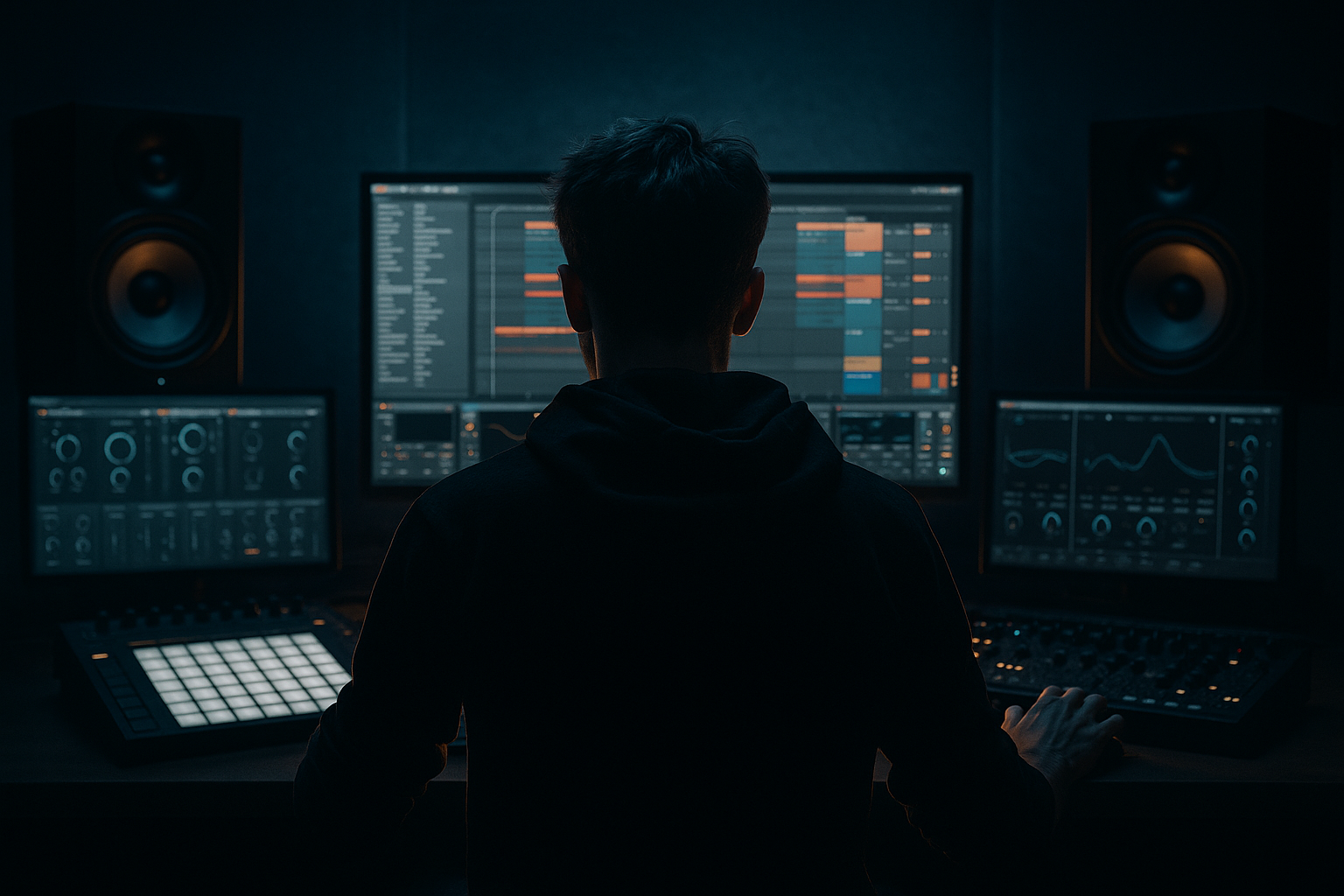
Main tutorial
Lesson Overview
This lesson is about building a sub bounce framework for smoky warehouse vibes in Ableton Live 12, aimed at oldskool jungle / DnB energy with a dark, rolling feel. The core idea is simple: make the sub bass breathe with the drums so the track feels alive, not static. Instead of writing a bassline that just sits under the loop, you’ll create a framework where the sub punches, dips, and answers the breakbeat in a way that feels purposeful and club-ready.
In DnB, especially jungle-leaning rollers and darker warehouse cuts, the sub is not just “low end.” It’s part of the rhythm section. It can:
- reinforce the groove of the Amen or classic break edits
- create tension through note length and silence
- leave room for kick/snare transient impact
- add movement without cluttering the midrange
- a mono sub layer with clean sine or triangle-based tone
- a bounce pattern that reacts to kick/snare placement
- optional mid bass support for smoky grit and movement
- a resampled version you can edit like a jungle tool
- a bass bus with saturation, filtering, and automation-ready control
- an Amen or chopped break
- a deep rolling kick-snare pattern
- sparse call-and-response phrases in the drop
- darker atmospheres and dubby space between hits
- Making the sub too long
- Using stereo wideners on the low end
- Letting the bass and kick fight for the same pocket
- Overcompressing the bass
- Too much distortion on the sub
- Ignoring the breakbeat
- No arrangement variation
- Use slight pitch movement on the first note of a phrase, then keep the rest stable. A tiny drop of 10–25 cents or a very short pitch envelope can add tension without sounding cheesy.
- Layer a resampled bass stab underneath the sub for one or two hits per 8 bars. This keeps the track aggressive without crowding the whole drop.
- Try Drum Buss lightly on the mid layer, not the sub, for extra knock and density.
- In EQ Eight, carve a small pocket around the snare’s low-mid body if the bass is masking it. That keeps the break punchy.
- Add ghost notes in the bassline very quietly, but only where they enhance the groove. In jungle and rollers, tiny pick-up notes can make a loop feel “played.”
- Use clip automation for filter and drive changes on resampled audio. It’s faster than rebuilding the synth every time and gives you more character.
- Keep a reference track nearby in your session and compare low-end weight at low monitoring levels. If the bounce disappears quietly, your bass probably needs better note placement or more mid harmonics.
- For extra warehouse character, let the mid bass breath only on the second half of the phrase. That creates tension like a room filling with smoke before the drop opens up.
- mono and clean
- short enough to leave room
- syncopated enough to bounce
- supported by a gritty mid layer when needed
This matters because smoky warehouse DnB lives or dies by low-end authority and space. If the sub is too long, it masks the drums. If it’s too short, the track loses weight. The sweet spot is a controlled bounce: a sub pattern that locks to the break, leaves pockets for the snare, and feels like it’s pushing air in the room. That’s the vibe. 🔊
---
What You Will Build
You will build a dark, rolling sub system in Ableton Live 12 that includes:
Musically, this will sound like a sub-heavy 2-step / jungle hybrid that can sit under:
Think of it as the foundation for a track where the subline says as much as the drums. It should feel like the bass is “leaning” into the pocket, not just following notes on a grid.
---
Step-by-Step Walkthrough
1. Start with the drum groove first, then design the sub around it
In Ableton Live, build a 2-bar drum loop before touching the bass. Use a chopped break, a snare on the 2 and 4 feel, and a kick pattern that leaves rhythmic gaps for the sub. For oldskool jungle flavor, take a break like an Amen-style pattern and place it on a Drum Rack or audio track, then edit the hits so the groove has swing and tiny imperfections.
Add a kick underneath if needed, but keep it selective. A good sub bounce framework works when the bass can “answer” the drum accents.
Why this works in DnB: the sub and drums are one rhythm section. If the drums aren’t set first, the bassline becomes generic. In jungle and rollers, the bass is often written to the break’s negative space.
2. Build a mono sub instrument with clean phase behavior
Create a new MIDI track and load Wavetable, Operator, or Analog. For the cleanest sub foundation:
- Use Operator with a sine wave on Oscillator A
- Keep it mono
- Set the amp envelope with a fast attack, medium short release
- Avoid stereo widening on the sub layer
Suggested starting point:
- Oscillator: sine wave
- Attack: 0–5 ms
- Decay: 120–250 ms
- Sustain: 70–100%
- Release: 50–120 ms
Tune the sub so it sits around the track key and feels stable. In darker DnB, notes usually work well in the A, G, F, or E region depending on the overall arrangement, but let the track decide. If your kick is strong in the low end, keep the sub note slightly above the kick’s fundamental or shape it so they don’t collide.
3. Program a bounce pattern that leaves room for the snare
Write a 1-bar or 2-bar MIDI pattern that uses short, deliberate notes instead of constant sustains. For smoky warehouse vibes, the pattern often works best when the sub hits:
- just after the kick
- before or after the snare
- in small syncopated answers to the break edits
Example phrasing idea:
- Bar 1: note on beat 1, shorter note on the “and” of 2, rest before snare
- Bar 2: note on beat 1, answer on beat 3, tiny pickup before the next bar
Try note lengths around:
- 1/8 to 1/4 notes for tighter bounce
- slightly longer notes when you want weight and dubby tail
- gaps of 1/16 to 1/8 before snare hits for punch
Keep the velocity mostly even if it’s a pure sub, but slightly vary note lengths instead of velocity for groove. That gives a more authentic DnB feel than random low-end chaos.
4. Shape the sub with envelope and filter movement
Add Auto Filter after the synth if you want movement, or use the synth’s built-in filter. Set it subtly; the goal is not a bright bass, but a controlled “open and close” motion.
Good starting settings:
- Low-pass filter cutoff: around 70–140 Hz equivalent feel if using synth filter
- Resonance: low, around 5–15%
- Envelope amount: small to moderate so the attack has a touch of bite
For smoky warehouse vibes, automate the filter so it opens a little on phrase starts and closes on transitions. This gives the bass a breathing quality that feels analog and intentional.
If you want a more oldskool jungle touch, use a slightly more plucky envelope on the sub for the first hit of each phrase, then keep the rest tighter. That creates a “lead-in” motion without turning the bass into a full midrange bassline.
5. Add a mid bass support layer for texture, but keep it disciplined
Duplicate the MIDI to a new track and design a mid layer with Wavetable, Operator, or Analog:
- Use a saw/triangle blend or a detuned oscillator pair
- High-pass the layer so it doesn’t fight the sub
- Add slight saturation and filtering for smoky grit
Useful starting point:
- High-pass filter: around 100–180 Hz
- Saturation: subtle to medium, just enough to hear on smaller systems
- Unison / detune: very light, avoid wide stereo below the low-mids
This layer can carry the “warehouse air” while the sub remains clean. Keep the mid layer more active during fills or the second half of a 16-bar phrase. Use it for call-and-response with the break edits or for a brief push before a drop variation.
6. Resample the bass to create jungle-style control and character
Route your sub and mid layer to a group called BASS BUS, then create an audio track to record the output. Record a few bars of the bassline while the arrangement plays. This gives you a resampled bass clip you can cut, reverse, or process like a classic jungle tool.
Once recorded, use the audio clip to:
- trim note tails
- mute bad resonances
- reverse tiny sections for transitions
- print distortion or filter automation into audio
This is especially useful in oldskool-inspired DnB because you can turn a synthetic pattern into a more human, chopped performance. Use the clip to create little answer phrases, stutters, or pickups into the snare. It also helps you commit to a sound quickly instead of endlessly tweaking the synth.
7. Shape the bass bus with saturation, EQ, and mono discipline
On the BASS BUS, insert devices in this order:
- EQ Eight
- Saturator
- Utility
Suggested settings:
- EQ Eight: high-pass only if needed very gently below 20–30 Hz; cut muddy buildup around 180–350 Hz if the bass gets boxy
- Saturator: Drive around 1–5 dB for subtle harmonic weight, or slightly more if the track needs grit
- Utility: Width at 0% or very narrow for the low end, especially if the bass layer has any stereo content
If the bass feels too polite, try soft clip behavior in Saturator or use a touch of Drum Buss on the bass bus with a very light Drive setting. Do not overdo it; you want smoke, not distortion soup.
This is also a good spot for automation. Open the Saturator drive slightly in the drop’s second 8 bars for extra intensity, then pull it back in the break.
8. Make the bass interact with the drums through sidechain and note spacing
Use Compressor on the bass bus with sidechain input from the kick if your kick is strong and defined. For a more organic jungle feel, sidechain lightly rather than aggressively. The aim is to let the kick speak, not pump like a house track unless that’s the stylistic choice.
Suggested starting settings:
- Attack: 1–10 ms
- Release: 50–120 ms
- Ratio: 2:1 to 4:1
- Gain reduction: just a few dB on kick hits
Also use note spacing as your main groove tool. In DnB, especially darker rollers, the cleanest low end often comes from arrangement choice, not heavy compression. Leave tiny gaps before the snare and after the kick where the bass can release naturally.
9. Design arrangement movement with 8- and 16-bar phrasing
Place the bass framework into a structured drop:
- Bars 1–8: introduce the core bounce pattern
- Bars 9–16: add a variation, extra note, or mid-layer texture
- Bars 17–24: strip the sub briefly for a break edit or fill
- Bars 25–32: bring back the full bass with a stronger automation curve
In a smoky warehouse track, the bass should evolve in small doses. Try:
- muting the mid layer for the first 4 bars
- opening the filter slightly at bar 9
- adding a tiny pitch dip on the first note of a new phrase
- dropping in a reversed bass tail before a snare roll
Arrangement example: after a DJ-friendly intro with drums and atmospheres, the drop enters with only sub and break. After 8 bars, the mid layer appears on the offbeat answers. After 16 bars, the bass gets dirtier, and the snare fills lead into a double-drop feel.
10. Automate texture and space, not just volume
Use automation lanes for:
- Auto Filter cutoff
- Saturator drive
- reverb send on tiny transition hits
- clip gain or bass bus level for phrase movement
Keep reverb off the pure sub. If you want atmosphere, send only the mid layer or short resampled accents to a Return track with Reverb or Echo. A short, dark echo throw on a bass stab can add warehouse depth without muddying the sub.
For extra smoke, automate a small high-cut movement on the mid bass so it feels like it’s moving through haze. The low-end stays solid while the character shifts.
---
Common Mistakes
- Fix: shorten note lengths and leave space before the snare. In DnB, long sub tails can blur the break.
- Fix: keep the sub mono with Utility, and only widen higher bass layers if necessary.
- Fix: choose a kick that complements the sub fundamental, or place the bass hits around the kick’s strongest transient.
- Fix: use note spacing, envelope control, and light sidechain first. Compression should support the groove, not flatten it.
- Fix: distort a mid layer or the bass bus lightly, then keep the actual sub clean.
- Fix: write the bass against the drum accents. If the break changes, the bass should respond.
- Fix: add small 8-bar changes, not constant looping. DnB needs evolution to stay dangerous.
---
Pro Tips for Darker / Heavier DnB
---
Mini Practice Exercise
Spend 10–20 minutes building a two-bar sub bounce framework:
1. Load a chopped break in one audio track and make a simple DnB loop.
2. Create a mono sub in Operator or Analog using a sine wave.
3. Write a bassline with only 3–5 notes across 2 bars.
4. Make sure at least one note answers the snare rather than the kick.
5. Duplicate the sub to a mid layer, high-pass it, and add a touch of saturation.
6. Resample 4 bars of the bass to audio and make one edited variation.
7. Add a light sidechain compressor from kick to bass bus.
8. Automate filter cutoff or drive across the second 4 bars.
Goal: by the end, you should have a bass groove that feels like it belongs in a dark jungle roller, not just a looped synth part.
---
Recap
The main idea is to build the bass around the drum pocket, not on top of it. For smoky warehouse DnB, your sub should be:
Use Ableton’s stock tools—especially Operator, Wavetable, Auto Filter, EQ Eight, Saturator, Compressor, Drum Buss, and Utility—to shape the movement, texture, and low-end discipline. Focus on note length, phrase spacing, and subtle automation. That’s where the real DnB weight lives.

