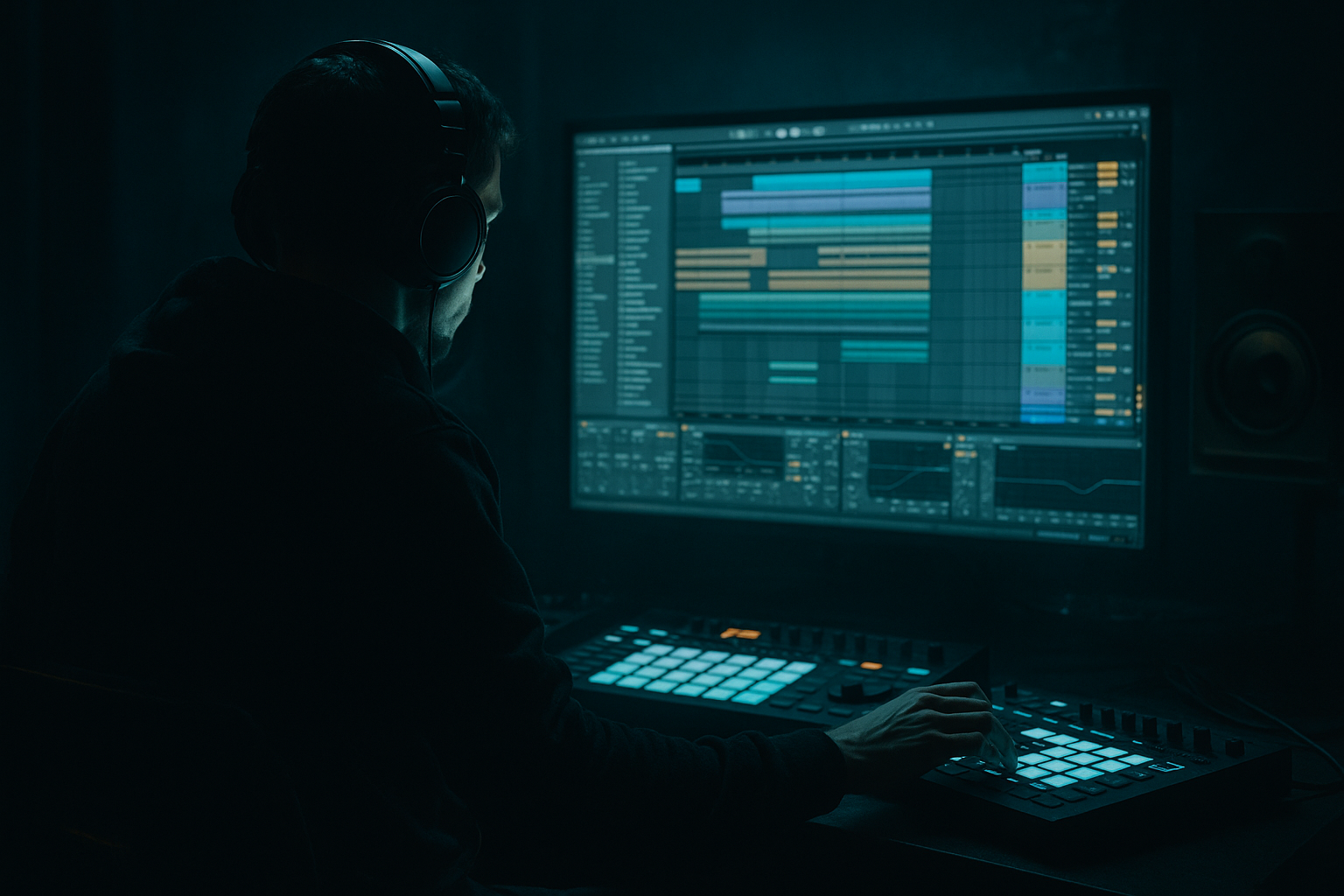
Main tutorial
Lesson Overview
Stretching an Amen-style ragga cut into a floor-shaking low-end weapon is one of those classic DnB moves that instantly makes a tune feel deeper, more dangerous, and more alive. In this lesson, you’ll take a vocal/drum ragga sample with that chopped-up jungle attitude and turn it into a stretched, textural element that can sit over a rolling bassline, reinforce a drop, or act as a transition hook in Ableton Live 12.
This sits right in the sweet spot between FX design and arrangement. In Drum & Bass, a stretched Amen-style ragga cut does more than just “sound cool” — it creates tension, fills space between drum hits, and helps the drop feel bigger without overcrowding the sub. The best versions feel like they’re glued into the track: gritty, rhythmic, and weighty, but still controlled enough to leave room for kick, snare, and low bass.
Why this matters in DnB: jungle and rollers often use sampled source material to add human energy to mechanical drums. A stretched ragga phrase can become a call-and-response layer, a pre-drop tension tool, or a post-drop accent that keeps the groove moving while the sub stays dominant. If you do it well, the sample becomes part of the bass architecture rather than a random effect.
You’ll use Ableton stock tools to:
- warp and stretch the sample musically
- shape the transient and low mids so it doesn’t fight the kick/snare
- add movement with FX automation
- resample it into a usable, repeatable DnB texture
- place it in an arrangement so it works with the drop, not against it
- a warped ragga chop that holds its vibe when stretched across 1–2 bars
- a filtered, saturated FX version that can sit behind a reese or sub
- a resampled audio clip with movement, reverb tail, and controlled low-end weight
- an arrangement-ready phrase that can work in a drop, switch-up, or breakdown
- optional call-and-response automation that lets the sample punch around the drums
- Over-warping until the sample loses identity
- Letting the sample fight the sub
- Too much reverb washing out the drop
- Not checking mono compatibility
- Making the ragga cut too loud all the time
- Ignoring harshness in the upper mids
- Use parallel distortion instead of smashing the main sample. Duplicate the track, distort the copy harder, and blend it in quietly.
- Add Auto Pan very subtly with slow phase movement for haunted motion, but keep the width under control.
- Use Echo with filtered repeats to create a dubby tail before a drop. Set time to 1/8 or 1/4 dotted and filter the feedback so it darkens each repeat.
- If the ragga cut feels too clean, try Drum Buss before saturation for extra smack and midrange grit.
- Automate Auto Filter resonance slightly at the end of phrases to create a brief vocal “squeal” without needing extra layers.
- For neuro-leaning energy, resample the phrase and cut it into tiny 1/8 or 1/16 fragments, then rearrange them like an FX sequencer.
- For jungle authenticity, pair the stretched ragga cut with lightly chopped break ghosts so it sounds like part of the original sampler-era ecosystem.
- Keep the sub strictly mono and let the sample occupy the emotion above it. That separation is what makes heavy DnB hit hard.
- Stretch the ragga cut with warping that keeps character, not perfection.
- Shape it with stock Ableton FX: EQ Eight, Saturator, Auto Filter, Glue Compressor, Reverb, Echo, Drum Buss.
- Keep the low end clear by high-passing and checking mono compatibility.
- Use automation and resampling to make the phrase feel arranged, not static.
- In DnB, the power comes from contrast: heavy sub, tight drums, and a ragga FX layer that appears with intention.
---
What You Will Build
By the end of this lesson, you’ll have a stretched Amen-style ragga cut that sounds like a dark, rubbery, low-end support layer rather than a normal vocal sample.
Specifically, you’ll build:
Musically, think of it like this: a ragga “Amen-style” cut hits on the off-beats and stretches over the bar so it creates a shadow behind the drums. In a darker roller, it can sit under a half-time snare pattern; in jungle, it can act like a haunted vocal stab between break edits; in neuro-leaning DnB, it can be mangled into a textured FX layer that adds menace without cluttering the bass region.
---
Step-by-Step Walkthrough
1. Choose the right source and trim the strongest phrase
Start with an Amen-style ragga cut that has:
- a strong consonant or shout at the front
- a vowel-heavy tail for stretching
- enough character to survive warping
Drag the sample into an audio track in Ableton Live 12 and listen for a 1–2 bar phrase that can carry energy on its own. Avoid overly dense sentences unless you want a more abstract texture.
Set your clip loop to a short section first, usually 1/2 bar to 1 bar. If the sample has a nice “yo / aye / ragga” style impact, keep the front transient clean and trim away dead air. In DnB, the first 100–200 ms of the sample often decides whether it punches or smears.
Practical move:
- turn on Clip Loop
- set Start and End markers tightly around the phrase
- consolidate once you’ve found the best section so you can work fast
2. Warp it for musical stretch without losing attitude
In the Clip View, enable Warp and start with Complex Pro if the sample is vocal-heavy, or Beats if the phrase is more rhythmic and chopped. For an Amen-style ragga cut, you’ll often get the best results by testing both.
Suggested settings:
- Complex Pro: good for long vocal tails and stretched phrases
- Formants: keep around the middle at first, then lower slightly if it sounds too “chipmunked”
- Envelope: around 70–100% for fuller sustain
- Transient Loop Mode in Beats: try Off or 1/16 depending on how chopped the phrase feels
Now stretch the clip to 1 bar or 2 bars. The goal is not pristine time-stretching — it’s controlled degradation. A little smear is great because it glues the ragga phrase into the track’s atmosphere.
Why this works in DnB: the genre already relies on energetic, high-density percussion. A stretched vocal can fill the air between snare hits and break accents, giving the drop a bigger sense of momentum while the sub stays clean and stable.
3. Turn the sample into a controlled FX chain with an Audio Effect Rack
Group the ragga clip track into an Audio Effect Rack so you can treat it like a designed instrument rather than a static sample.
Build a practical chain:
- EQ Eight first
- Saturator
- Auto Filter
- Glue Compressor or Compressor
- Reverb
- optional Echo
Suggested starting settings:
- EQ Eight
- High-pass at 90–150 Hz to clear sub conflict
- Small dip around 250–400 Hz if it gets boxy
- Gentle shelf cut above 8–10 kHz if the sample gets brittle
- Saturator
- Drive: 2–6 dB
- Soft Clip: On
- Auto Filter
- Low-pass around 6–12 kHz for darker sections
- Resonance: 10–20% for a little vocal edge
- Glue Compressor
- Ratio: 2:1
- Attack: 10–30 ms
- Release: Auto or 0.3–0.6 s
- Aim for just 1–3 dB of gain reduction
Keep the chain subtle at first. The purpose is to make the ragga cut feel dense and intentional, not crushed.
4. Shape the low-end relationship with the bass and drums
This is where the sample becomes DnB-ready instead of just “cool.” Put your kick, snare, sub, and bassline in context and check what the ragga cut is doing to the low end.
If you’re working with a rolling sub:
- high-pass the ragga cut more aggressively, around 120–180 Hz
- use a Utility device and set Bass Mono feeling by keeping the sample centered
- reduce stereo width on the sample with Utility Width at 0–60% if the low mids are too wide
If the sample needs to feel heavier without muddying the sub:
- duplicate the audio track
- on the duplicate, high-pass higher, around 200–300 Hz
- add Saturator or Drum Buss for grit
- blend it quietly under the main sample for weight in the low mids
Keep your actual sub lane clean. The ragga cut should support the bass story, not steal it. In darker rollers, a small amount of low-mid body from the sample can be useful, but if it starts fighting the kick/snare pocket, cut it back.
5. Add movement with automation, not constant full-volume playback
The best DnB FX parts breathe. Automate the ragga cut so it appears in phrases, responses, and transitions rather than sitting flat throughout the whole drop.
Useful automation moves:
- Auto Filter cutoff opening slightly into the drop
- Reverb dry/wet rising at the tail of a 4- or 8-bar phrase
- Echo feedback increasing briefly before a switch-up
- Utility gain for quick call-and-response dips
- Saturator drive for emphasis on the last hit of a phrase
Arrangement idea:
- bars 1–4: ragga cut filtered and tucked behind drums
- bars 5–8: open the filter and raise level by 1–2 dB
- final bar before switch: add a short reverb swell or echo throw
- drop reset: cut it suddenly for tension
This is especially effective in a roller or dark halftime section where the bassline leaves small pockets of space. The sample becomes punctuation, not wallpaper.
6. Resample the processed phrase for tighter control
Once the chain sounds good, resample it internally. Create a new audio track set to Resampling or route the output to a new audio track. Record 1–2 bars of the processed ragga cut with the automation in place.
Why resample?
- you can edit the result like a finished audio performance
- it frees CPU
- it makes the effect feel more intentional and “printed”
- it lets you chop the tail into usable one-shots or fills
After recording, consolidate the best section and use Warp again only if needed. Often, the resampled version will sit better than the live FX chain because the movement is baked in.
Pro workflow move:
- resample the version with the most character
- duplicate the clip
- make one copy more filtered and another more open
- alternate them across 8-bar sections for progression
7. Use FX throws and transient control to lock it into the groove
Now make the phrase feel like it belongs to the drum grid. Use Drum Buss, Transient shaping via clip envelope, or Simpler-style editing if you’ve chopped the phrase into slices.
Good options:
- Drum Buss
- Drive: 5–15%
- Crunch: light touch for texture
- Boom: usually off for this task unless you want a deliberate low bump
- Fade curves / clip gain: trim harsh starts and pops
- Simpler in Slice mode: if the phrase has multiple hits, slice it to transient markers and rearrange the chops
If the sample has a sharp consonant, let it hit just before the snare or just after the kick to create push-pull energy. DnB thrives on tiny timing decisions. A ragga cut that lands half a beat late can feel more menacing than one locked perfectly to the grid.
8. Place it in a musical context and build a drop-ready phrase
Put the stretched ragga cut into a real arrangement context. For example:
- 170 BPM dark roller with a rolling sub and sparse snare ghost notes
- 174 BPM jungle tune with Amen break edits, a Reese, and dub-style delays
- half-time neuro intro that opens into a full DnB drop
A strong arrangement pattern:
- Intro (8 bars): filtered ragga tail, no full sub
- Build (4 bars): automate filter opening and echo throws
- Drop (8 bars): ragga cut appears only on bars 1, 3, and 4 to avoid clutter
- Switch-up (4 bars): resampled version with more reverb and wider FX
- Second drop: bring back the dry original for contrast
In DnB, leaving space is part of the power. If the ragga cut speaks too often, it stops sounding heavy. When it appears selectively, every entrance feels like impact.
---
Common Mistakes
Fix: switch warp modes and use shorter loop sections. If the vowel turns watery or metallic, reduce the stretch or resample a better section.
Fix: high-pass more aggressively with EQ Eight, usually above 100–180 Hz depending on the source. Keep the sub lane mono and clean.
Fix: use short reverb times, automate dry/wet only at transitions, and consider printing the wet tail as a separate FX layer.
Fix: use Utility and collapse width if the sample starts sounding hollow. Dark DnB needs stereo width up top, not in the low end.
Fix: treat it like an arrangement device. Automate level and let it breathe around the snare pattern.
Fix: notch around 2.5–5 kHz if the sample stabs too hard over the snare or hats.
---
Pro Tips for Darker / Heavier DnB
---
Mini Practice Exercise
Spend 10–20 minutes building a drop-ready ragga FX layer:
1. Find one Amen-style ragga vocal or cut phrase.
2. Warp it to 1 bar and try both Complex Pro and Beats.
3. Insert EQ Eight, Saturator, Auto Filter, and Reverb.
4. High-pass the sample between 100–180 Hz.
5. Add 3–5 dB of Saturator drive and soft clip it.
6. Automate the Auto Filter cutoff across 4 bars.
7. Resample the result to a new audio track.
8. Chop the resampled audio into 2–4 usable phrases.
9. Place them in a simple arrangement:
- one hit before the drop
- one on bar 3 of the drop
- one filtered switch-up at bar 8
10. Check the mix with the bass and drums in mono.
Goal: create one version that feels useful in a real DnB arrangement, not just as a loop.
---

