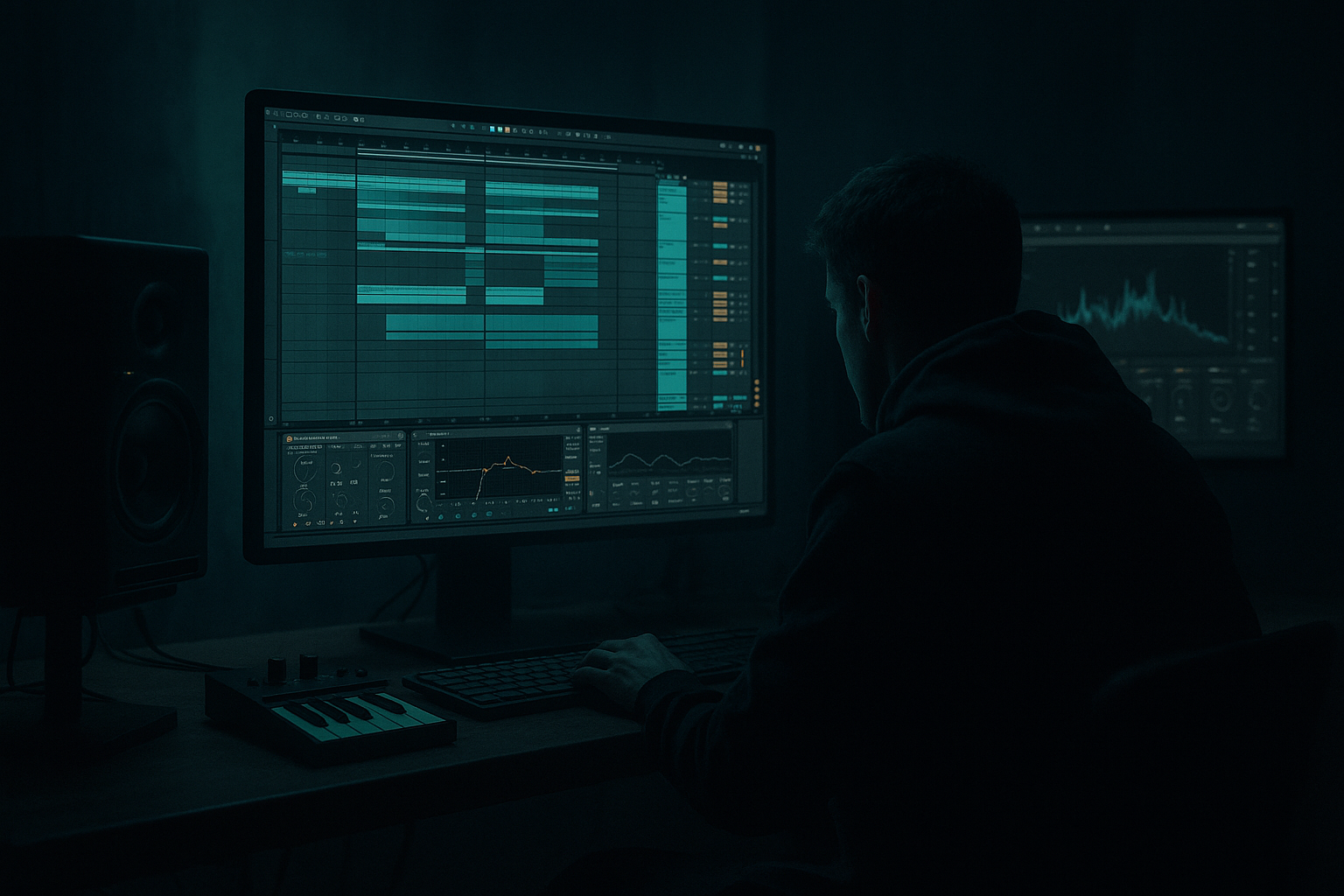
Main tutorial
Lesson Overview
A stepper jungle ragga cut lives or dies by movement: the drums need to roll, the bass needs to answer the vocal chops, and the arrangement has to keep evolving without losing that blunt DJ-facing impact. In Ableton Live 12, the real skill is not just making the loop hit hard — it’s shaping automation so the tune feels alive across 16-, 32-, and 64-bar phrases.
This lesson focuses on building and arranging an advanced ragga-leaning stepper jungle section: chopped break energy, rude vocal stabs, a heavy sub/reese hybrid, and automation that creates tension, call-and-response, and drop momentum. You’ll use stock Ableton devices like Drum Rack, Sampler/Simpler, Operator, Wavetable, Saturator, Auto Filter, Echo, Reverb, Redux, Utility, EQ Eight, Compressor, Glue Compressor, Envelope Follower, and Max for Live LFO if available.
Why this matters: in DnB, especially jungle and stepper-inspired material, the listener needs to feel constant progression even when the drum pattern stays minimal. Automation is how you move from a static loop into a record that DJs can mix, rewind, and keep riding. Done right, automation gives you weight, swing, grit, and arrangement drama without cluttering the mix.
What You Will Build
By the end, you’ll have a 32-bar stepper jungle ragga drop section with:
- a tight kick/snare stepper pattern anchored by a chopped break layer
- a deep mono sub with a midrange reese or growl layer that opens and closes on phrase changes
- ragga vocal cuts that answer the drums in a call-and-response pattern
- automation-driven filter, distortion, send FX, and bass movement
- DJ-friendly intro/outro logic that makes the section usable in a real set
- a drop that evolves in 8-bar phrases, with subtle switch-ups and tension lifts
- Bars 1–8: stripped intro to the drop with vocal tease and filtered bass
- Bars 9–16: main stepper groove with full bass statement
- Bars 17–24: switch-up using break edit + bass automation
- Bars 25–32: bigger variation, fill, and transition out
- Automating too many things at once
- Letting the sub get dirty or stereo-widened
- Overfilling the drop with vocal cuts
- Using filter sweeps instead of actual phrasing
- Breaking the groove with over-quantized edits
- Too much reverb on drums or bass
- Put a very light Saturator on the mid bass and automate Drive up by a small amount on transitions. Even 1–2 dB can make the phrase feel angrier without destroying clarity.
- Use frequency-separated automation: sub stays steady, mid bass moves, top percussion gets sparkle only in selected bars.
- Automate a high-pass filter on the vocal return so the delay gets thinner as the phrase gets busier. That keeps the mix dark but readable.
- Create a parallel crunch return with Redux set subtly. Blend it only on fills to make the drums feel like they’re tearing open.
- For a more underground feel, automate the bass to duck slightly before the snare, then re-enter hard. That tiny negative space gives the stepper pattern more bounce.
- If the reese feels too polite, resample it through Saturator + Auto Filter + EQ Eight, then re-record the output. Resampling often gives a more “finished” jungle bark than endless live tweaking.
- Use mono checks constantly. Ragga cuts and reese layers can feel huge in stereo but collapse badly in club playback if the low-mid is too wide.
- In darker material, automate less brightness than you think. Most of the tension should come from rhythm, filtering, and contrast — not constant top-end.
- Keep the sub stable, and automate the mid bass for movement.
- Use ragga vocal cuts as rhythmic calls, not constant decoration.
- Shape the drop in 8-bar phrases with clear tension and release.
- Automate filters, sends, distortion, and mutes to create energy.
- Preserve drum punch and mono low-end discipline so the tune translates in the club.
- In stepper jungle, the best automation feels like the track is breathing and talking — not just sweeping.
Musically, think:
Step-by-Step Walkthrough
1. Build the core session layout before touching automation
In Arrangement View, sketch a 32-bar lane structure and color-code tracks for speed:
- Drums: kick, snare, break layer, hats/percs
- Bass: sub, mid bass/reese, FX bass stabs
- Ragga vocals: main chops, throws, delays
- Returns: dub echo, dark reverb, short room, parallel crunch
Start with a standard DnB tempo around 172–174 BPM. For a stepper jungle feel, keep the groove straight enough to hit hard, but allow the break edits to introduce shuffle and urgency.
Put down placeholder clips first. Advanced workflow tip: even if the sound design isn’t final, build the automation architecture early. In this style, arrangement decisions depend on automation movement — not the other way around.
2. Program the stepper foundation with break support
Build the drum bed in Drum Rack or directly in the Arrangement grid:
- Place a strong kick on beat 1
- Place the snare on beat 3 for the stepper feel
- Layer a chopped break underneath, but high-pass it so it doesn’t fight the kick/sub
For the break layer, load the break into Simpler in Slice mode or use audio clips with warping set carefully. Keep the break mostly in the mid/highs with EQ Eight:
- High-pass around 180–250 Hz
- Small cut around 400–600 Hz if it gets boxy
- Gentle high shelf if the hats need air
Add Glue Compressor lightly on the drum bus with 2:1 ratio, 1–3 dB gain reduction, and a medium attack so the transient stays punchy. The goal is not to smash it — it’s to glue the stepper shell to the break texture.
Why this works in DnB: the stepper kick/snare gives the track its square, head-nodding authority, while the break supplies jungle movement and historical flavor. The blend feels authentic because the groove is both rigid and fluid.
3. Design a bass system with sub + mid movement split cleanly
Use two bass layers:
- Sub layer: Operator sine or low-passed Wavetable
- Mid bass/reese layer: Wavetable, Analog-style patch, or resampled distortion chain
For the sub:
- Keep it mono
- Use Utility with Width at 0%
- Low-pass or gently roll off everything above about 90–120 Hz
- Avoid heavy distortion on the sub itself
For the mid layer:
- Start with two detuned oscillators or a resampled reese
- Add Saturator or Overdrive lightly
- Follow with Auto Filter or EQ Eight to shape the tone
- Use Corpus only if you want a metallic chest-thump texture, but keep it subtle
Advanced move: map the mid bass’s filter cutoff to a MIDI clip envelope or automation lane, then let it open only at phrase edges. A useful range is roughly 250 Hz to 2.5 kHz depending on how aggressive the patch is. Don’t leave it wide open all the time — that kills the tension.
4. Create the ragga cut phrasing before adding FX drama
Chop vocal phrases into short, percussive hits: “come again,” “move it,” “rude bwoy,” “selecta,” or similar one-shot-style phrases. Keep them rhythmically tight and almost instrument-like.
Place them as call-and-response elements:
- Voice hit after the snare
- Voice hit before a bass drop
- Short answer on the offbeat
- Long tail at the end of a phrase
Process the vocal track with:
- EQ Eight: high-pass around 120–180 Hz
- Saturator: drive just enough to bring mid presence
- Echo on a send for dub-style throws
- Auto Filter for sweeping the vocal in and out across sections
A strong arrangement choice: keep the ragga chops sparser in the main groove than you think. In this genre, space is power. One vocal strike can feel bigger than a wall of ad-libs if it lands on the right snare or bass gap.
5. Automate the bass to “speak” with the drums
This is the main lesson: don’t just automate for sweepy transitions — automate to create bass phrasing.
Use one or more of these moves:
- Auto Filter cutoff on the mid bass so each 4-bar phrase opens a bit more
- Drive or output gain on Saturator for aggression on fills
- Wavetable position or oscillator wavetable index to morph tone through the drop
- Resonance spikes at key phrase endings for a snarling accent
- Utility gain for bass drop-outs before vocal hits
Concrete automation idea:
- Bars 1–4: cutoff closed, bass muted or filtered low
- Bars 5–8: cutoff opens to full body, then dips on the final snare
- Bars 9–16: add tiny modulation to the cutoff every 2 bars, around 5–15% movement
- Bars 17–24: momentary bass mute on beat 4 of bar 20 or 24 for a ragga-style “pull”
- Bars 25–32: increase distortion drive by 1–3 dB or open a parallel layer for the final push
Keep the sub almost untouched by these moves. Automate the mid bass tone, not the low-end foundation, unless you’re intentionally creating a breakdown.
6. Shape send automation for dub tension and drop space
Set up return tracks:
- Return A: Echo
- Return B: Reverb
- Return C: parallel crunch/distortion using Saturator or Redux on a return
For Echo, try:
- Time: 1/4 or dotted 1/8
- Feedback: 15–35%
- Filter the repeats so they sit behind the lead
- Automate send level only on key vocal chops or snare fills
For Reverb:
- Keep it short and dark
- Decay around 1.2–2.4 s
- High-pass the return to avoid low-end mush
- Automate a tiny burst before a drop or switch-up
In a stepper jungle context, send automation is what gives you those momentary dub pockets between the snare hits. That contrast makes the next impact feel bigger. Too much global reverb will wash out the break, so automate one-shot throws, not constant haze.
7. Use arrangement automation to build 8-bar phrase identity
Organize the drop so each 8-bar segment has a role:
- Bars 1–8: tease, filter, space, vocal setup
- Bars 9–16: full groove, main bass statement
- Bars 17–24: variation with break cut and extra vocal jab
- Bars 25–32: final lift, fill, and exit cue
Advanced arrangement trick: use mute automation or clip launch-style dropouts on drum elements:
- Remove kick for half a bar before a snare re-entry
- Pull the bass out for one beat before a vocal stab
- Let the break fill the gap instead of adding more synths
If you’re working linearly in Arrangement View, create visible landmarks with markers like:
- “drop statement”
- “break switch”
- “vocal pull”
- “final bar fill”
This keeps your energy decisions intentional rather than random. In DnB, arrangement is often about precision in subtraction.
8. Add automated movement to drums without losing punch
Keep the drum bus consistent, but introduce subtle motion:
- Automate Auto Filter very slightly on the break layer only
- Use Transient shaping by arrangement: copy a snare fill, slice it, and automate volume rather than over-processing
- Add Redux or Saturator for just 1 bar before a drop to create grit
- Nudge ghost hats or percussion with velocity changes and tiny volume automation
Good parameter ranges:
- Break layer filter cutoff moving between 4 kHz and 12 kHz
- Return crunch send on fills only, around -18 to -10 dB depending on the density
- Drum bus glue reduction under 3 dB to avoid flattening the transient shape
The key is to make the drums feel like they’re breathing around the bass. If the automation makes the groove less stable, back off. The best movement in DnB is often barely noticeable until you mute it.
9. Print and resample the most important automation moments
Once the drop is functioning, resample the best moments into audio. This is especially useful for:
- a bass phrase with a perfect filter swell
- a vocal chop with dub delay tail
- a break fill with crunchy transition texture
Record these into a new audio track, then chop them into arrangement accents. Use them as:
- pre-drop tension
- switch-up glue
- last-bar transition
- fill into a new phrase
This is an advanced jungle workflow because it turns automation into material. Instead of always running real-time modulation, you freeze the best expression and arrange it like a sample.
Common Mistakes
Fix: pick one primary motion per section — usually bass filter, vocal send, or drum crunch.
Fix: keep the sub mono with Utility and avoid wide FX below the low end.
Fix: leave breathing room so each ragga phrase lands like a statement.
Fix: automate in response to the snare grid and phrase structure, not just to “make it move.”
Fix: preserve some break swing and let ghost notes live. Jungle energy depends on micro-imperfection.
Fix: keep ambience on returns, high-pass the returns, and automate only when needed.
Pro Tips for Darker / Heavier DnB
Mini Practice Exercise
Spend 10–20 minutes building a 16-bar automation-based drop skeleton:
1. Create a stepper drum loop with kick, snare, and a chopped break layer.
2. Build a mono sub and a mid bass layer.
3. Add one ragga vocal chop and place it on bars 2, 6, 10, and 14.
4. Automate the mid bass filter cutoff over the 16 bars:
- closed at the start
- opens gradually by bar 8
- dips for a half-bar pull before bar 9
- opens again for the final 4 bars
5. Automate one send FX only on the vocal chop at bar 14.
6. Add a one-bar drum crunch return on the final bar.
7. Export or freeze/resample the section and listen back in mono.
Goal: make the section feel like it is talking back to itself. If the automation is good, you should hear a clear sense of phrase shape even with the arrangement kept minimal.

