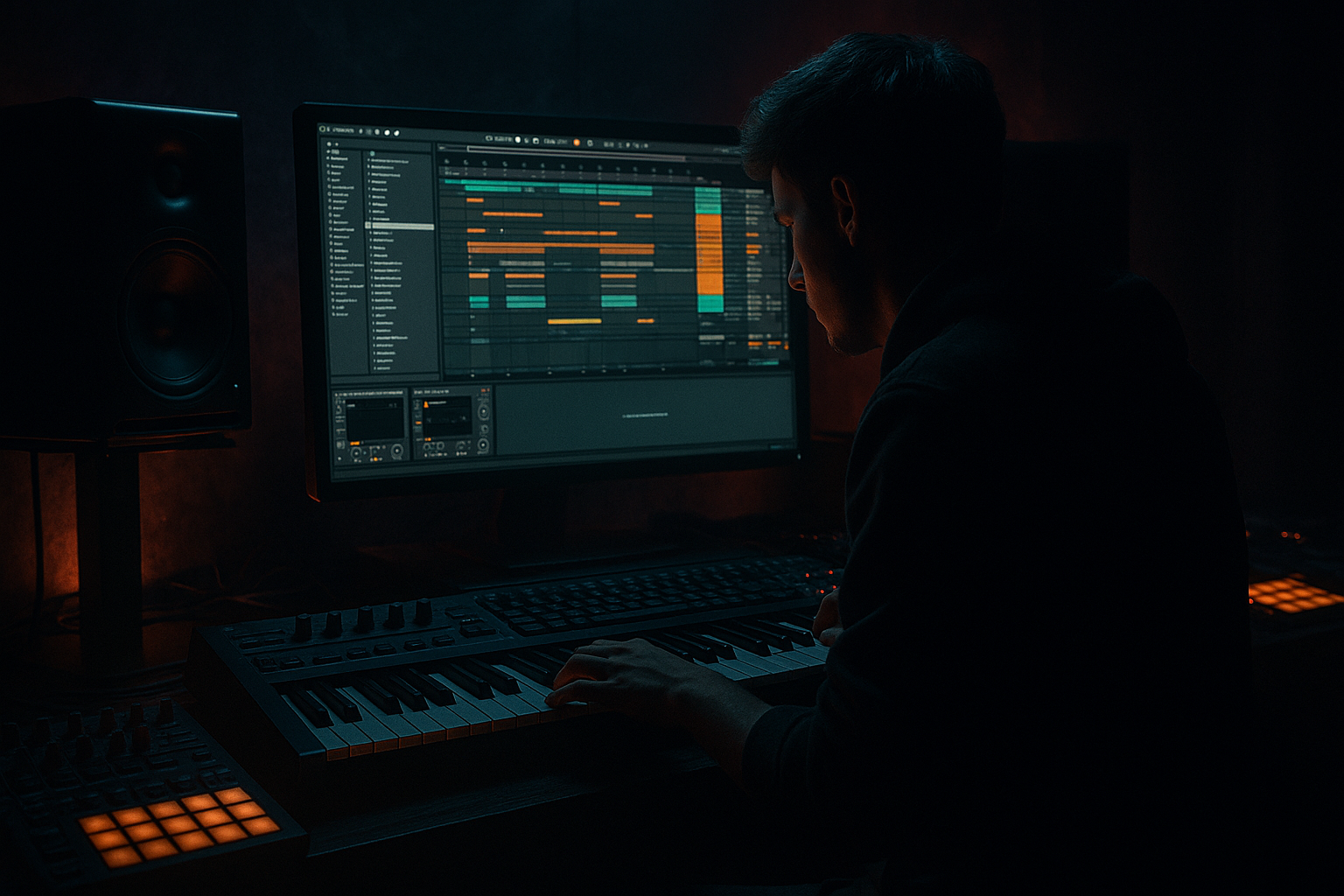
Main tutorial
Lesson Overview
An oldskool DnB breakbeat stack is one of the fastest ways to inject 90s-inspired darkness into a jungle or oldskool DnB track. The goal here is not just to “layer drums” — it’s to build a break that feels like a record-shop crusty source sample, but with modern Ableton Live 12 control: tighter transient shape, stronger low-end separation, and enough movement to sit under a bassline without turning to mud.
This technique matters because classic jungle and early DnB were built on chopped breaks, ghost-note grooves, and aggressive resampling. The vibe comes from contrast: dusty top loop + hard-edited body hit + sub-controlled kick + characterful room layer + bus processing that makes the whole stack feel like one instrument. In a real track, this sits at the center of your drop, often paired with a rewound intro, atmospheric tension beds, and a bassline that answers the break instead of fighting it.
For advanced producers, the advantage is control. You’re not just choosing a break — you’re designing a drum identity that can handle heavy sub, fast arrangement changes, and darker transitions while still retaining that 90s swagger. 🔥
What You Will Build
You’ll build a stacked breakbeat that sounds like an oldskool jungle loop pushed through a modern Ableton Live 12 workflow:
- A chopped primary break with preserved swing and ghost-note detail
- A second layer for crackly top-end texture and cymbal decay
- A weight layer reinforcing kick/snare impact without flattening the groove
- A resampled, darkened parallel bus for grit and cohesion
- Optional ambience and transition FX for intro/drop phrasing
- Over-quantizing the break
- Too much low end in every layer
- Stacking breaks that fight each other
- Using too much stereo width on drums
- Overprocessing the break so it loses personality
- Ignoring the bassline relationship
- Resample through saturation in stages
- Use ghost-note contrast
- Make the top layer decay shorter than you think
- Carve for the reese
- Automate dirt, not just volume
- Use drop-minus-1 energy
- Design a signature fill
- Build oldskool DnB drums as a layered system: core break, weight reinforcement, top texture, and bus glue.
- Preserve groove and ghost notes; don’t over-quantize the life out of it.
- Use stock Ableton devices like Drum Rack, EQ Eight, Saturator, Drum Buss, Glue Compressor, Auto Filter, Redux, and Utility.
- Resample your stack to lock in character and speed up arrangement decisions.
- Shape drum phrases around the bassline for real jungle-style tension and release.
- Keep the low end controlled, the mono compatibility strong, and the dirt intentional.
Musically, the result should feel like a 4- or 8-bar loop that could live under a rolling reese or a deep sub-bass line, with enough variation to support switch-ups, fills, and DJ-friendly phrasing. Think: dark warehouse energy, 90s jungle pressure, and modern mix discipline.
Step-by-Step Walkthrough
1. Choose and prep the break source with intent
Start with a classic-style break sample: Amen-type, Think-type, or any dusty drum loop with clear snare ghost notes and ride/cymbal spill. Drop it into an Audio Track and warp it only enough to fit the project tempo cleanly.
In Ableton Live 12:
- Set Warp Mode to Beats
- Try Preserve: 1/16 or 1/8 depending on the break density
- Use Transient Loop Mode sparingly; keep the groove natural
- If the break feels too “modern-stretched,” reduce warp markers and let slight imperfections remain
For a 174 BPM track, don’t overcorrect the break into grid prison. Let the original swing breathe. The darkness in oldskool DnB often comes from the fact that the drums feel sampled, not programmed.
Why this works in DnB: the break’s micro-timing is part of the genre’s identity. Too much quantization kills the human push-pull that makes jungle feel alive.
2. Slice the break into playable segments
Right-click the break and choose Slice to New MIDI Track. For advanced control, slice by transients and map the hits across a Drum Rack. This gives you freedom to re-sequence the break while preserving its character.
Then reorganize slices into:
- Main kick/snare anchors
- Ghost notes and low-level snare taps
- Hat/ride fragments
- Loose tail sections for fills and transitions
In the Drum Rack, group slices into chains:
- Core
- Ghosts
- Tops
- Fills
Use Chain Selector zones if you want to switch between different snare textures or alternate hat tails inside the same rack. For example, one chain can be the clean original snare slice, another can be a saturated version for drop accents.
Advanced move: consolidate a few bars of your best slice arrangement, then re-slice that resampled phrase. That gives you a more “recorded performance” feel than rigid step sequencing.
3. Build the main break layer with groove intact
Sequence a 2-bar or 4-bar pattern that respects the original break phrasing. Do not force every hit to be symmetrical. Keep the snare placement dominant and let the ghosts answer around it.
Use these Drum Rack and clip moves:
- Slight velocity variation on ghost notes: roughly 35–75
- Main snare hits: 95–127
- Nudge a few ghost hits a few milliseconds late for grime
- Keep kick reinforcement tighter than the rest of the break
Add Groove Pool swing from a break-derived groove if available, or extract groove from the source break and apply it lightly to cloned MIDI clips. Try groove amounts around 15–35%. Too much and you lose impact; too little and it feels stiff.
If the break is too busy, mute selected hi-hat slices in the second half of the loop to open space for bass phrases. In jungle, the arrangement often feels exciting because it breathes — not because it’s constantly full.
4. Layer a weight track for kick and snare reinforcement
Duplicate the drum track or create a second layer focused only on the foundational hits. This is where you reinforce the punch without wiping out the break’s character.
Use stock Ableton devices on the layer:
- Drum Buss for body and transient emphasis
- Saturator with Soft Sine or Analog Clip style saturation
- EQ Eight to shape the useful range
Starting point:
- Drum Buss Boom: subtle, around 5–15%
- Drive: 2–6 dB
- Crunch: low to moderate, just enough to thicken
- EQ Eight: low-cut below 30–40 Hz if the layer adds too much sub
- Boost a touch around 120–180 Hz if the kick needs more chest
Keep this layer mono or near-mono. The role is not stereo excitement — it’s physical impact. In darker DnB, a controlled lower-mid drum layer makes the whole break sound heavier when the bass drops in.
Practical arrangement choice: use this layer only in the drop and main build, then strip it out in the intro or breakdown so the full stack hits harder when it returns.
5. Create a dusty top layer for air, grit, and 90s texture
Duplicate the break again or isolate only the hats, rides, and snare decay. Process this as a texture layer rather than a full drum track.
Try this chain:
- EQ Eight: high-pass around 200–400 Hz
- Redux: subtle bit reduction or sample rate reduction for grit
- Auto Filter: gentle high-pass movement or band-pass tone shaping
- Chorus-Ensemble very lightly if you want width on cymbal tails, but keep it restrained
- Utility: reduce width or collapse to mono if the top layer feels messy
A good approach is to automate a slow filter opening over 4 or 8 bars during the intro, then snap it open on the drop. That recreates the feeling of vinyl dust being peeled back before impact.
Keep this layer quieter than you think. Its job is to make the break feel expensive, not noisy.
6. Resample the stack to glue the groove
Route all drum layers to a resample track or a dedicated drum bus group. Record 4 or 8 bars of the full stack into audio. This is the point where the break becomes a single performance instead of separate parts.
On the bus, try:
- Glue Compressor with light reduction, around 1–3 dB
- EQ Eight to remove excess low-mid build-up around 200–350 Hz
- Saturator for harmonic density, low drive
- Optional Drum Buss with very subtle Crunch
Then resample again if needed. The second print often sounds more “locked” because the first pass reveals what’s too sharp or too hollow.
Advanced trick: make one resampled version for the main drop and another darker version with more saturation and less top-end for breakdowns or switch sections. This gives you arrangement variation without rewriting the drums.
7. Design movement with automation, fills, and mute logic
Oldskool DnB feels alive because the drum stack changes in phrases, not just bars. Build 4-, 8-, and 16-bar variations.
Useful automation ideas:
- Auto Filter cutoff on the top layer for tension rises
- Drum Buss Drive increasing slightly into a fill
- Utility Gain dips before a drop to create a micro-drop effect
- Redux amount automated only on fills for glitchy grit
- Snare layer mute for the last beat before a switch-up
Phrase examples:
- Bars 1–4: full break + weight layer
- Bars 5–8: remove a few ghost notes and open the top layer slightly
- Bars 9–12: bring in a fill with reversed snare tails
- Bars 13–16: thin the drums for a bass call-and-response
If your bassline is a rolling reese, use the drums to answer it. For example, let the bass dominate bars 1–2, then expose the snare ghosts and hat fragments in bars 3–4. That call-and-response is a huge part of dark DnB energy.
8. Shape the drum bus for mix-ready aggression
Group the layers and process the bus carefully. The aim is cohesion, not brickwall destruction.
A strong bus chain might be:
- EQ Eight: gentle cuts for mud or harshness
- Glue Compressor: slow attack, medium release, 1–2 dB gain reduction
- Saturator: tiny drive to thicken transients
- Limiter only if you need peak catching, not loudness chasing
Suggested starting points:
- Glue attack: 10–30 ms
- Release: Auto or around 0.1–0.3 s
- Saturator drive: 1–4 dB
- Drum bus output headroom: leave at least -6 dB peak before mastering decisions
Check the stack in mono with Utility. The low end should still feel centered, the snare should stay punchy, and the hats should not vanish. If the groove falls apart in mono, the layers are too dependent on width tricks.
If needed, use Transient shaping with Drum Buss rather than EQ boosts to make the break hit harder. In DnB, transient clarity often beats raw level.
Common Mistakes
- Fix: keep some natural offsets and use groove lightly instead of forcing everything to the grid.
- Fix: only one layer should own the real low-end weight. High-pass the top and texture layers aggressively.
- Fix: assign each layer a role: core, weight, top, or texture. If two layers do the same job, mute one.
- Fix: keep kick/snare support mono or near-mono. Let width live mostly in hats, room, and FX.
- Fix: print early, compare with the dry version, and stop adding devices once the groove gets smaller.
- Fix: arrange drum hits around bass phrasing. In dark DnB, drums and bass should interlock, not compete.
Pro Tips for Darker / Heavier DnB
- A little saturation on the layer, then another light pass on the bus, often sounds darker and more believable than one heavy distortion stage.
- Keep the main snare punchy, but let ghost hits stay rough and slightly lo-fi. That contrast is classic jungle tension.
- A shorter cymbal tail clears space for rapid bass movement and keeps the mix aggressive.
- If the bass is busy around 180–500 Hz, reduce that zone on the drum stack rather than boosting the drums harder. Separation is power in DnB.
- Small automated pushes on Drive, Redux, or filter cutoff make sections feel more animated than static level changes.
- Pull the weight layer and let only the chopped break + atmosphere carry a section just before the drop. The re-entry will feel larger.
- Print a 1-beat or 1-bar fill, reverse pieces of it, and save it as a reusable clip in your project library. That becomes a track-specific identity move.
Mini Practice Exercise
Spend 10–20 minutes building a two-bar dark break stack in Ableton Live:
1. Choose one break sample and slice it to a Drum Rack.
2. Program a 2-bar loop with:
- 1 main snare anchor
- 3–6 ghost hits
- 1–2 hat variations
3. Duplicate the break into a weight layer and a top layer.
4. Process the weight layer with Drum Buss and Saturator.
5. Process the top layer with EQ Eight and Redux.
6. Route all layers to a drum bus and add light Glue Compressor.
7. Resample the full stack to audio.
8. Make one variation where the last beat of bar 2 has a fill or mute.
9. Check the result in mono.
10. Save the chain as a template for future jungle ideas.
Goal: by the end, you should have one loop that feels like an authentic oldskool DnB drum identity, not just a chopped sample.

