Main tutorial
```markdown
Soul Pride Session: Amen Variation Modulate in Ableton Live 12 (DnB DJ Tools) 🔥🥁
1. Lesson overview
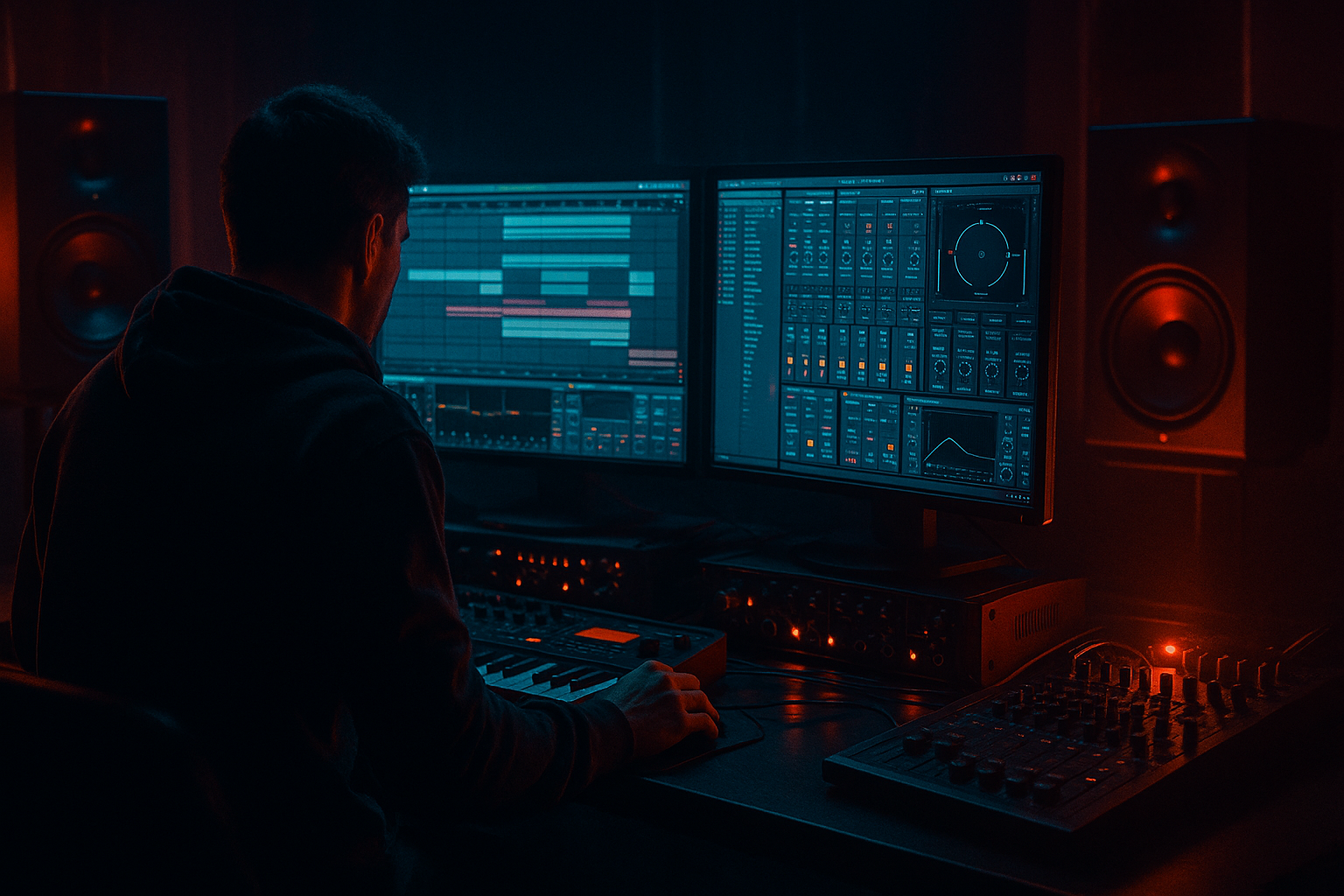
In this lesson you’ll build a DJ-tool style Amen break system in Ableton Live 12 that lets you modulate variations live—perfect for rolling jungle/DnB transitions, hype fills, and “Soul Pride”-style energy (classic funk/soul sample vibe but driven by modern DnB control).
You’ll combine:
- Warping + slicing for the Amen
- Clip modulation + Follow Actions
- Audio Effect Racks with Macro mappings
- Beat Repeat / Auto Filter / Saturator for movement
- Performance-friendly arrangement for quick drops, fills, and switch-ups
- One Amen track chopped and warped cleanly
- 4–8 variation clips (straight, shuffled, stutter, reverse, halftime inserts)
- A “Modulate” Macro Rack with controls like:
- Optional: A resample track to print your best live modulation into new fills
- EQ Eight
- Glue Compressor
- Beat Repeat
- Auto Filter
- Saturator
- Drum Buss
- Redux (optional, subtle)
- Clean = 0 dB baseline
- Roll chain slightly quieter (-1 to -3 dB)
- Crunch chain also slightly quieter (-1 to -4 dB)
- 2-bar MIDI clip playing the sliced hits in original order.
- Keep it clean for DJ mixing.
- Duplicate Clip 1
- Add extra ghost snares leading into the main snare (classic jungle propulsion)
- Slightly vary velocities (ghosts down at ~30–60 velocity)
- Only program last 1/2 bar with repeated snare slice
- Use shorter note lengths for tight machine-gun feel
- Pick 1–2 slices (like a crash/snare tail)
- Consolidate those slices as audio or use Simpler on a pad and enable Reverse
- Trigger it in the last 1/4 bar before a drop
- Program a halftime groove for 1 bar inside a 2-bar clip
- This creates that “time-stretch illusion” without changing BPM
- Green = safe/clean
- Orange = fills
- Red = chaos
- Intro (16 bars): Clean Amen + HP filter slowly opening
- Groove (32 bars): Alternate Straight + Push variations
- Fill points (every 16): Stutter fill + Verb throw
- Pre-drop (8 bars): Filter sweep + reverse teaser
- Drop (32–64): Clean → Crunch chain in sections
- Warping wrong downbeat: If the first kick isn’t truly on 1.1.1, everything feels “drunk” in a bad way.
- Overusing Beat Repeat: If it’s on constantly, the Amen loses identity. Use it as punctuation.
- Too much low-end in breaks: HP around 30–60 Hz so your sub bass owns the bottom.
- Width on drums too early: Keep the core break fairly mono; add width only on fills or tops.
- No velocity variation: Jungle groove lives in ghost notes and dynamics—robot breaks don’t roll.
- Parallel distort only the tops:
- Transient shaping with Drum Buss:
- Make the Amen “sit behind” the drums:
- Dark room tone:
- Tension automation:
- Clean warping + slicing for control
- A Macro Rack to perform rolls, filters, crunch, and throws 🎛️
- Variation clips that feel like jungle/DnB phrasing
- Optional Follow Actions for controlled evolution
- Resampling to build a personal library of fills
Target feel: tight, punchy Amen edits that you can “play” like an instrument 🎛️
---
2. What you will build
A performance-ready Ableton setup featuring:
- Roll / Stutter amount
- Filter sweep
- Drive / Crunch
- Transient snap
- Stereo width
- Reverb throw
By the end, you’ll be able to mix/transition like a DJ while still having producer-level control.
---
3. Step-by-step walkthrough
Step 0 — Session setup (DnB defaults)
1. Set tempo to 170–175 BPM (start at 174).
2. Set Global Quantization to 1 Bar (top of Live).
- Later you can switch to 1/4 for more frantic edits.
Why: Bar quant keeps your variations DJ-tight while still being playable.
---
Step 1 — Import and warp the Amen properly
1. Drag your Amen break into an Audio Track.
2. In the Clip View:
- Enable Warp
- Set Seg. BPM (or detect) and make sure the loop is musically correct
- Warp mode: Beats
- Preserve: Transient
- Transient Loop Mode: Off (we’ll do rolls with devices, not warp artifacts)
3. Right-click the clip → Warp From Here (Straight) on the true downbeat if needed.
4. Set Loop Length to 1 bar or 2 bars (classic Amen is often 2 bars).
Checkpoint: The kick/snare should land cleanly with the grid, and the groove should feel snappy not flammed.
---
Step 2 — Slice to a Drum Rack (for variation power)
This gives you “Amen as an instrument” control.
1. Right-click the Amen clip → Slice to New MIDI Track
2. Slicing preset:
- Slice by: Transient
- Create: One-Slice per Transient
- Slicing preset: Built-in (or “Warped” style)
Now you’ll have a Drum Rack with each hit on a pad.
Pro move: In Drum Rack, group key slices (main kick, main snare, ghost snares) so you can tune and process them differently later.
---
Step 3 — Build your “Amen Modulate” Effect Rack (DJ tool core) 🎚️
On the Drum Rack track, add an Audio Effect Rack at the end of the chain. We’ll create 3 chains:
#### Chain A: Clean (baseline)
- HP at 30 Hz
- Small dip at 250–400 Hz if boxy
- Attack: 3 ms
- Release: Auto
- Ratio: 2:1
- Threshold: aim for 1–3 dB GR
#### Chain B: Roll/Stutter chain
- Interval: 1 Bar
- Grid: map to macro (start at 1/8)
- Chance: 50–100% (macro)
- Variation: 10–20
- Filter: On, set around 6–10 kHz for classic crunchy repeats
- Mode: LP24
- Drive: 3–6 dB (macro)
- Freq: macro sweep
#### Chain C: Dark/Crunch chain
- Mode: Soft Clip
- Drive: 3–10 dB (macro)
- Output: compensate
- Drive: 5–20
- Crunch: 5–30
- Boom: 0–20 (careful with subs)
- Bit reduction: 6–12
- Downsample: light touch for texture
Now set Rack chain volumes so:
#### Macro mapping suggestion (8 macros)
1. Roll Amount → Beat Repeat Chance + Gate
2. Roll Speed → Beat Repeat Grid
3. Filter Sweep → Auto Filter Freq
4. Filter Drive → Auto Filter Drive
5. Crunch → Saturator Drive + Drum Buss Crunch
6. Punch → Drum Buss Drive (small range)
7. Width → Utility Width (add Utility at end)
8. Verb Throw → Reverb Dry/Wet (use short 0.6–1.2s)
Important: Keep macro ranges sensible. In DnB, “too wide + too wet + too distorted” turns to mush fast.
---
Step 4 — Create Amen variation clips (the “modulate” part)
You’ll make multiple clips that trigger different rhythmic patterns and modulations.
#### Variation Clip 1: Straight Amen (foundation)
#### Variation Clip 2: “Soul Pride push” (snare pressure)
#### Variation Clip 3: Stutter fill (end-of-phrase)
#### Variation Clip 4: Reverse teaser
#### Variation Clip 5: Halftime insert (roller trick)
Clip workflow tip: Color-code clips:
---
Step 5 — Add clip modulation for movement (Live 12 performance sauce) ✨
In each clip, use Clip Envelopes to automate macro movement.
1. Open a MIDI clip → Envelopes
2. Choose MIDI Ctrl (if mapping to rack macros via MIDI mapping) or choose the device parameter directly (if it’s exposed)
3. Automate:
- Filter Sweep on the last 1/4 bar of a phrase
- Roll Speed only for the final 1/8 bar
- Crunch up slightly on fills
Practical phrase structure:
Every 8 bars, do a small modulation. Every 16 bars, do a bigger fill. That’s very “DJ tool” friendly for DnB.
---
Step 6 — Follow Actions (optional but very “session”)
If you want controlled randomness (great for live sets or quick writing):
1. Select your variation clips
2. In Clip view, enable Follow Action
3. Example:
- Follow Action Time: 2 bars
- Actions: Next 50% / Other 50%
- Set “Legato” off unless you want continuous timing feel
Result: Your Amen evolves automatically but stays quantized.
---
Step 7 — Arrangement idea: DJ-tool layout for DnB mixing
In Arrangement View, build a template:
Extra DJ tool trick: Add a separate track called “Amen Fills (Resampled)” and print the best moments (see next step).
---
Step 8 — Resample your modulation for instant fills
1. Create a new Audio Track → set input to Resampling
2. Arm it and record while you perform macros
3. Consolidate the best 1-bar/2-bar bits
4. Warp them and place as one-shot fill clips you can trigger anytime
This is how you build a personal library of signature fills fast.
---
4. Common mistakes
---
5. Pro tips for darker/heavier DnB 🖤
Use an Audio Effect Rack split:
- Chain 1: HP at 200–400 Hz → Saturator drive hard
- Chain 2: clean full-range
Blend to taste for aggression without killing the low punch.
Keep Transient slightly up, but don’t overclick. Pair with Glue Comp for cohesion.
Layer your own clean kick/snare on top, and slightly dip Amen around:
- Snare fundamental zone ~180–220 Hz (varies)
- Presence ~2–4 kHz if clashing
Short Reverb (0.6–1.0s), low cut at 300 Hz, high cut at 6–8 kHz—use as throw, not wash.
Map a macro to both:
- Auto Filter cutoff down
- Saturator drive up
= “closing in” effect before drops.
---
6. Mini practice exercise (15–25 minutes) ⏱️
1. Create 5 clips: Straight, Push, Stutter, Reverse Tease, Halftime.
2. Build the Amen Modulate Rack with at least 4 macros:
- Roll Amount, Roll Speed, Filter Sweep, Crunch
3. In Arrangement, write a 32-bar loop:
- Bars 1–16: Mostly Straight + Push
- Bar 16: Stutter fill
- Bars 17–24: Add Crunch slowly
- Bar 24: Reverse tease
- Bars 25–32: Back to Clean for “DJ reset”
4. Resample one performance pass and save your best 1-bar fill to a folder called:
- `DJ Tools / Amen Fills / YourName_174`
---
7. Recap
You now have a DnB-ready Amen modulation system in Ableton Live 12:
If you want, tell me your preferred sub style (rolling Reese, clean sine, neuro growl) and I’ll suggest a matching break/bass sidechain + EQ pocketing approach so the Amen and bass lock perfectly.
```

