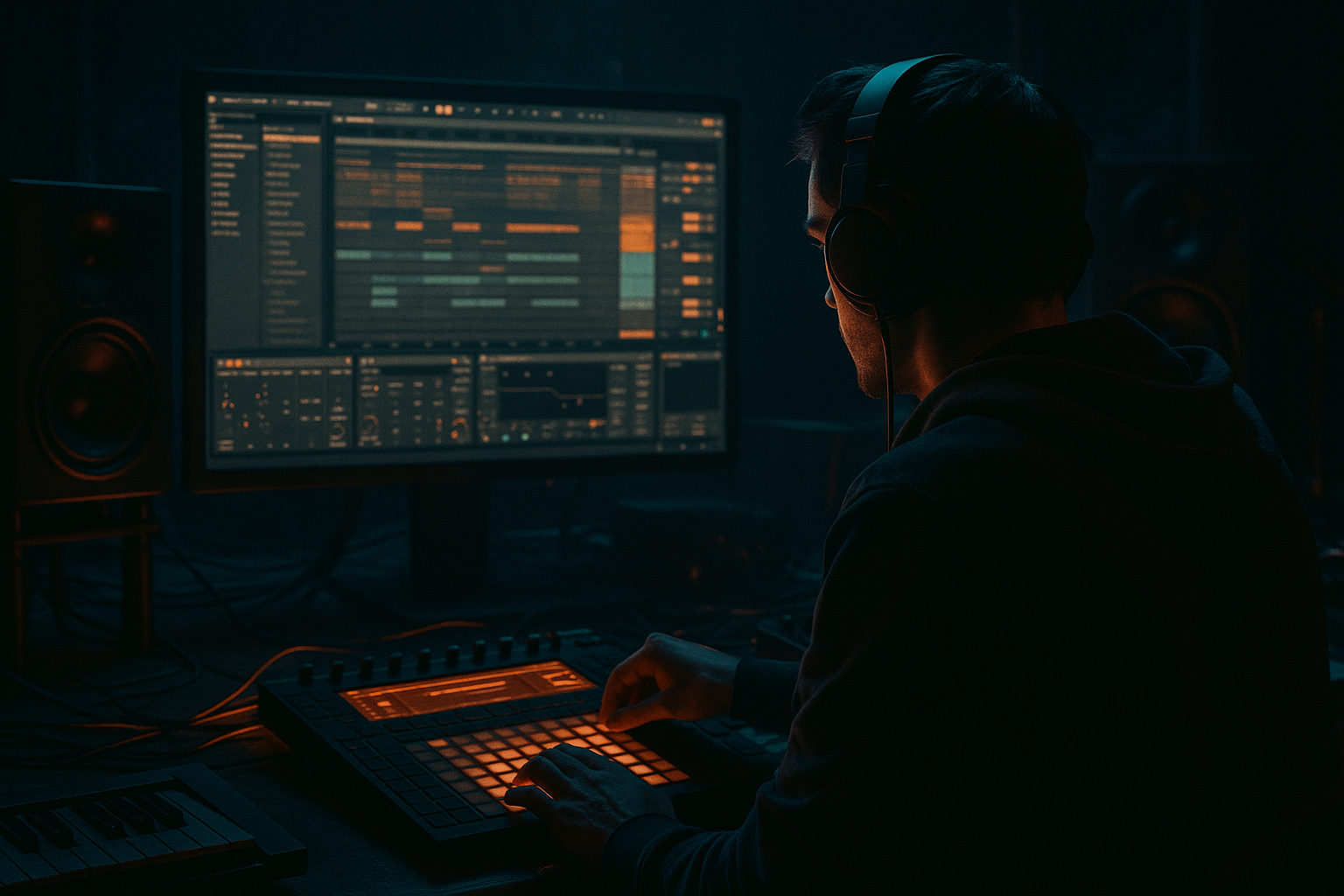
Main tutorial
Lesson Overview
This lesson is about turning a long, dark intro sample into a sliced, tension-building pirate-radio opener that feels like it belongs in a jungle or oldskool DnB track inside Ableton Live 12. The goal is not just to chop audio for novelty — it’s to shape an intro that creates urgency before the drop, with the right amount of grit, swing, and space for drums and bass to take over cleanly.
In a DnB track, this technique usually lives in the first 8, 16, or 32 bars: the pre-drop intro, the DJ-friendly lead-in, or the first statement before the full break and bassline arrive. For jungle and darker oldskool-influenced DnB, a sliced intro is especially powerful because it can feel like a pirate radio transmission, a ragged broadcast sample, a chopped MC phrase, or a degraded loop pulled from a dusty source. That texture matters musically because it tells the listener what world they’ve entered. Technically, it matters because the intro has to leave room for the kick, snare, break, and sub to hit with authority later.
By the end of this lesson, you should be able to build a sliced intro that feels rhythmically alive, sonically rough but controlled, and arranged in a way that sets up a proper DJ-friendly drop. A successful result should sound like a brooding, chopped-up signal that pulls the listener forward without crowding the low end or masking the main drum impact.
What You Will Build
You’ll build a dark, sliced intro loop in Ableton Live that has pirate-radio energy: short vocal fragments, filtered noise, broken-up musical hits, or a moody spoken sample arranged into a tight pre-drop phrase. It should feel tense and slightly unstable, but still intentional.
Sonic character: gritty, band-limited, lo-fi, with movement created through slicing, filtering, saturation, and small timing shifts rather than big modern FX washes.
Rhythmic feel: syncopated and restless, with chopped phrases that sit against a 2-step or break-driven pulse rather than floating in free time.
Role in the track: a hook-like intro texture that establishes darkness and anticipation, then clears out for drums and bass.
Mix-ready expectation: it should be controlled enough to sit in a track without fighting the sub or snare, and rough enough to keep the pirate-radio attitude.
Success sounds like this: the intro grabs attention immediately, feels rhythmically coded to DnB, creates anticipation without sounding messy, and makes the drop feel bigger because the arrangement had the discipline to hold back.
Step-by-Step Walkthrough
1. Choose the right source and decide the intro’s job
Start with a sample that already has character: a spoken phrase, a radio-style vocal, a dark atmospheric phrase, a broken phrase from a break-heavy record, or a short musical stab with emotional weight. In Ableton, drag it into an audio track and listen for moments with strong consonants, rough texture, or a phrase that can be cut into smaller pieces.
For pirate-radio energy, the source should feel like it came from a tape, a rough broadcast, or a damaged recording — not a polished full-range vocal. If the sample is too clean, that’s fine; you’ll degrade it later. But it needs personality.
Decide first what the intro is doing:
- Option A: a call-and-response phrase that sounds like a station ident or MC warning.
- Option B: a fragmented atmospheric loop that feels like a lost transmission.
- Set the start point tightly at the first useful transient or syllable.
- Use a warp mode that preserves the sample’s character. For textured, vocal, or noisy material, try Complex or Re-Pitch depending on whether you want realism or a rougher pitched vibe.
- Trim the clip so you are working with a short, manageable phrase.
- Drum Rack with sliced audio
- EQ Eight
- Saturator
- Auto Filter
- Utility
- Simpler or Audio Clip
- Redux
- Auto Filter
- Echo
- Utility
- High-pass with EQ Eight around 120–250 Hz depending on how much low junk is in the sample.
- Saturator drive around 2–6 dB for audible grit without completely flattening the transient.
- Auto Filter cutoff around 400 Hz to 2.5 kHz for intro movement, depending on how band-limited you want it.
- Redux at 8–12 bits or moderate downsampling if you want a harsher pirate transmission edge.
- Utility width near 0–40% if the source is too wide or messy in mono.
- Bar 1: sparse fragments, a low-pass opening gesture, one prominent slice near beat 3.
- Bar 2: more activity, a repeat of the key phrase, one or two reverse-feel pickups into bar 3.
- Bar 3–4: tension increases with shorter slices or stuttered repeats.
- Final half-bar before the drop: leave a gap or use a short reverse slice to create pull.
- High-pass the intro around 120–200 Hz to leave sub space clean.
- Low-pass around 6–12 kHz depending on how dusty you want it.
- Add a gentle resonant bump around 1–3 kHz if you want the voice or phrase to cut through a dense break.
- Use Saturator or Overdrive lightly to bring out midrange texture.
- If the sample feels too polite, Redux can add the unstable, crushed feel associated with old broadcast gear.
- A: cleaner, darker band-pass tone for a more ominous, cinematic jungle intro.
- B: more crushed, crunchy, slightly distorted tone for a raw pirate-radio/DJ-tool feel.
- Start more band-limited and quieter.
- Open the filter slightly every 2 bars.
- Add a tiny Echo send or an Echo insert with low feedback for the last phrase only.
- Pull the whole intro down by a few dB right before the drop so the drum entrance feels larger.
- Auto Filter cutoff: slowly move from around 500 Hz up toward 2–4 kHz, or the reverse if you want a closing-door effect.
- Echo feedback: keep low, roughly 10–25%, so it suggests space without washing out the slices.
- Dry/wet on Echo: use brief peaks rather than leaving it on constantly.
- Track volume: a subtle 1–3 dB fade can help the final drop feel bigger.
- The snare should feel like it arrives cleanly out of the intro.
- The kick and sub should not fight the intro’s low-mid energy.
- Any slice with strong low harmonics should be high-passed or shortened.
- If you have a bassline written, make sure the intro doesn’t occupy the same tonal center too obviously unless that’s the intended tease.
- the slice timing feels right,
- the movement is basically final,
- and you want to process the intro as a single object.
- a reverse slice,
- a short filtered repeat,
- a brief Echo tail,
- or a one-beat silence before the first downbeat.
- 8 bars of sliced intro
- bar 7: more activity, slight filter opening
- bar 8 beat 4: hard stop or reverse pickup
- drop: full break + bassline entrance
- Low-frequency content should already be removed from the intro.
- Stereo widening on a pirate-radio slice can sound cool, but if it makes the groove vague, it’s not worth it.
- Any wide delay or reverb should be tested against the drum and bass entrance, not just soloed.
- Use the intro to imply the tonal center of the track, not fully state it. A dark sliced phrase that hints at the bass note or root can make the drop feel locked in without giving away the full bassline.
- If the source is too clean, resample it after processing and then slice the resampled audio again. That second pass often creates the broken, print-through character that sounds more authentic in jungle and oldskool contexts.
- For menace, keep one element slightly unstable: a tiny filter opening, a subtle pitch drift from resampling, or a small timing offset on one repeat. One unstable detail can make the whole intro feel alive.
- If you want a more ravey oldskool feeling, let the intro slices answer the drum phrase in a call-and-response pattern. If you want a more underground darkside feel, keep the phrase clipped and sparse so the space becomes part of the tension.
- Don’t widen the whole intro just because it feels bigger. Instead, keep the core slice rhythm mostly centered and reserve width for tiny atmospheric fragments or the final transition.
- Use a short Echo throw only on the last slice of a phrase. That keeps the intro moving without turning it into a wash.
- If the sample has useful noise, keep a little of it. Tape hiss, room tone, radio static, or mic grit can glue the slices together better than over-cleaning them.
- When the track is heavy on bass movement, make the intro visually and rhythmically simpler. The listener needs contrast, not another competing bass statement.
- Use one vocal, radio, or atmosphere sample only.
- Use no more than 4 stock devices on the intro group.
- Remove everything below roughly 150 Hz.
- Create at least one silent gap before the drop.
- A 4-bar sliced intro that includes at least 6 distinct fragments and one final transition gesture into the downbeat.
- Does it sound like a transmission, not a clean loop?
- Can the snare or break enter without fighting the intro?
- Does the last bar create more tension than the first?
A works better if you want an obvious hook and stronger DJ-tool impact. B works better if you want a darker, more cinematic jungle intro that doesn’t distract from the drum entrance.
What to listen for: phrases with hard syllables, useful pauses, and a natural rhythm you can exaggerate. If every word is the same length and energy, it will be harder to make the slice pattern feel alive.
2. Warp and set the sample so slicing behaves musically
Open the sample and make sure its timing is stable enough to cut. In Live, use Warp if needed so the source can sit to the project tempo. For spoken material or loose radio-style audio, keep the timing close rather than over-correcting every transient. If the source has a strong original groove, preserve that feel; don’t flatten it into robotic 16ths.
A practical approach:
If the sample is too long, stop here and commit to the most useful 1–4 bars only. Don’t try to make the whole recording do the job of a hook.
Why this works in DnB: intro tension often comes from repetition and decay, not from long melodic development. A tightly chosen fragment gives you a stronger rhythmic identity and leaves more headroom for the drums and sub later.
3. Slice the phrase into playable pieces with Drum Rack or manual editing
For an Ableton-native workflow, drag the audio into a Drum Rack and slice by transients or at fixed beat divisions depending on the material. If the sample has clear words or hits, transient slicing is usually better. If it’s a drone-like phrase or a radio loop, try fixed slicing around 1/8 or 1/16 notes to create more controllable fragments.
Two useful stock-device chains here:
Chain 1: Sliced vocal intro chain
Chain 2: Degraded broadcast chain
Use the slices to create a rough 2-bar or 4-bar grid of repeated fragments. Don’t make it too neat. The point is to sound assembled, not sequenced like a pop vocal edit.
Parameter suggestions:
What to listen for: the slices should feel like they are teasing information, not fully revealing it. If you can clearly understand every word immediately, you may need to shorten slices or filter more aggressively.
4. Build the slice rhythm around the drums, not against them
Now place the slices into a phrase that supports DnB phrasing. A strong starting pattern is a 2-bar loop with one or two “answer” hits on the off-beats, leaving space where the snare will later land in the drop. Think in terms of punctuation, not constant chatter.
A practical intro shape:
Check this against your drum loop or placeholder snare. Even if the full drums aren’t written yet, drop in a kick/snare or a break loop and test whether the intro is stepping on the drum’s transient space. If the slices and the snare are both trying to speak at once, one of them loses.
What to listen for: the sliced intro should leave a pocket around the snare impact. In jungle and oldskool DnB, that snare is often your anchor, so the intro needs to create tension around it rather than smear across it.
5. Shape the tone with filtering and degradation
This is where the pirate-radio identity becomes believable. Use Auto Filter or EQ Eight to band-limit the slice layer so it sounds like a transmission rather than a full-range studio sample. A dark intro often works well when the top end is present but not hi-fi, and the low end is mostly removed.
A useful tonal approach:
Decision point — A versus B:
Choose A if the intro needs to sit behind a melodic break or a detailed drum pattern. Choose B if the intro is supposed to feel like the track is booting up from a rough tape source.
6. Add movement with automation, but keep it disciplined
The intro should evolve over 8 or 16 bars so it doesn’t feel like a static loop. Use automation on the filter cutoff, dry/wet of Echo, or the volume of the slice group. Keep moves simple and readable.
A strong pattern:
Useful automation ranges:
Why this works in DnB: tension in dark intro writing is usually about controlled reveal. If you automate too much, you dilute the impact. If you automate too little, the intro feels pasted in.
7. Check it in context with your drums, bass, and arrangement
Now bring in your actual drum identity: break, kick/snare, or at least a rough drum buss. Listen to the intro with the first impact of the drop in mind. The job of the sliced intro is to make the drums feel like the release of pressure.
If the intro is too busy, the drums won’t land hard enough. If it’s too empty, the drop feels underprepared. A good test is to loop the last 4 bars of the intro into the first 4 bars of the drop and listen for contrast.
Pay attention to:
What to listen for: the drop should feel more focused and physically heavier than the intro. If the intro already feels equally dense, your arrangement has nowhere to go.
8. Decide whether to keep the slices live or print them to audio
Once the pattern feels good, choose whether to keep it editable or commit it.
Commit this to audio if:
Printing to audio lets you do more aggressive warping, reverse edits, resampling, and detailed fades. It also makes it easier to tighten the final transition into the drop.
If you keep it live, you preserve flexibility for arrangement changes later. That’s useful if you’re still deciding whether the intro should support a 16-bar DJ mix-in or a shorter 8-bar club intro.
Workflow efficiency tip: duplicate the track before printing. Keep one clean version and one processed version so you can compare quickly without rebuilding the edit if the vibe changes.
9. Add one final punctuation move before the drop
The best dark intros usually have one last event before the drums hit. In Ableton, that could be:
For oldskool/jungle energy, a short gap can be more powerful than another effect. A one-beat or half-beat drop-out before the snare or kick makes the launch feel physical. If you use a reverse slice, keep it short and filtered so it doesn’t expose too much of the original sample.
Arrangement example:
That phrasing is DJ-friendly and gives the listener a clear moment of pressure release.
10. Do the final mono and balance check
Before calling it done, collapse the intro group to mono with Utility or check the track in mono context. If the sliced intro disappears, becomes phasey, or loses its essential rhythm, the processing is too wide or too diffuse.
Keep in mind:
A successful result should feel sturdy in mono, slightly raw in stereo, and clear enough that the drum transition reads instantly.
Common Mistakes
1. Leaving too much low end in the sliced intro
This steals space from the bassline and makes the drop feel smaller.
Fix: use EQ Eight or Auto Filter to high-pass the intro around 120–200 Hz, then check it against the sub.
2. Slicing every word at equal spacing
This makes the intro sound mechanical and generic instead of pirate-radio and urgent.
Fix: vary slice lengths, leave gaps, and let a few fragments hang longer than the others.
3. Overusing reverb or long delay tails
This blurs the rhythm and weakens the punch of the transition into the drop.
Fix: keep Echo feedback low, shorten tails, and use movement in the slices themselves rather than drowning them in space.
4. Making the intro too loud
If the intro is already huge, the drop has nowhere to go.
Fix: pull the group down 1–3 dB, then compare it directly with the first full drum section.
5. Ignoring the snare pocket
If the intro overlaps the main snare impact, the intro and drums compete for attention.
Fix: carve a small gap before the snare, or move the strongest slice to a different rhythmic point.
6. Over-crushing with Redux or Saturator
Too much degradation kills intelligibility and can flatten the groove.
Fix: back off the drive, use filtering to focus the grit in the mids, and keep the transient recognizable.
7. Forgetting mono compatibility
Wide FX can sound exciting but collapse badly on club systems or when summed.
Fix: use Utility to reduce width, remove unnecessary stereo effects from the intro layer, and verify the core rhythm in mono.
Pro Tips for Darker / Heavier DnB
Mini Practice Exercise
Goal: build a 4-bar darkside intro slice that can lead into a jungle or oldskool DnB drop.
Time box: 15 minutes.
Constraints:
Deliverable:
Quick self-check:
Recap
The core idea is simple: take a dark sample, slice it into a rhythm that supports DnB phrasing, degrade it just enough to feel like pirate radio, and shape it so the drop still has room to hit hard. Keep the low end out, keep the rhythm intentional, and use automation and arrangement to build pressure rather than clutter.
If it sounds like a moody broadcast that makes the drums feel inevitable, you’ve done it right.

