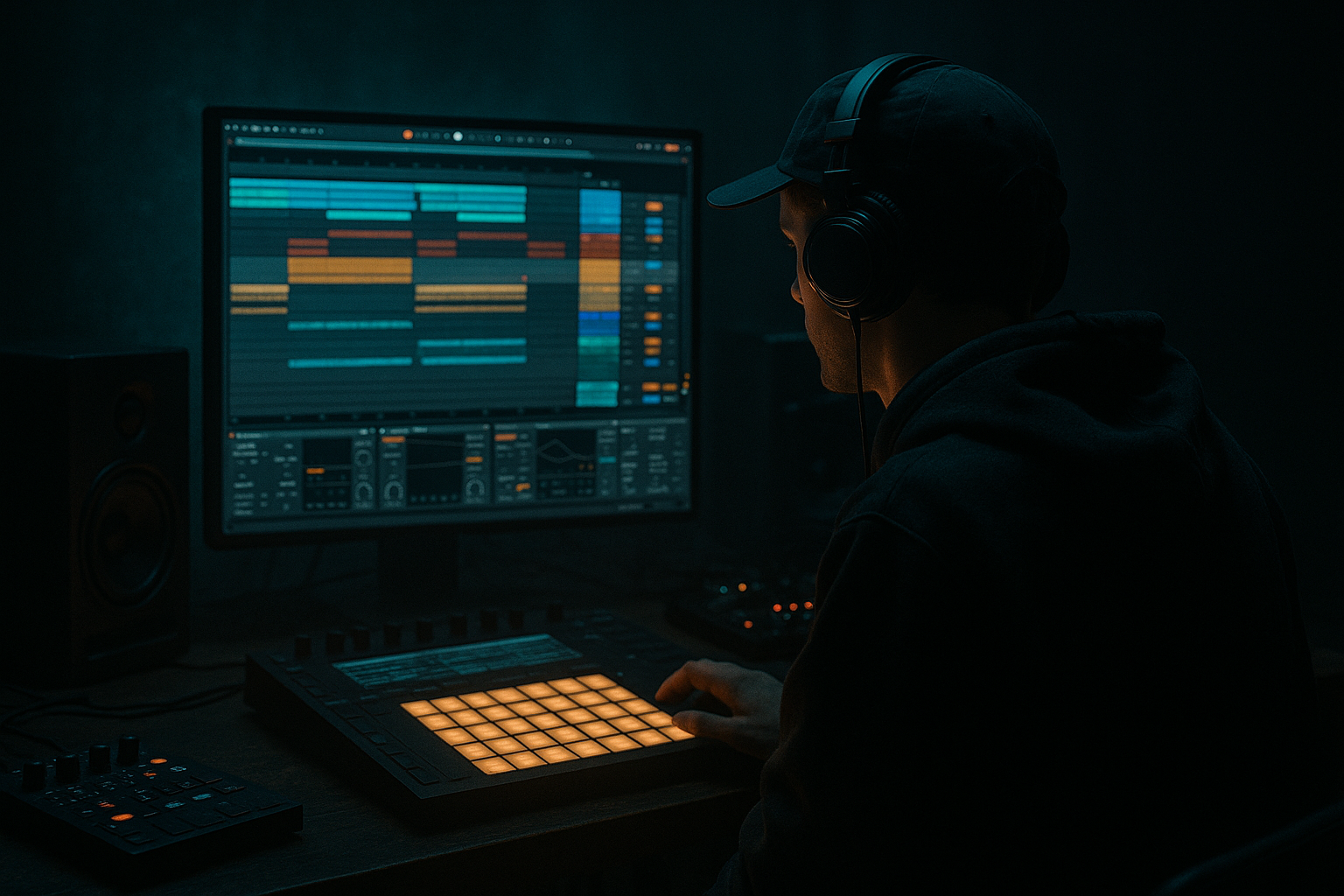
Main tutorial
Slice a Breakbeat with Modern Punch and Vintage Soul in Ableton Live 12
1. Lesson overview
In this lesson, you’ll build a tight, modern drum and bass break in Ableton Live 12 that still keeps the dust, swing, and attitude of classic jungle. We’re not just chopping any loop — we’re turning a breakbeat into a playable, mix-ready DnB drum instrument that can sit under 174 BPM rollers, halftime sections, or full-on jungle switch-ups.
The goal:
- keep the ghost-note feel and human movement of the original break
- add modern transient punch and low-end control
- make the slice playback musical, flexible, and arrangement-ready
- preserve a bit of vintage grit without sounding thin or washed out
- Slice to New MIDI Track
- Drum Sampler / Simpler
- Drum Buss
- EQ Eight
- Glue Compressor
- Saturator
- Transient shaping via envelope / transient-friendly editing
- Reverb, Delay, Redux, Utility, Auto Filter
- jungle edits
- liquid-style break layers
- rollers with chopped top loops
- dark DnB drum programming
- hybrid break + programmed kick/snare layers 🥁
- a sliced break mapped to MIDI
- a cleaner transient layer for punch
- a gritty parallel layer for soul and texture
- a drum rack chain that lets you play fills and variations
- an 8-bar DnB groove with:
- classic chopped break energy
- but with current club weight and clarity
- suitable for a mix that already has a sub and Reese or rolling bassline
- Amen-style breaks
- Think / Apache / Funky Drummer-type material
- dusty live drum loops with clear snare and hats
- any loop with ghost notes, room tone, and micro-dynamics
- snare room resonance
- hat bleed
- slight timing inconsistency
- dynamic hits
- turn Warp on
- test Beats mode first for rhythmic loops
- try:
- reduce overly obvious warping artifacts
- if the break feels too stretchy, don’t force it — use a cleaner source or resample
- Transient if the break is tight and you want automatic hit detection
- 1/8 or 1/16 if the break is more even and you want a deliberate slice grid
- Transient slicing for realism and feel
- then manually edit the MIDI notes to preserve the groove
- a Drum Rack
- individual slices loaded into pads
- a MIDI clip with note triggers
- identify the core hits: kick, snare, hat, ghost snare, ghost kick, ride/hat accents
- rename pads if needed
- discard unusable micro-slices if they clutter the rack
- One-shot mode for stable playback
- Start/End points so the transient is immediate
- Fade slightly if clicks happen
- Filter open enough to avoid thinning the break too much
- high-pass very gently around 25–35 Hz to remove useless sub rumble
- notch any ugly resonances in the 200–500 Hz range if the break is boxy
- if the snare lacks presence, try a small boost around 2–5 kHz
- if cymbals are harsh, tame around 7–10 kHz
- Drive: 5–20%
- Crunch: subtle, only if the break is too polite
- Transient: slightly up for snap
- Boom: usually low or off for breakbeats unless you want extra weight
- use sparingly if the source is already loud
- Attack: 10–30 ms
- Release: Auto or 0.1–0.3 s
- Ratio: 2:1 or 4:1
- aim for 1–3 dB of gain reduction
- Drive: 1–6 dB
- Soft Clip: on
- consider Analog Clip or subtle curves if you want more density
- EQ out excess low-mid mud
- enhance transients
- compress slightly
- keep stereo mostly controlled
- EQ Eight
- Drum Buss
- Utility (width near mono-ish if needed)
- Glue Compressor
- Redux: low sample rate, subtle bit reduction
- Saturator
- Auto Filter with gentle low-pass or band shaping
- Reverb very short and dark
- optional Echo or Delay for dubby glue
- Redux: sample rate around 12–24 kHz, bit reduction very subtle
- Saturator: add a few dB drive
- Auto Filter: low-pass around 8–14 kHz
- Reverb: short decay, low high-cut, low mix
- a consistent main backbeat
- ghost notes to keep momentum
- a few intentional accents
- variation every 2 or 4 bars
- nudge ghost notes slightly behind the grid for feel
- keep snare backbeats strong and stable
- vary hat velocity to avoid machine-gun repetition
- don’t over-quantize everything
- add a subtle MPC-style groove
- try a swing value in the low-to-mid range
- avoid extreme swing unless you’re going for a specific jungle bounce
- tight enough to bang
- loose enough to breathe
- snare accents: high velocity
- ghost notes: much lower
- hats: alternating levels
- occasional fill hits: pushed slightly harder
- Simpler volume
- filter cutoff
- envelope decay
- start offset
- a short, punchy DnB kick sample
- tuned to the track key or bass relationship
- very short decay
- a crisp snare with body
- tuned or shaped to support the break snare
- Bars 1–2: full groove, clean punch layer dominant
- Bars 3–4: introduce dirt layer slightly more
- Bar 5: remove kick-layer or mute a slice for tension
- Bar 6: fill with extra snare stutters or hat rolls
- Bar 7: filter sweep down briefly
- Bar 8: reverb throw or break stop for transition
- Auto Filter cutoff
- Drum Buss Drive
- Utility width
- Reverb send
- Saturator drive
- volume of parallel dirt layer
- print your processing
- edit audio more quickly
- chop manually for fills and transitions
- keep CPU low
- added reverb tails
- reverse hits
- delay throws
- filter sweeps
- Drum Buss
- Saturator
- very small Glue Compressor reduction
- add Auto Filter low-pass
- reduce stereo width with Utility
- use Redux for ugly, aggressive texture
- optionally insert Pedal or a touch of Overdrive if you want nastier character
- layer a short clap or snare body under the break
- boost low-mid punch carefully around 180–250 Hz
- add a touch of saturation instead of brute EQ boost
- snare rolls before the drop
- half-time break cuts before a switch
- reverse slice pickups into fills
- single ghost-note gaps before the snare to make the drop feel bigger
- EQ Eight
- gentle shelf reduction
- transient restraint
- subtle saturation instead of harsh boosting
- still sound like a break
- feel punchier and more modern
- have a hint of old-school jungle texture
- move like a real drum performance
- choose a break with character and dynamics
- warp carefully, not aggressively
- use Slice to New MIDI Track for playable control
- shape the sound with:
- build two layers:
- program velocities and ghost notes like a drummer
- automate for fills, drops, and transitions
- resample when the groove is right
- a step-by-step Ableton Live 12 rack recipe
- a MIDI pattern example
- or a full DnB drum bus chain preset.
We’ll use stock Ableton tools like:
This approach works especially well for:
---
2. What you will build
By the end, you’ll have:
- main loop
- fill variation
- filter/energy automation
- optional reverb-dub moment for jungle vibes
We’re aiming for a result that sounds like:
---
3. Step-by-step walkthrough
Step 1: Choose the right break
Start with a break that already has character. Good candidates:
Important: don’t start with a heavily processed “modern drum loop” if you want vintage soul. You want a break that has:
Step 2: Warp it correctly for DnB
Drag the loop into Live and set the project tempo around 174 BPM.
In the clip view:
- Transient Loop Mode: best if the break is percussive and sharp
- Texture Mode: only if you want to preserve smear/air, but be careful
For old breaks, keep warping subtle. In DnB, you often want the break to feel like it’s driving naturally, not like it’s been time-warped into submission.
Step 3: Slice to a new MIDI track
Right-click the audio clip and choose:
Slice to New MIDI Track
Recommended slicing preset:
For advanced DnB work, I usually recommend:
Ableton will create:
Step 4: Clean the slice mapping
Open the Drum Rack and inspect the slices.
Now do some housekeeping:
If a slice contains a strong snare tail or room sound, keep it. That’s part of the soul. But if a slice is messy and masks the groove, trim it.
For each slice, open Simpler and check:
Step 5: Build punch with layered processing
Now we shape the break into something that works in a loud DnB mix.
#### On the Drum Rack group:
Insert this chain:
1. EQ Eight
2. Drum Buss
3. Glue Compressor
4. Saturator
5. Optional Utility
#### EQ Eight starting points:
Keep in mind: the break should not fight the bassline. In DnB, your bass does the heavy lifting below, so the break needs impact and texture, not unnecessary sub energy.
#### Drum Buss starting points:
Drum Buss is excellent for modernizing old breaks while keeping them alive.
#### Glue Compressor starting points:
This keeps the break cohesive and “finished” without flattening the groove.
#### Saturator starting points:
You want the break to feel present on smaller speakers and still hit on a system.
Step 6: Create two parallel personalities: clean punch + vintage dirt
This is where the magic happens. Instead of forcing one chain to do everything, split the break into two layers:
#### Layer A: Modern punch
Duplicate the Drum Rack or route the break to a return / group chain.
On this layer:
Suggested chain:
This is your “club-ready” layer.
#### Layer B: Vintage soul
Create a parallel return or duplicate track and abuse it tastefully.
Suggested chain:
Settings to try:
Blend this layer quietly underneath the clean layer. You should miss it when muted, but not hear it as a separate effect.
That’s the “vintage soul” part: grit, glue, and space without losing definition.
Step 7: Program the MIDI groove like a drummer, not a loop
Open the generated MIDI clip and edit the hits manually.
A strong DnB break usually needs:
#### Groove editing tips:
Use Groove Pool if needed:
For modern DnB, the trick is:
Step 8: Add velocity and pad-level dynamics
In the MIDI editor, shape velocity intentionally:
In Drum Rack, also tweak:
This gives you expressive control over repeated slices. Even tiny changes matter in fast DnB tempos.
Step 9: Layer a modern kick and snare if needed
A sliced break can be beautiful, but in a modern mix you may want extra weight.
Try layering:
#### Kick layer
#### Snare layer
Blend them quietly so the original break still leads the vibe.
Use Group Tracks and keep each element controllable. If the break is your “feel,” the layers should be your “translation” into modern loudness.
Step 10: Add arrangement movement
A great sliced break should evolve over the track.
Try this in an 8-bar pattern:
Useful automation targets:
This makes the break feel like part of the arrangement, not just a static loop.
Step 11: Resample for control
When the break feels right, resample it.
Why?
Because resampling lets you:
Render the break in context, then drag the audio back into Arrangement or Session for further edits.
For jungle-style moments, resample the break with:
Then slice those printed moments into new chops. That’s how you get those classic “played” break edits 🔥
---
4. Common mistakes
Over-warping the source
If the break sounds smeared or phasey, you’ve warped too hard. Classic breaks need feel, not over-correction.
Killing the ghost notes
Over-compression or too much transient shaping can erase the subtle movement that makes a break feel alive.
Making every slice too loud
If every hit is equally loud, the break sounds robotic. Velocity variation is essential.
Using too much sub in the break
Let the bassline own the low end. High-pass the break gently and keep the kick’s low end controlled.
Over-processing the dirty layer
The vintage layer should support, not dominate. If you clearly hear the effect chain, it’s probably too much.
Ignoring arrangement
A loop that sounds good alone can still feel flat in the song. Automation and fills matter a lot in DnB.
---
5. Pro tips for darker/heavier DnB
If you’re aiming for darkstep, neuro-tinged rollers, or heavy jungle hybrids, try these moves:
Tighten the transient layer
Use:
Keep the front edge sharp so it cuts through distorted bass.
Make the dirt layer murkier
On the parallel vintage chain:
Emphasize snare weight
For darker DnB, the snare often needs to feel like a weapon:
Use break edits as tension devices
Try:
Duck the break slightly to the bass
Use sidechain compression or volume shaping so the bassline and break don’t fight each other. In dark DnB, clarity is aggression.
Keep the top end controlled
If the hats get brittle, use:
---
6. Mini practice exercise
Exercise: Build a 4-bar jungle-to-roller break
1. Pick one breakbeat loop.
2. Slice it to a new MIDI track using Transient slicing.
3. Build a 4-bar MIDI pattern:
- Bar 1: original groove
- Bar 2: remove one kick slice for space
- Bar 3: add a hat ghost or snare ghost variation
- Bar 4: fill with two extra chopped slices into the turnaround
4. Add this chain on the group:
- EQ Eight
- Drum Buss
- Glue Compressor
- Saturator
5. Create a parallel dirt chain with:
- Redux
- Auto Filter
- Reverb
6. Automate the dirt layer higher in bar 4.
7. Resample the result and cut one 1-beat fill from it.
Goal
By the end, your loop should:
---
7. Recap
To slice a breakbeat with modern punch and vintage soul in Ableton Live 12 for DnB:
- EQ Eight
- Drum Buss
- Glue Compressor
- Saturator
- clean punch
- gritty vintage dirt
The best DnB breakbeats feel human, heavy, and intentional. You want the listener to feel the swing of old jungle while hearing the authority of modern club production. That balance is the sweet spot. 🔥
If you want, I can also turn this into:

