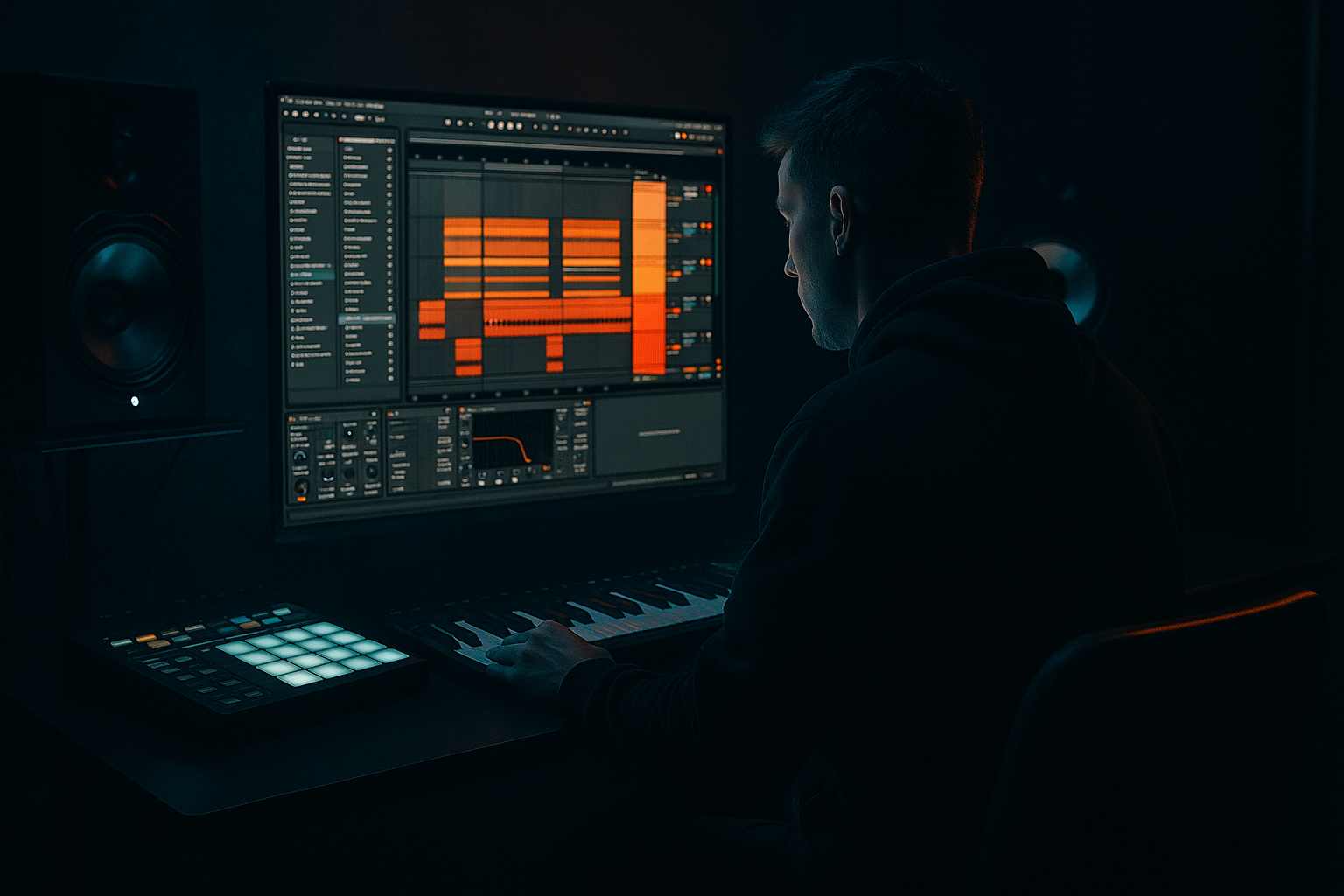
Main tutorial
1. Lesson Overview
This lesson teaches "Sigma FM bell: shape and arrange in Ableton Live 12 for late-night roller weight." You will design a tight FM bell using Ableton Operator, process it with stock effects, and arrange it so it sits sweetly over a heavy roller low end — bright enough to cut, but shaped and spaced to preserve the weight and groove of a late-night Drum & Bass roller.
2. What You Will Build
- A classic Sigma-style FM bell patch made in Operator (stock synth).
- A two-track FX chain using only Ableton Live 12 stock devices to give presence, width, and space without stealing low-end weight.
- An 8-bar DnB roller phrase (174 BPM) arranged to sit over a sub-driven kit: short bell stabs, delay-based motion, and automation to keep the bell sitting in the mix.
- Over-saturating the bell: heavy saturation can produce harshness and steal headroom; use subtle parallel saturation and high-pass the distortion path.
- Cutting too much high-mid: removing the presence (2–5 kHz) can make the bell feel dull and lose attack; instead carve frequency spots narrowly.
- Widening the entire bell: do not apply wide stereo to low or mid content — widen only high frequencies or use reverb/delay for perceived width.
- Using long reverb tails in busy sections: long tails will smear drums and bass energy; automate reverb sends only for breakdowns or pads.
- Too much FM amount: excessive FM modulation makes the sound noisy and metallic; dial modulation in small increments and use the pitch envelope to add transient character instead.
- Use a short, high-pitch pitch envelope with low decay rather than cranking FM for attack. It gives a natural bell “ping” without excessive harmonic smear.
- If your bell still sits in the low midrange, try adding a narrow resonant boost at 6–8 kHz to bring forward presence without competing with bass.
- Automate Delay Sync between 1/8T and 1/16 to change swing feel across the arrangement — this small change can convert a static bell into a moving element.
- For heavier weight, create a “ghost” low harmonic: duplicate the bell track, low-pass the duplicate to 500–800 Hz, heavily low-pass and compress it, then mix in at very low level for sub-character, being careful not to overlap with the main bass.
- When resampling, render with tails (Consolidate and Export) so the reverb/delay becomes part of the texture — then EQ aggressively to remove redundant lows.
- Use Clip automation for subtle pitch bends on the last beat of a bar to lead into transitions — a 10–20 cent bend is often enough.
3. Step-by-Step Walkthrough
Note: Keep Ableton Live 12 running at ~174 BPM (typical late-night DnB roller tempo). The phrase below assumes a 1-bar loop with small variations and fills across 8 bars.
A. Create the FM bell in Operator
1. Insert MIDI Track → Instrument → Operator.
2. Initialize or start from a default Operator patch (clear any unneeded modulation).
3. Set the routing algorithm: route oscillators B, C (and D optionally) to modulate A (use a carrier A with modulators feeding it). In Operator's display choose the algorithm where A is the last block (carrier) and others feed into it.
4. Oscillator frequency ratios (to form bell partials):
- A (carrier): Ratio = 1.00 (Coarse = 1)
- B (modulator 1): Ratio = 2.71 (Coarse ~2.7)
- C (modulator 2): Ratio = 3.14 (Coarse ~3.14)
- D (optional small mod): Ratio = 5.02 (Coarse ~5.02) — adds metallic high harmonic
5. Set oscillator wave shapes: keep pure sine (default) on all slots for clean FM bell partials.
6. Modulation (FM amount) to taste:
- B -> A Amount: ~45–65% (main body of the bell)
- C -> A Amount: ~20–35% (secondary harmonic color)
- D -> A Amount: ~10–20% (adds fizz)
Use Operator’s “Level” for modulators to set these. Higher = more inharmonic brightness.
7. Amplitude envelopes (per oscillator):
- A (carrier): Attack = 0–5 ms, Decay = 700–1000 ms, Sustain = 0, Release = 120–240 ms
- B: very short attack (0–2 ms), shorter decay (150–300 ms) for an initial hit if you want a sharper attack, or match decay to A for smoother tone.
- C & D: shorter decays than A to keep bell harmonics initial and then settle.
8. Use the Pitch envelope for a quick pitch hit (gives that signature bell “ping”):
- Pitch Env Amount = +12 to +24 semitones (set low or high depending on how metallic you want it)
- Pitch Env Decay = 80–200 ms (fast)
- This creates a subtle downward sweep from the initial transient into the bell tone.
9. Add a touch of oscillator detune/spread sparingly — keep modulators pure for characteristic FM tone. Operator has no wide unison, so stereo comes from effects later.
B. Basic mix and tone-shaping
1. Insert an EQ Eight after Operator:
- High-pass at ~200–300 Hz (gentle slope) to remove low energy — the roller low end should live in the bass/sub, not the bell. If the bell patch is thin, set HP lower (100–150 Hz), but be conservative.
- Gentle shelf cut at 12–14 kHz if bell is too piercing.
- Narrow dip 2–4 kHz if it masks vocals or mid-range bass presence.
2. Send to parallel chains:
- Create a Return A (Saturator) and Return B (Hybrid Reverb or Reverb).
- On return A: Saturator → Utility (gain staging). Use Saturator Soft Sine or Analog Clip, Drive 2–4 dB for warmth. High-pass the saturator return at ~400 Hz so saturation doesn’t fatten low end.
- On return B: Reverb with short pre-delay (10–25 ms), small size (plate-like) and relatively short decay (0.8–1.4 s) to keep space without washing the mix.
3. Insert a short Delay (Echo) inline on the bell track (pre or post reverb depending on taste):
- Set feedback low (10–25%), sync to dotted 1/8 or triplet 1/8 for rolling motion (try 1/8T for that late-night roller bounce).
- High-pass the delay signal to keep low end out (cut below 1 kHz on the Delay’s filter).
- Ping-pong can be useful but keep it subtle to avoid distracting stereo movement.
C. Stereo image and glue
1. After EQ and FX returns, place Glue Compressor lightly (2:1 ratio, 1–3 dB gain reduction) to keep the bell glued with the bus.
2. Add a Chorus-Ensemble or Chorus device with very slow rate and very small amount for subtle stereo width (or use Utility Width automation on high frequencies only — automate from 60% width on highs).
3. Use Utility to make sure the low content is centered: if you plan to resample layered bell with low-frequency content, center it.
D. Rhythm & MIDI arrangement for late-night roller weight
1. Create a 1-bar loop MIDI clip at 174 BPM; grid set to 1/16.
2. Basic pattern:
- Primary stab on beat 1 (1.1.1). Use a short 1/16 or dotted 1/16 note length.
- Ghost stabs: add 16th-note ties on the “&” of 1 (1.1.3) and on the “a” of 2 (1.2.4) to create shuffle. You can make velocity pattern like 100 / 60 / 75 to add groove.
- Add a higher octave accent on bar 4 or bar 8 for phrasing.
3. Apply Groove:
- Pull the clip to the Groove Pool and apply a small swung groove (Humanize: small timing swing 10–25% and velocity variation 5–15%) so the bell sits in the roller pocket.
- Increase “Timing” and “Random” slightly if you want that late-night looseness.
4. Layering and arrangement:
- Keep the bell part sparse around the heavy kick/snare hits. Bells are accents in rollers — give them room by removing notes on dense drum hits or sidechaining the bell to the kick with a subtle compressor.
- Create two main variations across 8 bars: A (sparse stabs) and B (fill with triplet delays and a higher octave stab). Automate Delay feedback or Send to add motion in B.
5. Resampling for texture:
- Record a loop of the bell with delay/reverb using Live's resampling or Freeze/Flatten to get a stereo audio snippet.
- Drop that resample into Simpler (Classic) and map across the keyboard; transpose –3 to +7 semitones for pitched stabs or use it as a long textural pad under certain sections, filtered and low-passed to prevent masking the bass.
E. Context balancing tips
1. Keep a dedicated low bus for bass & sub. Use a mid/side EQ on bell resample to widen highs while keeping mids/low centered.
2. Use sidechain (Compressed or Utility ducking) so that kick and sub dominate transient moments; the bell can breathe when the groove moves away from the kick.
4. Common Mistakes
5. Pro Tips
6. Mini Practice Exercise
Build this in a 15–30 minute session:
1. At 174 BPM, on a new MIDI track load Operator.
2. Copy the oscillator ratio and modulation amounts described in section 3A.
3. Program an 8-bar pattern: primary stab on beat 1, ghost stabs on 1.3 and 2.4, octave accent on bar 4.
4. Add EQ Eight (HP @ 200 Hz), Delay (Echo 1/8T low feedback), and Reverb (short plate). Send the bell to a Saturator return.
5. Apply a subtle groove from Groove Pool (timing +18, velocity +8).
6. Resample one bar, place in Simpler, and create one pitched re-stab at bar 8.
7. Export a 16-bar loop and compare how the bell interacts with a simple sub sine on a separate bass track (avoid frequency overlap).
7. Recap
You now have a complete workflow for "Sigma FM bell: shape and arrange in Ableton Live 12 for late-night roller weight": build a focused FM bell using Operator with specific ratio/mod settings and pitch envelope; clean and shape the tone with EQ, saturate and reverberate in parallel, add synced delay for motion; arrange sparsely with groove and automation so the bell accents rather than obstructs the heavy roller low end. Use resampling for texture variations and always check the bell in context with your sub/bass to preserve that late-night weight.

