Main tutorial
Lesson Overview
In DnB, atmosphere is not just “pad stuff” sitting behind the drums — it is part of the bassline’s identity. In darker jungle, rollers, neuro-influenced DnB, and atmospheric half-time sections, the movement of your bass and the evolution of your texture often decide whether the track feels flat or fully alive.
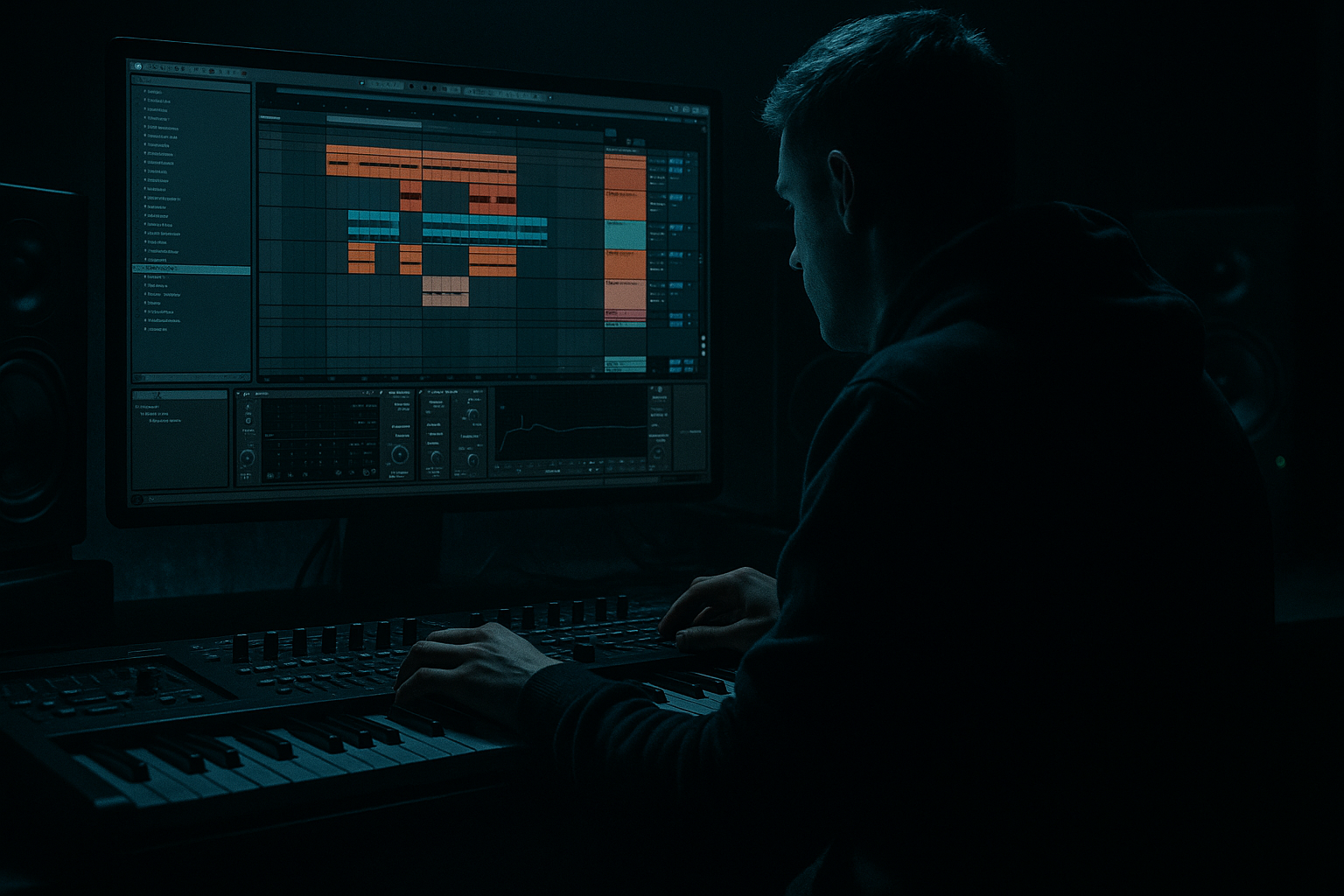
This lesson shows you how to build a jungle atmosphere in Ableton Live 12 by starting in Session View, improvising bassline and texture variations, then moving the best moments into Arrangement View for a full track structure. The key idea is to treat Session View like a sketchpad for bass call-and-response, break edits, and tension devices, then use Arrangement View to shape phrasing, automate density, and control release.
Why this matters: jungle and DnB arrangements depend on contrast. A loop that sounds good for 8 bars is not enough. You need movement across sections, and the fastest way to get there is to jam multiple bass variations, atmospheres, and drum layers in Session View, then “perform” the arrangement into a timeline with intention. That gives you the raw energy of live experimentation and the discipline of a finished track. ⚡
What You Will Build
You will create a dark DnB sketch with:
- A tight sub-led bass foundation with a moving reese layer
- A jungle-flavored atmosphere built from resampled texture, filtered noise, and break fragments
- Session View clips that trigger bass call-and-response patterns
- An Arrangement View structure with:
- Controlled low-end using mono sub, sidechain discipline, and saturation for audible bass translation
- A more “finished” vibe through automation of filters, reverb sends, distortion, and texture mutes
- Making the atmosphere too wide in the sub region
- Letting the bass drone constantly through every bar
- Using too much reverb on the main bass
- Building a Session View jam but forgetting arrangement contrast
- Overprocessing the break texture until it masks the snare
- Making the second drop identical to the first
- Use one bass sound as the “statement” and another as the “shadow.”
- Automate distortion, not just cutoff.
- Build tension with harmonic subtraction.
- Make your atmosphere rhythmically useful.
- Use short note lengths on the reese for aggression, longer note lengths for rolling dread.
- If the bass feels big but weak, reduce width and increase midrange harmonics.
- Try a filtered duplicate of the bass one octave up for certain accents only.
- Start in Session View to audition bass phrases, atmosphere clips, and switch-ups fast.
- Keep sub bass clean, mono, and rhythmically intentional.
- Build the reese or midbass as a separate moving layer with controlled harmonics.
- Turn the break into atmosphere for authentic jungle character.
- Record your performance into Arrangement View, then shape phrasing and transitions with automation.
- Protect the low end, preserve drum transients, and use contrast to make the drop feel bigger.
- DJ-friendly intro
- tension-building build
- first drop with bass statement
- switch-up section with stripped drums and atmospheres
- second drop with heavier movement and automation
- clean outro
Musically, think of a tune that could sit between a moody jungle roller and a darker modern DnB track: 174 BPM, D minor or F minor, rolling breakwork, a sub that says the note clearly, and a midbass that answers with movement rather than constant noise.
Step-by-Step Walkthrough
1. Set the project up like a performance sketch, not a linear arrangement
Open Ableton Live 12 and set the tempo to 174 BPM. Choose a minor key center early, ideally something DnB-friendly like F minor, G minor, or D minor.
In Session View, build four core tracks:
- Kick/Snare or Breaks
- Sub Bass
- Mid Bass / Reese
- Atmosphere / Texture
Add a return track for a long reverb and another for delay if needed. Keep your routing simple. The goal is speed and clarity, not a giant template.
For the bassline track, load:
- Wavetable for a reese-style midbass
- Operator or Analog for a clean sub
- Saturator after the synth for harmonics
- EQ Eight for cleanup
- Utility for mono control
For atmosphere, start with stock tools:
- Drift, Wavetable, or a sampled noise layer in Simpler
- Auto Filter for motion
- Reverb for depth
- Echo for rhythmic smear if needed
Why this works in DnB: the genre lives on contrast between precise low-end and evolving top texture. Starting with separate tracks keeps your sub stable while you shape atmosphere more aggressively.
2. Program a sub line that supports the drums instead of fighting them
On the sub track, use Operator in sine mode or a very simple Analog patch. Keep it dry and clean. The purpose is not to sound huge by itself — it is to anchor the groove.
Suggested settings:
- Oscillator: sine
- Mono mode: on
- Glide: 30–70 ms for short legato slides if you want a more musical jungle feel
- Pitch envelope: minimal or off
- Filter: off or wide open
- Saturator: Soft Clip on, Drive around 1–3 dB
- Utility: Width at 0% to keep it mono
Write a bass pattern that leaves air for snare ghosts and break hits. In DnB, the sub should often answer the drum rhythm rather than run continuously. Try a 2-bar phrase with one held note, one syncopated note, and one pickup into the next bar. If your kick/snare pattern is strong, the bass can be more selective and still feel powerful.
A useful workflow move: create 3–4 MIDI clips with different sub phrases in Session View:
- Clip A: sparse root-note foundation
- Clip B: more movement with one octave jump
- Clip C: tension note leading into the drop
- Clip D: stripped version for switch-ups
This gives you performance options later when you move to Arrangement View.
3. Design the reese or midbass as a separate layer with controlled motion
Load Wavetable on the midbass track and build a harmonically rich patch. Use two detuned saws or a saw + square combo, then shape with a low-pass filter so it remains heavy rather than harsh.
Suggested settings:
- Oscillators: saw-based, detune small, around 0.05–0.15
- Unison: 2–4 voices maximum if you want focused movement
- Filter: low-pass, cutoff around 120–400 Hz depending on how gritty you want it
- Drive or filter saturation: moderate
- LFO on filter cutoff: slow rate, synced 1/2 to 2 bars, subtle depth
- Macro map: cutoff, detune, distortion, and width separately
Add Chorus-Ensemble lightly if you want width in the upper mids, but keep the low end mono. Use Utility after the synth to narrow the bass below the crossover if needed.
In Session View, create multiple clips with different automation shapes:
- one with a rising cutoff into the drop
- one with a static, more menacing tone
- one with rhythmic gating or filter pulses
- one with a call-and-response gap
If the track needs more jungle flavor, resample the reese into audio later and chop it into short stabs in Simpler. That “performed” feel often lands better than a perfectly static synth bass.
4. Build atmospheric material from the break itself
The best jungle atmosphere often comes from the break, not from a generic pad. Take a break loop, duplicate it to a new audio track, and process the copy into texture.
Try this chain:
- Simpler or Slice to New MIDI Track for break fragments
- Auto Filter to isolate higher bands
- Saturator or Drum Buss for grit
- Reverb with long decay
- EQ Eight to remove mud below 150–250 Hz
- Spectral Time or Grain Delay only if you want a more experimental, ghostly wash
For a darker atmosphere, high-pass the break texture and pan fragments in short bursts. You want the listener to feel motion around the drums without obscuring the core groove.
Useful parameter ideas:
- Reverb decay: 3–8 seconds
- Dry/Wet on atmospheric return: 10–25%
- Auto Filter cutoff sweep: roughly 300 Hz up to 4–8 kHz depending on section
- Drum Buss drive on break texture: 5–15%
- EQ cut on low end: steep high-pass to protect sub space
In Session View, make two versions:
- “Pad-like wash” for intro/build
- “Broken texture” for drop transitions and switch-ups
This is one of the most authentic jungle workflows because it turns the break into part of the harmonic atmosphere rather than just a drum loop.
5. Jam bassline, drums, and atmosphere together in Session View
Now start performance-testing the track. Trigger clips as if you were DJing your own tune. This is where the arrangement idea becomes real.
A strong DnB Session View setup might look like this:
- Scene 1: intro with filtered drums and atmosphere
- Scene 2: build with sub hints and break texture
- Scene 3: first drop main bass phrase
- Scene 4: variation with a stop/start bass response
- Scene 5: stripped section with just breaks and ambience
- Scene 6: second drop with heavier midbass and extra automation
Record your jam into Arrangement View while you improvise clip changes. Don’t overthink perfection. Focus on tension and release:
- Leave 1 or 2 bars of space before the drop
- Remove the sub for a moment before impact
- Bring in a fill or reversed atmosphere into the downbeat
- Let one bass phrase breathe before you repeat it
Musical context example: if your first drop uses a D minor root movement, keep the second drop rooted in the same tonal center but change the rhythm and upper harmonics. That preserves identity while making the tune feel bigger.
6. Shape the transition from Session View into Arrangement View with intention
After recording your performance, switch to Arrangement View and trim the best parts. Now you are composing the final journey, not just collecting loops.
Focus on phrases of 8, 16, or 32 bars. DnB DJs and dancers respond strongly to clear phrasing. A common structure:
- 16-bar intro
- 16-bar build
- 32-bar first drop
- 16-bar breakdown/switch
- 32-bar second drop
- 16-bar outro
Use automation to guide the listener:
- Filter cutoff on atmosphere gradually opening over 8 bars
- Reverb send increasing in the last 2 bars before a drop
- Bass distortion automation increasing on the second drop
- Drum texture mutes and reintroductions for dynamic contrast
- Utility width automation on atmospheric layers only, not the sub
Keep your arrangement DJ-friendly. Even if the tune is dark and experimental, make the intro and outro mixable. Strip the sub and lead bass early in the intro, then allow elements to emerge. In the outro, remove the most dominant midbass first, leaving drums, ambience, and maybe a hint of sub or texture.
7. Refine the bass/drum relationship so the atmosphere supports the groove
In Arrangement View, zoom in on the low end and the transient interaction. The groove in DnB comes from the bass and drums speaking clearly to each other.
Use these tools:
- Compressor or Glue Compressor on the drum bus for gentle cohesion
- Sidechain compression on the bass keyed from the kick or kick/snare group
- EQ Eight to carve space around 50–80 Hz if the kick needs authority
- Utility to confirm mono compatibility on the bass bus
- Saturator to make the bass audible on smaller systems
Practical settings:
- Sidechain attack: fast enough to clear the transient, but not so fast it kills body
- Release: tempo-dependent, often around 80–180 ms in DnB
- Glue Compressor on drum bus: 1–2 dB of gain reduction, not more unless the loop needs stronger glue
- Bass bus low-shelf trim: only if the sub is masking the kick
If the atmosphere feels too wide or hazy, high-pass it harder and reduce stereo width below 200 Hz. The goal is to make the track feel immersive without losing punch.
8. Add final movement with resampling and micro-edits
Once the arrangement is mapped, create one or two audio resample tracks and capture moments from the bass and atmosphere. This is especially effective in advanced DnB because it gives you organic irregularity.
Things to resample:
- a bass growl that happens before a snare fill
- a filtered atmospheric sweep
- a half-bar of break texture
- a delay throw from the end of a phrase
Then chop those audio bits and place them as ear candy in Arrangement View. Use Warp if necessary, but avoid over-editing the groove out of them. Keep the resampled fragments rhythmically meaningful.
A strong technique is to place a short resampled bass stab on the last half-beat before the drop. It acts like a cue that something heavier is about to land. This works especially well in darker neuro/jungle hybrids because it adds urgency without needing a huge riser.
Common Mistakes
Fix: keep everything below roughly 120 Hz mono and use Utility or EQ Eight to control low-end stereo.
Fix: write call-and-response phrases. Leave space for drums and tension devices.
Fix: keep the sub dry and send only selective high-mid details to reverb.
Fix: record the performance, then edit it into 8/16/32-bar phrasing in Arrangement View.
Fix: high-pass aggressively and check the snare transient in context.
Fix: change the bass rhythm, density, or filter motion. Even small changes matter in DnB.
Pro Tips for Darker / Heavier DnB
The statement can be cleaner and more tonal; the shadow can be distorted, filtered, or more rhythmically active.
A small increase in Saturator Drive or Drum Buss Drive during the second drop can make the track feel like it “opens up” without changing the notes.
In the bars before the drop, remove upper bass layers and leave just sub hints, filtered break dust, or reversed ambience.
Don’t just create a pad bed. Chop it, gate it, or let it answer the snare pattern.
The phrase shape changes the emotional weight more than many producers realize.
DnB systems need translation, not just stereo size.
This gives menace without cluttering the low end.
Mini Practice Exercise
Spend 15 minutes making a Session View-to-Arrangement View transition sketch.
1. Set tempo to 174 BPM and choose a minor key.
2. Build three clips for sub bass:
- sparse
- active
- tension fill
3. Build three clips for midbass:
- filtered
- wider/dirtier
- stripped response
4. Add one atmosphere track made from a broken-up break loop with high-pass filtering.
5. Jam 4 scenes in Session View and record the performance into Arrangement View.
6. In Arrangement View, trim it into:
- 8 bars intro
- 8 bars build
- 16 bars drop
- 8 bars switch-up
7. Add only three automations:
- filter opening on atmosphere
- reverb send rise before the drop
- distortion increase on the second half of the drop
Goal: finish with a rough but musical DnB section that clearly feels like a journey, not just a loop.

