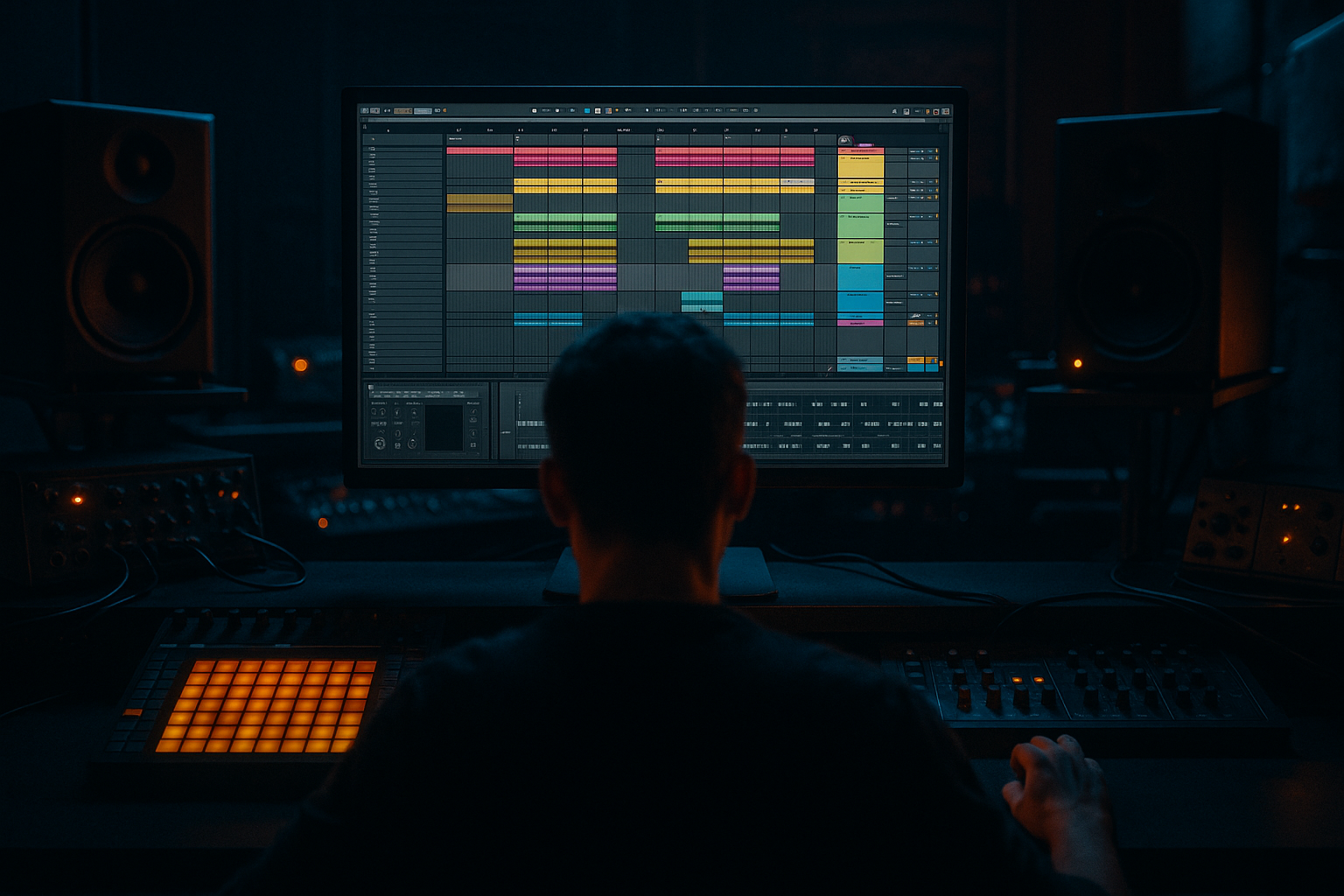
Main tutorial
Lesson Overview
This lesson is about shaping an Amen-style bassline that feels smoky, warehouse-dub, and low-lit, while still hitting with the precision and energy needed in advanced Drum & Bass production inside Ableton Live 12. The target vibe is not a bright, upfront jump-up bassline — it’s the kind of bass that sits under chopped Amen drums, leaving space for ghost notes, vocal snippets, and echo tails to do some of the emotional lifting.
In a real DnB track, this kind of bassline usually lives in the main drop and second-drop variations, often paired with a broken Amen loop, vocal shouts, tape-worn atmospheres, and sparse call-and-response phrasing. The bass has to do several jobs at once: support the sub, imply rhythm, create tension, and leave enough negative space for drums to breathe. In smoky warehouse aesthetics, the bassline becomes part groove engine, part atmosphere, part menace 😈
Why this matters: in darker DnB, a bassline that is too continuous or too clean can flatten the energy. An Amen-style approach gives you syncopation, grit, and movement while still keeping the low-end focused. The trick is to build a bass sound and note pattern that feels like it was cut from the same cloth as the drums — raw, loopable, and slightly unstable in a controlled way. That’s exactly where Ableton Live 12 shines: fast MIDI editing, strong stock devices, and easy resampling workflows make it ideal for this style.
What You Will Build
By the end of this lesson, you’ll have an 8-bar Amen-style bassline designed for a smoky warehouse DnB drop:
- A mono sub foundation locked tightly with the kick and Amen break
- A mid-bass layer with reese-like motion, controlled saturation, and filtered movement
- Call-and-response phrasing that leaves pockets for vocal chops or MC-style ad-libs
- A ghosted, off-grid rhythmic feel that works with broken drums instead of fighting them
- Arrangement-ready automation for filter, distortion, and width changes
- A bass sound that can be introduced in a drop, stripped down for a switch-up, and re-expanded for the second phrase
- Notes that answer the drum pattern
- A bass tone that’s dark, grainy, and a little smoky
- Low-end that remains solid in mono
- Movement that suggests complexity without becoming messy
- Making the bass too continuous
- Letting the sub and kick fight
- Over-widening the low end
- Using too much distortion too early
- Ignoring the Amen break’s transient language
- Too much movement in the wrong place
- Use parallel distortion on the mid-bass only. Blend it in under the clean tone to preserve weight.
- Try Drum Buss lightly on the bass group for extra smack, but watch the transients carefully.
- Add a very short Echo send to select bass notes or vocal chops for that warehouse reflection vibe.
- Resample one version of the bass with extra drive, then layer it subtly under the main take.
- Automate a narrow band-pass filter into a phrase break to make the next drop entry feel bigger.
- Keep a reference of a proper darker roller or jungle-tech track and compare sub level, note density, and snare space every 10 minutes.
- For a more underground feel, let the bassline slightly understate itself in the first 4 bars, then reveal more harmonics in the second phrase.
- If vocals are present, chop them rhythmically so they behave like percussion — that keeps the mix tight and gives the bassline room to feel bigger.
- Build the bassline around the Amen break’s rhythm, not against it.
- Keep the sub mono, clean, and disciplined.
- Use a mid-bass reese layer for movement, grit, and warehouse character.
- Shape the groove with rests, short notes, and call-and-response.
- Use saturation, filtering, and resampling to add darkness and texture.
- Arrange in phrases that leave space for vocals, fills, and switch-ups.
- Always do a mono check and protect the low-end first.
Musically, the result should feel like:
Step-by-Step Walkthrough
1. Build the rhythm first, not the sound
Start with the drum context. Drop in a chopped Amen break on its own channel and loop 4 or 8 bars. If your project is around 174 BPM, this will feel immediately DnB-authentic. Use Ableton’s Clip View to tighten the break edits so the kick/snare relationship is strong, but don’t over-quantize the micro-timing — that loose, human drag is part of the vibe.
Now create a new MIDI track for the bass. Before sound design, sketch a rhythm that interacts with the Amen rather than simply following the bar line. Aim for:
- a strong bass hit on the 1
- a syncopated answer around the “and” of 2 or late 2
- a held note or movement into 3
- a gap or short pickup before the next phrase
In DnB, this works because the drums already occupy a dense rhythmic space. The bassline should interlock with the break, not blanket it. That space is what makes the groove feel expensive.
2. Design a clean mono sub foundation with Operator
Load Operator on the bass MIDI track and start with a simple sine wave for the low end. Keep it clean first. Use:
- Oscillator A: Sine
- Envelope 1: short decay, no sustain if you want punch, or a slight sustain if you want legato weight
- Filter: off or minimal at first
Suggested starting points:
- Volume/amp envelope attack: 0–5 ms
- Decay: 120–250 ms for more pluck, or 400–700 ms for longer roll
- Sustain: 0–40% depending on how sustained you want the note
- Release: 40–120 ms to avoid clicks but keep it tight
Keep this layer fully mono. If the bass is going to feel warehouse-heavy, the true sub should be disciplined and centered. This is the anchor that lets you get more aggressive with the upper bass layers later.
3. Create a reese-style mid layer using Wavetable or Analog
Duplicate the MIDI track or use an Instrument Rack so you can layer sub and mid in a controlled way. On the second chain, load Wavetable or Analog to build the gritty mid-bass movement.
A practical starting sound:
- Two saw oscillators, slightly detuned
- Sub oscillator kept low or disabled if your separate sub is already doing the job
- Filter set to low-pass or band-pass for dark tone shaping
- Slow LFO to create subtle movement
Good parameter suggestions:
- Osc detune: small values, roughly 5–15 cents
- Filter cutoff: start around 120–300 Hz if you want it muted and smoky, or 400–900 Hz if you want more bite
- Resonance: low to moderate, about 10–25%
- LFO rate: very slow, around 1/2 bar to 2 bars, synced if you want controlled movement
The goal is not a giant neuro growl. This is an Amen-style bassline, so the mid layer should be textured and rhythmic, almost like a moving shadow behind the drums.
4. Shape the groove with note length, rests, and call-and-response
Open the MIDI clip and start editing note lengths like you’re editing a drum pattern. This is where advanced phrasing matters most.
Use these phrasing ideas:
- Keep the first hit short and heavy
- Let the second bass note linger just enough to connect into the groove
- Insert a rest before the snare or break accent to create tension
- Use a short pickup note before bar 5 or bar 7 if you want the drop to feel like it lifts
A strong smoky warehouse pattern often uses two-bar sentences:
- Bar 1: statement
- Bar 2: response and space
- Bar 3: variation
- Bar 4: break or push into a fill
If you’re working with a vocal element, leave a pocket for a chopped phrase such as a whispered “yeah,” “move,” or a single atmospheric vocal stab. In darker DnB, vocals are often used like percussion: short, grainy, and strategically placed. The bassline should leave those moments audible.
5. Use Saturator and Drift-style movement to fuse weight and dirt
Now make the bass feel like it belongs in the room. Insert Saturator on the mid-bass layer, or on a bass group bus if you want a unified tone. Use gentle to moderate drive, then listen carefully in context with the Amen.
Practical settings:
- Drive: +2 to +7 dB
- Soft Clip: On
- Output: compensate so the level matches bypass
- Color: use subtly if needed for extra bite
If you want more unstable character, add a very light Auto Filter before or after saturation and automate cutoff in tiny moves. Even a 5–15% cutoff change can make the bass feel alive without sounding like a huge effect.
If you use an instrument capable of drift or movement, keep the modulation subtle. The warehouse vibe comes from controlled imperfection, not obvious wobble. The bass should feel like it’s breathing under the break.
6. Control the low-end with an EQ and split-band discipline
Place EQ Eight on both sub and mid-bass layers, or at least on the bass group.
For the sub layer:
- Low-pass the midrange content if necessary
- Avoid unnecessary harmonics above about 120–180 Hz
- Cut any resonant buildup that clashes with the kick
For the mid-bass layer:
- High-pass around 80–140 Hz depending on how much sub is already present
- Cut mud around 200–350 Hz if the bass clouds the snare or break
- Tame harshness around 2–5 kHz if the resonance gets too sharp
Why this works in DnB: the Amen break already has a lot of transient information, especially in the snare and top-end chatter. If your bass layer has too much low-mid density, the groove turns into a grey block. Clear separation keeps the drop sounding powerful, not crowded.
7. Add motion with modulation and automation
Use LFO-style movement either inside your instrument or through automation lanes. Focus on small, musical changes across 2 to 8 bars.
Smart automation targets:
- Filter cutoff opening slightly on transitions
- Resonance rising before a switch-up
- Saturator drive increasing for the final half of a phrase
- Reverb send on select tail notes for atmosphere only
- Delay send on a vocal chop that answers the bass phrase
For a smoky warehouse feel, keep FX mostly momentary, not permanent. A touch of Echo or Delay on a bass fill can sound huge if it appears for one beat and then disappears. If you use reverb on bass-related elements, be surgical — often only the mid-bass layer or a resampled effect tail should get that space, never the true sub.
8. Resample the bass for character and editing speed
Once the pattern and sound are working, freeze the character into audio. In Ableton Live, resampling is a huge advantage for this style. Create a new audio track, set its input to Resampling, and record 4 or 8 bars of the bassline with the drum loop.
Now you can:
- Slice the audio and create micro-edits
- Reverse tiny tail fragments before a snare
- Add Warp markers for a more broken, tape-worn feel
- Duplicate a punchy hit and pitch it down or up for variation
This is especially useful for darker DnB because it gives you that semi-produced, semi-manipulated feel found in warehouse rollers and jungle hybrids. Resampled bass can sound more “found” and less synthetic, which is perfect when paired with vocals or MC-style chops.
9. Arrange the drop like a DJ-friendly statement
Think in phrases. A strong structure for this style could be:
- Bars 1–4: Establish the drum/bass pocket
- Bars 5–8: Add more bass movement or a vocal response
- Bars 9–12: Strip the bass for one bar, then re-enter harder
- Bars 13–16: Introduce a new note ending, filter opening, or fill
In a warehouse DnB context, the bassline should feel like it could survive a DJ mix. That means the intro to the drop should arrive with confidence, but the second phrase should expand the tension. One useful trick: remove the bass for the first snare of bar 5 or bar 9, then slam it back in with a fuller filter opening. That tiny absence makes the return hit harder.
If vocals are part of the arrangement, use them sparingly:
- a chopped phrase at the end of bar 4
- a filtered whisper over bar 8
- a call-and-response stab before the next phrase
The bass should never compete with the vocal. Instead, the vocal punctuates the bass line like another drum element.
10. Bus everything and do a mono reality check
Route sub, mid-bass, and any parallel distortion to a Bass Group. Use gentle bus processing:
- Glue Compressor with 1–2 dB of gain reduction
- Slow attack if you want the transient to punch through
- Medium release to keep the groove moving
- Optional Saturator or Drum Buss very lightly for extra density
Then check the whole drop in mono. In darker DnB, stereo bass can be tempting, but too much width below 150 Hz will collapse on club systems and weaken the warehouse power. Keep the sub centered. Let width live only in the upper harmonics, FX, or mid-bass movement.
If the bass loses impact in mono, simplify the layer or reduce phasey widening. In this genre, power always beats width.
Common Mistakes
Fix: Use more rests and shorter note lengths. DnB bass needs phrasing, not just sustain.
Fix: Carve space with EQ, adjust note timing, and keep the sub focused below the kick’s strongest low-end region.
Fix: Keep the sub mono. Widen only the upper bass layer if needed.
Fix: Add saturation in stages. Start clean, then dirty the mid layer, then evaluate in context.
Fix: Shape bass hits around kick/snare accents and ghost notes. The bass should answer the break, not obscure it.
Fix: Put modulation in the mid-bass or automation, not in the sub. The low end should remain stable.
Pro Tips for Darker / Heavier DnB
Mini Practice Exercise
Spend 15 minutes building a dark warehouse bass drop:
1. Set your project to 174 BPM.
2. Loop an 8-bar Amen break with simple edits.
3. Write a bass MIDI clip using only 3 distinct note positions and 2 rests.
4. Build a sub layer in Operator and a mid layer in Wavetable.
5. Add Saturator to the mid layer with +3 to +6 dB drive.
6. Automate the filter cutoff on the mid layer across bars 5–8.
7. Resample 4 bars of the result.
8. Slice one resampled tail and place it as a fill into bar 8.
9. Add one chopped vocal hit or atmospheric vocal phrase to answer the bass.
10. Check the whole thing in mono and simplify anything that blurs the kick/snare pocket.
Goal: make it feel like a real drop sketch, not a loop. Focus on phrasing and room, not complexity.
Recap
If the bass feels like it’s breathing with the drums and leaving room for the room itself, you’re in the right zone 🔥

