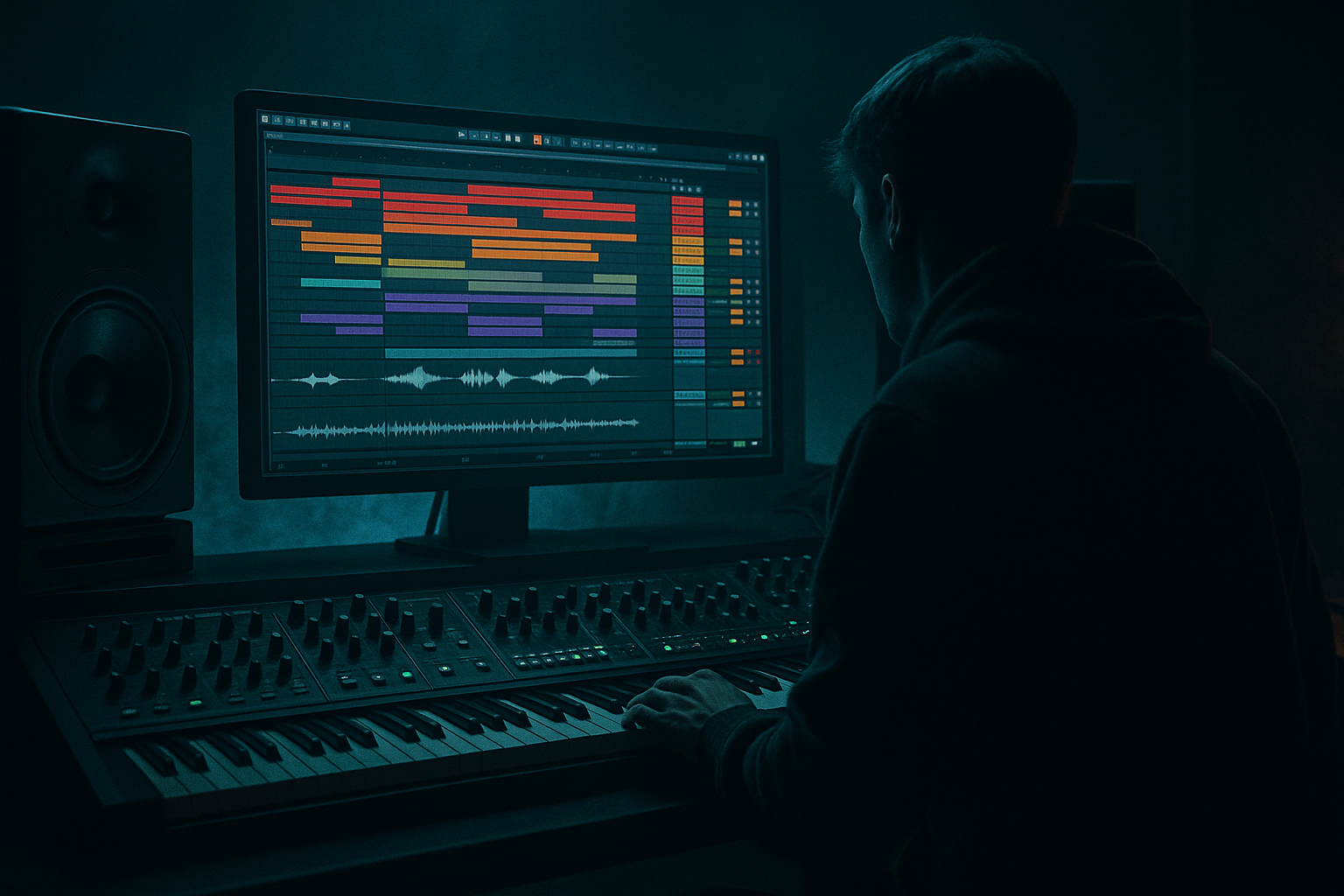
Main tutorial
```markdown
Session → Arrangement: Call-and-Response Riff Workflow (Oldskool Jungle / DnB) 🎛️⚡
Ableton Live 12 | Intermediate | Category: Mixing
---
1. Lesson overview
In jungle and oldskool DnB, the “conversation” between bass, stabs, amens, and FX is the vibe. In this lesson you’ll build a call-and-response riff system in Session View, jam it like a DJ/producer, then print it into Arrangement View with clean transitions and mix control.
We’ll focus on:
- Structuring call (lead/stab) vs response (bass/FX/drum fills) in clips
- Using Session View Follow Actions + Scene launching to create variation
- Recording to Arrangement, then mixing moves that keep it rolling 🏃♂️💨
- Drums: Amen-style break + tight kick layer, with fill clips
- Bass: Reese/rolling sub line that “answers” the stabs
- Riff/Stabs: 90s-style minor chord stabs (call) + a darker alternate (response)
- FX & transitions: noise risers, dub delays, stop/start edits
- Mix routing: drum buss, bass buss, music buss with tasteful glue + space
- Call stabs hit on 1-and / 2 / 3-and
- Response bass pushes on 2-and / 4, with a pitch dip or slide
- Right-click clip → Slice to New MIDI Track (choose Transient)
- Use Drum Rack slices to program:
- Add Saturator on the Amen track:
- EQ Eight on Kick: gentle low cut at 25–30 Hz, slight dip around 200–350 Hz if boxy.
- Keep kick and sub from fighting—more on that in Step 5.
- Slight Humanize timing (tiny amounts)
- Velocity random within a controlled range (e.g., 10–18)
- Osc 1: Saw
- Osc 2: Saw, slightly detuned
- Unison: 2–4 voices, low amount (keep mono compatibility in mind)
- Filter: LP24, moderate resonance
- LFO to filter cutoff (slow movement): Rate 1/2 or 1 bar, Amount small
- R1 (Response): simple sub notes + one reese accent
- R2 (Response alt): add a pitch fall at end of bar 2
- R3 (Half-time answer): longer notes for contrast
- When stabs are busy, bass should be simpler.
- When stabs drop out, bass can get cheeky (extra movement or fills). 😈
- On Amen track: EQ Eight
- Create Return A: Jungle Verb
- Send stabs + a touch of snare/perc to it. Keep kick/sub mostly dry.
- On Amen clips (A1/A2), set:
- Global Launch Quantization: 1 bar (safe)
- For fills: set that clip’s quantization to 1/4 or 1/2 bar for quick drop-ins.
- In 8/16-bar phrases:
- Glue Compressor
- Drum Buss (subtle)
- Add Limiter on Master for safety only while composing:
- Over-writing the call and the response: if both are busy, nothing feels like the “answer.” Leave holes.
- Too much stereo in the low end: wide reese below ~120 Hz = phase issues and weak club translation.
- Break too loud / bass too quiet (or vice versa): jungle needs both, but low-end must be stable and controlled.
- Reverb on everything: it kills punch. Use a send, EQ the reverb return, and keep kick/sub mostly dry.
- Recording without a plan: Session jams are fun, but set Scenes and clip names first so you capture a usable take.
- Parallel distortion on breaks:
- Reese definition without mud:
- Snare crack with transient control:
- Dub delay throws on the “call” tail:
- Scene-based drops:
- You designed call-and-response by separating roles: stabs = call, bass/FX/fills = response.
- You used Session View to audition variations fast, with Scenes and Follow Actions creating movement.
- You recorded to Arrangement and applied DnB-specific mixing moves: sidechain, buss glue, controlled space, and phrase automation.
---
2. What you will build
A short jungle/DnB loop set that records into a 32–64 bar arrangement:
---
3. Step-by-step walkthrough
Step 0 — Set up the project (tempo, swing, routing)
1. Tempo: set 165–172 BPM (try 170 for classic jungle pace).
2. Groove: open Groove Pool → add MPC 16 Swing 57–62 (start at 58).
- Apply lightly to hats/percs (not always to kick/sub).
3. Create group busses:
- Group all drum tracks → DRUM BUSS
- Group bass tracks → BASS BUSS
- Group melodic elements → MUSIC BUSS
4. Set headroom early:
- On Master, drop a Utility set to -6 dB (temporary gain trim).
This keeps you from mixing into a clipped master.
---
Step 1 — Build the call-and-response concept (musical plan)
Pick a key that feels dark and easy: F minor or G minor.
Call: stab riff (midrange, rhythmic)
Response: bass movement + FX + drum variation
A simple jungle-style rhythm idea:
---
Step 2 — Drums in Session View: “main loop” + “fill answers”
Track 1: Amen Break (audio)
1. Drag in an Amen loop (or any classic break) to an audio track.
2. Warp mode: Complex Pro (good starting point) or Beats if you want more bite.
- If using Beats, set Transient Loop Mode: Transients, preserve transients.
3. Create 3–4 clips:
- A1: Main Amen (2 bars)
- A2: Main Amen (variation: different slice order or mute a snare hit)
- F1: Fill (1 bar): last bar with extra edits/retrigs
- S1: Stop/Drop (1/2 bar): for fake-outs
Quick “oldskool” break edits (stock workflow):
- extra ghost snares
- quick 1/16 retrigs on the last beat of bar 2
- Drive: +2 to +6 dB
- Soft Clip On
- Output trim so level matches bypass
Track 2: Kick layer (MIDI)
1. Create a Drum Rack with a clean kick (short, punchy).
2. Pattern: classic DnB placement often reinforces the break:
- Kick on 1 and maybe the “and” of 2 depending on break.
3. Add Drum Buss:
- Drive: 5–15%
- Boom: 20–35 (tune to track—don’t overdo)
- Transient: +5 to +15
Mix tip (important):
---
Step 3 — Stabs (CALL): build two clip “sentences”
Track 3: Stabs (MIDI)
1. Load Wavetable (or Analog) for a 90s-style stab.
2. Quick Wavetable patch idea:
- Osc 1: Saw
- Osc 2: Square (lower volume)
- Filter: MS2 or PRD, LP24
- Env: Short decay (200–450 ms), low sustain
3. Add devices (classic jungle chain):
- EQ Eight: high-pass around 120–200 Hz (leave room for bass)
- Saturator: Drive +3 to +8 dB, Soft Clip On
- Chorus-Ensemble (light): Width up, mix low
- Hybrid Reverb: small plate/room, Decay 0.8–1.6s, HiCut ~6–9 kHz
- Echo: 1/8 or dotted 1/8, feedback 10–25%, filter the repeats
4. Create two 2-bar clips:
- C1 (Call): your main stab rhythm
- C2 (Call alt): same rhythm but different chord inversion or a single note stab
Ableton Live 12 trick:
Use the MIDI Transformations (right panel) to generate quick variations:
---
Step 4 — Bass (RESPONSE): build “answer clips” that don’t overpower
Track 4: Bass (MIDI)
We want a reese/rolling bass that can answer the stabs without swallowing the mix.
Wavetable reese starting point:
Bass device chain (stock):
1. EQ Eight
- Low cut 20–30 Hz
- If muddy: dip 120–250 Hz a bit
2. Saturator
- Drive +2 to +6 dB, Soft Clip On
3. Glue Compressor
- Attack 10 ms, Release Auto
- Ratio 2:1
- Aim for 1–3 dB GR when it hits
4. Utility
- Bass Mono: Width 0% below ~120 Hz (use Utility + EQ if needed)
- Keep overall width controlled
Create response clips (2 bars each):
Call-and-response principle (mix-aware):
---
Step 5 — Sidechain + spacing (mixing core of the lesson)
Sidechain the bass to the kick (and optionally snare)
1. On Bass track, add Compressor (not Glue, use Compressor for sidechain clarity).
2. Enable Sidechain → input = Kick track (post-FX usually fine).
3. Settings:
- Ratio 3:1 to 6:1
- Attack 1–5 ms
- Release 60–140 ms (tempo-dependent)
- Threshold: set until the bass ducks 2–5 dB on kick hits
This keeps the low-end rolling but not choking.
Break clarity: control harshness
- Dip harsh range if needed: 3–6 kHz
- Add air gently: small shelf at 10 kHz (only if not brittle)
Send reverb instead of inserts (for cohesive space)
- Hybrid Reverb (Room/Plate blend)
- EQ Eight after it:
- HPF 250–400 Hz
- LPF 7–10 kHz
---
Step 6 — Session View performance: Scenes + Follow Actions (the magic) ✨
Now we’ll set up a “jam grid” so Arrangement recording feels musical, not mechanical.
Create Scenes (rows):
1. Scene 1: Intro drums (8 bars)
- Lighter drum clip, no bass, small FX
2. Scene 2: Call only (8 bars)
- Main break + stab C1, bass minimal
3. Scene 3: Response (8 bars)
- Main break + bass R1 + fewer stabs
4. Scene 4: Full (16 bars)
- Break variation + stab C2 + bass R2
5. Scene 5: Fill/Drop (4–8 bars)
- Fill clip + dub delay throw + stop/start
Follow Actions for variation (Session clip settings)
- Follow Action time: 2 bars
- Actions: Next / Other (try 50/50)
This rotates between main and variation automatically—classic jungle energy.
Quantization
---
Step 7 — Record Session to Arrangement (clean capture)
1. Hit Global Record (top transport).
2. Launch Scenes in a musical order:
- Intro → Call → Response → Full → Fill → Full
3. After the pass, press Tab to Arrangement View.
4. Consolidate messy bits:
- Select sections → Cmd/Ctrl + J (Consolidate)
5. Tighten transitions:
- Add 1-bar drum fill before drops
- Automate reverb send on stabs at the end of phrases
- Add tape stop style moment:
- Use Shifter (pitch) automation or resample and warp creatively
---
Step 8 — Arrangement mixing moves (DnB-specific)
A) Phrase-based EQ automation
- Automate Auto Filter on stabs during transitions (HPF rises to 400–800 Hz)
- Drop back full-range at the downbeat for impact
B) Drum buss glue
On DRUM BUSS group:
- Attack 3–10 ms, Release Auto
- Ratio 2:1
- 1–2 dB GR max
- Drive low
- Transients slightly up
C) Master safety (not “final mastering”)
- Ceiling -1.0 dB
- If you’re getting more than 2–3 dB gain reduction, pull your mix down.
---
4. Common mistakes
---
5. Pro tips for darker/heavier DnB 🖤
Duplicate Amen track → distort hard (Saturator/Overdrive) → low-pass to ~6–8k → blend quietly under main.
Split bass into two tracks:
- SUB track (sine/triangle, mono, clean)
- MID reese track (distorted, HPF at 120 Hz)
This keeps weight + aggression without chaos.
Use Drum Buss or Transient Shaper (if available) on snare layer; keep it short and sharp.
Automate Echo feedback up just for the last stab of a phrase, then back down—instant oldskool flavor.
Have a Scene that mutes bass for 1 bar and lets only amen + FX run. That “absence” makes the drop hit harder.
---
6. Mini practice exercise (15–20 minutes) ⏱️
1. Create 2 stab clips (C1/C2) and 3 bass clips (R1/R2/R3).
2. Build 5 Scenes (Intro / Call / Response / Full / Fill).
3. Add Follow Actions to the Amen clips so they alternate every 2 bars.
4. Record a 1-minute Session performance into Arrangement.
5. In Arrangement, do 3 automation moves:
- Stab reverb send up for a transition
- Auto Filter sweep on stabs into a drop
- Sidechain threshold tweak so the drop feels tighter
Deliverable: a 60–90s sketch with clear call-and-response phrases every 8 bars.
---
7. Recap
If you want, tell me your target subgenre (pure jungle, early rollers, techstep-ish, modern minimal) and I’ll suggest a specific stab chord palette + bass rhythm template to match it. 🎚️
```

