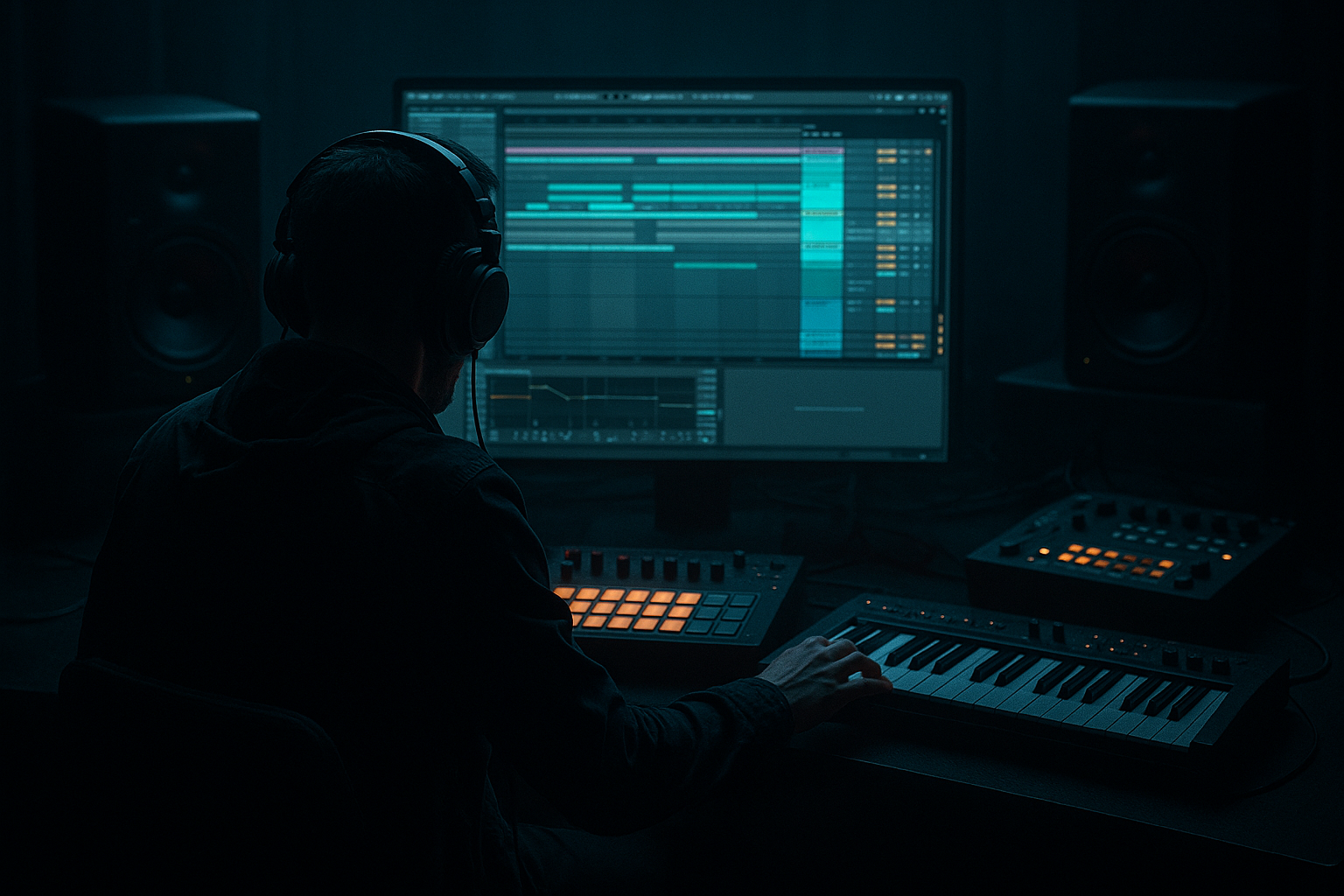
Main tutorial
Lesson Overview
This lesson shows you how to build an oldskool Drum & Bass call-and-response riff in Ableton Live 12, starting in Session View and then turning it into a proper Arrangement View section that feels ready for a real track. The focus is composition: writing a bass hook that answers itself, using the classic tension-and-release language of jungle, early rollers, and darker DnB.
Why this matters: oldskool DnB riffs often sound simple on paper, but the impact comes from placement, repetition, and contrast. A call-and-response pattern lets you create a memorable bass phrase without overcrowding the mix. In Session View, you can quickly test variations, loop lengths, and drum/bass interactions. In Arrangement View, you turn those ideas into an intro, drop, switch-up, and progression that works in a full track.
You’ll also learn how to keep the idea DJ-friendly and club-ready: clean sub, controlled reese movement, drum edits with space for the bass, and arrangement decisions that make the riff land harder on the drop. This is the kind of workflow you want when building rollers, jungle-inflected tunes, or darker stripped-back DnB where the riff itself is the identity.
What You Will Build
By the end, you’ll have a two-bar oldskool DnB call-and-response bass riff built in Session View, then arranged into an 8-bar drop phrase in Arrangement View.
Musically, it will sound like this:
- Call: a short, punchy bass stab or reese hit on beat 1 and the “and” of 2
- Response: a lower, wobbling answer or glide phrase that fills the space after the call
- Support: tight breakbeat drums, ghost notes, and a sub layer that stays mono and focused
- Structure: a clear phrase that repeats with variation, suitable for a first drop, breakdown return, or second-drop switch-up
- oldskool jungle-informed rollers
- darker atmospheric DnB
- neuro-adjacent tension writing, but with a more classic phrasing approach
- Making both phrases too similar
- Overfilling the bar with notes
- Letting the sub get wide or smeared
- Over-processing the bass before the MIDI works
- Ignoring drum-bass relationship
- Using too much delay or reverb on the bass
- Layer a clean sub under a dirty mid bass using Operator or Wavetable on a separate track. Keep the sub simple and mono, and let the top layer carry movement.
- Try a reese-style response with unison detune kept modest. Too much stereo movement in the low mids can blur the riff. Aim for width above the sub, not inside it.
- Add controlled grit with Saturator or Drum Buss on the bass bus. Small amounts go a long way in darker DnB.
- Use EQ Eight to tame harsh upper mids around 2.5–5 kHz if the bass starts barking too hard.
- For a more underground jungle feel, resample the bass phrase to audio and chop tiny bits of it in Arrangement View. Micro-edits can create that worn, chopped, early-era energy.
- Automate a filter so the response opens slightly more than the call. That tiny contrast makes the phrase feel like it’s evolving.
- If the track feels too clean, add a quiet background texture: vinyl noise, tape hiss, rain, or a dark atmosphere loop. Keep it low, but let it frame the riff.
- Use Return tracks for shared dubby delay or reverb instead of inserting FX on every clip. Cleaner workflow, easier mix control.
- Build the idea in Session View first so you can test call-and-response quickly.
- Make the call and response clearly different in rhythm, tone, or register.
- Keep the sub mono, controlled, and separate from the mid-bass movement.
- Use drums, space, and small automation moves to make the riff feel like part of a real DnB arrangement.
- Turn the best loop into Arrangement View and shape it into an intro, drop, and switch-up with tension and release.
You’ll end up with a riff that can sit in the world of:
Step-by-Step Walkthrough
1. Set up a DnB writing loop in Session View
Open a new Live set and set the tempo to 172–174 BPM. For oldskool/jungle-leaning energy, 170–172 BPM can feel slightly looser; for modern rollers, 174–176 BPM often feels tighter and more urgent.
Create four MIDI tracks:
- Drums
- Bass Call
- Bass Response
- Atmos/FX
Load a breakbeat groove first. Use Drum Rack with a chopped break on one pad or a simple loop in Simpler. If you’re building from stock content, start with a break in the browser and slice it to MIDI, then trim it into a workable 1-bar or 2-bar loop. Add a kick and snare layer if the break is too thin.
On the drum bus, keep the rhythm tight:
- Use EQ Eight to high-pass any non-essential low-end on the break around 30–40 Hz
- Add Drum Buss lightly, Drive around 5–15%, Boom kept low or off at first
- If the break is too spiky, try Glue Compressor with 1–2 dB of gain reduction
Why this works in DnB: the bass riff needs a drum bed that leaves room for syncopation. In DnB, the drums and bass are almost a duet, so getting the groove right first helps the call-and-response phrase feel intentional instead of random.
2. Program the call phrase first
On the Bass Call track, load Operator or Wavetable. For oldskool flavor, Operator is great because it can make clean, punchy basses quickly.
Start with a simple patch:
- Use a sine or triangle foundation
- Add a small amount of harmonic edge with Operator’s oscillator ratio or a gentle filter drive
- In Auto Filter, use a low-pass with moderate resonance
Suggested settings:
- Filter cutoff: around 120–250 Hz to start, then automate/open as needed
- Resonance: 10–25%
- Amp envelope: fast attack, short decay, low sustain, short release
- Add a touch of Saturator with Drive around 2–6 dB
Write a 1-bar MIDI clip with a very clear rhythmic identity. A classic oldskool approach is:
- one strong hit on beat 1
- a syncopated answer on the “and” of 2 or beat 3
- leave space after it
Keep the notes short and decisive. Don’t fill every subdivision. The point is to create a question, not a monologue.
A useful musical example: if your track is in F minor, try the call using F–F–Eb or F–Ab–F phrasing. Even just one root note plus rhythm can work if the tone is strong enough.
3. Design the response as a contrasting phrase
Create a second MIDI clip on Bass Response. This should not just duplicate the call. Make it feel like an answer.
Use a slightly different sound character:
- If the call is more mid-focused, make the response deeper and wobblier
- If the call is distorted, make the response cleaner but more resonant
- If the call is short, let the response sustain a little longer
Good stock-device chain:
- Wavetable or Operator
- Auto Filter
- Saturator
- Simple Delay very subtly, if needed
Suggested parameter ideas:
- Wavetable filter movement: automate cutoff over 1/8 or 1/4 note lengths
- Saturator Drive: 3–8 dB
- Simple Delay: low mix, around 5–12%, with filtered feedback if you want a dubby tail
Make the response phrase land in the empty space after the call. For example:
- Call hits on beat 1
- Response answers on the “and” of 2 and carries into beat 3
- Then leave a gap before the next bar
This contrast is the heart of the composition. The ear hears dialogue, not repetition.
4. Use Session View clips to test variation and phrasing
Duplicate the call and response clips in Session View and make 2–3 alternate versions:
- one with a slightly different ending note
- one with a shorter rhythm
- one with a filter open on the last hit
Keep these changes small. In DnB, tiny variations create momentum without destroying the loop.
Try this workflow:
- Scene 1: full call-and-response
- Scene 2: call only, for tension
- Scene 3: response only, for a payoff
- Scene 4: call with extra glide or a pickup note
If you’re using Ableton Live 12, take advantage of the clean clip workflow and color coding. Rename clips clearly, like:
- `Bass_Call_A`
- `Bass_Response_A`
- `Bass_Call_A_Var`
- `Bass_Response_A_Var`
This helps you make decisions fast, especially when you’re building a drop and don’t want to get lost in “maybe” ideas.
5. Shape the bass movement with MIDI and automation
Now make the riff feel alive. Call-and-response in oldskool DnB often relies on movement inside the phrase, not just a static bass tone.
Use MIDI note length and velocity first:
- Shorten some notes to create punch
- Raise velocity on the first call hit for emphasis
- Lower velocity on the response’s inner notes so it feels like an answer, not an attack
Then automate sound movement:
- Auto Filter cutoff opening on the response
- Frequency Shifter very subtly for tension, if you want a darker edge
- Shaper or LFO-style movement using modulation automation in Live 12 if you’re working with a device that supports it
Practical automation idea:
- Call clip: filter slightly closed, then opening by the end
- Response clip: filter starts more open but closes at the tail
- Add a brief reverb send only on the last response note
This keeps the loop feeling like a conversation across bars. It also helps avoid the “loop fatigue” problem that can happen when the bass sound is strong but static.
6. Lock the drums and bass into the same groove
Now make the riff sit with the breakbeat properly.
In the Drums track, adjust the groove so the snare and bass don’t fight. If your bass hits are landing on the same micro-space as a snare ghost or kick layer, it can feel messy. Move the bass notes by small amounts if needed—sometimes just a few milliseconds makes the riff feel more expensive.
Use stock tools:
- Groove Pool to apply a subtle swing from a break if the track needs more human shuffle
- EQ Eight on the bass to carve any mud around 180–350 Hz
- A Utility device on the bass to keep low-end centered, especially if the patch has stereo width
For a heavier DnB mix:
- Keep the sub mostly mono below about 120 Hz
- High-pass the bass texture layer if it’s fighting the sub
- Let the drums own the transient and the bass own the sustained body
If the riff is too busy, remove notes before adding more processing. Composition fixes arrangement problems faster than FX does.
7. Turn the Session View idea into a real Arrangement View section
Once the loop feels good, record it into Arrangement View. Arm the scene or perform the clips into Arrangement so you capture natural transitions and mutes.
Build an 8-bar first drop like this:
- Bars 1–2: full call-and-response
- Bars 3–4: call with reduced response, or a stripped response
- Bars 5–6: variation with extra drum fill or bass pickup
- Bars 7–8: rebuild tension with a filtered version or a held note into the next section
Add arrangement movement:
- Mute the bass for half a bar before the drop returns
- Insert a short noise riser or reverse crash from stock samples
- Use a downlifter at the end of phrase 4 or 8
- Automate a filter sweep on the drum bus or atmosphere track
A useful arrangement context example: if you’re making a dark roller, the intro might be 16 bars of atmosphere, filtered break, and teasing bass pulses. Then the drop lands with the call-and-response riff in full. That’s a classic way to make the riff feel bigger because the audience has already heard fragments of it.
8. Edit the transition into and out of the riff
The riff should not just exist in isolation. Oldskool DnB often sounds strong because the transitions are clean and musical.
Add:
- a 1-bar fill before the main drop
- a half-bar drum stop before a response phrase
- a short impact or reversed cymbal into bar 1
- a reverb throw on the final response note
Stock device ideas:
- Reverb on a send, decay around 1.5–3.5 s for atmosphere, but keep it filtered
- Echo or Simple Delay for tiny tail throws
- Auto Filter on a return track to make FX darker and less intrusive
Don’t overdo the transitions. In DnB, too many FX can weaken the groove. The bass phrase should still be the star.
Common Mistakes
Fix: Make the response different in rhythm, tone, or register. It should answer, not copy.
Fix: Leave space. Oldskool DnB hits harder when the groove breathes.
Fix: Use Utility to keep low frequencies mono and check your bass in mono regularly.
Fix: If the riff doesn’t feel good with a plain sound, change the notes first. Sound design should enhance composition, not rescue it.
Fix: Move bass hits slightly around the snare ghost pattern and listen for pocket, not just loudness.
Fix: Keep spatial FX filtered and mostly on sends. The low end should stay direct and controlled.
Pro Tips for Darker / Heavier DnB
Mini Practice Exercise
Spend 10–20 minutes making a two-bar call-and-response riff from scratch.
1. Set tempo to 174 BPM.
2. Load a breakbeat and a simple sub/bass patch.
3. Write a 1-bar call with no more than 3 bass hits.
4. Write a 1-bar response that contrasts in rhythm or note length.
5. Duplicate both clips and make one tiny variation in each.
6. Jam the clips in Session View until the groove feels natural.
7. Record 8 bars into Arrangement View.
8. Add one transition: a fill, filter sweep, or reverb throw.
9. Bounce the bass to audio if you want to test a chopped variation.
Goal: by the end, you should have a loop that feels like a real drop idea, not just a sound design exercise.
Recap
If the riff talks back to itself and still leaves room for the breakbeat, you’re in the right zone.

