Main tutorial
Lesson Overview
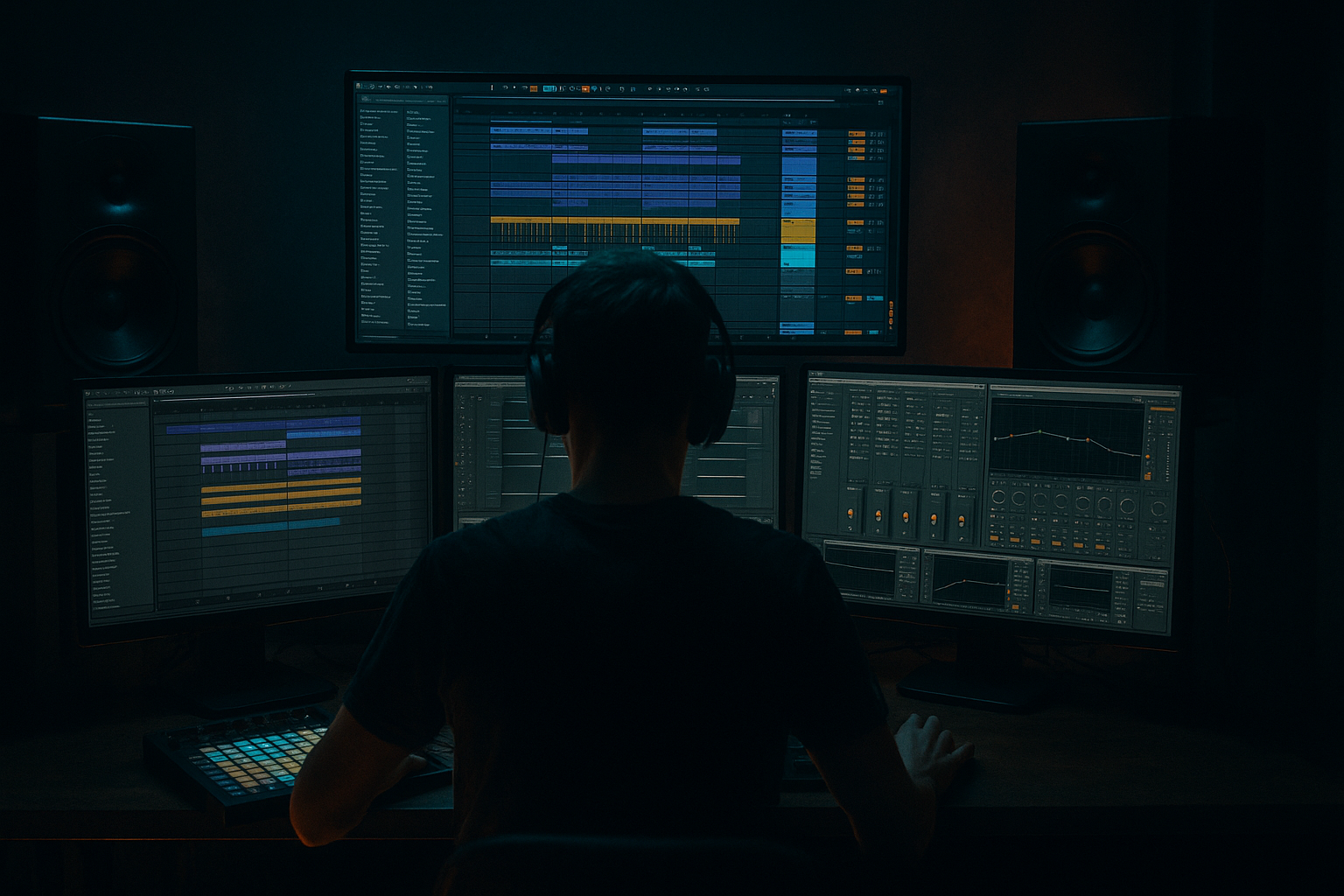
This lesson is about building a Selector Dub-style top loop drive from scratch in Ableton Live 12 using resampling as the main creative engine. The goal is to take a clean drum-and-percussion loop, turn it into something that feels like it has already lived on a system for years, and then make it move like an actual DnB top loop instead of a static texture.
In a Drum & Bass track, this kind of edit usually lives in the tops layer: above the kick and sub, underneath the lead hook, or as the momentum bed that carries a breakdown, intro, or first-drop groove. In darker rollers, jungle-influenced tracks, and Selector Dub-adjacent cuts, the top loop is often what gives the track its identity between the snare hits. It keeps the listener locked in while the main bassline does the heavy work.
Why it matters musically and technically:
- It gives the track constant forward motion without crowding the sub.
- It creates a DJ-friendly rhythmic signature that can run under long blends.
- It lets you add grit, swing, and personality without needing a busy full drum kit.
- It gives you a flexible element you can mute, cut, filter, or re-edit later in the arrangement.
- tight and intentional,
- slightly degraded but still punchy,
- rhythmically alive,
- and ready to sit inside a proper DnB drop or intro without muddying the low end.
- a dry core rhythm that still punches through a mix,
- a slightly shredded, selector-style character from resampling and audio editing,
- a looping top-end pulse that feels like it pushes the drop forward,
- optional dub-style filter movement and delay throws,
- and enough polish to sit in a track without sounding like a random sample pasted on top.
- Keep the core transient sharp and let the dirt live in the sustain. Heavy DnB top loops feel bigger when the attack stays readable.
- Use very small filter moves rather than huge sweeps. A narrow band of motion around the hat zone often feels more menacing than a dramatic open-close arc.
- If the loop needs more aggression, try Saturator before EQ for harmonics, then trim harshness after. If it needs more control, flip the logic: EQ first, then saturation.
- For a darker dubwise edge, print a version with a short Echo throw only on the last hit of the phrase. That gives attitude without turning the whole loop into wash.
- If the track is already heavy in the mids, make the top loop more percussive and less noisy. The menace can come from rhythm, not just distortion.
- For jungle-leaning pressure, let one or two chopped ghost notes survive in the edit. Those little off-grid details make the loop feel alive and less looped.
- If you want more underworld character, resample the loop twice: first clean-ish, then again after a bit of processing. The second print often gives a more worn, authored texture than a single aggressive chain.
- Keep checking the loop in mono. A loop that sounds huge but folds badly will betray you the moment the bass gets loud.
- Use only Ableton stock devices.
- Start from one loop source only.
- Limit yourself to one main resample print and one alternate version.
- No more than three audio edits after printing.
- 1 finished 2-bar top loop
- 1 alternate dirtier or cleaner version
- both bounced as audio clips labeled clearly
- Does the loop still feel strong when the bass comes back in?
- Can you hear the snare clearly?
- Does the loop repeat cleanly after 2 bars without feeling obviously copy-pasted?
- In mono, does the rhythm still make sense?
- choose a loop with real swing,
- tighten the timing for DnB,
- slice and rearrange for a playable phrase,
- print processed versions,
- keep the low end out,
- and check the result with drums and bass in context.
By the end, you should be able to hear a top loop that feels:
This is especially suited to dark rollers, dubwise DnB, jungle-leaning edits, halftime-to-doubletime transitions, and sound-system-oriented tracks where atmosphere and groove matter more than polished mainstream sheen.
What You Will Build
You will build a short, loopable top percussion edit made from resampled audio in Ableton Live. The finished sound should have:
The role of the result is not to replace your full drum arrangement. It is to act like a pressure layer: a loop that adds motion, attitude, and density, especially in 8-bar phrases or in transitions between drum variations.
A successful result should sound like a top loop that could survive club volume: snappy enough to cut, dirty enough to feel authored, and controlled enough that the kick, snare, and sub still dominate the mix.
Step-by-Step Walkthrough
1. Start with a simple source loop and keep the source honest
Create a new audio track and load a short drum break, percussion loop, or a self-made tops pattern with no kick and no sub content if possible. For this style, a 1-bar or 2-bar loop is usually enough. If you already have a jungle break, choose a section with hats, ghost notes, shakers, rim hits, or chopped snare tail.
What matters here is that the source has movement, not perfection. A Selector Dub edit works best when the source already has internal rhythm. You are not building a drum loop from zero; you are mining a loop for its most usable top-end phrases.
A good starting point:
- source loop level peaking around -12 to -8 dBFS
- keep the loop dry at first
- if the loop is too wide and hazy, use a more focused source or trim the low end later
What to listen for: the loop should already have some natural swing or implied push. If it feels robotic, it will need stronger re-editing later.
2. Warp it, then make the timing feel intentional
Enable Warp and set the clip so it sits tightly in the grid. For a top loop in DnB, you want the rhythm to feel deliberate, not sloppy. Try Beats mode for punchy percussion, or Complex Pro if the source has more texture and you want to preserve a little smear.
A practical move:
- set the clip’s loop length to 1 or 2 bars
- tighten obvious timing drift
- if the loop has a lazy feel, nudge it a few milliseconds earlier until it snaps with the hats in your project
Don’t over-quantize the groove into lifelessness. The point is to preserve some human drag while making it work in a 174 BPM context.
Why this works in DnB: the top loop has to sit in the pocket against a fast drum grid. If it’s late, it sounds tired. If it’s too hard-quantized, it sounds pasted on. The sweet spot is “edited but not sterilized.”
What to listen for: the loop should lock with the 16th-note hat energy without sounding like it is fighting the main snare.
3. Slice the loop into playable parts before you destroy it
Right-click the clip and slice it to a new MIDI track using a sensible transient-based method. If you want more control, slice it to individual hits or small chunks; if you want a more fluid edit, keep longer fragments like 1/8 or 1/4-bar pieces.
This step is where the “edit” starts to become a performance tool. The point is to extract useful moments:
- a busy hat phrase,
- a snare ghost,
- a short shaker run,
- a rhythmic tail,
- or a crunchy in-between hit.
Make a simple 1-bar MIDI pattern that repeats one or two fragments, then introduces a variation at the end of bar 2 or bar 4.
Useful workflow tip: once you find a good fragment order, duplicate the MIDI clip immediately and rename versions. That keeps you from losing the winning groove while experimenting.
Stop here if the loop already feels good in repeat. If it has the right push and identity, commit the best version to audio later rather than endlessly rearranging slices.
4. Build the first resample pass with a stock device chain
Put a clean processing chain on the sliced track or bounce the audio first and process the bounce. A solid stock chain for this style is:
- Auto Filter
- Saturator
- Drum Buss
- EQ Eight
Suggested starting points:
- Auto Filter: low-pass or band-pass movement, cutoff somewhere around 300 Hz to 8 kHz depending on what you’re isolating
- Saturator: Drive 2 to 6 dB; use Soft Clip if you want more density
- Drum Buss: low Drive, careful Crunch, small transient push if the loop feels too flat
- EQ Eight: cut unwanted low end below 120–250 Hz depending on the source, and tame harshness around 6–10 kHz if needed
The goal of this first pass is to give the loop a little violence and glue without crushing its transient shape.
Why this works in DnB: top loops need enough density to survive at club level, but they also need transient clarity so they don’t blur into the snare and cymbal band. Saturation and Drum Buss can create the sense of pressure, while EQ keeps the loop from competing with the kick and sub.
5. Resample the processed loop into a new audio track
Create a new audio track set to record the processed loop output, then print a few bars of the loop playing in context. This is where resampling becomes the creative engine. You are not just processing—you are capturing a sound that can be edited like audio.
Record at least:
- one version with the loop fairly dry,
- one version with more filter movement or distortion,
- and one version with a deliberate delay or return effect throw.
Keep the prints organized. Name them by function, not by vague mood: “top_loop_dry_print,” “top_loop_crunch_print,” “top_loop_fx_throw_print.”
A decisive trade-off appears here:
A versus B
- A: clean print — better for a tight roller where the loop must stay under control.
- B: dirty print — better for a dubwise or jungle-leaning drop where the loop becomes part of the track’s personality.
Choose A if the main bassline is busy and you need clarity. Choose B if the drum system is the hook.
6. Edit the printed audio into a top-loop drive
Take the printed audio and edit it like a performance piece. Split the loop into small chunks and remove anything that weakens the pulse. Keep hits that:
- answer the snare,
- fill gaps between kick placements,
- or create a syncopated run into the next bar.
Try building a 2-bar phrase with:
- bar 1: stable groove
- bar 2: a tiny push or fill
- end of bar 2: a short pickup or cut
In an arrangement context, this makes the loop usable as a repeating bed without becoming monotonous. A good top loop often works by leaving space on purpose: a few empty 16ths can make the next hit feel bigger.
What to listen for: the loop should feel like it “breathes” around the snare rather than stepping on it. If every subdivision is occupied, the groove may lose impact.
7. Shape it with movement, but keep the low end out of the picture
Now add controlled motion. Use Auto Filter, Echo, or Beat Repeat if you want a more chopped, dubby edge. For a Selector Dub edit, subtle movement usually wins over obvious wobble.
Two solid stock-device approaches:
Chain 1: Auto Filter → Saturator → EQ Eight
- Auto Filter cutoff automation moving across a narrow range
- Saturator adding harmonics
- EQ Eight cutting anything under 150–300 Hz
Chain 2: Echo → EQ Eight → Drum Buss
- Echo with short feedback and low wet amount
- EQ Eight after Echo to keep repeats from clouding the top end
- Drum Buss to restore punch and density
If you use Echo, keep the delay time in a rhythmic relationship to the loop. Shorter values like 1/16, 1/8, or dotted 1/8 can work depending on the groove, but don’t let the repeats smear into the snare unless that is the point.
Important mono note: any wide processing on top loops is fine as a texture, but do a quick mono check. If the loop disappears or turns brittle in mono, reduce stereo widening, narrow the effect tail, or keep the core rhythm centered and reserve width for the FX layer only.
8. Put the loop in context with drums and bass
This is the moment that decides whether the edit is a real track element or just a cool loop. Play it with the kick, snare, and bassline, not in isolation.
Check three things:
- Does the loop reinforce the groove, or does it clutter the backbeat?
- Does the snare still feel like the main event?
- Does the bass remain readable under the top movement?
If your bass is heavy and reese-driven, keep the top loop more skeletal. If your bass is sparse or sub-led, the top loop can be busier. That is the real arrangement choice here: the loop should support the section’s dominant energy, not compete with it.
A practical listening cue: if the snare loses its authority, thin the loop around 180–500 Hz and reduce the midrange density around the snare hit. If the hats feel aggressive but the groove feels weaker, back off the processing and let more of the original transient through.
9. Automate the phrase so it behaves like a track element, not a static sample
Use automation to make the loop evolve across 8-bar or 16-bar sections. A simple DnB-friendly phrasing example:
- bars 1–4: filtered and restrained
- bars 5–8: cutoff opens slightly, more bite comes through
- bars 9–12: a small delay throw or crunch increase
- bars 13–16: remove one or two fragments for a mini-drop or breakdown feeling
The point is not dramatic EDM-style motion. The point is subtle escalation so the loop helps the arrangement breathe.
If you want a more dubwise move, automate the filter down for the last half-bar before a transition, then snap it back on the next downbeat. That gives the listener a clean punctuation point.
Successful result: the loop should feel like it is driving the top of the groove and helping define the section change, not sitting there identically for 32 bars.
10. Commit the strongest version and make the final edit DJ-friendly
Once you’ve got the best groove, print it and commit the sound to audio. This is especially useful in DnB because resampled top loops tend to become arrangement anchors. When you commit, you make faster decisions and avoid endlessly tweaking the same texture.
Final checks:
- trim starts and ends cleanly,
- make sure the loop repeats without clicks,
- keep headroom around -6 dB on the loop bus if it still needs to live with other elements,
- and audition the loop while muting and unmuting the bass to see if it still functions as a section driver.
If it works on its own and still feels strong when the drums and bass return, you’ve built a useful Selector Dub edit.
Common Mistakes
1. Leaving too much low end in the loop
Why it hurts: the loop starts fighting the kick and sub, especially in a dense roller or dark drop.
Fix: use EQ Eight and high-pass roughly around 120–250 Hz, depending on the source, then recheck in context with the bass.
2. Over-processing before the rhythm is right
Why it hurts: distortion and filtering can mask timing problems, making a weak loop sound “effected” instead of strong.
Fix: get the chop and placement working first, then add Saturator, Drum Buss, or Echo once the groove already feels locked.
3. Making every edit too busy
Why it hurts: constant movement kills the backbeat and makes the loop tiring in a fast DnB arrangement.
Fix: leave intentional gaps, especially before the snare or at the end of a 2-bar phrase. Silence is part of the drive.
4. Using too much stereo width on the core rhythm
Why it hurts: the loop can sound exciting in headphones but lose weight and focus in a club or mono sum.
Fix: keep the core loop centered or narrow, and if you want width, put it on a separate FX print rather than the main rhythm layer.
5. Ignoring the snare’s authority
Why it hurts: the loop may sound cool alone but flatten the backbeat when the full drum kit enters.
Fix: reduce activity around the snare transient, cut a little midrange density, or re-edit the offending hits out of the phrase.
6. Not resampling enough
Why it hurts: you stay in tweak mode instead of committing to a playable audio phrase, which is the whole point of this style.
Fix: print versions early. Use audio edits as the final instrument, not just a temporary bounce.
7. Forgetting to test the loop in arrangement
Why it hurts: the loop may work for one bar but become repetitive or fatiguing over 16 bars.
Fix: place it against a bassline and a drop section, then automate small changes every 4 or 8 bars.
Pro Tips for Darker / Heavier DnB
Mini Practice Exercise
Goal: Build one 2-bar Selector Dub top loop that can sit over a DnB drop without masking the snare or sub.
Time box: 15 minutes
Constraints:
Deliverable:
Quick self-check:
Recap
A strong Selector Dub top loop is built by resampling a rhythmic source, editing it into a deliberate phrase, and processing it just enough to add character without destroying punch.
The key moves are:
If it feels like it can drive a section, survive a club system, and still leave room for the snare and sub, you’ve built something useful.

