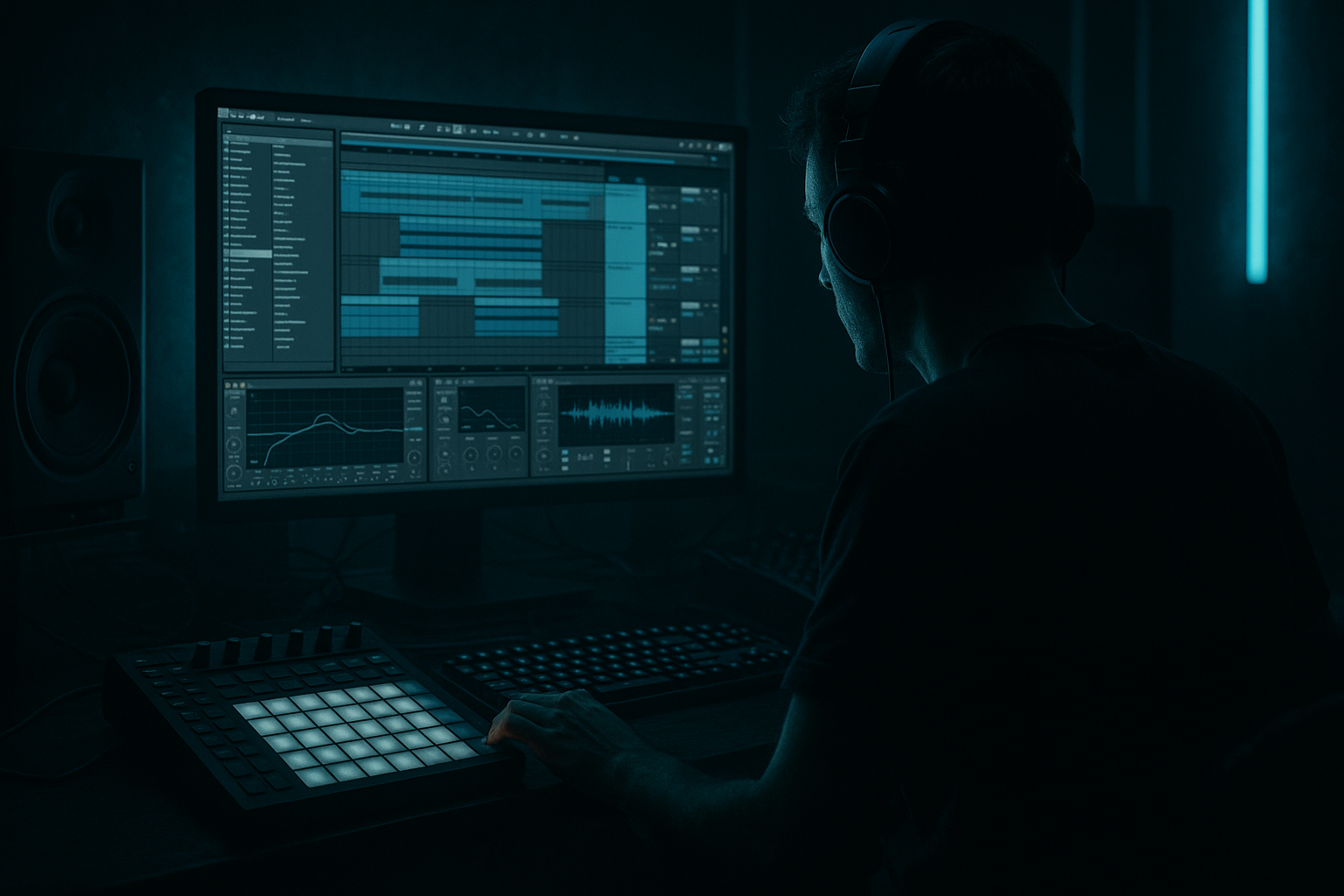
Main tutorial
Ruffneck Call-and-Response Riff Polish Framework (Groove Pool Tricks)
Ableton Live 12 • Advanced Composition • Jungle / Oldskool DnB vibes 🔥🥁
---
1. Lesson overview
This lesson is about making a riff feel like it’s talking back to itself—that classic ruffneck, cheeky, slightly late jungle attitude—using Ableton Live 12’s Groove Pool in a deliberate polish framework.
You’ll build a call-and-response riff pair, then “lock” their relationship using:
- two different grooves (call vs response)
- micro-timing offsets (late/early by design)
- commit / extract / re-groove loops
- per-layer groove strategy (bass vs stabs vs ghost notes)
- arrangement-level call/response switches for energy
- Call (Bar 1–2): a mid-bass / reese “statement” (more rigid, forward)
- Response (Bar 3–4): a stab/hoover or higher bass “answer” (looser, dragging a touch)
- Drums: classic amen/think-style chop + tight kick/snare anchor
- Groove architecture: different groove amounts per element, plus timing offsets so it feels like a conversation rather than a single loop
- EQ Eight: HP around 30–40 Hz, notch harshness around 3–6 kHz if needed
- Drum Buss: Crunch 5–20, Drive to taste
- Limiter (gentle) if peaks are wild
- GROOVE_CALL: tighter, less timing deviation
- GROOVE_RESPONSE: more timing, slightly delayed
- Timing: 15–35%
- Velocity: 0–10% (keep bass consistent)
- Random: 0–5% (tiny human)
- Base: 16 (usually)
- Quantize: optional, low (0–10) if it’s messy
- Timing: 35–65%
- Velocity: 10–25% (stabs can bounce)
- Random: 5–15% (more attitude)
- Base: 16
- Keep Global Groove around 50–80% initially.
- You can automate it later for “tight vs drunk” transitions. 😈
- `DRUMS_ANCHOR` (kick/snare): no groove or very low (Timing 5–15%)
- `BREAK_CHOP` slices: apply a groove similar to response, but less random:
- Select the response clip in Arrangement.
- Hold ALT (Windows) / Option (Mac) and nudge slightly later.
- Aim for +5 to +15 ms (start small).
- Call = slightly early/tight (or on-grid)
- Response = slightly late
- Call (1–2), Response (3–4)
- Same call, response changes last 2 hits
- Add a tiny fill from break slices at bar 8
- Double the response density (but keep timing late)
- Add a supporting “ghost” bass layer very low in mix
- Remove call for 1 bar (space = tension)
- Bring it back with a different groove amount (automate Global Groove down slightly for impact)
- 60% for rolling
- drop to 35–45% for a “tight” moment before the drop/transition
- Sidechain compression on bass from kick (Glue Compressor):
- Shaper / transient control:
- Utility:
- Reverb/Delay returns:
- Make the response lower and meaner: flip the expectation—response can be a sub-reese jab while call is mid-focused.
- Use negative space + reverb throws: one stab with a timed Echo throw can feel more aggressive than 10 notes.
- Parallel distortion bus (Audio Effect Rack):
- Groove the ghost notes, not the main hits:
- Extract groove from a gnarly break:
- You built a call-and-response riff system that feels authentically jungle/oldskool.
- You used two groove roles (tight call vs late response) rather than one generic swing.
- You combined Groove Pool parameters + micro clip nudges for intentional “conversation.”
- You kept a drum anchor mostly straight while letting breaks/riffs carry the swagger.
- You learned a repeatable framework: compose → role-based groove → micro-offset → commit → arrange variation.
This is not “add swing and pray.” This is controlled rudeness. 😤
---
2. What you will build
A 16-bar jungle/DnB riff section with:
You’ll end with a repeatable framework you can drop into any roller.
---
3. Step-by-step walkthrough
Step 0 — Session prep (tempo, grid, reference loop)
1. Set tempo to 165–172 BPM (try 170 BPM).
2. In Arrangement View, create a 16-bar loop brace for your main section.
3. Load a reference (optional but recommended): a classic jungle roller for groove feel. Keep it low.
---
Step 1 — Build the “anchor” drums (so groove has something to push against)
Goal: one layer stays stable so the riff can swing around it.
1. Create a Drum Rack track: `DRUMS_ANCHOR`.
2. Add:
- Kick on 1 (and optionally a light one before snare in some bars)
- Snare on 2 and 4 (classic DnB)
3. Keep these pretty straight. Quantize if needed to 1/16.
4. Add a simple processing chain (stock devices):
- Drum Buss: Drive 5–15%, Boom 0–10%, Transients slightly up if needed
- Saturator: Soft Clip on, Drive 1–4 dB
- EQ Eight: cut mud around 250–400 Hz, tiny air lift if needed
Important: Do not groove this anchor much. This is the “grid authority.” 🧱
---
Step 2 — Add a break layer for jungle movement (this is where groove comes alive)
1. Create audio track `BREAK_CHOP`.
2. Drop in an Amen/Think-style loop (your own or from a pack).
3. Warp mode: Beats, Preserve: Transients, set Envelope 50–70 (depends on loop).
4. Slice it:
- Right-click → Slice to New MIDI Track (Transients).
- You now have a Drum Rack with slices.
Processing idea (on BREAK_CHOP rack):
---
Step 3 — Create the call riff (tight, slightly “ahead” feel)
Instrument suggestion: Wavetable (stock), Operator, or a sampled reese.
1. Create MIDI track `BASS_CALL`.
2. Device chain (stock):
- Wavetable
- OSC1: Saw
- OSC2: Saw (detune a bit)
- Unison: 2–4 voices (keep mono compatibility in mind)
- Auto Filter (LP24)
- Drive slightly, Envelope amount small for bite
- Saturator (Soft Clip on)
- EQ Eight
- mono sub management: low shelf/roll below 30 Hz
- cut clutter 200–400 Hz if needed
- Optional: Glue Compressor (1–2 dB GR) for consistency
3. Write a 2-bar call phrase:
- Keep it rhythmically confident: hits on strong 8ths/16ths.
- Use space. Jungle is about what you don’t fill.
- Example rhythm idea (don’t copy exactly—feel it):
- Bar 1: hit on 1, 1.2, 1.4a
- Bar 2: hit on 2.3, 3, 3.4
4. Quantize lightly to 1/16, 60–80% (not 100% robotic).
---
Step 4 — Create the response riff (looser, “late” and cheeky)
1. Create MIDI track `STAB_RESPONSE` (or `BASS_RESPONSE` if it’s another bass voice).
2. Instrument options:
- Simpler (Classic) with a rave stab sample
- Operator with a hoover-ish patch (detuned saw + noise)
3. Write a 2-bar response that answers the call:
- Use offbeats, “afterthought” stabs, little pickups.
- Leave room for snare. Avoid stepping on 2 and 4.
Key compositional trick:
Make the response end earlier than you think, then add a tiny tail FX (reverb/delay) so it feels like it replies and vanishes. 👊
---
Step 5 — Groove Pool: build a “call vs response” groove system
Now the main event. 🎯
#### 5A) Load or extract grooves
1. Open Groove Pool (bottom left: click the wave-ish icon).
2. Drag in grooves:
- Try an MPC-style swing (e.g., MPC 16 Swing 57–63), or
- Extract from your break:
- Select a good 1-bar break segment
- In Clip View → Groove → Extract Groove
- This puts a groove in the Groove Pool that matches your break’s feel.
#### 5B) Duplicate the groove into two “roles”
You want two versions:
In Groove Pool:
1. Right-click the groove → Copy (or duplicate it).
2. Rename them:
- `JUNGLE_CALL_TIGHT`
- `JUNGLE_RESPONSE_LATE`
#### 5C) Dial the parameters (this is the polish framework)
Click each groove and set:
For `JUNGLE_CALL_TIGHT`:
For `JUNGLE_RESPONSE_LATE`:
Then the secret sauce: use Global Groove wisely.
---
Step 6 — Apply groove per element (don’t groove everything equally)
#### 6A) Apply to Call
1. Select the `BASS_CALL` MIDI clip.
2. In Clip View → Groove dropdown → choose `JUNGLE_CALL_TIGHT`.
3. Hit Commit only after you’re sure (more on that below).
#### 6B) Apply to Response
1. Select the `STAB_RESPONSE` clip.
2. Choose `JUNGLE_RESPONSE_LATE`.
#### 6C) Drums: different treatment per layer
- Timing 25–50%
- Random 0–8%
This creates: grid punch + break slur + riff conversation.
---
Step 7 — Micro-timing offsets: make the “talking” obvious
Groove is macro. Now add deliberate offsets.
Technique: Nudge entire clips a few milliseconds.
Rule of thumb:
If you go too far, it’ll feel sloppy. If you keep it subtle, it feels expensive. 💎
---
Step 8 — Commit vs non-commit workflow (advanced polish)
Groove Pool is non-destructive until you commit.
Workflow suggestion:
1. Keep grooves uncommitted while composing/arranging.
2. When the section feels right:
- Duplicate the clips (safety)
- Hit Commit on the duplicates
3. After committing:
- Manually fix any “bad late notes” (especially bass notes that hit before snare in a weird way)
Why commit?
Committed timing survives resampling, flattening, exporting stems, and avoids “why did it change?” surprises later.
---
Step 9 — Call-and-response arrangement moves (make it roll)
Build a 16-bar phrase:
Bars 1–4: establish
Bars 5–8: variation
Bars 9–12: intensify
Bars 13–16: payoff/reset
Automation idea:
Automate Global Groove:
---
Step 10 — Glue it sonically (so the groove reads clearly)
If the groove is right but doesn’t feel right, it’s often envelope/mix.
Key moves (stock):
- Attack 3–10 ms, Release Auto or 100–200 ms
- GR 1–3 dB (don’t over-pump unless that’s your vibe)
- For stabs, shorten decay (Simpler envelope) so groove is rhythmic not washy
- Bass in Mono below ~120 Hz (use Utility Bass Mono if desired)
- Use Echo with short times (1/8, 1/16 dotted) and filter it
- Keep returns grooved too (yes—you can groove the MIDI feeding them, or commit timing before resampling)
---
4. Common mistakes
1. Grooving the kick/snare anchor too much
You lose the “authority,” and everything sounds wobbly.
2. Applying one groove to everything
Call-and-response needs contrast. Same groove = same personality.
3. Too much Timing + too much Random
This turns into drunk MIDI. Jungle is loose but still functional.
4. Not compensating for long envelopes
If your stab has a slow attack or huge release, micro-timing won’t read clearly.
5. Committing too early
Don’t bake timing until the phrase and mix relationships are stable.
---
5. Pro tips for darker/heavier DnB 🖤
- Chain A: clean
- Chain B: Saturator (Drive 6–12 dB) → Auto Filter LP → Compressor
- Blend 10–30%
Add quiet 16th ghost stabs/hats and groove those harder. The listener feels swing without hearing obvious timing errors.
Oldskool funk breaks have microtiming that instantly “jungle-ifies” clean synth riffs.
---
6. Mini practice exercise (15–20 minutes)
1. Create a 4-bar loop at 170 BPM.
2. Write:
- 2-bar `BASS_CALL` (5–8 notes max)
- 2-bar `STAB_RESPONSE` (3–6 hits max)
3. Extract groove from a break and duplicate it into CALL/RESPONSE versions.
4. Apply:
- Call groove Timing 25%
- Response groove Timing 55%
5. Nudge the response clip +8 ms.
6. Bounce/resample a quick rough and ask:
- Does the response feel like it “leans back”?
- Does the call still punch?
If not: reduce Random, shorten envelopes, or lower groove amount on the bass.
---
7. Recap ✅
If you want, tell me what your riff is (audio or MIDI screenshot) and whether you’re aiming more 95–97 jungle or modern roller with oldskool flavor, and I’ll suggest exact groove settings and where to push/pull the timing.

