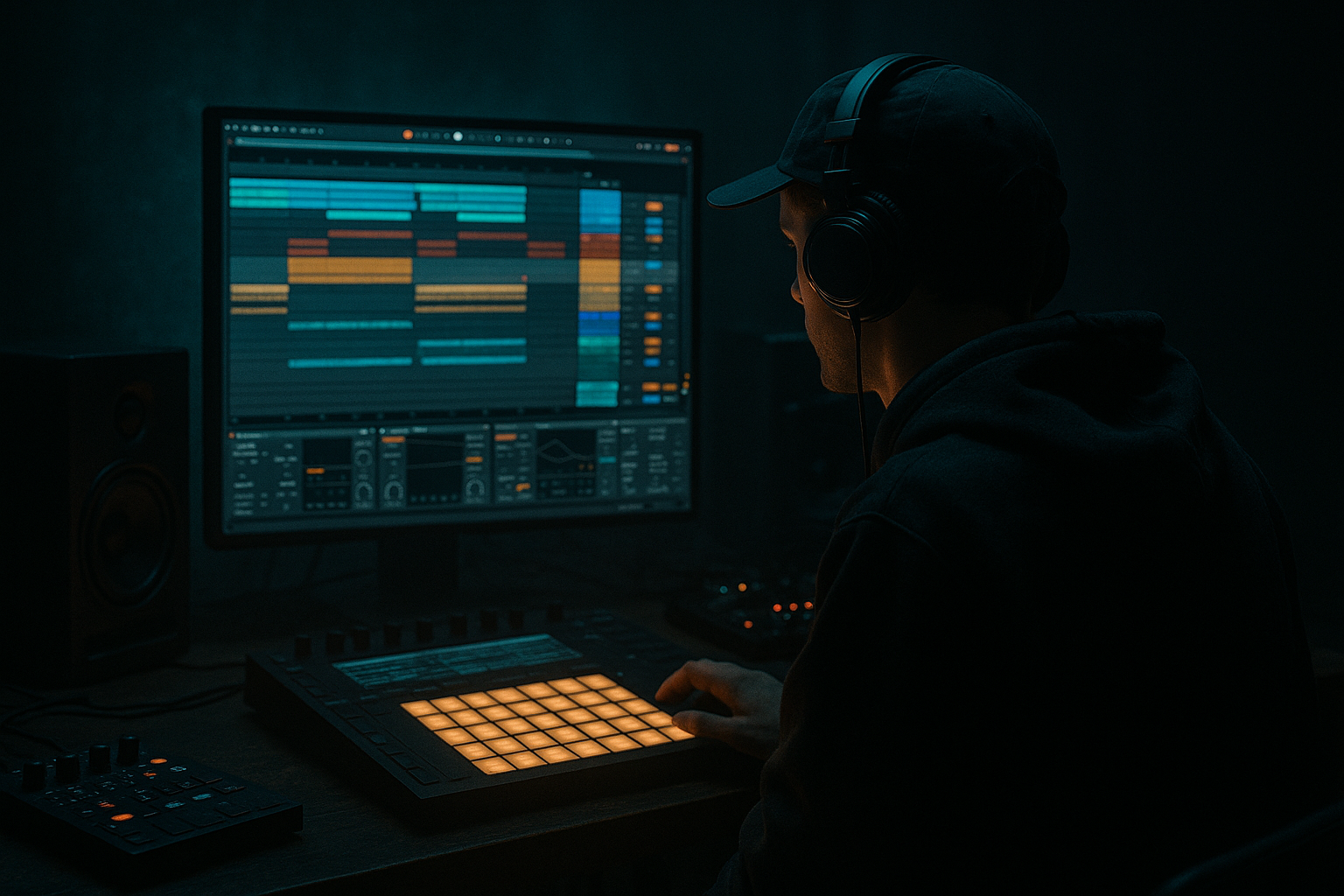
Main tutorial
Lesson Overview
In this lesson, you’re building a roller bassline warp system in Ableton Live 12 that feels like a dusty jungle loop getting pulled into a modern DnB groove. The focus is not just on “making a bass sound,” but on turning sampled bass material into a playable, macro-controlled instrument that can shift between tight, oldskool roller phrases and darker, more aggressive movement on demand.
This sits right in the heart of a DnB arrangement: the section after the intro, the first drop, or a mid-track switch-up where the bass needs to breathe, wobble, and evolve without losing low-end authority. In jungle and oldskool DnB, this kind of movement is huge because the bassline often behaves like a call-and-response riff, not a static sustain. The trick is to make it feel alive while staying locked to the break and the sub.
Why this matters:
- It gives you rollable bass phrasing instead of a flat loop
- It lets you perform variation with macros instead of drawing endless MIDI edits
- It keeps your bassline rooted in sampling culture, which is central to jungle and classic DnB
- It helps you move from raw sample chop to a finished, mixable, arrangement-ready bass instrument
- play a tight, repeatable oldskool-style bass riff
- morph between clean sub focus and grittier, warped midrange
- change rhythmic feel using warp-based movement
- respond to macros for filter tone, transient bite, saturation, stereo width, and movement
- sit under a jungle break without fighting the drums
- a rolling 2-step / jungle bass phrase with subtle pitch or formant shifts
- a dark, elastic bassline that can answer the drums
- something that can sit under an Amen or Think break and still feel alive
- a rack you can save and reuse across tracks for oldskool DnB ideas
- Letting the sample’s low end fight the sub
- Using too much warp on the entire sound
- Making the bassline too busy
- Over-widening the bass
- Adding distortion before controlling the filter
- Ignoring note length and silence
- Not checking in mono
- Duplicate the mid layer and detune one copy slightly
- Use parallel saturation instead of brute-force distortion
- Automate a band-pass feel for tension sections
- Layer a very short ambience print behind the bass
- Use Clip Envelopes for small, repeatable changes
- Keep the drum bus and bass bus competing less, not more
- Try a call-and-response between sub and mid layers
- sample-based bass works best when it’s phrased, not just sustained
- warp can create subtle motion and oldskool bounce
- macros let you perform variation quickly
- separate sub, mid, and dirt for control and clarity
- automate changes across the arrangement so the bass feels alive under the break
We’ll use Ableton stock devices and a practical workflow: sampling, warping, slicing, and then mapping key tone-shaping controls to macros so you can perform your bassline like an instrument. 🎛️
What You Will Build
You’ll create a sample-based roller bass rack that can:
Musically, the result should feel like:
Think: 170 BPM, break-driven groove, sub that stays mono and solid, and a bass midrange that has just enough warp and texture to feel vintage but not washed out.
Step-by-Step Walkthrough
1. Choose or record a bass sample with strong character
Start by finding a source sample that already has movement. For this style, good candidates are:
- a short resampled reese-ish phrase
- a saw/sub bass hit recorded from a synth
- a chopped phrase from an oldskool-style bassline loop
- even a single-note bass stab with harmonics
In Ableton Live 12, drag the audio into a Simpler track first, not directly into Sampler yet. This lets you audition the sample quickly and decide whether it works as a one-shot, slice source, or warp source.
What to listen for:
- a strong fundamental in the 40–90 Hz region
- usable harmonics around 150–800 Hz
- a tail that can be warped without turning mushy
- enough tone change when the sample is stretched
If the sample is too clean, duplicate it later and process a second layer with distortion. If it’s too busy, trim it down before building the rack.
2. Set up Simpler in Classic mode and audition warp behavior
Open Simpler and switch to Classic mode. This is ideal because you want a sample-first bass instrument with direct playback and easy warp control.
In Simpler:
- turn Warp on
- start with Beats if the source is percussive or stab-like
- try Complex Pro if the sample is melodic or has more sustain
- set the loop region tightly around the most useful portion
- use Start and Loop markers to isolate the sweet spot
Concrete starting points:
- Warp mode: Beats with Transients around 20–40 for punchy bass stabs
- Warp mode: Complex Pro with Formants around 0 to +2 if the sample needs smooth pitch shifts
- Loop length: keep it short, often 1/8 to 1 bar, depending on phrase
- Clip gain: trim so the sample peaks around -12 to -6 dB before further processing
Why this works in DnB:
DnB basses often need to feel rhythmic even when they’re sustained. Warp lets the sample breathe with the grid while still sounding like a performance, especially at 170–174 BPM where tiny timing shifts can make a bassline feel more human or more urgent.
3. Build the bassline as a MIDI phrase, not just a long held note
Create a MIDI clip and program a roller-style phrase using short notes, rests, and repeated hits. Don’t just hold one note for a bar. Oldskool jungle energy comes from phrasing, not constant sustain.
Try a 2-bar pattern like this:
- bar 1: root note on beat 1, offbeat response on the “and” of 2, short pickup into beat 4
- bar 2: variation with a passing note or octave jump
- leave small gaps for the break to breathe
Good starting note behavior:
- note lengths: 1/16 to 1/8
- velocities: vary between 70–120 for emphasis
- use one or two notes for the sub, then a slightly higher note for the midrange response
Keep the bass line musical and minimal. If the drums are busy, the bass should often be a syncopated anchor rather than a dense melody. Think of it as a groove element that interlocks with ghost notes in the break.
4. Convert the sound into a layered rack for control
Now duplicate the Simpler chain into an Instrument Rack so you can separate sub and character.
A strong DnB setup:
- Chain 1: Sub layer — Simpler or Operator with a clean sine or filtered sample
- Chain 2: Mid layer — the warped sample in Simpler
- Chain 3: Dirt layer — warped sample through Saturator/Overdrive
In Live 12, map chain volume to macros if needed, but keep the initial focus on tone control.
Suggested layer approach:
- Sub layer: low-pass around 90–120 Hz, mono, no stereo widening
- Mid layer: high-pass around 90–120 Hz so it doesn’t fight the sub
- Dirt layer: high-pass around 150 Hz to keep distortion out of the deepest lows
Stock devices to use:
- EQ Eight for band separation
- Saturator for harmonics
- Utility for mono control
- Auto Filter for movement
- Glue Compressor lightly on the bass bus if needed
5. Map macros to the most expressive warp and tone controls
This is the core of the lesson. You’re turning sample playback into something you can perform. Map your most important parameters to macros inside the Instrument Rack.
Strong macro map ideas:
- Macro 1: Warp Time/Position feel
Map the Simpler Start or loop position subtly, or automate clip warp markers if you’re working at clip level. Use this as a “shift” control for different bass articulations.
- Macro 2: Filter Tone
Map Auto Filter cutoff. Range suggestion: open around 180 Hz to 6 kHz depending on the layer.
- Macro 3: Drive / Saturation
Map Saturator Drive. Range suggestion: 0 to +8 dB for controlled grit, or up to +12 dB for heavier sections.
- Macro 4: Movement / LFO Feel
Map Auto Filter Resonance or Frequency slightly, or use LFO from Shaper if you prefer a rhythmic modulation feel. If you keep it stock and simple, automate filter cutoff with clip envelopes.
- Macro 5: Width / Stereo Discipline
Map Utility Width on the mid layer only. Keep the sub at 100% mono.
- Macro 6: Bite / Transient
Map Simpler Volume Envelope Attack/Decay slightly, or a transient-shaped EQ boost around 1–3 kHz on the mid layer.
Practical macro ranges:
- Filter cutoff: 200 Hz to 4.5 kHz
- Drive: 0 to 50% on a controlled macro
- Width: 0% to 120% on the mid layer only
- Sub level trim: small range, about -3 dB to +2 dB
Keep the macro movements musical, not extreme. In DnB, a tiny change in harmonics or filter position can feel huge when the track is already moving at speed.
6. Use warp creatively for oldskool motion and jungle tension
Now get into the actual warp deep dive. The goal is to use warp behavior as part of the groove, not just as a utility.
Try these techniques:
- Adjust loop length while the MIDI phrase repeats to create a pseudo-phrased bassline
- Change warp mode per layer: Beats for snap, Complex Pro for body, Texture sparingly for gritty smear
- Tweak transient preservation so the bass keeps attack on the front of each hit
- Nudge the loop start slightly to create a different harmonic emphasis on repeated notes
Specific move:
- On a 1-bar bass loop, shorten the loop to a 3/4 or 1/2-bar region and let the MIDI phrase cycle over it. This can create a rolling, slightly “wrong” but musically addictive oldskool bounce.
- Automate or map the sample start position subtly so each section of the arrangement has a different internal bass character.
Why this works in DnB:
Jungle and roller bass often feel exciting because they’re not static. Small warp and playback changes create the sense that the bass is mutating under the break, which is a huge part of darker DnB tension.
7. Shape the groove with drums, not against them
Put a break underneath the bass and make sure they breathe together. A roller bassline should support the break’s forward motion, not flatten it.
Use a break with:
- clear kick/snare anchors
- ghost notes or hats that can “talk” to the bass syncopation
- some swing or humanized feel
In Ableton:
- use Groove Pool lightly if your MIDI bass needs extra feel
- try a small groove amount around 10–25%
- use Utility to check mono on the bass bus
- sidechain the bass lightly to the kick/snare if the low-end gets crowded
Arrangement context example:
In an 8-bar drop, let the bass phrase settle in bars 1–2, introduce a filter-open variation in bars 3–4, then bring in a more distorted or wider version in bars 5–8. That gives you natural progression without needing a completely new bass sound.
8. Automate the rack for arrangement energy
Turn your macro controls into arrangement automation. This is where the sound becomes a real track tool.
Good automation ideas:
- open the filter during the last 1/2 bar before a drop
- increase Drive in the second half of a 16-bar phrase
- reduce Width before a breakdown, then reopen on the return
- change sample start or loop feel for the switch-up section
- automate a short high-pass sweep on the bass bus for transition tension
Try this structure:
- Intro: filtered hint of bass, no full low-end
- First drop: clean roller bass with sub and controlled mids
- Second 8 bars: more drive, slightly wider upper layer
- Switch-up: altered loop point or octave variation
- Outro: strip back to sub and a filtered residue for DJ-friendliness
A tiny automation on the right macro can create much more excitement than adding more notes.
9. Print a resample pass for extra character
Once the rack feels good, resample your bass output to audio. This is very useful in sampling-based DnB because you can capture the exact movement you’ve created and then chop it further.
In Ableton:
- route the bass rack to an audio track
- record a few bars of the performance
- consolidate the best sections
- optionally re-import into Simpler for further slicing
This is a classic jungle workflow:
- perform the bass rack
- print it
- chop the strongest moments
- build a more detailed phrase from the resampled audio
You may find a printed bass take gives you a more consistent groove and lets you sculpt the arrangement faster than endlessly tweaking the live rack.
Common Mistakes
- Fix: high-pass the mid layer around 90–120 Hz and keep the true sub separate and mono.
- Fix: use warp intentionally. If the bass starts sounding smeared, reduce stretch, simplify the loop, or switch warp modes.
- Fix: in DnB, groove is often more powerful than density. Remove notes until the break and bass interlock cleanly.
- Fix: keep everything below roughly 120 Hz mono. Put width only on the mid layer, and check in Utility.
- Fix: shape tone first, then drive. Otherwise you amplify ugly low-mid build-up and lose clarity.
- Fix: short rests matter. A roller breathes because it hits, pauses, and answers the drums.
- Fix: collapse the bass bus to mono regularly, especially if you’re adding stereo effects to the mid layer.
Pro Tips for Darker / Heavier DnB
- Try a tiny detune or pitch offset on a second mid layer for a subtle reese effect. Keep it low in the mix so it doesn’t become sloppy.
- Keep one clean bass chain and blend in a dirt chain using chain volume. This keeps sub definition intact while adding menace.
- A narrow Auto Filter move can create an eerie, oldskool jungle moment before a drop or switch.
- A resampled tail with reverb or room character, then heavily filtered, can add underground depth without clouding the low end.
- For darker DnB, repeatable micro-automation often works better than broad sweeps. Think controlled mutation, not huge EDM-style motion.
- If the bass feels heavy but unclear, reduce the bass’s 200–400 Hz region before pushing more drive. That zone can clog the snare punch fast.
- Let the sub hit on the main note, then let the mid layer answer with a slightly delayed or filtered repeat. That’s very effective in jungle rollouts.
Mini Practice Exercise
Spend 10–20 minutes building a basic roller bass rack from scratch.
1. Pick one bass sample or synth-recorded phrase.
2. Load it into Simpler in Classic mode and test Beats vs Complex Pro warp.
3. Make a 2-bar MIDI pattern with 4–6 notes total.
4. Split the sound into sub, mid, and dirt layers.
5. Map at least 4 macros:
- Filter Tone
- Drive
- Width
- Movement or Start Position
6. Program one automation move over 8 bars:
- open the filter into bar 5, or
- increase drive in the second half of the loop
7. Print a resample of the result and audition it with a break underneath.
8. Compare the live rack vs the printed audio and decide which feels more “jungle.”
Goal: by the end, you should have one bass idea that can be dropped into a track and immediately feels like it belongs in a roller or oldskool-inspired DnB section.
Recap
The key idea is to turn a sampled bass into a performable roller instrument using warp, layering, and macros in Ableton Live 12. Keep the sub clean and mono, let the mid layer carry movement and grit, and use macro control to shape tone, width, drive, and phrasing.
Most important takeaways:
If you can make one roller bassline that stays heavy, musical, and adjustable across a drop, you’ve got a reusable DnB weapon.

