Main tutorial
Lesson Overview
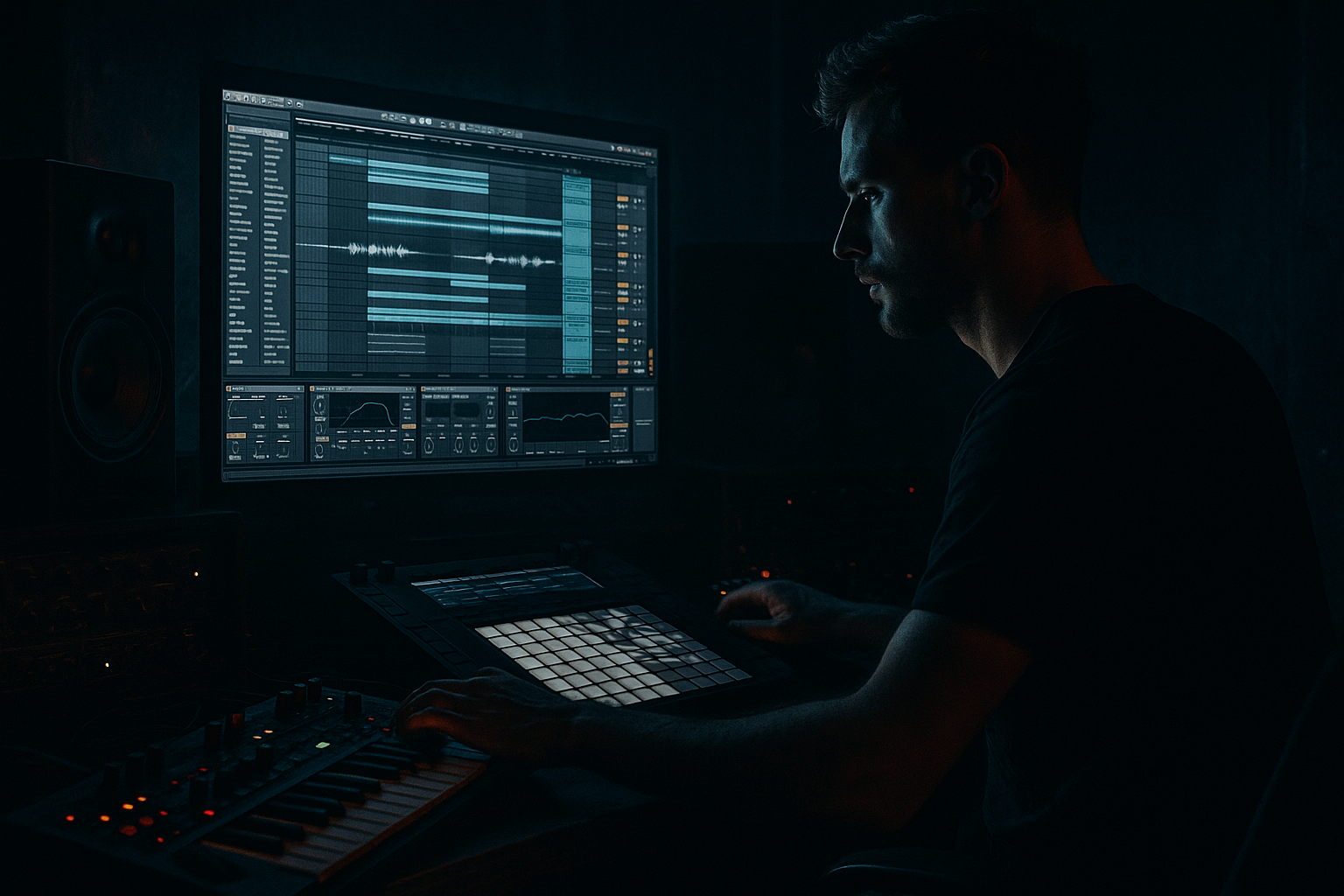
In this lesson, you’ll build a roller-style atmospheric chop chain in Ableton Live 12 that sounds like 90s-inspired darkness for jungle / oldskool DnB and carries that moody, rolling energy into modern darker bass music. The focus is not on a huge drop lead or a flashy synth preset — it’s on the atmosphere layer that sits behind the drums and bass, giving your track that haunted, late-night, warehouse feel.
This technique matters because in Drum & Bass, especially roller and jungle styles, the atmosphere is doing a lot of emotional work. A good chopped atmosphere can:
- create tension before the drop
- glue breakbeats and bass together
- make a loop feel alive instead of repetitive
- give your track a nostalgic 90s shadow without sounding thin
- help transitions feel intentional and DJ-friendly
- filtered mids and highs that leave space for drums and sub
- movement from chopping, not just static looping
- reverb tail shaping that feels deep but controlled
- subtle stereo spread in the high end, while the low end stays mono-safe
- automation-ready transitions for intro, breakdown, and drop support
- a sound that works under:
- Using too much low end in the atmosphere
- Making the atmosphere too loud
- Over-widening the whole signal
- Too much reverb smear
- Chops that feel random instead of intentional
- Not filtering the atmosphere enough
- Use subtle saturation before reverb so the reverb grabs a richer tone. A little grit makes the atmosphere feel aged and underground.
- Automate Auto Filter cutoff with the phrase. A slow rise into the drop feels classic and effective.
- Keep the center clear. If your atmosphere is wide, let the bass and kick stay focused in the middle.
- Resample your chopped texture once it sounds good. Resampling lets you re-chop the result and creates more character.
- Use Utility to control width: narrow in the drop, wider in breakdowns.
- Add tiny volume swells on chop hits so the atmosphere breathes like a living room tone instead of a loop.
- Try reversed fragments before major snare hits for tension.
- Layer a very quiet vinyl or tape noise bed under the chop to glue it into a 90s-inspired palette.
- If the atmosphere feels too clean, degrade it slightly with Saturator, EQ shaping, and a bit of clipping on the return — but keep it controlled.
- Reference classic DnB structure: intro tension, sparse drop atmosphere, and a bigger breakdown return. That arrangement contrast is part of the genre’s power.
- Start with a moody source sample and warp it tightly enough for DnB.
- Chop it into short fragments so it becomes rhythmic, not static.
- Use Ableton stock devices: EQ Eight, Auto Filter, Saturator, Reverb, Utility, Auto Pan.
- High-pass the atmosphere so it doesn’t fight the kick and sub.
- Automate filter, reverb, and width to create tension and release.
- Use the atmosphere more in intros, breakdowns, and transitions than in the core drop.
- Keep it dark, controlled, and supportive of the drums — that’s the roller mindset.
We’ll stay inside Ableton Live stock tools and use a workflow that’s easy for beginners: sample a dark texture, chop it, shape it with simple processing, and arrange it so it supports the groove rather than fighting it. The goal is a playable, reusable atmosphere system you can drop into a DnB project fast. 🌑
What You Will Build
By the end, you’ll have a 4- or 8-bar atmospheric chop loop made from a dark sample or recorded texture, processed into a grainy, swaying backdrop with:
- rolling breakbeats
- Reese or sub basslines
- oldskool Amen-style patterns
- darker neuro-inspired sections where atmosphere needs to pulse rather than dominate
Musically, think of it as a ghostly chopped pad, a broken tape room tone, or a degraded soul fragment that sits behind the drums and gives your roller that classic shadowy depth.
Step-by-Step Walkthrough
1. Set up a simple DnB atmosphere track
Create a new audio track in Ableton and name it something obvious like ATMOS CHOP. Keep your project at a Drum & Bass tempo, usually 170–175 BPM for modern DnB, or around 160–172 BPM if you’re leaning more jungle/oldskool in feel.
Start with a sample that already has mood:
- a vinyl crackle loop
- a field recording
- a reversed piano note
- a dark chord stab
- a vocal sigh or short phrase
- a long synth texture
If you’re recording your own texture, even a simple microphone recording of a room, radiator hum, or hallway tone can work. The point is to create a character source that can be chopped into a hypnotic layer.
For beginners, don’t overthink the source. Pick something with texture and emotion, even if it sounds “wrong” at first. In DnB, processing matters more than perfection at the source.
2. Warp the sample so it locks to the grid without killing the vibe
Drop the sample into Arrangement or a clip slot and turn on Warp. For atmospheric material, try these starting points:
- Warp Mode: Complex Pro for tonal material like pads or vocal textures
- Warp Mode: Texture for grainy atmospheres and noise-heavy material
- Warp Mode: Beats if the source already has rhythmic transients
Set the first strong transient or musical start point correctly. If the sample drifts, use Warp markers sparingly so it stays in time.
Beginner-friendly goal: get the sample to follow the project without sounding overly stretched. A little instability is fine for jungle darkness; robotic perfection is not always the move.
Why this works in DnB: the drums are fast and precise, so your atmosphere needs to feel locked to the bar. Even a loose texture feels more intentional when it breathes with the grid.
3. Trim the atmosphere into useful chop material
Open the clip and make a short usable loop region. Aim for one of these:
- 1 bar for a simple looping bed
- 2 bars for a longer evolving chop
- 4 bars if the texture has noticeable changes
Now use split points or clip slicing to cut the sample into fragments. If you prefer a beginner workflow, duplicate the clip and manually trim sections in Arrangement. If you want a faster chop approach, right-click the audio and use Slice to New MIDI Track.
For a beginner lesson, a simple method is often best:
- cut 4 to 8 interesting fragments
- place them in a repeating pattern
- leave small gaps so the atmosphere “breathes”
Think like a jungle producer: not every gap needs filling. Silence creates weight.
4. Process the chop with stock Ableton devices
Put the following in order on the atmosphere track:
- EQ Eight
- Auto Filter
- Saturator
- Reverb
- optional Chorus-Ensemble or Delay
Start with EQ Eight:
- low cut around 120–250 Hz to keep the sub and kick clear
- if the sample is harsh, dip 2.5–5 kHz by 2–4 dB
- if it’s too cloudy, gently reduce 250–500 Hz
Then use Auto Filter:
- mode: Low-Pass
- cutoff around 3–8 kHz depending on brightness
- resonance low, around 0.20–0.50
- automate cutoff later for movement
Add Saturator:
- Drive: 1–5 dB
- Soft Clip: On
- Keep it subtle; the goal is grit, not fuzz overload
Add Reverb:
- Decay Time: 1.5–4.5 s
- Pre-Delay: 10–30 ms
- Dry/Wet: 10–25% if on the insert, or use a return track for more control
If you want extra width, add Chorus-Ensemble after the reverb or before it:
- keep depth modest
- avoid wide low end
- use it mostly to smear the upper mids and create movement
This chain gives you the classic dark atmosphere structure: clean low end removed, mids shaped, texture saturated, space added.
5. Make the chop rhythmic instead of static
This is where the atmosphere becomes part of the roller rather than background wallpaper.
Use one of these beginner-friendly rhythm options:
- Option A: manual chop placement
Place chopped fragments on offbeats, pickups, and phrase endings. In DnB, leaving a chop slightly before or after the main snare can create tension.
- Option B: Simpler in Slice Mode
Load the atmosphere sample into Simpler, switch to Slice Mode, and set slicing by transients or a fixed grid. Trigger slices with MIDI notes. This is great for experimenting with ghosty phrase rearrangements.
- Option C: Gate-style pulsing
Add Auto Pan set to Phase 0° and use the Amount as a tremolo-like rhythm tool. Try:
- Rate: 1/8 or 1/16
- Amount: 20–50%
- Shape adjusted for sharper pulses
For dark jungle energy, small rhythmic irregularities help. A chop that appears every bar, then disappears for half a bar, feels more human and more menacing than a constant loop.
Try making the atmosphere answer the drums:
- leave space on the snare hit
- let a chop bloom after the snare
- pull back before a kick drum impact
That call-and-response idea is huge in roller DnB.
6. Shape the atmosphere with automation
Automation is what turns a loop into an arrangement tool.
Automate the following over 8 or 16 bars:
- Auto Filter cutoff
- Reverb dry/wet
- send amount to a return reverb
- Saturator drive
- volume fades in breakdowns
- optional Utility width for intro/outro transitions
Practical automation ideas:
- In the intro, start with the atmosphere filtered down around 300–800 Hz and slowly open it up.
- Before the drop, widen the reverb send and then pull it back right at the first kick/snare impact.
- In a breakdown, raise decay or send level for a washed, haunted feel.
- In the drop, reduce low-mid buildup and keep the atmosphere tighter so the drums punch.
A good DnB arrangement often has less atmosphere right at the drop and more atmosphere in the pre-drop tension and transition bars.
This is one of the most important beginner lessons: if the atmosphere feels too big, the track loses impact. Space is part of the groove.
7. Route the atmosphere to a return for cleaner mix control
Instead of putting huge reverb directly on the track, create a Return Track with Reverb and maybe a Delay. Send your atmosphere into it as needed.
Suggested starting point:
- Return Reverb Decay: 2.5–5 s
- Pre-Delay: 15–25 ms
- Return EQ: high-pass around 200–400 Hz
- keep return level lower than you think at first
This is great for DnB because you can:
- control how deep the atmosphere feels
- automate send levels during transitions
- keep the low-end clean in the main channel
- avoid washing out kick/snare punch
If your atmosphere is fighting the mix, pull it off the insert reverb and onto a return. That usually makes the whole track easier to balance.
8. Place the atmosphere in the arrangement like a DJ tool
Think like a DnB arranger, not just a loop maker.
A practical structure:
- Intro: chopped atmosphere filtered and spacious, introducing the key mood
- Build: chops become more active, with rising automation and more rhythmic movement
- Drop: atmosphere thins out, leaving only short ghost fragments or a filtered layer
- Breakdown: atmosphere returns bigger and wider, maybe with extra reverb
- Second drop: use a variation, not the exact same chop rhythm
Example context:
If your track is a 174 BPM roller with a Reese bass, let the atmosphere lead the intro for 8 bars, then strip it back when the drums and bass enter. Bring it back in the 16-bar transition before the second drop so the listener feels the return of the darkness.
For jungle/oldskool vibes, a chopped atmosphere can sit under a breakbeat edit and hint at an amen sample, a dub chord, or a ghost vocal. That gives the track a real “late-90s system tape” character.
Common Mistakes
Fix: High-pass with EQ Eight around 120–250 Hz depending on the source. Leave room for sub and kick.
Fix: Turn it down until you miss it when muted. Atmospheres in DnB should support the drums, not bury them.
Fix: Keep the low frequencies mono-safe. Use width only on the high and mid textures.
Fix: Shorten decay, lower send level, or high-pass the reverb return. If the drop loses punch, the reverb is probably too dominant.
Fix: Align them to phrase points, snare gaps, or the end of a bar. Even chaotic jungle ideas need structure.
Fix: Dark DnB atmosphere is often more about what you remove than what you add. Less top end can make it feel deeper and more expensive.
Pro Tips for Darker / Heavier DnB
Mini Practice Exercise
Spend 10–20 minutes making a dark atmosphere chop loop:
1. Find one atmospheric sample: voice, chord, field recording, or noise texture.
2. Warp it and trim it to 1 or 2 bars.
3. Chop it into 4–8 fragments.
4. Process it with EQ Eight, Auto Filter, Saturator, and Reverb.
5. Make it rhythmically interesting by leaving gaps or moving one chop slightly off the main pattern.
6. Automate the filter cutoff over 8 bars.
7. Add a Return Reverb and send the atmosphere into it for the breakdown.
8. Mute the atmosphere and ask: does the drums-and-bass groove feel emptier without it? If yes, you’ve built a useful atmosphere.
Bonus: duplicate the track and make a second version that is darker and narrower for the drop. Compare both and decide which one supports the track better.

