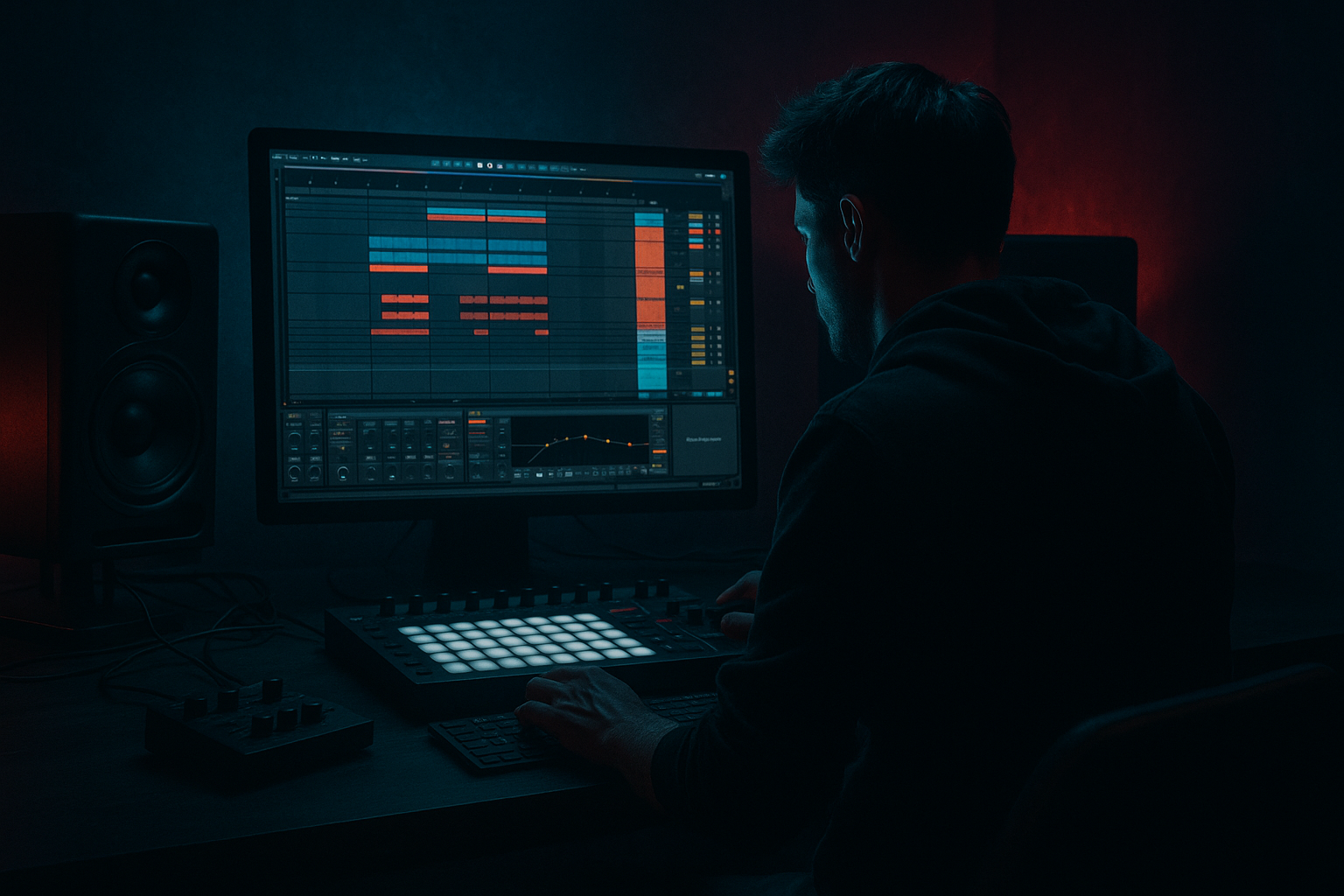
Main tutorial
Lesson Overview
In this lesson, you’ll build a Retro Rave / oldskool jungle arp in Ableton Live 12 and arrange it like a proper DJ tool: short, functional, hype-ready, and easy to drop into a DnB set or track. The goal is not just “make an arp.” The goal is to create a rave-flavoured melodic engine that sits on top of breaks, supports a bassline, and gives your track that classic ’92–’95 jungle energy with modern mix control.
This matters in DnB because arps and rave stabs do a lot of heavy lifting:
- They add movement without needing a busy lead melody.
- They create tension and lift before drops or switches.
- They give you DJ-friendly section markers that help mixes feel intentional.
- They can be resampled into chops, fills, atmospheres, and call-and-response phrases.
- A retro rave arp patch using stock Ableton instruments
- A 16-bar loop with evolving note movement and rhythmic energy
- A DJ-tool arrangement with intro, build, drop support, and outro sections
- A version that can sit above:
- A chain you can resample into:
- Making the arp too wide and low-heavy
- Using too many notes
- No relationship to the break
- Too much reverb
- Static velocity and no variation
- Harming the sub by letting the arp fill the low end
- Over-automating everything
- Detune cautiously for a reese-adjacent top layer
- Use distortion in layers
- Automate filter resonance into transitions
- Accent one note in the motif
- Try octave doubles only in selected sections
- Keep the arp mono-compatible
- Use an Audio Effect Rack for performance versions
For oldskool jungle vibes, the arp shouldn’t feel like polished pop EDM. It should feel slightly raw, urgent, and rhythmic — more like a rave memory than a pristine synth hook. We’ll use Ableton stock devices, MIDI note programming, groove, automation, and arrangement tricks to make it work in a real DnB context.
What You Will Build
By the end, you’ll have:
- jungle breakbeats
- roller-style bass
- darker reese layers
- fills
- reverses
- riser-style transition audio
- chopped hook variations
Musically, think: bright rave chord fragments + syncopated gated arp + a little lo-fi bite, used in a track where the drums are already carrying the groove and the arp acts like a hypnotic top-line.
Step-by-Step Walkthrough
1. Set the scene: tempo, loop length, and reference role
Start a new Live set at a typical jungle/DnB tempo:
- 160–174 BPM for oldskool jungle feel
- If you want a slightly more modern roller edge, try 170 BPM
Create a 16-bar loop from the start. This helps you think like a DJ tool rather than a standalone melody. The arp should work in a mix, not just in isolation.
Before writing notes, decide what role the arp plays:
- Intro tension: filtered and sparse
- Drop support: rhythmic hook above drums and bass
- Breakdown lift: more open, brighter, more emotional
- Transition tool: automated filter and delay movement
In DnB, this role-first thinking matters because drums and bass usually own the low-end drama. The arp is there to create energy and identity without cluttering the sub or fighting the break.
2. Build the core sound with stock Ableton instruments
Create a new MIDI track and load Wavetable or Analog. For a retro rave tone, Wavetable is great because you can get a more modern control over a classic shape.
A solid starting patch:
- Oscillator 1: Saw
- Oscillator 2: Square or another saw, slightly detuned
- Unison: 2–4 voices if needed, but keep it controlled
- Filter: Low-pass 24 dB
- Cutoff: around 500 Hz to 2 kHz depending on brightness
- Resonance: 10–25% for a little bite
- Amp envelope: short attack, medium-short decay, low sustain
Add Chorus-Ensemble lightly if you want width, but don’t overdo it:
- Amount: subtle
- Dry/Wet: about 10–20%
Then add Saturator after the instrument:
- Drive: 2–6 dB
- Soft Clip: on
- Keep an eye on output level
Why this works in DnB: oldskool rave arps often sound exciting because they’re harmonically rich but rhythmically simple. You want a synth that can cut through breaks without needing a huge frequency range.
3. Write a classic rave-style MIDI pattern
Use a minor key for darker jungle energy — for example F minor, G minor, or A minor. Keep the notes focused around 1–2 octaves so the arp stays playable and mixable.
Start with a simple chord-derived pattern:
- Use notes from a minor triad or minor 7th
- Add one or two colour tones like the 9th or 11th
- Keep phrases short and repeatable
A strong oldskool approach is to program a four-note motif that implies a chord instead of spelling it fully. Example:
- Root
- Fifth
- Minor third
- Octave or ninth
Then use Ableton’s Arpeggiator MIDI effect before the instrument:
- Style: Up, Down, or UpDown
- Rate: 1/16 or 1/8T depending on urgency
- Gate: 45–70%
- Retrigger: on
- Hold: off for more programmed feel, on for live performance variation
Try this simple rhythmic idea:
- Bar 1–2: sparse 1/8 arp
- Bar 3–4: switch to 1/16 for a lift
- Bar 5–8: add note changes or octave jumps
- Bar 9–16: automate filter and introduce variation
Keep velocity dynamic. Oldskool jungle feels alive when the arp doesn’t hit every note identically. Use the piano roll to create small velocity differences between repeated notes.
4. Shape the groove with MIDI timing, swing, and syncopation
Jungle and oldskool DnB live in the pocket. If the arp is too robotic, it’ll sound detached from the breakbeat.
Do three things:
- Nudge some notes slightly late or early by a few ticks
- Use Groove Pool with a subtle swing template
- Leave space in the rhythm for kick/snare/break accents
Good groove settings to test:
- Swing around 54–58%
- Groove amount: 20–50%
- Use a groove that complements the break, not fights it
If your break has heavy ghost notes, let the arp answer them rather than blanket the whole bar. For example:
- Notes on the offbeats after the snare
- Slight gap before the next phrase
- Shorter note lengths in busy drum sections
This is one of the biggest reasons arps work in DnB: they can lock to the break and make the rhythm feel more urgent without adding a separate drum layer.
5. Add movement with automation and macro control
Create an Audio Effect Rack or Instrument Rack if you want quick performance control. Map these to macros:
- Filter cutoff
- Resonance
- Saturator drive
- Delay send
- Reverb send
- Arp rate, if you want a dramatic switch-up
Automate a few key moves across the arrangement:
- Intro: cutoff low, more reverb
- Pre-drop: cutoff opens gradually
- Drop: dry signal more present, less reverb
- Breakdown: delay feedback rises for atmosphere
Add Echo for classic movement:
- Time: 1/8 or 1/8 dotted
- Feedback: 15–35%
- Filter inside Echo: roll off lows
- Dry/Wet: automate from 10% up to 30%
Also use Utility:
- Width narrower in the intro
- Wider in breakdowns
- Mono check when the drop hits
This is DJ-tool thinking: your automations should tell a selector or listener where they are in the tune. Filter opens, delay swells, and width changes are audible signposts.
6. Build a DJ-friendly 16-bar arrangement
Arrange the arp like something you’d actually want to mix:
- Bars 1–8: Intro
- High-pass or low-passed arp
- Sparse drum hints
- Room for DJ mixing
- Bars 9–16: Build
- More notes, more brightness
- Add automation on cutoff and delay
- Bars 17–32: Drop support
- Full drum break enters
- Bassline takes the low-end
- Arp becomes a top-layer hook
- Bars 33–40: Switch-up
- Reduce arp density
- Add a reverse version or octave-down double
- Bars 41–48: Outro
- Strip the low-end away
- Leave a filtered version for mixing out
Make the arrangement feel useful to DJs:
- Keep a clear intro with reduced content
- Leave at least one section with a cleaner drum-focused mix
- Use a phrase change every 8 or 16 bars
- Add a one-bar fill before each major section change
Musical context example: imagine a classic jungle tune where the first 16 bars are just break, sub pulse, and a filtered rave arp. The drop then opens the arp fully while the bassline answers it. That call-and-response creates the kind of tension that makes oldskool DnB feel alive.
7. Resample the arp for grit and variation
This is where the sound becomes more authentic. Once your MIDI arp works, resample it into audio.
Create a new audio track and record the arp in real time or freeze and flatten it. Then:
- Chop the audio into phrases
- Reverse selected hits
- Pitch some chops down an octave
- Add Warp carefully if needed, but keep transients musical
Use Simpler if you want to turn a 1-bar arp into a playable chop instrument:
- Mode: Classic or One-Shot
- Start/End adjusted to the most useful transient
- Use slices for quick rearrangement
Add Redux very lightly if you want harsher digital grit:
- Downsample subtly
- Mix low enough to avoid destroying the tone
Resampling is especially useful in jungle because you can create:
- tiny fill stabs
- reverse pre-hit swells
- break-accented hook fragments
- transition moments before a bass drop
This is also a smart workflow choice: once you commit audio, you make faster arrangement decisions and stop endlessly tweaking the synth.
8. Fit the arp around the drums and bass
Now audition the arp with your drums and bassline. If the low-end gets cloudy, fix it immediately.
Use these Ableton stock tools:
- EQ Eight to high-pass the arp around 120–250 Hz, depending on the patch
- Cut harsh resonances around 2.5–5 kHz if the synth gets piercing
- Use Utility to keep the arp mostly centered or only slightly wide
- If needed, add a gentle Compressor on the arp sidechained to the kick or snare for a subtle pocket
Bassline interaction matters:
- If your bass is a reese, let the arp occupy the upper midrange and upper harmonics
- If your bass is more roller-like and spacious, the arp can be a bit brighter and more rhythmic
- If the track is darker, keep the arp filtered and let the movement come from automation instead of brightness
Why this works in DnB: the breakbeat and bassline already create a lot of rhythmic information. By carving out the arp’s low-end and focusing it above the drums, you keep the mix punchy and avoid masking the kick/snare energy.
Common Mistakes
- Fix: high-pass more aggressively and use Utility to reduce width in the low-mid range.
- Fix: simplify the motif. One strong rhythmic idea usually hits harder than a busy scale run.
- Fix: align the arp’s accents with ghost notes, snare pickups, or offbeat drum hits.
- Fix: use shorter rooms or automate reverb only in intro/break sections. Keep the drop tighter.
- Fix: edit velocities manually or use subtle MIDI randomization. Repeated patterns need micro-dynamics.
- Fix: high-pass the arp, check mono, and make sure the bass owns the sub region.
- Fix: choose 2–3 key automations that clearly define the section. Too much movement can make the tune feel unfocused.
Pro Tips for Darker / Heavier DnB
- A small amount of detune or unison movement can make the arp feel more sinister. Keep it controlled so it doesn’t drift into trance territory.
- Try a cleaner synth signal plus a second resampled layer with heavier Saturator or Overdrive. Blend lightly for grit without losing clarity.
- A little resonance sweep before a drop can create oldskool tension fast. Don’t overdo it or it turns whistle-like.
- Make one note slightly louder or longer every bar or every 2 bars. That creates a call-and-response feel against the drums.
- Use the octave-up version in builds and strip it out in the drop. That contrast makes the drop feel heavier.
- Big stereo can sound exciting solo, but if the tune needs club weight, keep the core centered and let width come from FX returns.
- One macro for filter, one for delay, one for width, one for drive. That gives you a live-DJ style control surface for arrangement and resampling.
Mini Practice Exercise
Set a timer for 15 minutes and do this:
1. Create a new MIDI track with Wavetable or Analog.
2. Build a minor-key rave-ish patch with a saw-based sound.
3. Program a 4-note motif in 1/16 or 1/8 using Ableton’s Arpeggiator.
4. Write a 4-bar loop that feels good with a jungle break.
5. Add EQ Eight, Saturator, and Echo.
6. Automate cutoff and Echo dry/wet over 4 bars.
7. Duplicate the loop into 16 bars and make one variation every 4 bars.
8. High-pass the arp so it doesn’t fight the bass.
9. Resample one pass to audio and create at least 2 chops.
10. Export or save the idea as a DJ-tool sketch with an intro, drop, and outro.
Goal: in 15 minutes, end up with a loop that already suggests a full DnB arrangement.
Recap
The key idea is simple: build your retro rave arp as a functional jungle/DnB arrangement tool, not just a synth melody. Keep the notes focused, the groove tight, the low-end clean, and the automation intentional. Use Ableton stock devices like Arpeggiator, Wavetable/Analog, EQ Eight, Saturator, Echo, Utility, and Groove Pool to shape tone, movement, and mix placement. If the arp works with the break, supports the bass, and helps the track move like a DJ tool, you’ve nailed the vibe.

