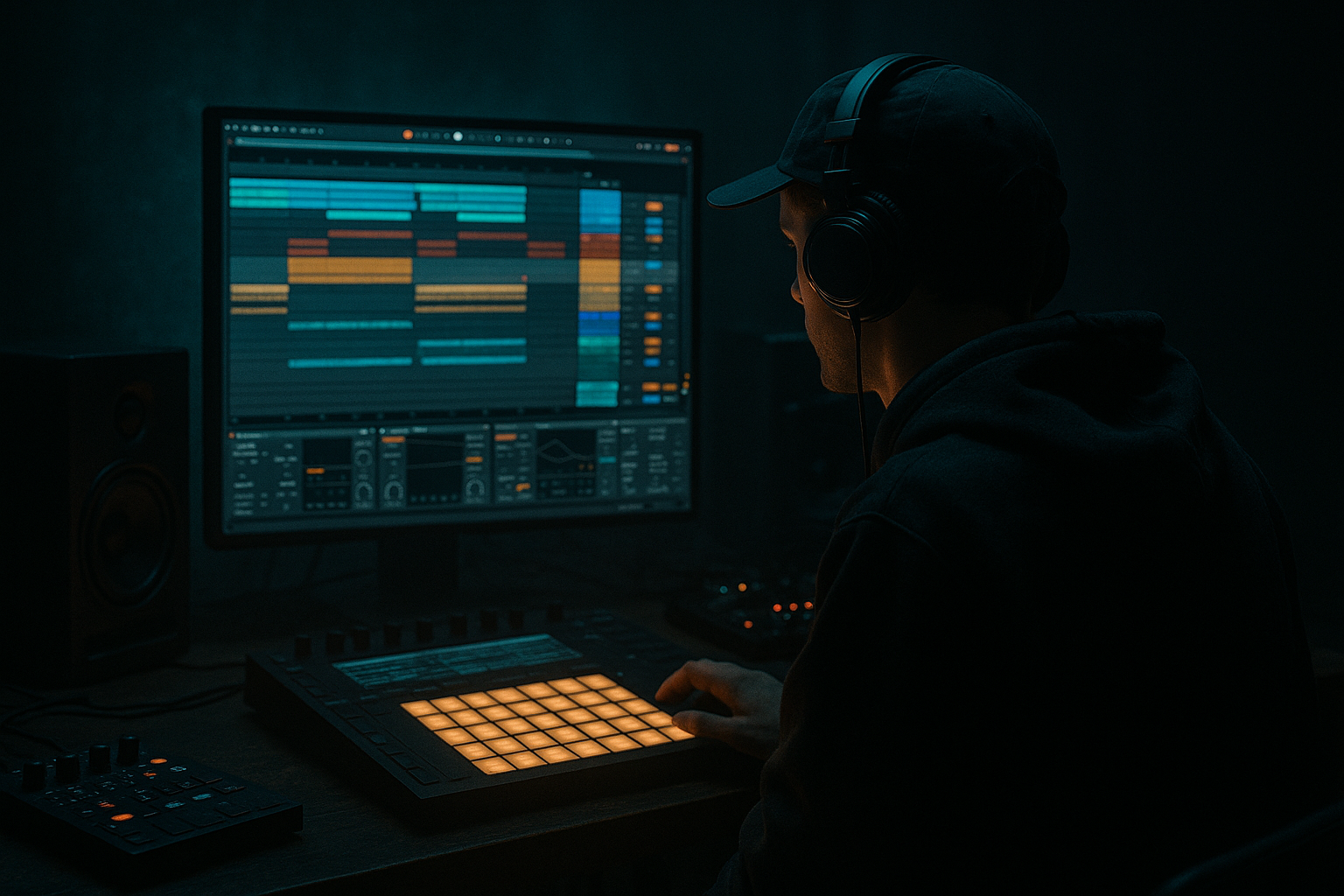
Main tutorial
Retro Rave Jungle Arp Course (Ableton Live 12) — Deep Jungle Atmosphere 🎛️🌿
1. Lesson overview
In this lesson you’ll build a classic “retro rave” jungle arpeggio (think old-school rave stabs + hardware arp vibes) and place it into a deep jungle atmosphere: dark pads, dubby space, and rolling drums.
You’ll learn a beginner-friendly workflow in Ableton Live 12 using mostly stock devices and a few key arrangement tricks that instantly feel like DnB/jungle.
Goal: A 16–32 bar loop that evolves into a believable jungle section with an arp that feels hypnotic, slightly unstable, and atmospheric.
---
2. What you will build
By the end you’ll have:
- A retro rave arp (MIDI + synth) with swing, velocity variation, and note probability
- A deep jungle atmosphere bed (pad + texture + reverb throws)
- A basic rolling drum foundation (break/amen-style feel) to make the arp sit correctly
- A simple arrangement template (intro → drop → variation)
- Kick on 1 and the “and” before 3 (classic DnB push)
- Snare on 2 and 4
- Closed hats: 1/16 with variation
- Style: Up or UpDown
- Rate: 1/16
- Gate: 55–70%
- Steps: 0 (free-running) or set to 8/16 for repeatable patterns
- Distance: 12 (one octave)
- Pad + texture only
- Filtered arp (Auto Filter cutoff low, less delay)
- Add distant hats
- Bring in break quietly
- Increase arp cutoff slowly
- Add a short reverb throw on the last arp note of bar 16
- Full drums
- Arp more present (less filter, slightly louder)
- Add a second arp variation (change chord or arp distance)
- Remove kick for 2 bars or cut the break briefly (classic tension move)
- Bring it back with a small fill + louder snare
- arp pattern length (steps)
- cutoff automation
- delay feedback
- chord inversion
- Make the arp “ghostlike”:
- Use parallel distortion carefully:
- Sidechain the arp to the snare (subtle):
- Minor 2nd tension notes (sparingly):
- Resample + slice for authenticity:
- You built a retro rave jungle arp using Arpeggiator + groove + velocity variation.
- You placed it into a deep jungle atmosphere using pads, texture, space FX, and automation.
- You learned how to arrange it in a believable jungle way with 8-bar changes and reverb throws.
- The big takeaway: DnB/jungle arps are about groove + space + evolution, not just a fast arpeggiator.
---
3. Step-by-step walkthrough
Step 0 — Set up the project (tempo + vibe)
1. Tempo: set to 165–172 BPM (start at 170 BPM).
2. Time signature: 4/4.
3. Create groups:
- DRUMS
- BASS
- ARP
- ATMOS
Workflow tip: Keep everything in Session View first (loop building), then move to Arrangement for a quick structure.
---
Step 1 — Build a jungle drum foundation (so the arp lands right) 🥁
Even if this lesson is “arp-focused,” the arp will sound wrong without proper drums.
Option A (fast): Use a break loop
1. Drag a break (Amen / Think / Funky Drummer style) into an Audio Track.
2. Warp mode: Beats.
3. Set Transient Loop Mode to preserve punch.
4. Add Drum Buss on the break:
- Drive: 5–15%
- Boom: 0–20% (careful)
- Damp: ~30–50%
5. Add EQ Eight:
- HP filter around 25–35 Hz
- Small dip around 250–400 Hz if boxy
Option B (beginner-friendly): Use Drum Rack
Add Groove Pool swing later.
Minimum you need: a steady snare on 2/4 + some hat motion.
---
Step 2 — Choose a scale + write a simple jungle chord bed 🎹
Deep jungle often leans minor and moody.
1. Create a MIDI Track → ATMOS Pad.
2. Load Wavetable (stock) or Analog (stock).
3. Choose a simple pad:
- Wavetable: Sine / Triangle-ish wavetable, low movement
4. Add a 4-bar chord loop:
- Use something like D minor (D–F–A) → Bb major (Bb–D–F) → C major (C–E–G) → back to D minor
5. Make it deep:
- Add Auto Filter
- LP filter around 600–2kHz
- Envelope amount: small
- Add Hybrid Reverb
- Algo: Hall
- Decay: 4–8s
- Wet: 15–30%
- Add Utility
- Width: 120–160% (keep sub out of this track)
This pad is your “jungle air.” The arp will weave through it.
---
Step 3 — Build the retro rave arp (core of the lesson) 🔁✨
#### 3A) Make a classic rave synth tone (stock devices)
1. Create a MIDI Track → ARP.
2. Load Wavetable.
3. Set oscillators:
- Osc 1: Saw
- Osc 2: Saw (detune slightly)
- Unison: 2–4 voices, Amount low/moderate
4. Filter:
- Type: LP24
- Cutoff: start around 1.2–3 kHz
- Drive: a little (for bite)
5. Amp envelope:
- Attack: 0–5 ms
- Decay: 200–500 ms
- Sustain: 0–20%
- Release: 80–200 ms
6. Optional: Add Saturator
- Drive: 2–6 dB
- Soft Clip: On
You want “bright but controlled”—not a modern supersaw trance lead.
---
#### 3B) Add Ableton’s Arpeggiator (and make it feel jungle)
In the ARP track, add MIDI Effects → Arpeggiator before Wavetable:
Suggested starting settings:
Now feed it chords (not single notes).
Write long MIDI chords (whole bars or half bars), and let the arpeggiator generate movement.
---
#### 3C) Add swing + human feel (this is where it becomes “jungle”)
1. Open Groove Pool.
2. Add a groove like:
- Swing 16-55 or MPC 16 Swing style
3. Apply to:
- Your hats
- Your arp
4. Groove settings:
- Timing: 30–70%
- Random: 5–15%
- Velocity: 10–30%
Key idea: Jungle groove is push-pull. If everything is perfectly grid-locked, it will sound like EDM arp, not jungle.
---
#### 3D) Control chaos with velocity + probability 🎲
To stop the arp sounding like a rigid MIDI effect:
1. Add MIDI Effects → Velocity (before Arpeggiator):
- Mode: Random
- Out Hi: 90–120
- Out Low: 45–80
2. Add MIDI Effects → Random (optional but great):
- Chance: 10–25%
- Choices: 2
- Scale: 0 (small variations only)
If you want more controlled variation: keep Random low and do changes in arrangement instead.
---
Step 4 — Make the arp sit in deep space (jungle atmosphere processing) 🌌
You’ll build a device chain that’s very “retro rave in a warehouse,” but still clean enough for DnB.
ARP Audio/MIDI Device Chain (recommended order):
1. EQ Eight
- HP at 120–250 Hz (arp should not fight bass/sub)
- Gentle dip 2–4 kHz if harsh
2. Auto Filter
- LP around 1–6 kHz (automate!)
- Add slight resonance for movement
3. Chorus-Ensemble
- Amount: 10–30%
- Rate: slow
4. Delay (or Echo)
- Use Echo:
- Time: 1/8 dotted or 1/16
- Feedback: 20–40%
- Filter: roll off lows below 200 Hz
5. Hybrid Reverb
- Shorter than pad reverb:
- Decay: 1.5–3.5s
- Wet: 10–25%
- Use pre-delay 10–25 ms to keep attack clear
DnB tip: Put reverbs/delays on Return tracks so you can do reverb throws only on certain hits.
---
Step 5 — Add a “jungle haze” texture layer (easy atmosphere win) 🌫️
1. Create an Audio Track → TEXTURE.
2. Find a vinyl noise, rainforest/field recording, or old tape hiss.
3. Add:
- Auto Filter (band-pass around 1–5k)
- Hybrid Reverb (big, 6–10s, low wet)
- Sidechain Compressor keyed from your snare (subtle pump)
This creates a living background that glues the arp into the environment.
---
Step 6 — Arrange it like real jungle (intro → drop → variation) 🧱
Here’s a beginner-friendly 32-bar plan:
Bars 1–9 (Intro):
Bars 9–17 (Build):
Bars 17–25 (Drop):
Bars 25–33 (Variation):
Arrangement trick: Every 8 bars, change one element:
---
4. Common mistakes 🚫
1. Arp fighting the bass/sub
- Fix: High-pass the arp (120–250 Hz) and keep reverb lows filtered.
2. Too bright + too wide = harsh, messy
- Fix: EQ the 2–5 kHz range, reduce unison, keep width controlled.
3. No groove
- Fix: Use Groove Pool on hats + arp; add slight random velocity.
4. Drowning everything in reverb
- Fix: Use returns and automate reverb throws. Filter reverb lows.
5. Arp never changes
- Fix: automate cutoff, change steps, or swap chord inversion every 8 bars.
---
5. Pro tips for darker/heavier DnB 🖤
Duplicate the arp track → on the copy, heavily filter (LP ~800 Hz), add long reverb, lower volume. This gives a haunted tail behind the main arp.
Put Saturator or Roar (if available in your Live setup) on a return, send a little arp into it, then EQ the return to avoid fizz.
Compressor on arp, sidechain from snare, 1–3 dB gain reduction. This makes space for the “crack.”
Add an occasional note one semitone above the root (e.g., Eb in D minor context) via chord voicing or arp distance changes. Very jungle—don’t overuse.
Record the arp to audio, then chop it like a sampled rave stab. Add tiny fades and re-trigger rhythmically.
---
6. Mini practice exercise (15–25 minutes) ⏱️
1. Create a 4-bar chord loop in D minor (pad track).
2. On arp track:
- Arpeggiator: UpDown, Rate 1/16, Gate 60%, Distance 12
3. Apply Swing 16-55 groove:
- Timing 50%, Random 10%, Velocity 20%
4. Automate the arp filter cutoff:
- Bar 1: low (muffled)
- Bar 4: higher (opens up)
5. Add Echo at 1/8 dotted, Feedback 30%, filtered lows.
6. Export/resample 8 bars and listen:
- Does it feel like it belongs over a breakbeat?
- If it’s too “clean,” add slight saturation and reduce perfect timing.
---
7. Recap ✅
If you want, tell me your target vibe (e.g., 1994 darkside, liquid jungle, raggajungle, techstep-ish) and I’ll give you a matching chord set + arp settings + a quick 32-bar arrangement template.

