Main tutorial
Lesson Overview
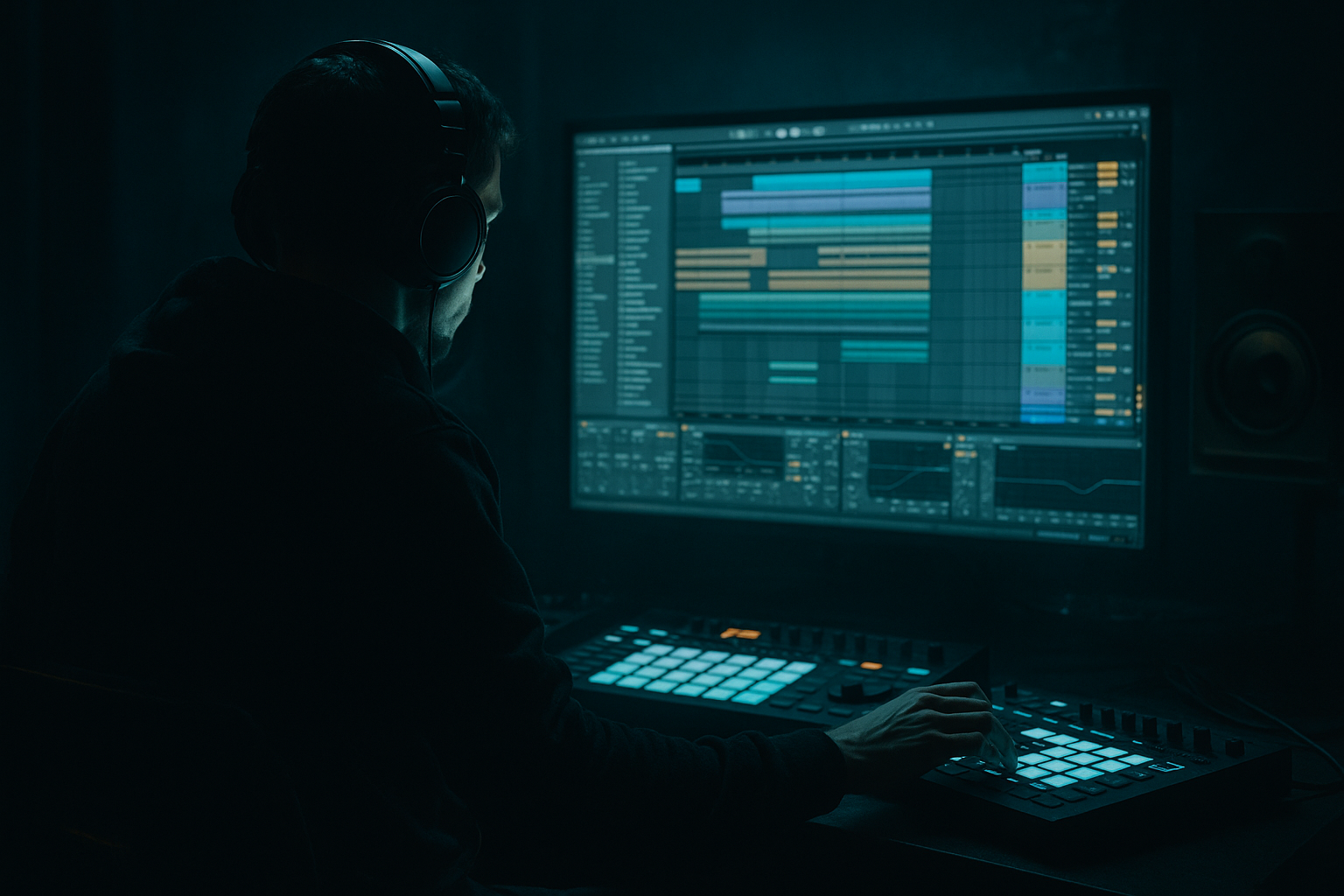
This lesson is about taking a clean oldskool-style drum break and turning it into a swinging, resampled DnB groove with a DJ-friendly intro/outro structure in Ableton Live 12. The goal is not just to make a breakbeat loop sound “retro,” but to make it feel like a proper jungle / oldskool DnB tool: loose, rolling, gritty, and arranged so a DJ can mix it cleanly into and out of another tune.
Why this matters in DnB: a lot of modern drum & bass is too loop-static. Oldskool jungle and early DnB had movement, human swing, and evolving edits that made the groove feel alive. Resampling lets you print that movement into audio, chop it, process it, and re-use it like a record. That’s huge for authentic energy. It also helps you make decisions faster: once the resample sounds right, it becomes the core of the track instead of a temporary MIDI pattern.
We’ll build a loop that starts as a break, gets swung, resampled, edited, and arranged into a full DnB structure with 8- or 16-bar DJ-friendly intro/outro sections, plus a drop that has that oldskool jungle pressure. You’ll use Ableton stock devices like Drum Rack, Simpler, Groove Pool, Saturator, Drum Buss, EQ Eight, Auto Filter, Redux, Utility, and Glue Compressor to shape the sound and print the results.
What You Will Build
By the end, you’ll have:
- A resampled breakbeat groove with oldskool swing and chopped ghost-note movement
- A tight sub + reese bass pairing that leaves room for the drums
- A DJ-friendly arrangement with:
- A loop that feels like jungle / oldskool DnB with a darker edge
- A reusable method for turning any break into a more finished, record-like DnB section
- Making the break too quantized
- Overprocessing the drums before resampling
- Letting the bass compete with the kick and snare
- Using too much stereo width on the low end
- No clear DJ intro/outro
- Looping the same 2 bars for too long
- Layer a crunchy ghost break under the main break
- Use controlled distortion on the mid bass, not the sub
- Resample a distorted version and a clean version
- Try tiny reverse edits before snares
- Use short automation moves
- Keep atmospheric beds dark and narrow
- Think like a DJ
- Resample early to capture the vibe
- Keep swing subtle but human
- Let drums and bass answer each other
- Use mono discipline for the sub
- Arrange clear intro, drop, switch-up, and outro sections
- 8 or 16 bars of intro
- a clear drop
- a switch-up / breakdown
- an outro that a DJ can blend out of
Musically, think: a gritty Amen-style break or classic 2-step break energy, a low sub that answers the drums, and a rough reese or bass stab that comes in and out like a proper call-and-response. The structure should feel like a track that a DJ could mix on the fly, not just a loop that runs forever.
Step-by-Step Walkthrough
1. Set up a drum-first project and choose your source break
Start at 170–174 BPM if you want classic jungle oldskool energy. If you want a slightly heavier or more modern rollers feel, you can sit around 172 BPM and keep the swing relaxed.
In Ableton, create:
- 1 audio track for your source break
- 1 MIDI track for a chopped drum rack version
- 1 audio track for resampling
- 1 bass track for sub/reese
- 1 return or audio track for atmospheric FX if needed
Import a break with strong transients and some natural room tone. Classic options are Amen, Think, Apache-style breaks, or any dusty funk break with crisp snare and hats. Don’t worry if it sounds a little messy at first — that’s part of the vibe.
Put Utility on the break track and keep it mono if the source is wide or messy. Then add EQ Eight and high-pass gently around 25–35 Hz to remove useless sub rumble.
Why this works in DnB: oldskool jungle is built on the tension between a recognizable break and aggressive re-interpretation. Starting with a lively source gives you more material to resample into swing and variation.
2. Extract the groove with warping, then intentionally push the swing
Warp the break in Complex Pro only if it needs tonal stability; otherwise use Beats mode for transient preservation. For a classic chopped drum feel, Beats mode with Preserve: Transients is usually best.
Now open the Groove Pool and try a swing template with a subtle shuffle. A good starting point:
- Swing amount: 55–62%
- Timing: 10–30%
- Random: 0–8%
- Velocity: 5–15%
Don’t overdo it. Oldskool swing is not a lazy hip-hop drag — it’s a slight push-pull that makes the hats and ghost notes feel like they’re skipping over the grid.
If your break feels too rigid, manually nudge selected hat or ghost hits late by 5–15 ms. Keep the snare mostly solid, but let some lower-level percussion breathe around it.
Add a Drum Buss on the break bus or group:
- Drive: 5–15%
- Boom: very low, or off if the source is already bassy
- Transient: +5 to +20 for snap
- Damp: adjust to taste if the top gets fizzy
3. Slice the break into Drum Rack and create a playable oldskool pattern
Right-click the break and choose Slice to New MIDI Track. Slice by:
- Transient for clean, flexible chopping
- or 1/16 notes if the break is already tight and you want a more rigid grid
Use the resulting Drum Rack to build a pattern that feels like a proper jungle edit, not a copy-paste loop. Focus on:
- one strong backbeat snare
- ghost notes before or after the snare
- offbeat hat chatter
- occasional double-hit stutters
A useful pattern idea:
- Kick on the downbeat
- Snare on 2 and 4
- Ghost snare just before 2
- Hat flicks between the backbeat
- One extra chopped fill every 4 or 8 bars
Keep velocities expressive. In oldskool DnB, velocity shaping is part of the groove. Use lower velocities for ghost hits and let the main snare hit harder.
Add Velocity MIDI effect before the Drum Rack if you want to globally tame or exaggerate dynamics. A range of 70–110 is a good starting band, but don’t flatten the pattern completely.
4. Resample the chopped groove into audio and commit the vibe
This is the key move. Set up an audio track set to Resampling. Arm it and print your drum rack performance in real time, or consolidate a few bars after recording. You’re not just bouncing for convenience — you’re capturing the groove as audio so you can edit it like a real break record.
After recording:
- Consolidate the best 2, 4, or 8 bars
- Slice the audio into smaller chunks if needed
- Reverse a few tail pieces for extra character
- Keep a version with more space and a version with more density
On the resampled audio, try:
- EQ Eight: notch any harsh ring around 3–6 kHz if the snare stings too much
- Saturator: Drive 2–6 dB for grit
- Redux: very light bit reduction if you want crunchy old jungle texture; try Downsample 1.5–3x and keep it subtle
- Auto Filter: automate gentle low-pass movement for tension
Resampling is powerful here because once the groove is audio, you can reorder hits, print fills, and create unique one-off edits that feel like a chopped sample record.
5. Design the bass to answer the resampled drums
For authentic DnB, the bass must lock to the drums instead of fighting them. Build a simple bass lane with Operator, Wavetable, or even a sampled bass note in Simpler if you want a rougher character.
Make two layers:
- Sub layer: pure sine or triangle, mono, centered
- Mid bass layer: reese or detuned saw movement, controlled and filtered
Suggested settings:
- Sub: mono Utility, no stereo widening, low-pass if needed
- Mid bass: Auto Filter with cutoff moving around 120–800 Hz
- Add Saturator or Overdrive lightly for harmonics
- Use EQ Eight to carve space below 100–140 Hz if the mid layer has too much low-end
Write bass phrases that leave holes for drum edits. A strong jungle phrase often works as call-and-response:
- bass answers the snare
- a short slide or stab lands after a fill
- one bar is sparse, the next is denser
Keep the bass rhythm less busy than the drums at first. Let the resampled break be the hero. In DnB, too much bass note activity can flatten the impact of the drums.
6. Shape the drum/bass balance like a record, not a loop
Group your drums and bass separately and mix them against each other early. This is where the track starts sounding like a finished DnB tune.
On the drum bus:
- Glue Compressor with 2:1 ratio
- Attack around 10–30 ms
- Release on Auto or around 0.1–0.3 s
- Aim for just 1–3 dB of gain reduction
On the bass bus:
- Use Utility to keep sub mono
- Check the mid bass doesn’t cloud the kick/snare region
- Use EQ Eight to tame boxy buildup around 200–400 Hz if needed
Keep headroom. A good target is that your master still has space and isn’t clipping while you’re arranging. DnB hits harder when the transient peaks survive.
Do a quick mono check with Utility on the master or bass bus. If the low-end collapses, simplify the bass stereo processing immediately.
7. Build the DJ-friendly structure with clear mix-in and mix-out sections
This is where the lesson becomes useful for real DJ playability. Arrange your tune so another track can mix in cleanly.
A solid oldskool DnB layout:
- Intro: 8 or 16 bars
- drums only, filtered
- tease a hat loop or atmos
- no full bass yet
- Drop 1: 16 bars
- full break + sub + mid bass
- strong hook or bass call
- Switch-up: 8 bars
- remove kick or thin the break
- introduce fill, rewind-style FX, or new chop
- Drop 2: 16 bars
- more variation, denser edits, or secondary bass movement
- Outro: 8 or 16 bars
- strip bass first
- leave drums and atmos for DJ mixing
Use Auto Filter automation on the intro to open the drums gradually from low-pass around 200–500 Hz up to full range. For the outro, do the opposite: filter down, remove sub, and leave a clean drum bed.
Add a one-bar or half-bar fill before the drop. In jungle and oldskool DnB, that little tension lift matters a lot.
8. Add resampled FX and arrangement edits for movement
Create extra audio tracks and resample:
- a reversed cymbal swell
- a chopped vocal stab
- a snare fill with delay tail
- a noise downlifter or filtered break fragment
Keep FX short and functional. Use Echo or Delay very sparingly, and automate them only on transition points. For darker material, a filtered noise sweep into the drop can work better than a shiny modern riser.
Good automation ideas:
- bring in Redux amount just before a switch-up
- automate Auto Filter cutoff on a break chop
- automate Reverb size briefly on a snare hit, then cut it
- mute the bass for half a bar before the drop to make impact feel bigger
This gives the arrangement record-like punctuation instead of endless loop repetition.
Common Mistakes
- Fix: leave some ghost hits slightly late or early, and use Groove Pool lightly instead of forcing everything to the grid.
- Fix: get the groove right first. Then print it. Too much EQ or saturation too early can remove the character you’re trying to capture.
- Fix: keep the sub mono, reduce mid bass in the 100–200 Hz zone if needed, and make the bass phrases leave space for the break.
- Fix: use Utility to mono the sub, and only widen higher bass harmonics if necessary.
- Fix: create at least 8 bars of drum-only or filtered intro and a matching outro. DJs need clean mix points.
- Fix: resample several variations and arrange them across 8- or 16-bar phrases. Jungle thrives on micro-variation.
Pro Tips for Darker / Heavier DnB
- Keep it low in the mix, high-passed around 150–250 Hz, and use it for texture rather than punch.
- Saturate the mid layer with Saturator or Overdrive, but keep the sub clean. That preserves club weight.
- Blend them. The clean version keeps definition; the dirty version adds attitude.
- Even a 1/16 reverse slice can make the break feel more dangerous and oldskool.
- A quick filter drop, a transient boost, or a bass mute right before a fill can create huge impact without needing extra sounds.
- If you use pads or drones, filter them heavily and keep them out of the sub region. Dark DnB feels bigger when the low-end stays disciplined.
- If a section is too busy to mix, thin it out. If a drop is too empty, add one well-placed chop or stab instead of layers everywhere.
Mini Practice Exercise
Spend 15 minutes making a 16-bar jungle phrase:
1. Choose one break and warp it in Beats mode.
2. Slice it to Drum Rack and program a 4-bar groove with:
- one main snare
- two ghost hits
- one fill
3. Resample those 4 bars to audio.
4. Chop the audio into 6–10 pieces and rearrange it into a second 4-bar variation.
5. Add a mono sub that plays only on the main hits.
6. Add a simple reese stab on the end of bars 2 and 4.
7. Build:
- 4 bars intro
- 4 bars drop
- 4 bars switch-up
- 4 bars outro
8. Use one automation move only: filter the intro opening from dark to full.
Goal: make the groove feel like a miniature DnB record, not just a loop.
Recap
The core idea is simple: build a swingy oldskool break, resample it, then arrange it like a DJ-ready DnB track. Use Ableton’s stock tools to shape the groove, print the audio, and create variation through chops, filtering, and automation.
The most important takeaways:
If you do this well, your jungle / oldskool DnB ideas will start sounding like finished records instead of endless loops 🔥

