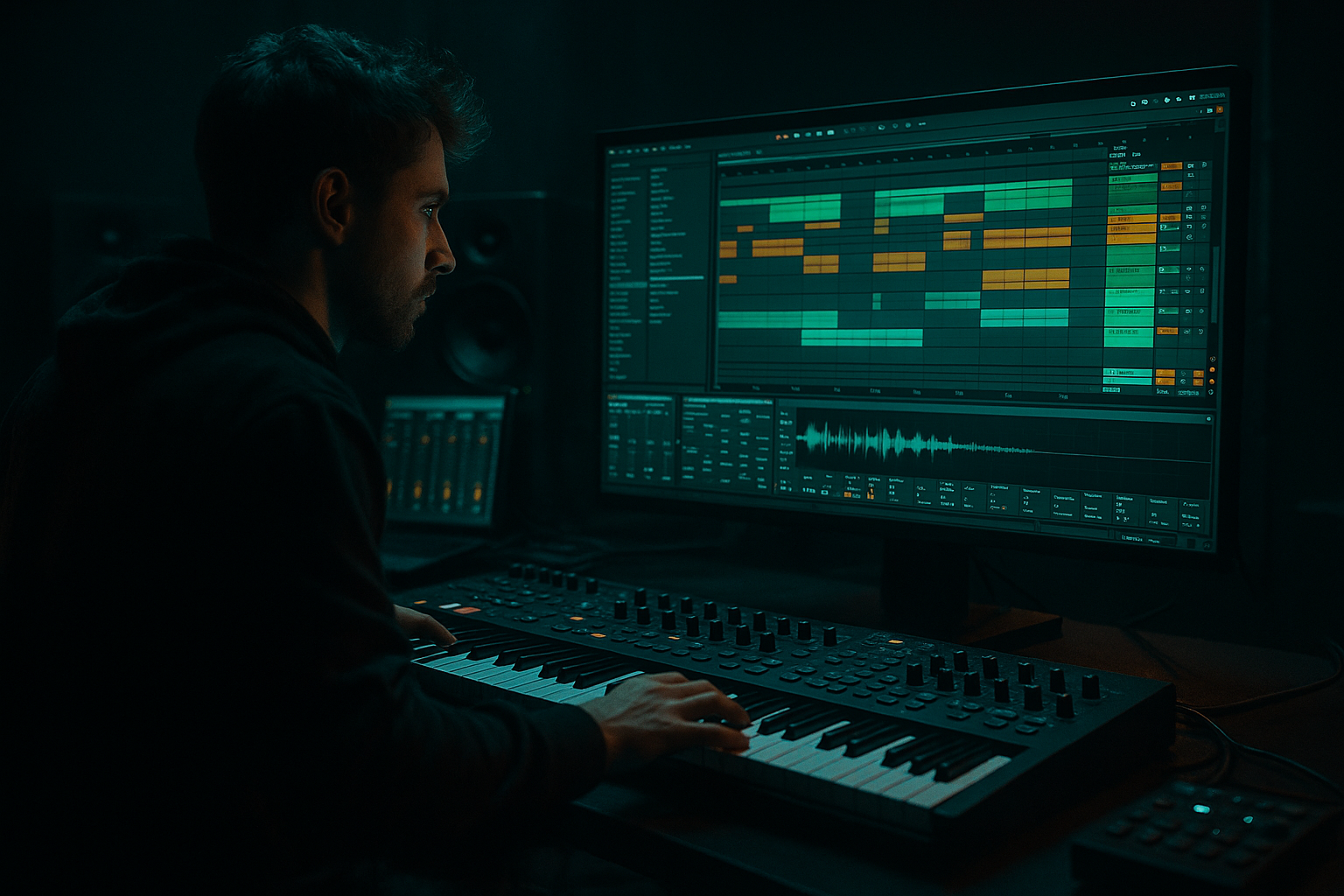
Main tutorial
```markdown
Resample a Snare Snap with Crunchy Sampler Texture (Ableton Live 12) 🥁🔥
Style goal: jungle / oldskool DnB snare snap with that gritty “sampled break” edge
Skill level: Intermediate | Category: Workflow
---
1. Lesson overview
In old jungle and early DnB, snares often feel resampled: slightly crushed, transient-forward, and “printed” through a sampler or lo-fi conversion. In Ableton Live 12, you can recreate that vibe by:
- Designing a snare snap layer
- Driving it into saturation + bit reduction
- Resampling the result to audio
- Re-importing into Simpler/Sampler for classic pitch + envelope shaping
- Making it sit correctly in a break-driven drum buss
- A snare snap (tight transient + crunchy top) that cuts through rolling bass
- A Resample Print track workflow (one-button-ish printing)
- A Sampler-style snare instrument (Simpler in One-Shot mode) with pitch/env control
- A DnB-ready drum buss that glues snap + breakbeat
- Add a break on another audio track (Amen-style or any crunchy loop) so you can mix the snap against real jungle context.
- Drop a clean snare sample into Simpler on `SNARE SNAP (MIDI)`.
- On `SNARE SNAP (MIDI)`, create an Instrument Rack with 2 chains:
- Mode: One-Shot
- Warp: Off (for crisp transient)
- Voices: 1
- Filter: On
- Amp Envelope:
- Mode: One-Shot
- Warp: Off
- Amp envelope:
- Pitch:
- Velocity → Volume: 10–25% (makes repeated hits feel less static)
- Optional: Random → Pitch (if using Sampler or Simpler with modulation): tiny amount like 1–3 cents equivalent. Keep it subtle.
- Put your break playing continuous 16ths (or chopped)
- Add your `SNARE FINAL` on 2 and 4
- Optional: add extra ghost snares just before 2 and 4 (like 1/16th early at low velocity) for shuffle
- Create a short reverb send with Hybrid Reverb:
- Send just a little snare to it (you want a hint of space, not a wash).
- Warp left ON when resampling/playing one-shots → softens transients and can smear the snap.
- Too much bit reduction (e.g., 4–6 bits full wet) → becomes fizzy noise instead of crunchy snap.
- No high-pass control → snare fights bass and kick, muddying the roll.
- Over-compressing the snare alone → makes it small; in jungle, the drum buss often does more than single-hit compression.
- Printing too hot → ugly digital clipping (unless you intentionally want that specific crackle).
- Tune the snap to the track: if your bass is in F, try pitching snare to sit around a pleasing zone (often -1 to -4 semis from the source works).
- Transient-first EQ: boost 3 kHz a touch before saturation for a nastier bite; cut after if it gets harsh.
- Parallel dirt on the drum group:
- Short gated reverb for menace:
- Layer with a thin clap/noise (quiet!) for that old rave edge, but keep your resampled snap as the leader.
- Build a clean snap source in Simpler.
- Add a crunch chain (Saturator → Redux → EQ → Drum Buss).
- Resample Post-FX to commit that texture.
- Edit tightly, then re-load into Simpler for sampler-style pitch/envelope control.
- Mix it into a break-led drum buss with subtle glue and short room space.
This lesson is about workflow and repeatability: you’ll build a fast “print-and-reload” chain you can use on any drum.
---
2. What you will build
By the end you’ll have:
---
3. Step-by-step walkthrough
Step 0 — Session setup (DnB-friendly)
1. Set tempo to 170–174 BPM (try 172).
2. Create three tracks:
- MIDI Track: `SNARE SNAP (MIDI)`
- Audio Track: `RESAMPLE PRINT`
- MIDI Track: `SNARE FINAL (SIMPLER)`
Optional but recommended:
---
Step 1 — Build a clean snare snap source (fast + controllable)
You want something transient-heavy that you can destroy after.
Option A (quick): Start from a snare one-shot
Option B (more “engineered” snap): Layer a click with a snare
1. Click chain: a very short rim/click or even a hi-hat transient
2. Body chain: snare or short noise burst
Simpler settings (both options):
- Type: HP24
- Freq: 150–250 Hz (remove low thump; let the break/bass own the low end)
- Attack: 0.0–0.5 ms
- Decay: 90–160 ms
- Sustain: -inf (or very low)
- Release: 30–60 ms
Goal check: It should sound too clean right now. That’s fine.
---
Step 2 — Add “sampled hardware” crunch with a simple, print-ready chain 😈
On `SNARE SNAP (MIDI)`, add this device chain in order:
1. Saturator
- Mode: Analog Clip
- Drive: +4 to +10 dB (push until it bites)
- Soft Clip: On
- Optional: turn DC filter On (helps keep it tidy)
2. Redux (this is your “old sampler” energy)
- Bit Reduction: 8–12 bits (start at 10)
- Downsample: 1.5–3.5 (start around 2.2)
- Dry/Wet: 30–60%
Keep it partly blended so you keep snap and grit.
3. EQ Eight
- High-pass: 140–220 Hz (again, keep it snappy)
- Presence boost:
- Bell at 2.5–4.5 kHz, +2 to +5 dB, Q ~ 0.7–1.2
- Air control:
- If it’s fizzy, shelf down 10–14 kHz by 1–3 dB
4. Drum Buss (for smack + glue)
- Drive: 5–15%
- Transient: +10 to +35 (this is big for “snap”)
- Boom: Off (or set very low; you don’t need boom for this layer)
Mix tip: Adjust device output so you’re not clipping the channel. You want density without accidental digital overs.
---
Step 3 — Resample (print) the crunch to audio 🎛️➡️🎚️
This is the key “oldskool” step: committing the processing.
Method (classic Live workflow):
1. On `RESAMPLE PRINT` (Audio track):
- Set Audio From: `SNARE SNAP (MIDI)`
- Choose Post-FX (important: prints the crunch chain)
- Set Monitor: In
- Arm `RESAMPLE PRINT`
2. Solo `SNARE SNAP (MIDI)` for clean printing.
3. Record a few hits:
- Create a 1-bar MIDI clip with snares on 2 and 4 (or even 8 repeated hits).
- Hit record and capture multiple hits with slight velocity differences if possible.
Why multiple hits? You’ll pick the best transient and/or build a mini round-robin later.
---
Step 4 — Edit the resampled audio like a break editor ✂️
On the recorded audio in `RESAMPLE PRINT`:
1. Choose the best hit (most aggressive transient without ugly fizz).
2. Crop to the hit (right-click → Crop Sample).
3. In the clip view:
- Warp: Off (keep the transient intact)
- Use Fade In: tiny, like 0.2–1.0 ms (prevents clicks)
4. Consolidate if needed (Cmd/Ctrl+J) so it’s a clean file.
DnB taste: Don’t over-trim the tail. A slightly “choked” tail feels authentic, but too short can sound like a click. Aim for a tail around 120–200 ms depending on your track density.
---
Step 5 — Re-load into Simpler and treat it like a jungle sampler 🎚️🧪
Drag the cropped resampled hit onto `SNARE FINAL (SIMPLER)`.
Simpler settings:
- Attack: 0 ms
- Decay: 100–180 ms
- Release: 40–80 ms
- Start at -1 to -3 semitones for heavier jungle weight
- Or +1 if you need it to cut through bright breaks
Add “sampler movement” (subtle but effective):
---
Step 6 — Make it sit with breaks (arrangement + bussing)
Oldskool jungle drums are often break-first with added hits for impact.
Typical arrangement idea (2-bar loop):
Bussing workflow:
1. Route break + `SNARE FINAL` to a Drum Group (Group Track).
2. On the group, add:
- Glue Compressor
- Attack: 3 ms
- Release: Auto
- Ratio: 2:1
- Aim for 1–3 dB gain reduction on snare hits
- Saturator
- Drive: +1 to +4 dB
- Soft Clip: On
- Optional: EQ Eight for a small 200–300 Hz cut if things get boxy
Classic jungle spatial trick (tiny room):
- Use Room or Chamber
- Decay: 0.3–0.7 s
- Pre-delay: 10–25 ms
- High-pass in the reverb: 300–600 Hz
---
Step 7 — Bonus: “Double-print” for extra grit (authentic sampled feel) 🧱
If it still feels too clean:
1. Take `SNARE FINAL` and resample it again with lighter settings:
- Redux: 12-bit, downsample 1.2–2.0, mix 20–40%
- Saturator: +2–5 dB
2. Print it again and re-load into Simpler.
That second generation often adds a glued harshness that screams 90s sampler.
---
4. Common mistakes
---
5. Pro tips for darker/heavier DnB 🌑
- Create a return track with Saturator + Redux + EQ and send drums lightly.
- Filter lows out on the return (HP at 400–800 Hz) so the grit lives on top.
- Hybrid Reverb (Room), then Gate after it.
- Gate: fast attack, release timed to 1/16–1/8 so it “puffs” then stops.
---
6. Mini practice exercise (15–20 minutes) ⏱️
1. Make three resampled snares:
- A: 12-bit, light downsample (cleaner)
- B: 10-bit, medium downsample (classic crunch)
- C: 8-bit, heavier downsample + more Drum Buss transient (aggressive)
2. Put a break loop underneath.
3. Try each snare in the same pattern and adjust only:
- Pitch (±3 semis)
- Amp decay (90–180 ms)
- Tiny send to short room reverb
4. Pick the one that cuts through the break without needing huge volume.
Deliverable: a 4-bar drum loop that feels like a proper jungle roller with a modern edge.
---
7. Recap ✅
If you want, tell me what kind of break you’re using (Amen / Think / custom) and whether your track is more rollers or techstep/darkside—I can suggest exact snap tuning + buss settings to match.
```

