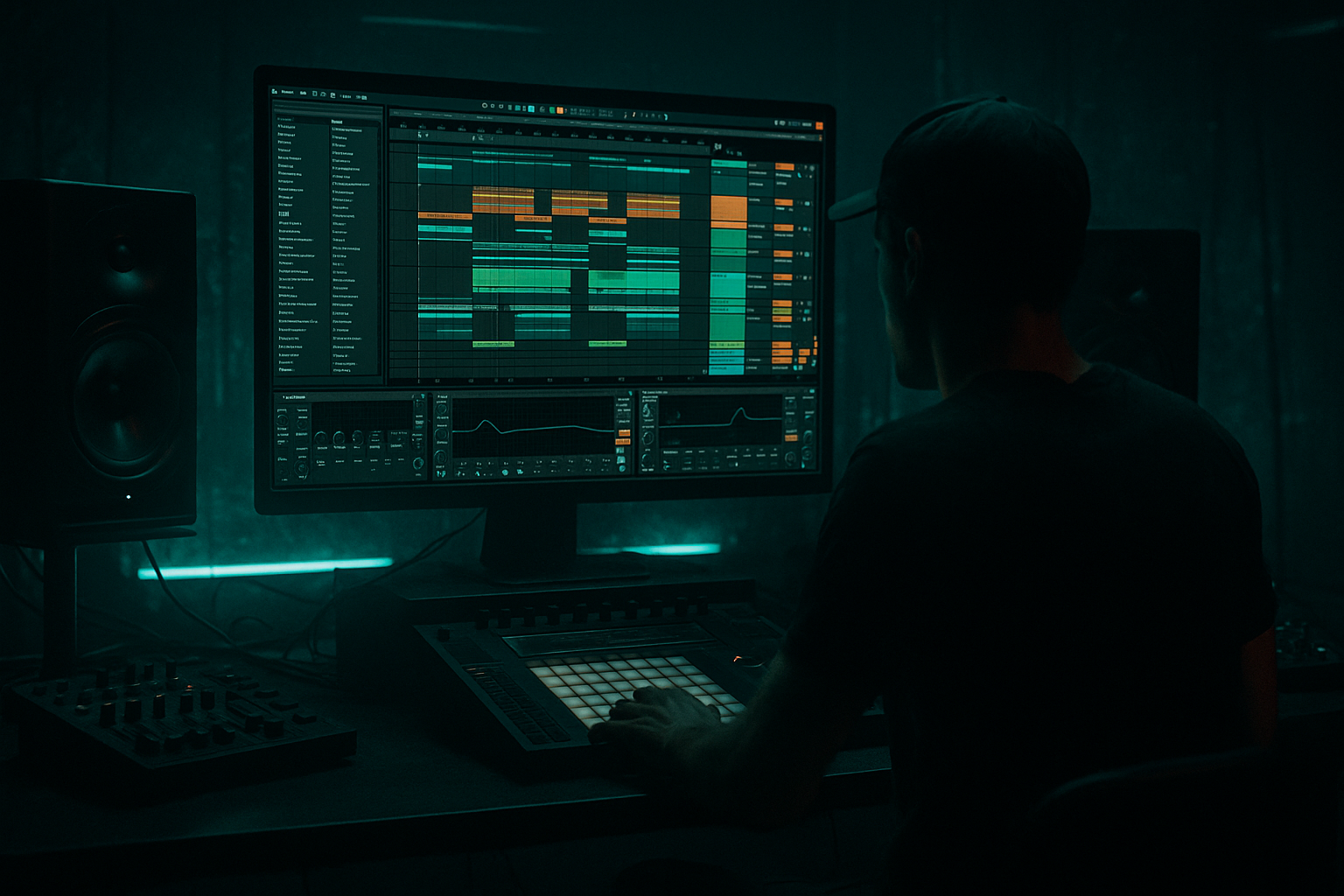
Main tutorial
```markdown
Reese Chop Ghost Deep Dive (Ableton Live 12)
Rewind‑worthy drops for jungle / oldskool DnB vibes 🔥🌀
Skill level: Intermediate
Category: DJ Tools (production tools that translate to DJ‑style impact)
---
1. Lesson overview
A classic jungle/DnB “rewind moment” is often not a brand-new sound—it’s a bass phrase you’ve heard before, but chopped with intent, with ghost notes, pull-backs, and micro-silences that make the crowd lean forward.
In this lesson you’ll build a Reese bass rack and a chop + ghost workflow in Ableton Live 12 that lets you:
- Create tight reese stabs and rolling tails
- Add ghost hits (quiet “shadow notes”) that glue rhythm together
- Commit to audio for razor edits (oldskool energy) ✂️
- Arrange a drop that screams “reload!” without sounding gimmicky
- A Reese Bass Instrument Rack (stock devices) with:
- A “Chop Bus” audio track ready for:
- A 16-bar drop template with call/response chops, ghost fills, and impact gaps.
- Main reese chop on downbeats
- Ghosts fill the “breathing” spaces
- Keep sub steady (long notes or tied notes)
- Introduce a new chop (higher slice) on every 2nd bar
- Add a 1/8-note pullback before a snare (micro-silence is power)
- Add a filtered “question” phrase:
- Add a single long reese tail at bar 12 end (set up the switch)
- Do a fake-out:
- Over-layering the sub: If your mid reese has lots of low-end, you’ll get phasey “whoomp.” High-pass mids and keep sub pure.
- Ghost notes too loud: If you hear them like main notes, they’re not ghosts—turn them down and/or darken them.
- Chopping without fades: Click city. Use tiny clip fades or consolidate with fades.
- Warp mode smearing: Complex/Complex Pro can blur bass. Try Beats mode or minimal warping.
- No arrangement dynamics: Constant chopping with no gaps = fatigue. Silence is part of the groove.
- Split distortion by band:
- Mono the low mids slightly:
- Pitch dips for menace:
- Oldskool swing:
- Break compatibility:
- You built a multi-lane stock Reese (sub/mid/grit) that’s stable and mixable.
- You committed to audio, then used Slice to MIDI for fast jungle-style chop performance.
- You added ghost chops using velocity + filtering (or a dedicated ghost lane).
- You arranged a 16-bar drop using space, pullbacks, and call/response—the stuff that triggers rewinds. 🔁
---
2. What you will build
You’ll end up with:
- Clean sub lane
- Mid reese lane
- Movement + grit lane
- Slice-to-MIDI chops
- Ghost notes (velocity/volume ghosts)
- DJ-style pull-backs
---
3. Step-by-step walkthrough
A) Session setup (jungle-ready)
1. Tempo: 165–172 BPM (try 168 BPM for classic rolling feel).
2. Grid: Set to 1/16 (you’ll switch to 1/32 for micro edits later).
3. Project defaults (helpful):
- Turn on Groove Pool view (we’ll add swing later).
- In Preferences → Record/Warp/Launch: make sure Create Fades on Clip Edges is enabled (helps with clicks).
---
B) Build a stock Reese (Instrument Rack)
Create a MIDI Track → add Instrument Rack named: `REESE - Chop Ghost`.
#### Chain 1: SUB (clean, stable)
1. Add Operator
- Algorithm: A only
- Osc A waveform: Sine
- Octave: -1 (or -2 depending on key)
2. Add EQ Eight
- Low-pass around 90–110 Hz (gentle slope)
3. Optional: Compressor
- Ratio 2:1, slow-ish attack 15–30ms, release 80–150ms
- Just 1–2 dB GR to even it out.
✅ Goal: sub is boring and consistent.
#### Chain 2: MID Reese (the classic growl)
1. Add Wavetable (or Operator if you prefer)
- Wavetable:
- Osc 1: Basic Shapes (saw-ish)
- Osc 2: Basic Shapes (square-ish)
- Detune: 10–25 cents
- Unison: 2–4 voices, Amount low/moderate
2. Add Chorus-Ensemble
- Mode: Chorus
- Rate: 0.25–0.60 Hz
- Amount: 15–35%
- Width: 120–160%
3. Add Auto Filter
- Type: LP24
- Frequency: start around 200–600 Hz
- Envelope amount: subtle (5–15), short decay
4. Add Saturator
- Mode: Analog Clip
- Drive: 3–7 dB
- Soft Clip: ON
5. Add EQ Eight
- High-pass at 90–120 Hz (keep sub lane clean)
- Optional dip around 250–400 Hz if it gets boxy.
✅ Goal: mid layer has “teeth” but leaves room for sub.
#### Chain 3: MOVEMENT / GRIT (oldskool air + edge)
1. Duplicate MID chain or start fresh.
2. Add Frequency Shifter
- Mode: Ring Mod
- Fine: 10–40 Hz (small movement)
- Mix: 10–25%
3. Add Amp (yes!)
- Preset: start with Bass / Clean
- Drive: 2–5
4. Add Redux (very subtle)
- Downsample: 1.2–2.0
- Bit Reduction: 0 or tiny
- Dry/Wet: 5–15%
5. EQ Eight: high-pass 150–250 Hz (this is texture only).
✅ Goal: adds dirt that reads on small systems and through busy breaks.
---
C) Make it “choppable” (commit to audio like a jungle head)
1. Write a 2-bar Reese phrase in MIDI:
- Keep it simple: root note + a couple of jumps (e.g., root → b7 → root)
- Rhythm: start with 1/8 notes, then add a few 1/16 pushes
2. Freeze & Flatten the Reese MIDI track (or resample):
- Create an Audio Track named `REESE CHOPS (AUDIO)`
- Set the Reese track output to Resampling OR record the track’s output into audio.
Why: Audio gives you fast, brutal edits—this is where the rewind magic lives.
---
D) Slice to MIDI for quick chop kits
1. On the audio clip: right-click → Slice to New MIDI Track
2. Settings:
- Slice by: Transient (or 1/16 if your phrase is smooth)
- Create one slice per: transient
- Slicing preset: Built-in (Simpler)
3. Now you have a Simpler with each hit mapped across MIDI notes.
✅ You can “play” chops like a drum kit—very DJ tool friendly.
---
E) The “Ghost Chop” concept (what it is + how to do it)
A ghost chop is a quieter, shorter, often filtered version of the main reese hit. It creates momentum without stealing the spotlight.
#### Method 1: Velocity ghosts inside the Simpler MIDI
1. Program a 1-bar pattern (typical rolling pocket):
- Main hits: on 1, 1.2, 1.3.3 (feel it out)
- Ghost hits: between mains, often 1/16 late or on off-steps
2. Ghost velocity targets:
- Main hits: 90–120
- Ghost hits: 20–55
3. In Simpler:
- Turn on Filter (LP24)
- Map Velocity → Filter (so ghosts are darker)
- In Live: use Modulation in Simpler (Vel to Filter / Amount)
- Aim for ghosts to lose top-end while mains stay bright.
✅ Result: ghosts feel like movement, not extra notes.
#### Method 2: Duplicate lane + “Ghost Bus” processing (super controllable)
1. Duplicate the audio chop track: `REESE GHOST`
2. Clip Gain: pull down -8 to -14 dB
3. Insert chain on `REESE GHOST`:
- Auto Filter: LP24, 200–500 Hz
- Utility: Width 0–50% (narrow ghosts)
- Saturator (gentle): Drive 1–3 dB
- Optional Gate:
- Fast attack, short release to make “ticks”
4. Use ghosts only on leading into snare or into phrase turns.
✅ This is the “shadow” of the reese—very oldskool, very effective.
---
F) Tight chops without clicks (micro-edit discipline)
When you hard-chop reese audio, clicks happen. Handle it properly:
1. In the audio clip view:
- Turn on Fade and use tiny fades:
- Fade in: 1–3 ms
- Fade out: 3–10 ms
2. Warp mode:
- For bass audio, try Complex Pro OFF (often too smeary)
- Use Beats mode:
- Preserve: Transient
- Envelope: 50–90 (tweak for punch vs smooth)
---
G) Build a rewind-worthy drop arrangement (16 bars)
We’ll use negative space + call/response like classic jungle.
#### Bars 1–4: Statement (simple, heavy)
Tip: Let the drums be the busy part at first—bass sets the authority.
#### Bars 5–8: Add conversation
DJ tool move: 1/4 bar of silence before a slam back in.
#### Bars 9–12: Variation + menace
- Automate Auto Filter cutoff down on bar 9
- Snap it open on bar 10 beat 3
#### Bars 13–16: The “reload bait”
- Bar 15 beat 4: cut everything except a tiny ghost reese + hat
- Bar 16 beat 1: full slam back (main chop + sub + break)
Optional: Add a vocal stab (“REWIND!” style) but keep it tasteful 😄
---
H) Glue it with sidechain and bus control (stock devices)
Create a Bass Bus group (all bass lanes inside).
1. On Bass Bus: Compressor (sidechain to kick)
- Sidechain input: Kick track
- Ratio: 3:1
- Attack: 5–15 ms
- Release: 60–120 ms
- Aim: 2–5 dB GR on kick hits
2. Add EQ Eight after compressor:
- Cut a little 200–350 Hz if muddy
- Optional gentle shelf down 5–8 kHz if the reese hisses
3. Optional Limiter (light safety):
- Just catch peaks (1–2 dB max)
---
4. Common mistakes
---
5. Pro tips for darker/heavier DnB 🖤
Use Audio Effect Rack on the MID/GRIT lanes:
- Chain A (200–800 Hz): Saturator heavier (Drive 6–10 dB)
- Chain B (800 Hz–4 kHz): lighter, keep articulation
On bass bus Utility: Bass Mono 120–160 Hz (or Width <100 below ~200 using rack splits).
In Simpler, automate Pitch Env slightly down at the start of main hits (very short). Makes it “slam.”
Add a Groove (e.g., MPC-ish or shuffled 16ths) to ghost MIDI only, not the main hits. Subtle pocket shift = roll.
If you’re using classic breaks, carve bass around the snare crack:
- Small dip 180–220 Hz or 2–3 kHz depending on snare tone.
---
6. Mini practice exercise (15 minutes) 🎯
1. Make a 2-bar reese phrase and render to audio.
2. Slice to MIDI (transient) and program a 1-bar loop:
- 4 main hits (vel 100)
- 6–10 ghost hits (vel 25–45)
3. Create a 1/4 bar silence right before bar 2 beat 1, then slam back in.
4. Bounce a quick demo and listen:
- Do the ghosts pull you forward?
- Does the silence make the return hit feel bigger?
---
7. Recap
If you want, tell me your target vibe (e.g., Metalheadz dark, 94 ragga jungle, techstep-ish) and I’ll suggest a specific 16-bar chop pattern + device macros to match.
```

