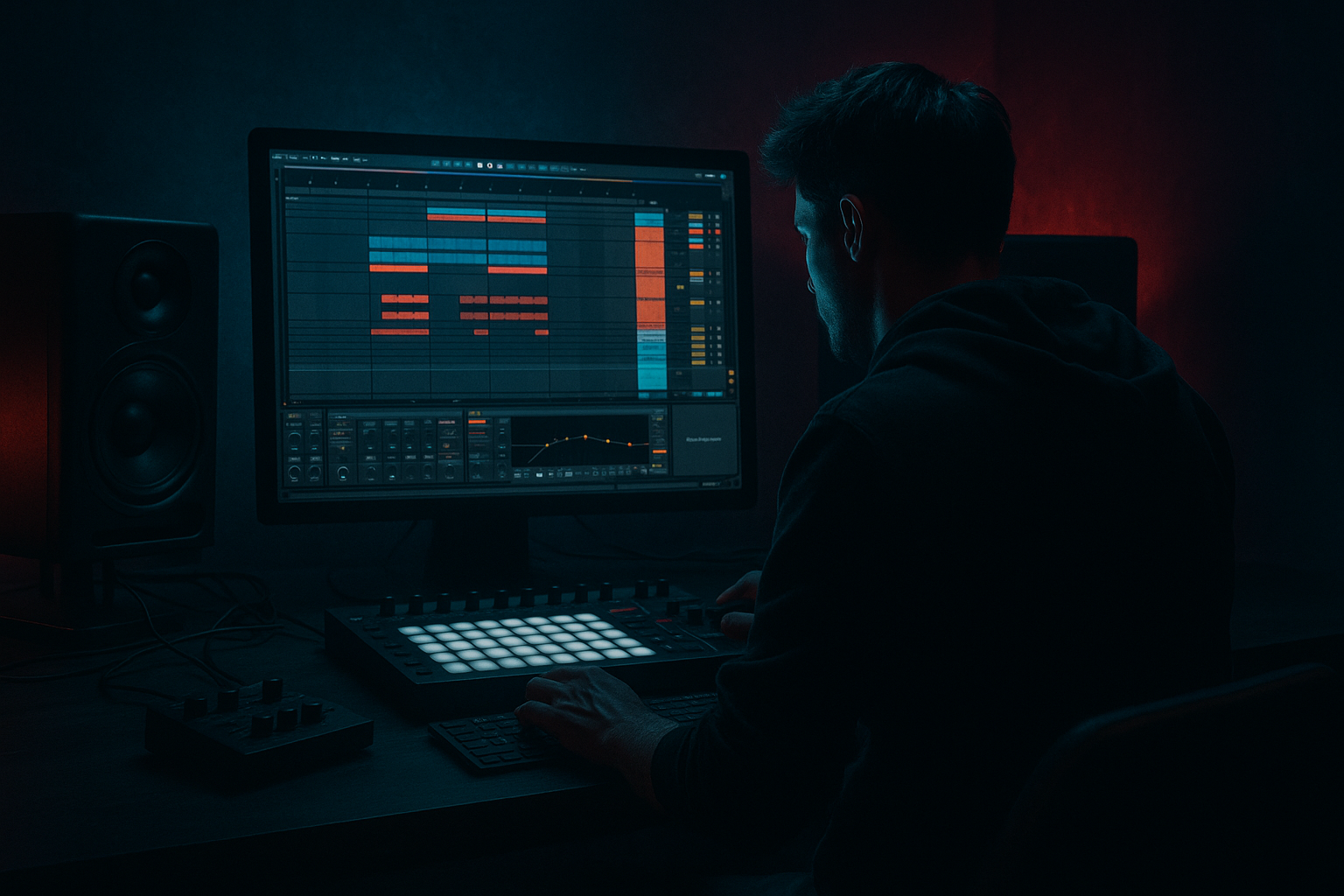
Main tutorial
Lesson Overview
This lesson shows you how to rebuild a VHS-rave stab in Ableton Live 12 and place it inside a DJ-friendly DnB structure so it actually behaves like part of a track, not just a cool loop.
A VHS-rave stab lives in the space between rave memory and modern low-end discipline: bright, slightly worn, chord-like, and punchy enough to cut through drums without fighting the sub. In Drum & Bass, this kind of stab usually appears in the intro, mid-drop call-and-response, switch-up, or second-drop variation. It works especially well in rollers, jungle-influenced tunes, dark dancefloor, and nostalgic club tracks where you want energy without full harmonic clutter.
Musically, the point is to make a stab that feels like it came from an old tape or a chopped rave record, but technically still sits cleanly in a contemporary DnB arrangement. You’ll learn how to build the sound with stock Ableton devices, print or edit it into a usable phrase, and structure it so a DJ can mix into and out of it without chaos.
By the end, you should be able to hear a stab that sounds:
- urgent, gritty, and slightly haunted
- rhythmically locked to 170ish BPM energy
- strong enough to punctuate the drop
- clear in mono and not stepping on the kick, snare, or sub
- arranged in a way that gives your track proper DJ movement and section contrast
- a bright but slightly degraded tone
- a short, snappy envelope with a little tail
- syncopated rhythmic placement that answers the drums
- enough midrange presence to cut on small club systems
- controlled stereo width so the low mid stays stable
- a polished level where it can sit in the track without flattening the drums
- a drop accent
- a call-and-response hook
- a DJ-friendly intro tool before the full drums arrive
- a second-drop variation that changes the vibe without changing the core groove
- Use chord voicing discipline. If the stab feels too pretty, simplify the voicing. In darker DnB, a tighter minor stack or partial chord often hits harder than a full lush chord.
- Layer a tiny noise or top transient, not a whole second synth. A little high-frequency edge can make the stab cut through break-heavy drums without filling up the low mids.
- Print and chop the tail. A short, edited tail often sounds more expensive than endless reverb. It keeps the stab nervous and punchy.
- Let one version be cleaner and one version be dirtier. First drop can be more readable; second drop can carry extra saturator drive or a slightly more crushed printed version. That contrast makes the tune feel bigger.
- Keep the sub out of the identity sound. The stab should suggest energy above the sub, not compete with it. Dark DnB relies on separation: the bass owns the floor, the stab owns the memory.
- Use one dramatic accent, not constant aggression. A single reverse lead-in, a filtered pre-hit, or a delayed answer note can create more menace than nonstop processing.
- Check the stab on small speakers and in mono. If the hook disappears, it was probably relying on stereo width or low mids instead of actual midrange character.
- Use only Ableton stock devices
- Build it from one synth patch only
- Keep the phrase to 2 bars
- High-pass the stab so it does not compete with the sub
- Make one clean and one dirtier version
- a 2-bar MIDI or audio phrase
- a filtered intro version
- a full drop version
- a quick 8-bar loop with drums and bass underneath
- Does the stab sound like a hook, not just a chord?
- Can you hear the snare clearly when the stab plays?
- Does the full version still work in mono?
- Would this help a DJ mix into the tune?
What You Will Build
You will build a short VHS-style rave stab phrase made from a simple chord hit, then processed into something that feels worn, animated, and club-ready.
The finished result should have:
In a real tune, this sound would work as:
Success looks like this: when you mute the drums, the stab sounds like a cool nostalgic rave texture; when you bring the drums back in, it locks into the pocket and adds character without making the mix cloudy or the low end weak.
Step-by-Step Walkthrough
1. Set up a clean 8-bar working loop at DnB tempo
Start in Ableton Live with a loop around 174 BPM. Make an 8-bar section so you can hear the stab in context, not just in isolation. Put a simple DnB drum loop underneath: kick on the usual strong positions, snare on 2 and 4, and a hi-hat or break top for motion. If you already have a bass idea, drop in even a simple sub note so you can hear how the stab behaves around it.
Why this matters: a VHS-rave stab is not just a sound-design exercise. In DnB, its real job is to occupy the midrange rhythm lane between drums and bass. You need the drums present early so you can judge whether the stab is helping the groove or smearing it.
What to listen for:
- Does the stab punch through without making the snare feel smaller?
- Does it leave enough space in the lower mids for bass weight?
2. Build the source sound with a simple stock instrument
Use Wavetable, Operator, or Analog if you already know one of them. For a beginner, Wavetable is a good starting point because it’s straightforward. Choose a basic bright source such as a saw or square-leaning waveform, then play a short minor-chord shape or a two-note stack that feels rave-like.
A good starting point:
- Oscillator blend: mostly saw, with a little square if needed
- Unison: light, not huge
- Detune: small amount only
- Amp envelope: fast attack, short decay, low sustain, short release
Useful starting ranges:
- Attack: 0–10 ms
- Decay: around 200–600 ms
- Sustain: near 0 to 20%
- Release: 50–150 ms
Why this works in DnB: rave stabs need to be immediate. In a 170 BPM track, a slow attack or long sustain turns a stab into a pad and starts interfering with the groove. You want chord energy that behaves like percussion.
3. Shape the stab into a percussive hit, not a chord wash
Now tighten the sound so it hits like a phrase element. Use the instrument’s envelope or filter envelope to make the beginning brighter than the tail. If you’re using Wavetable, a modest filter with envelope movement helps. If you’re using Analog or Operator, keep the body simple and shorten the note lengths.
Try this kind of shape:
- Low-pass filter cutoff somewhere around 500 Hz to 4 kHz, depending on brightness
- Slight resonance if you want a more “rave” vocal-like edge
- Envelope amount just enough to make the front of the stab leap out
The goal is not a perfect synth patch. The goal is a stab that says “rave memory” in the first 100 milliseconds.
What to listen for:
- The start should feel like a hit, not a swell
- The tail should decay quickly enough that the next drum hit still feels clean
4. Add VHS character with stock Ableton processing
Now put the stab through a simple stock chain. A practical starting chain is:
Chain A: Auto Filter → Saturator → EQ Eight
Or, if you want more crunch:
Chain B: Saturator → Redux → EQ Eight
For Chain A:
- Auto Filter: low-pass or band-pass depending on brightness
- Saturator: drive around 2–6 dB
- EQ Eight: cut muddy low mids around 200–500 Hz if needed, and trim harsh peaks around 3–6 kHz if the stab gets brittle
For Chain B:
- Saturator first to thicken the body
- Redux very lightly for a worn digital edge
- EQ Eight after to tidy the tone
Use chain A if you want a cleaner, more mix-friendly VHS vibe. Use chain B if you want more grime and bite. That’s your A versus B decision point:
- A = cleaner nostalgic rave stab
- B = rougher, more damaged underground stab
Don’t overdo Redux. A little goes a long way. In a DnB mix, too much bit reduction can make the stab feel detached from the drums and too harsh on systems that already exaggerate upper mids.
5. Turn the sound into a rhythm, not just a single hit
Draw in a short phrase in the MIDI clip. Instead of one stab on the bar, try a 2-bar call-and-response idea:
- bar 1: stab on beat 1 and a syncopated hit on the “and” of 2
- bar 2: leave space, then answer on beat 3 or the “and” of 4
Another useful pattern is a 1-bar motif repeated with tiny changes:
- first hit loud
- second hit lower velocity or shorter note
- third hit delayed slightly for a push-pull feel
This is where the stab starts acting like a DJ tool. It gives the listener a shape to follow and creates space around the snare impact.
What to listen for:
- Does the stab answer the drum loop instead of fighting the snare?
- Does the pattern feel like a hook, or does it just clutter the bar?
6. Tighten timing and make it feel sampled
To get that VHS-rave feel, you want the stab to feel like it was chopped from a sample, even if it came from a synth. Shorten note lengths so the gaps are clear. Then nudge the phrase slightly if needed so it lands with the groove.
In Live, keep the MIDI clip clean and use note lengths as your first control. If the stab still feels too stiff, add a tiny amount of swing by shifting only the off-beat notes forward or back a little. Be conservative. In DnB, a stab that’s too late can make the whole drop feel lazy.
A useful workflow tip: once the phrase feels right, stop editing the sound for a moment and test the rhythm against the drums and bass. If the groove works there, you’ve earned the right to keep going. If it doesn’t, no amount of extra saturation will save it.
Stop here if the stab is already:
- recognizable
- rhythmic
- not masking the snare
- still sounding good in mono
7. Resample or freeze the phrase if you want real VHS movement
If the stab is working, commit it to audio. This is a big workflow win in Ableton because it lets you treat the stab like a sample rather than a live synth patch. You can then chop the audio, reverse bits of it, or fade tails more precisely.
Once printed, try one of these:
- reverse a tiny tail into the main hit for a ghostly pre-hit
- duplicate the stab and pitch one layer slightly down for weight
- trim the tail so the snare retains authority
Why this works: sampled rave stabs usually feel more convincing when they have hard boundaries. Audio editing gives you that “lifted from old material” vibe without making the track messy.
8. Make the arrangement DJ-friendly
Put the stab into a proper track function. For a beginner-friendly DnB arrangement, use it like this:
- Intro: filtered stab hints with drums, so a DJ can mix in
- Drop 1: full stab phrase as a hook
- 8-bar variation: remove every second hit or shift the chord voicing
- Second drop: bring back the stab with a different rhythm or more distortion
A useful phrasing example:
- Bars 1–8: drum intro with filtered stab teaser
- Bars 9–16: first drop with full stab call-and-response
- Bars 17–24: bass-focused section with only occasional stab hits
- Bars 25–32: second drop with a more aggressive stab, maybe pitched up an octave or widened slightly
This keeps the track DJ-usable. The intro and outro give mix points, while the drop uses the stab as a recognizable identity element.
What to listen for:
- Can a DJ mix into the intro without the stab dominating the whole spectrum?
- Does the drop breathe enough for the snare and bass to stay powerful?
9. Check it against the bass and protect the low end
Bring in your bassline now. If the stab is bright and well-shaped, it should sit above the sub and most of the fundamental bass energy. If it’s too thick, cut the low end of the stab with EQ Eight. A common starting point is a high-pass somewhere around 120–250 Hz, depending on the sound.
Also check mono compatibility. If you widened the stab for excitement, keep the low mids and below stable. In club playback, wide low mids can blur the groove and make the bass feel less focused.
Simple rule:
- sub and bass: solid, centered, authoritative
- stab: character in the mids and highs, with controlled width
If the stab sounds huge solo but weak with bass, it probably has too much low-mid energy and not enough rhythmic definition. Fix that by removing mud before adding more processing.
10. Automate movement so the stab evolves across the tune
A VHS-rave stab gets boring if it stays identical for the whole track. Add a little automation to keep it alive:
- Auto Filter cutoff opening slightly before a drop
- Saturator drive increasing during the second half of a phrase
- Reverb send rising for the last hit of a section
- Utility width changing slightly between intro and drop, while keeping the low end mono-safe
Keep automation purposeful. A small shift in cutoff or drive is enough to create a section change. You do not need a giant effect ramp if the stab already has strong rhythmic identity.
One reliable move: in the last 1–2 bars before the drop, filter the stab down a touch, then let the full bright version hit on the one. That creates tension without stealing focus from the drum fill.
Common Mistakes
1. Making the stab too long
- Why it hurts: the stab turns into a pad and covers the snare and bass movement.
- Fix: shorten the MIDI notes, reduce release, and trim audio tails so the hit ends before the next key drum accent.
2. Over-widening the sound
- Why it hurts: wide low mids can smear the groove and weaken mono translation.
- Fix: keep the stereo effect subtle, high-pass the stab, and use Utility to keep the core centered if needed.
3. Leaving too much low-mid mud
- Why it hurts: the stab masks the bass body and makes the mix sound crowded.
- Fix: use EQ Eight to cut around 200–500 Hz if the stab feels boxy or cloudy.
4. Using too much Redux or distortion
- Why it hurts: the stab becomes harsh and loses the “rave” musicality.
- Fix: back off the effect amount, then restore body with a small Saturator drive rather than brute-force crunch.
5. Ignoring the drums while designing the sound
- Why it hurts: a great-sounding stab solo can fail in the actual drop.
- Fix: keep the drum loop playing while you tweak, and judge the stab against kick, snare, and hats every time.
6. No phrasing, just repeated hits
- Why it hurts: the part feels static and un-DJ-friendly.
- Fix: make a 2-bar call-and-response or a 4-bar variation with one changed hit or filtered repeat.
7. Over-filtering the intro
- Why it hurts: if the intro is too thin, DJs lose energy and the tune feels empty.
- Fix: leave enough midrange identity in the filtered version so the stab still hints at the drop.
Pro Tips for Darker / Heavier DnB
Mini Practice Exercise
Goal: build one usable VHS-rave stab phrase that can sit in a DnB drop.
Time box: 15 minutes
Constraints:
Deliverable:
Quick self-check:
Recap
A good VHS-rave stab in DnB is short, rhythmic, midrange-driven, and arrangement-aware. Build it with a simple stock synth, shape it with controlled saturation and filtering, then place it in a phrase that works with the drums instead of against them. Keep the low end clean, make the intro DJ-friendly, and let the second drop evolve the idea. If it feels nostalgic, punchy, and easy to hear in the mix without clouding the bass, you’ve nailed it.

