Main tutorial
Lesson Overview
A rave pressure edit is the kind of breakdown that feels like the track is being pulled tighter and tighter before the drop snaps back in. In Drum & Bass, this usually sits 8, 16, or 32 bars before the drop and works as a tension-building section that strips away the full drums and bass, then rebuilds energy with edits, stabs, vocal cuts, rewinds, atmospheres, and pressure tricks.
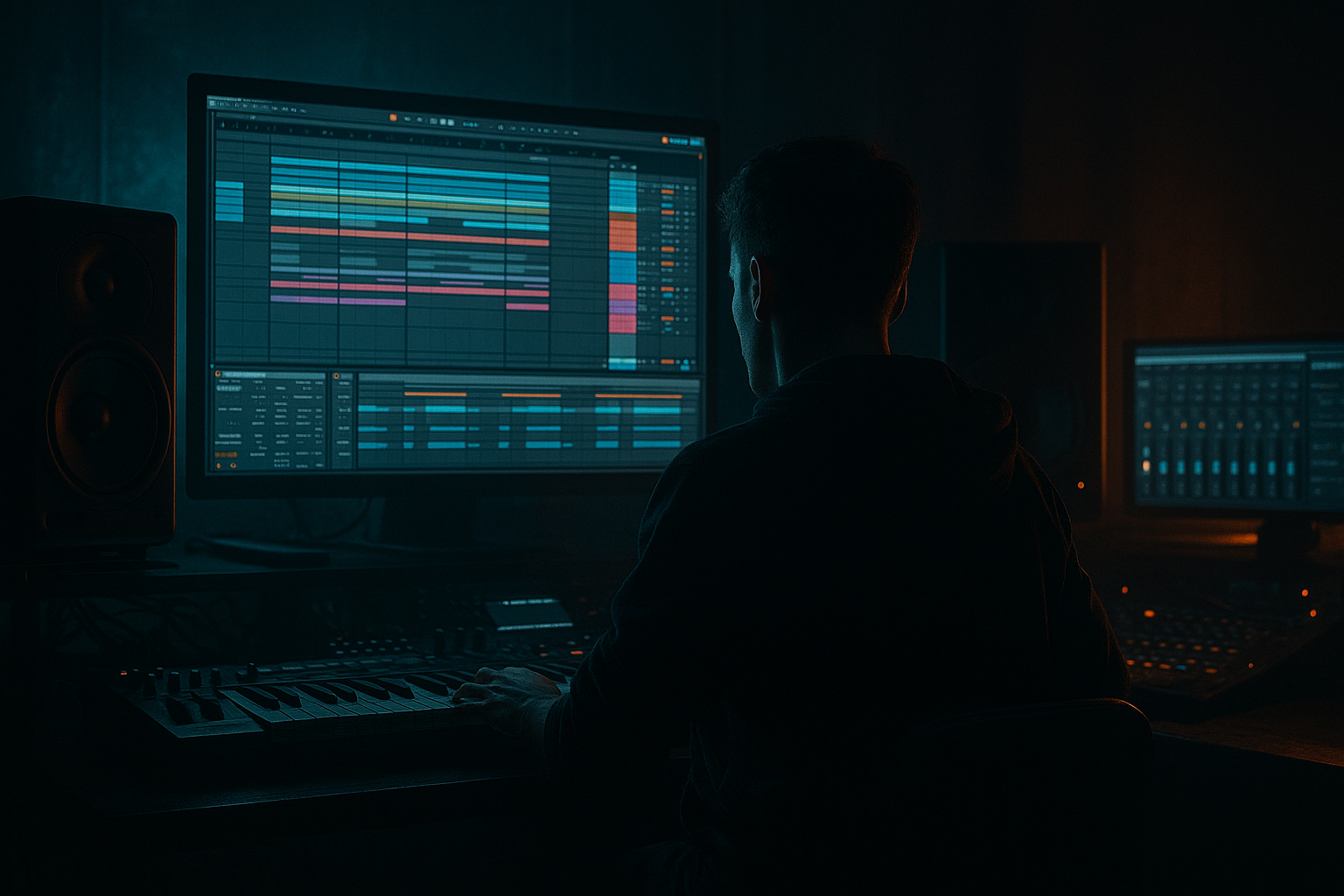
In this lesson, you’ll build a breakdown drive from scratch in Ableton Live 12 using stock tools only. The goal is not just to make “something atmospheric,” but to create a controlled, DJ-friendly tension section that feels authentic to modern DnB, jungle, rollers, neuro, and darker bass music.
Why this technique matters:
- It gives your track a clear arrangement identity instead of a flat second drop
- It creates space for contrast so the drop hits harder
- It teaches a workflow you can reuse across tracks: deconstruct, automate, resample, and reintroduce
- It helps you make breakdowns that still feel driven and musical, not empty
- A filtered drum/break loop with chopped ghost hits and groove movement
- A subtle reese or bass residue used as tension texture, not full weight
- Rave stabs / synth pulses for club energy
- A vocal or noise cut pattern used like a call-and-response hook
- Automated low-pass, reverb, delay, and utility width moves
- A final pre-drop suck-back / impact / rewind style release
- A clean arrangement that could sit in a rollers / jungle / dark dancefloor tune without clashing with the drop
- Making the breakdown too empty
- Leaving too much low end in the reverb
- Using huge stereo bass in the breakdown
- Overbuilding with too many stabs, risers, and fills
- Not shaping the phrase ending
- Automating only volume, not tone
- Use filtered reese residue
- Resample and re-chop
- Let one element carry the identity
- Use return tracks for pressure memory
- Control harshness before the drop
- Make the last bar almost too tense
- Build breakdowns as pressure systems, not just atmospheric gaps
- Keep rhythm memory alive with breaks, ghost notes, and sparse bass motion
- Use Ableton stock devices like Auto Filter, Echo, Reverb, Drum Buss, Utility, EQ Eight, and Wavetable/Operator
- Automate tone, space, and width as much as volume
- Plan the breakdown around the drop so the contrast lands hard
- In DnB, the best pressure edits feel tight, intentional, and DJ-ready
This is especially valuable in DnB because the genre depends on energy management. A good rave pressure edit keeps the listener locked in even when the drums pull back. The tension comes from groove memory, bass phrasing, automation, and motion—not just extra FX. 🔥
What You Will Build
You’ll build a 16-bar breakdown drive that starts tense and spacious, then steadily increases pressure until the next drop. The result will include:
Think of it as a breakdown that still has a pulse. The listener should feel:
1. the groove is being dismantled,
2. the pressure is building again,
3. the drop is about to explode.
Step-by-Step Walkthrough
1. Set up a fast, reusable breakdown group
- In Ableton Live 12, create three groups:
- DRUMS BREAK
- BASS PRESSURE
- FX / EDITS
- Put a MIDI or audio track inside each group so you can work modularly.
- Add Utility on each group for gain staging and quick mono checks.
- Set the DRUMS BREAK group to around -6 dB peak headroom to leave room for automation and the drop.
- Save this as a rough template section if you do this kind of edit often.
Workflow reason: grouping early keeps the breakdown fast to revise. In DnB, arrangement decisions happen quickly, and you want the option to mute the bass, swap a fill, or rebalance the edit without hunting across tracks.
2. Start with a break edit that still implies forward motion
- Pull in a clean break or your own drum loop. If you already have a main drop break, duplicate it and simplify it for the breakdown.
- On the break audio track, add:
- Warp on
- Complex Pro if the break needs preserving tone, or Beats if you want harder slicing
- Use Slice to New MIDI Track if you want to reconstruct the break as playable hits.
- In the MIDI clip, program a stripped pattern:
- keep the kick on strong downbeats
- leave space after the snare for tension
- add ghost hats / light snare grace notes
- Suggested processing:
- EQ Eight: high-pass around 120–180 Hz if the break is fighting the bass region
- Drum Buss: Drive around 5–15%, Crunch low or off if the break already has grit
- Transient control with Drum Buss Transients slightly up if the loop feels flat
Why this works in DnB: the listener needs rhythmic memory even when the drop energy is removed. A broken-up, edited break keeps the engine moving and stops the breakdown from feeling like dead air.
3. Build a bass pressure layer instead of a full bassline
- Duplicate your main bass or create a reduced version with a simple bass patch.
- If you’re building from scratch, use a Wavetable or Operator patch:
- Wavetable: start with a saw or square-based wavetable
- Low-pass filter around 150–400 Hz
- Add subtle Unison only if the top is controlled; keep low end mono
- Turn it into a tension element:
- play long notes, octave slides, or single-note pulses
- automate filter cutoff from 200 Hz to 1.5 kHz over 8–16 bars
- Add Saturator with Drive around 2–6 dB
- Add Utility after it and keep Width at 0% below the sub region if you use a multiband split, or simply keep the whole bass mono if it’s mainly low-mid tension
- If you want the bass to feel like it’s “pressing” without dominating, automate its volume in small moves of -3 to +2 dB around phrase points
Arrangement idea: if your drop is aggressive neuro or dark rollers, the breakdown bass should hint at the drop’s tone rather than fully expose it. One-note pulses and filtered movement work better than a full 16-bar bassline.
4. Create the rave pressure hook with stabs, vocal chops, or synth hits
- Add a new MIDI track using Analog, Wavetable, or Simpler if you’re slicing a rave stab sample.
- Program a short pattern with offbeat tension hits, for example:
- bar 1 and 3: single stab
- bar 2 and 4: response stab or vocal cut
- Keep the rhythm sparse. The aim is pressure, not a busy lead.
- Processing chain suggestion:
- Auto Filter with resonance around 10–25%
- Echo with a short synced delay, try 1/8 dotted or 1/4, feedback around 15–35%
- Reverb with decay around 1.5–4 seconds, but high-pass the return so the low end stays clean
- Use automation to open the filter or feedback at the end of 4-bar phrases.
If you’re building a classic rave pressure moment, a single stab can become the hook. The point is not melody complexity—it’s the recognisable hit pattern that feels like a crowd cue.
5. Design a tension FX chain using stock Ableton devices
- On your FX / EDITS group, create a dedicated return or audio track for pressure FX.
- Useful stock devices:
- Reverb for wash
- Echo for rhythmic tails
- Grain Delay for broken-up texture
- Auto Filter for sweep control
- Spectral Time if you want a more modern smeared tension cloud
- Suggested workflow:
- Route your stab, vocal chop, or break snippets into a return with Echo + Reverb
- Automate send amounts only at phrase endings
- Use Auto Filter before reverb to keep low-end out of the wash
- For a rewind or suck-back feel:
- automate the master or group volume down over 1/4 to 1 bar
- add a very short impact or reverse FX sample into the last beat before the drop
- cut the reverb tail with an arrangement clip mute if it clouds the drop entry
Concrete setting idea:
- Echo: Dry/Wet 20–35%, feedback 25–45%, filter on
- Reverb: Dry/Wet 8–18% on insert, higher on send if needed
- Auto Filter: high-pass sweep from 80 Hz to 400 Hz on FX returns to keep the drop clean
6. Automate the pressure curve across 8 or 16 bars
- Open Arrangement View and map the breakdown as a clear energy path:
- bars 1–4: reduce elements, establish space
- bars 5–8: reintroduce movement
- bars 9–12: add stabs, filter opens, more ghost percussion
- bars 13–16: strongest tension, pre-drop silence, impact, or rewind
- Automate these key parameters:
- bass filter cutoff
- reverb dry/wet
- delay feedback
- break loop filter
- Utility gain on the bass or drum group
- drum bus drive or transient intensity
- Use Clip Envelopes for pattern-based moves and Arrangement Automation for longer arcs.
- Keep automation curves intentional:
- gradual rises for pressure
- sudden drops for impact
- small micro-moves for realism
Musical context example: if your track sits around 174 BPM, a 16-bar breakdown gives enough time to create a proper DJ-friendly transition while still keeping the dancefloor engaged. A two-bar pre-drop silence after a filtered build can make the drop feel much larger than just stacking more risers.
7. Shape the drum bus so the breakdown still grooves
- On the DRUMS BREAK group, try a subtle bus chain:
- EQ Eight: trim low rumble below 25–35 Hz
- Drum Buss: Drive 3–10%, Boom only if the break needs extra chest, usually very carefully in breakdowns
- Glue Compressor: gentle 1–2 dB gain reduction at most
- If the break is too static, resample the edited drums to audio and cut micro-slices manually.
- Add ghost note variation:
- duplicate a hat or snare hit
- lower the clip velocity or gain
- offset it slightly ahead or behind the grid for human pressure
- Keep the groove tight but not robotic. DnB breakdowns often feel better when one or two hits slightly “lean” into the beat.
Workflow note: resampling your own edited drum group is a huge speed move. Once the groove feels right, print it to audio and stop over-editing.
8. Use drop contrast as part of the breakdown design
- Don’t build the breakdown in isolation. Decide what the drop will feel like:
- if the drop is dense neuro, keep the breakdown more open and hypnotic
- if the drop is a roller, let the breakdown tease the bassline rhythm harder
- if it’s jungle-influenced, preserve break identity through chops and swing
- Before the drop, remove or thin:
- sub bass
- low toms
- overly wet reverbs
- wide stereo elements that would blur the impact
- Add a final pre-drop device chain on the master or group:
- Utility gain dip for a momentary vacuum
- Filter sweep down
- tiny silence or gated stop
- The last 1/2 bar should feel like the floor drops out, not like the song just keeps playing.
This contrast is what makes the drop feel huge. In DnB, a great breakdown is often measured by how cleanly it clears the stage for the next impact.
Common Mistakes
- Fix: keep some rhythmic memory alive through ghost breaks, filtered percussion, or bass pulses.
- Fix: high-pass your FX returns with Auto Filter or EQ Eight so the drop remains clean.
- Fix: keep sub and critical low-mids mono; use width only on higher layers or FX.
- Fix: choose one main pressure idea and let it breathe. DnB tension gets weaker when every bar is overloaded.
- Fix: plan a clear bar 15–16 resolution: stop, reverse, impact, or sudden mute.
- Fix: filter movement, delay feedback, and reverb size are often more musical than level changes alone.
Pro Tips for Darker / Heavier DnB
- Keep a very low-level reese humming under the breakdown, but roll off the sub and automate the top filter slowly. This creates menace without crowding the mix.
- Print a 4-bar version of your breakdown FX, then slice it and rebuild the best moments. This often sounds more intentional than drawing everything perfectly in MIDI.
- For darker DnB, one vocal stab, one synth note, or one break accent repeated with variation can hit harder than a full chord progression.
- Send snippets into a shared Echo/Reverb return so the whole breakdown feels glued together in one space.
- If the build gets sharp, tame 2–5 kHz with EQ Eight or dynamic-style restraint via level reduction. A cleaner high end makes the drop sound bigger.
- Thin the drums, narrow the stereo image slightly with Utility, then hit the drop with full width and full low-end discipline.
Mini Practice Exercise
Spend 15 minutes making one 16-bar rave pressure edit from an existing DnB loop or drop idea:
1. Duplicate an 8-bar drum/bass section into a new arrangement area.
2. Remove the main sub and simplify the drums into a broken, filtered groove.
3. Add one bass tension layer using Wavetable or Operator with a low-pass filter.
4. Add one stab or vocal chop pattern with Echo and Reverb.
5. Automate:
- drum filter cutoff
- bass filter cutoff
- reverb send or dry/wet
- one final volume dip before the drop
6. Resample the best 4 bars of the edit and compare it against the original loop.
7. Ask yourself: does the section feel like it is pulling the room forward?
Goal: finish with a breakdown that feels like a real DnB transition, not just a quieter section.

