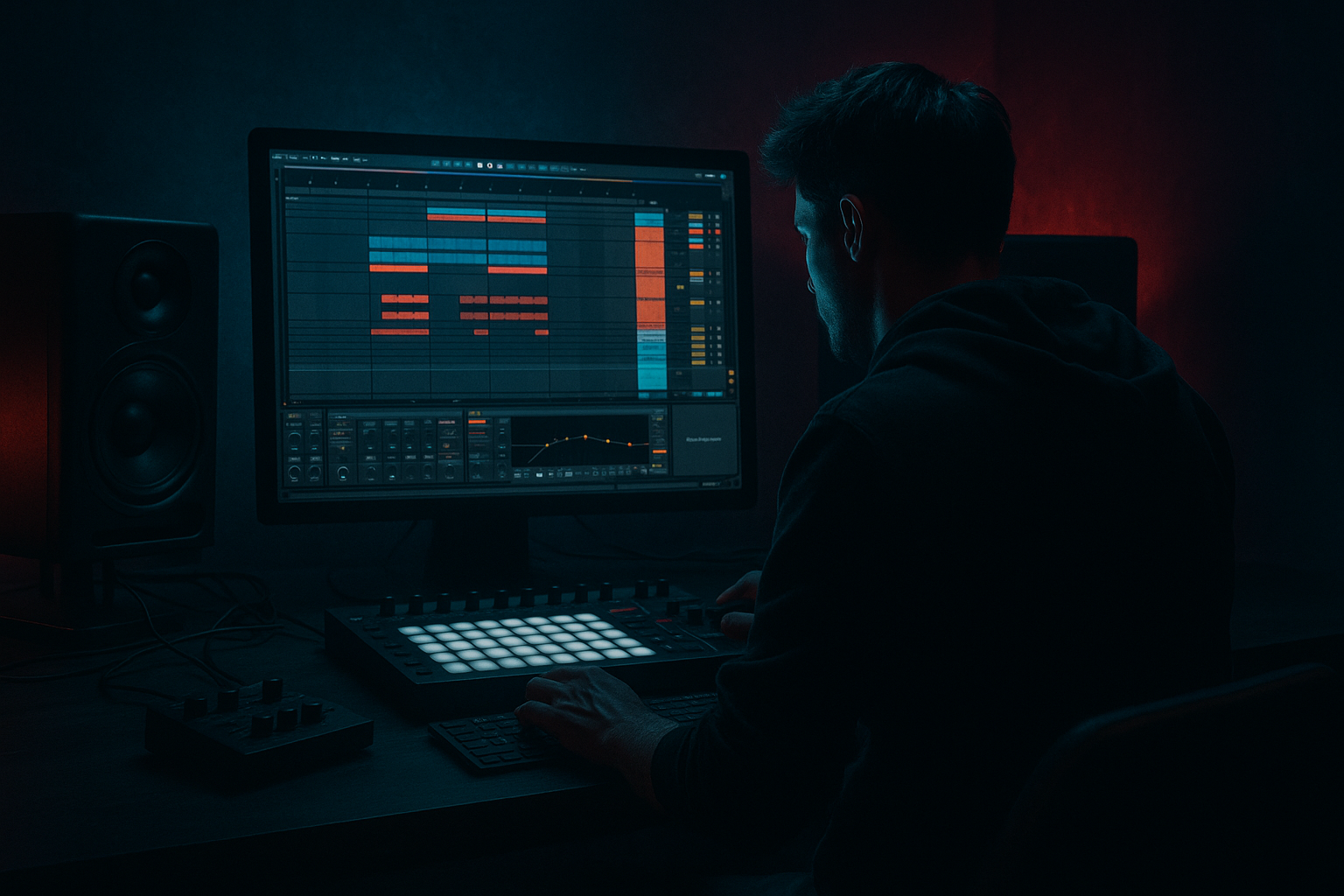
Main tutorial
Ragga FX Chain Clean Blueprint (DJ-Friendly) in Ableton Live 12
Intermediate • Atmospheres • Drum & Bass / Jungle
---
1. Lesson overview 🎛️
In ragga/jungle-flavoured DnB, FX are a huge part of the vibe: dub sirens, tape throws, spring verbs, vocal chops, and noise sweeps. The problem is, they can easily turn messy—especially when you want a DJ-friendly arrangement where phrases are obvious and transitions hit clean.
In this lesson you’ll build a clean, reusable Ragga FX “blueprint” in Ableton Live 12: a structured track layout + return FX + macro-controlled racks that keep your atmosphere energetic without washing out the mix.
---
2. What you will build ✅
You’ll end up with:
- A DJ-friendly FX track structure: Intro → Drop → Mid → Drop 2 → Outro (clear 16/32-bar phrases)
- A dedicated Ragga FX Group with:
- A Return FX system tailored to ragga:
- A Macro rack that makes FX performable with 6–8 knobs for automation.
- DJs need predictable phrase markers.
- Producers need separation: one-shots shouldn’t share the same processing as beds.
- Drag in: airhorns, “rewind!”, gunshot hits, impacts, crowd shouts
- Add Simpler (One-Shot) if you want MIDI triggering:
- Add Transient Shaper (Live 12 device) or Drum Buss
- End of 16-bar phrases: bar 16, 32, 48, 64…
- Don’t spam airhorns—use as phrase punctuation.
- Use short vocal chops (“selecta”, “big tune”, “original jungle”)
- Device chain:
- Bar 13–16: vocal phrase
- Bar 1 of next section: drop hits with no vocal → makes the drop feel bigger.
- Oscillator A: Sine
- Add Pitch Envelope:
- Add LFO to Pitch:
- Sources: vinyl crackle, tape hiss, rainforest, crowd ambience, room tone
- Device chain:
- Bars 1–16: Atmos bed + tiny percussion + a vocal tease
- Bars 17–32: bring in siren + dub delay throws
- Bar 32: strong one-shot impact + reverb tail (Freeze return works great)
- Keep FX minimal bars 33–48 so groove lands
- Add vocal shots at bar 49/57/65 (every 8 or 16)
- At end of 64 bars, do a clear transition:
- Use Freeze Wash to create a pad from a vocal or siren
- Filter the atmos bed down then open it over 16 bars
- Place one “rewind/selecta” max here (not during peak drums)
- Slightly heavier FX density than Drop 1
- Add new vocal phrase or different siren rhythm so it feels like progression
- Strip drums, leave atmos + occasional delay throws
- Make it easy for DJs to mix out: fewer random hits, more predictable phrasing
- FX have sub information (rumble from reverbs/delays). Fix: HP filters on returns (200–500 Hz).
- Too many wide effects during the drop → weak mono compatibility. Fix: keep width moderate, automate wider only in breaks.
- Overusing airhorns → novelty fatigue. Fix: treat one-shots as “section markers.”
- No ducking on delay/reverb → smear your snare and groove. Fix: sidechain return compressors from kick (or drum bus).
- Random phrasing → DJ-unfriendly. Fix: commit to 16/32-bar events and clear end-of-phrase hits.
- On Return A (Dub Delay), add Roar (subtle) before ducking:
- Use reverb only on mid/high content:
- Add gated reverb throws for snappy darkness:
- Make FX “answer” the snare:
- If your mix feels crowded, use Track Spacer thinking:
- You built a Ragga FX blueprint that’s clean, controllable, and DJ-friendly.
- You separated FX roles (one-shots / vocals / siren / atmos) and used returns for dub-style space.
- You added ducking + filtering so FX enhance the groove instead of blurring it.
- You arranged FX using 16/32-bar logic so transitions are predictable for DJs and powerful for listeners.
- One-shots (airhorns, shouts, impacts)
- Atmos beds (vinyl/noise/rainforest/room tone)
- Siren / horn synth (simple, controllable)
- Vocal chops (call & response)
- Dub Delay (tempo-synced, filtered, ducked)
- Spring-ish Verb (short + character)
- Reverb Freeze Pad (for transitions)
- DJ “Spin/Stop” throw (optional)
All stock Ableton devices. No third-party required.
---
3. Step-by-step walkthrough 🧱
Step 0 — Session setup (DnB reality check)
1. Set tempo to 172–176 BPM.
2. In Arrangement View, enable Fixed Grid: 1 Bar for structure.
3. Turn on View → Mixer so you can keep returns visible.
DJ-friendly phrase rule: build in 16-bar blocks (8 works too for jungle, but 16 is safest for DJs).
---
Step 1 — Create a DJ-friendly FX layout (clean routing)
Create a Group Track called RAGGA FX (GROUP) and inside add 4 audio tracks:
1. FX One-Shots
2. FX Vocals
3. FX Siren (MIDI)
4. FX Atmos Bed
Color-code them (e.g., orange) so you always find them fast.
Why this structure works:
---
Step 2 — Build Return tracks (your ragga send system)
Create 4 Return tracks:
#### Return A — Dub Delay (Clean Throw)
Devices (in this order):
1. Echo
- Sync: 1/4 (or 1/8 for faster rolls)
- Feedback: 35–55%
- Filter: HP around 200–350 Hz, LP around 5–8 kHz
- Stereo: 120–160% (careful—wide delays can smear drops)
2. Auto Filter
- Mode: Band-Pass
- Freq: 700 Hz – 2.5 kHz (automate this later)
- Resonance: 10–20%
3. Compressor (ducking)
- Sidechain from Kick (or Drum Buss group)
- Ratio: 4:1
- Attack: 3–10 ms
- Release: 80–160 ms
- Aim: delay ducks 2–5 dB on each kick
✅ Result: classic dub throws that don’t fight the drums.
---
#### Return B — Short Verb (Spring-ish)
Devices:
1. Hybrid Reverb
- Algorithm: Spring or Plate (Spring if you want “ragga sound system” character)
- Decay: 0.6–1.4s
- Predelay: 10–25 ms
- HP: 250–400 Hz
- LP: 6–9 kHz
2. Saturator
- Drive: 1–4 dB
- Soft Clip: On
✅ Result: small, character reverb that feels like a sound system room.
---
#### Return C — Freeze Wash (Transition Pad)
Devices:
1. Hybrid Reverb
- Decay: 8–20s
- Predelay: 0–10 ms
- HP: 400–700 Hz (keep subs clean)
- LP: 5–7 kHz
- Use the Freeze button (we’ll automate)
2. Utility
- Width: 120–160%
3. Limiter
- Ceiling: -0.8 dB
- Just in case—freeze can spike.
✅ Result: instant “lift” into a breakdown or impact into a drop.
---
#### Return D — DJ Throw / Spin (Optional but fun)
Devices:
1. Delay (or Echo)
- Time: 1/16
- Feedback: 15–30%
2. Redux
- Downsample: 2–6
- Bit Depth: 8–12
3. Auto Filter
- LP sweepable from 18 kHz → 500 Hz
✅ Result: quick lo-fi spin/stop vibe perfect for vocal last-words.
---
Step 3 — Build the Ragga FX Master Rack (macro control)
On the RAGGA FX (GROUP) track, add an Audio Effect Rack called:
Ragga FX Master (Macros)
Inside the rack, chain these devices (simple but powerful):
1. EQ Eight
- HP filter at 120–200 Hz (start at 150)
- Optional dip around 300–500 Hz if muddy
2. Glue Compressor
- Attack: 10 ms
- Release: Auto
- Ratio: 2:1
- Aim: 1–2 dB GR to “glue” FX together
3. Saturator
- Drive: 1–3 dB
- Soft Clip: On
4. Utility
- Width macro-ready
Now map Macros (example 8-knob layout):
1. FX HP Cut → EQ Eight HP frequency (120–600 Hz range)
2. FX Air → EQ Eight high shelf (+0 to +4 dB at 8–12 kHz)
3. FX Dirt → Saturator Drive (0–6 dB)
4. FX Width → Utility Width (80–160%)
5. Delay Send Boost → Return A send amount for the group (careful!)
6. Verb Send Boost → Return B send amount
7. Freeze Send Boost → Return C send amount
8. Mute FX (DJ Cut) → map Utility Gain (0 to -inf) or use a macro to turn a Rack chain on/off
Workflow tip: keep the FX group’s direct level stable, and “perform” mostly with sends + macro sweeps. That’s how you stay clean.
---
Step 4 — Populate the tracks with DnB-rooted ragga content
#### FX One-Shots (Audio)
- Trigger mode: One-Shot
- Warp: Off (for tight hits)
- Drum Buss Drive: 2–6
- Boom: Off (don’t add low end to FX)
Where to place in arrangement:
---
#### FX Vocals (Audio)
1. EQ Eight (HP 150–250 Hz)
2. Compressor (fast)
- Attack: 1–3 ms
- Release: 40–80 ms
- GR: 3–6 dB
3. Echo (send or insert for special moments)
- 1/8 dotted is a classic throw vibe
4. Saturator (tiny drive)
Call & response idea:
---
#### FX Siren (MIDI)
Create a MIDI track with Operator (simple siren synth):
Operator settings:
- Env Amount: +12 to +24 semitones
- Decay: 200–600 ms
- Rate: 1/4 or 1/8 synced
- Amount: small (start subtle)
Post chain:
1. Auto Filter (band-pass sweep)
2. Saturator (Drive 2–5 dB)
3. Send to Dub Delay + Short Verb
Performance tip: automate filter frequency in 8-bar rises.
---
#### FX Atmos Bed (Audio)
This is the glue that makes ragga/jungle feel alive.
1. EQ Eight
- HP: 250–500 Hz
- Optional notch at harsh freq
2. Auto Pan
- Rate: 1/2 or 1 Bar
- Amount: 10–25%
3. Hybrid Reverb (tiny)
- Decay: 0.3–0.8s
- Mix: low (or use Return B)
Important: Atmos bed should be felt, not heard. In a rolling DnB mix, it’s usually -24 to -16 LUFS momentary vibe-level, not foreground.
---
Step 5 — Arrange it DJ-friendly (clean phrase markers)
Here’s a reliable DnB structure (example: ~3:30 to 5:30 tune depending on DJ intent):
Intro (32 bars)
Drop 1 (64 bars)
- vocal last word → Echo throw → short silence → impact
Break / Mid (32 bars)
Drop 2 (64 bars)
Outro (32 bars)
---
4. Common mistakes 🚫
---
5. Pro tips for darker/heavier DnB 🌑
- Low drive, focus on mid distortion so delays feel gritty without adding mud.
- HP your sends harder (400–800 Hz) for neuro/rollers.
- Put a Gate after Hybrid Reverb on Return B
- Sidechain Gate from a short ghost trigger (or set threshold to chop tails)
- Place vocal stabs on beat 4 of bar 8/16, then throw into Echo.
- FX live mostly 1–6 kHz, while bass owns 40–200 Hz and drums punch 150–4 kHz—choose your battles.
---
6. Mini practice exercise 🧪
Goal: Create a 32-bar intro that screams ragga jungle but stays clean.
1. Build the 4 returns exactly as described.
2. Load:
- 3 vocal chops (short)
- 2 one-shots (impact + airhorn)
- 1 vinyl/room atmos loop
3. Arrange:
- Bars 1–8: atmos only + tiny vocal teaser (no delay)
- Bars 9–16: siren enters, automate Band-Pass on Return A for movement
- Bars 17–24: add one vocal “call” every 4 bars with Echo throw
- Bars 25–32: build tension with Freeze (Return C) and end with an impact on bar 32
4. Bounce it and check:
- Does the kick/snare space still feel clean if the drop starts at bar 33?
- Are the phrase markers obvious?
---
7. Recap 🔁
If you want, tell me your target subgenre (jungle, rollers, dancefloor, neuro, halftime) and I’ll tailor the return timings + macro ranges to match that vibe.

